---
Creator: Vetehine
Discord: Vetehine
Linktree: https://linktr.ee/Vetehine
---
---
Please let me know what you think about this Model in the comments.
---
---
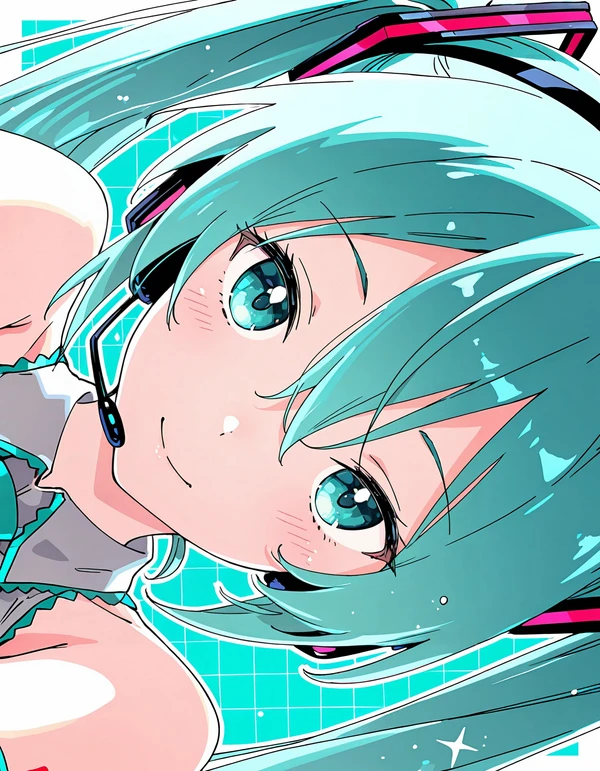
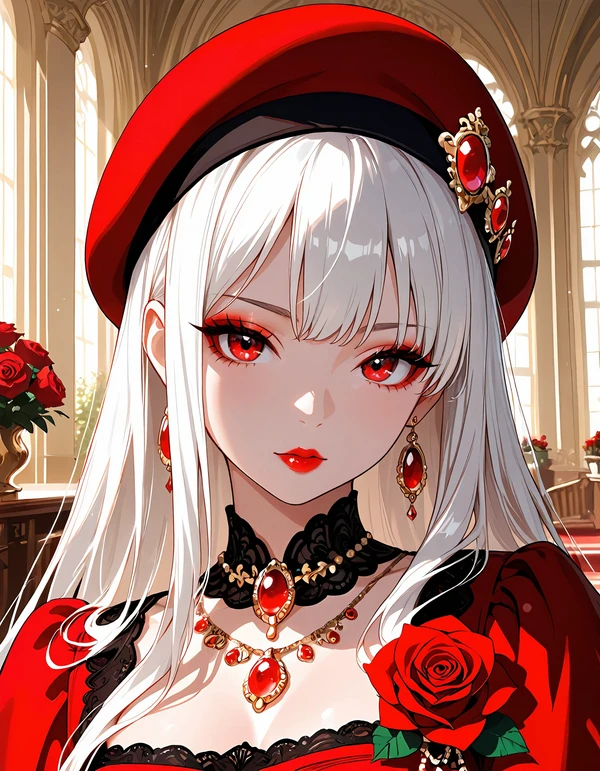
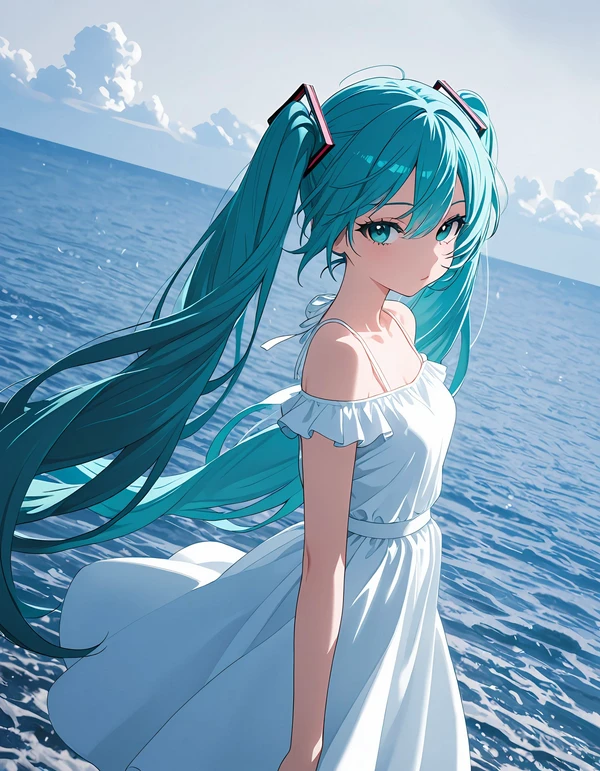
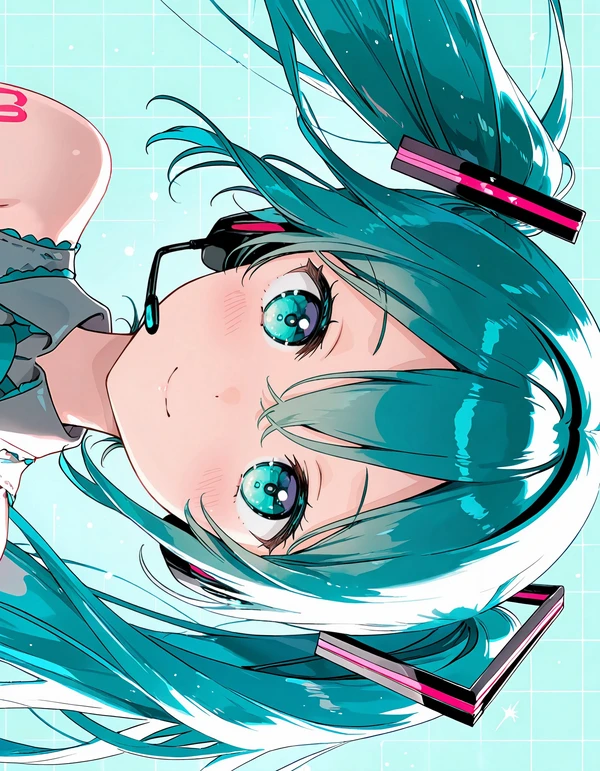
**Ozia ┃ Anime Studio ILL** is a high-quality anime-focused model designed specifically to be used together with LoRAs for expanded stylistic control.
The base model provides clean linework, stable anatomy, vibrant color separation, and consistent facial structure, allowing LoRAs to enhance style without breaking proportions or clarity.
Anime Studio ILL is optimized for:
* Expressive anime faces
* Clean cel-shading
* Vibrant highlight control
* Smooth gradient lighting
* Balanced contrast between character and background
* Stable eye rendering with detailed iris highlights
It performs well in portraits, half-body shots, dynamic poses, romantic scenes, fantasy settings, gothic aesthetics, and vibrant night lighting. The structure remains stable even when stacking multiple compatible LoRAs.
This model is ideal for creators who want a strong anime foundation while retaining flexibility for stylistic customization.
---
**Example Anime Coloring Tags**
You can combine these depending on the result you want:
**Base Anime Coloring**
```
anime coloring, cel shading, soft cel shading, clean lineart, sharp lineart, flat color, smooth shading, vibrant colors
```
---
**Soft Romantic Lighting**
```
soft lighting, pastel colors, soft glow, gentle highlights, bloom, warm rim light, subtle blush, smooth gradients
```
---
**Night / Neon Contrast**
```
dramatic lighting, strong rim light, neon glow, deep shadows, high contrast, cinematic lighting, glowing highlights
```
---
**Fantasy Glow Style**
```
ethereal lighting, starry reflections, glossy eyes, sparkling highlights, light particles, magical glow
```
---
**Gothic / Red-Black Contrast**
```
high contrast lighting, deep black shadows, crimson highlights, dramatic shadows, sharp cel shading
```
---
Description
---
**“Adetailer ensures cleaner, more accurate faces and eyes.”**
---
---
**AI Image Generation Settings Guide**
https://moescape.ai/posts/ai-image-generation-settings-guide
---
---
**Recommended Settings -**
Clip Skip - 2
DPM++ 2M Karras
Sampling Steps - 25-50 (Recommended: 37 Steps)
Cfg - 6-7
---
---
**Recommended Settings -**
Clip Skip - 2
Euler Ancestral (Recommended: 30 Steps)
Sampling Steps - 25-35
Cfg - 6-7
---
---
**Recommended Settings -**
Clip Skip - 2
Restart
Sampling Steps - (Recommended: 66 Steps)
Cfg - 6-7
---
---
**Hires-**
R-ESRGAN 4x+ Anime6B, 4x-AnimeSharp
Steps 10 - 20
Denoising 0.2 - 0.3
---
---
FAQ
Details
Downloads
68,464
Platform
Yodayo
Platform Status
Available
Created
7/22/2026
Updated
7/22/2026
Deleted
-