
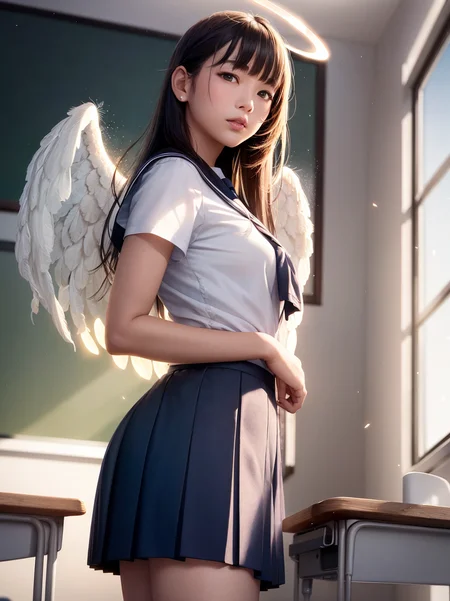
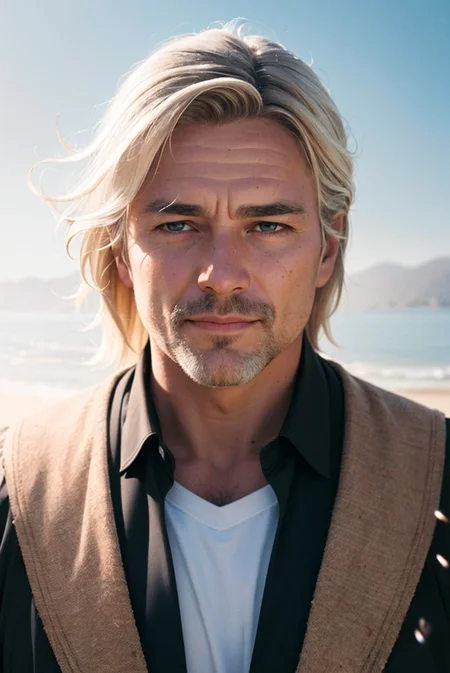
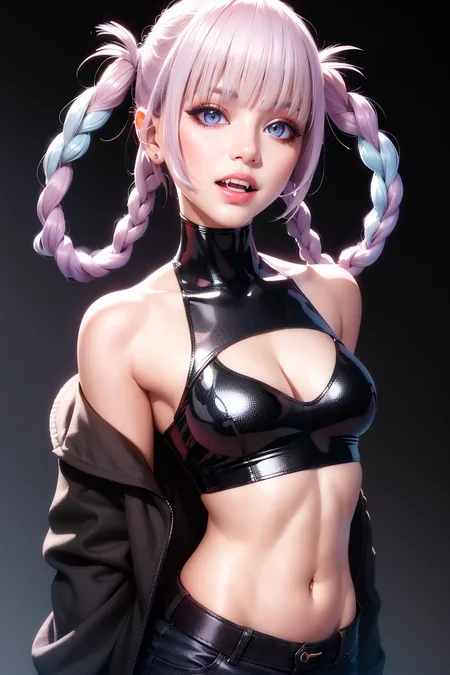
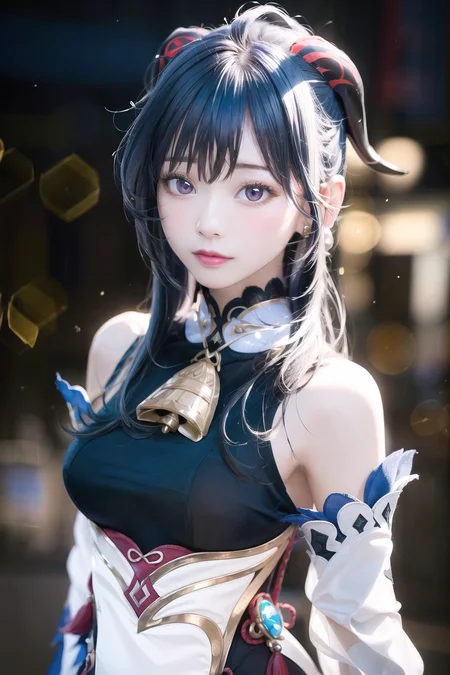
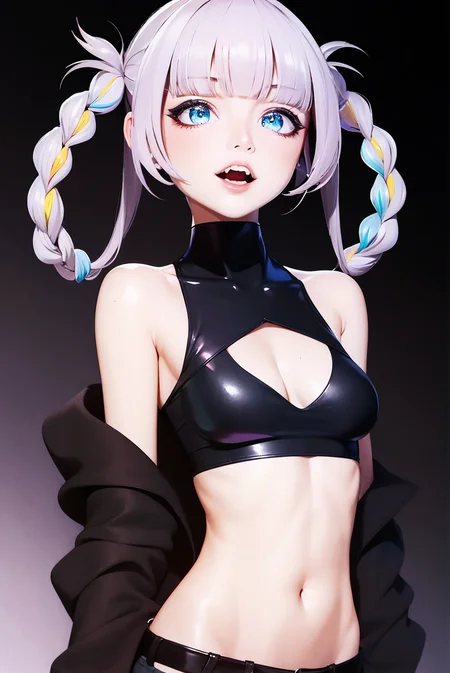
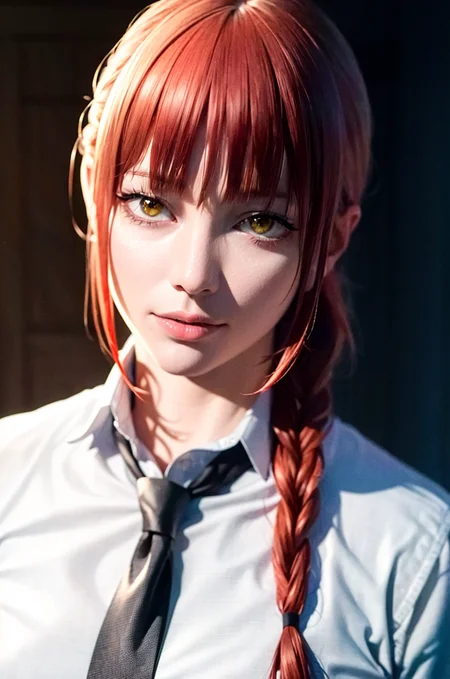
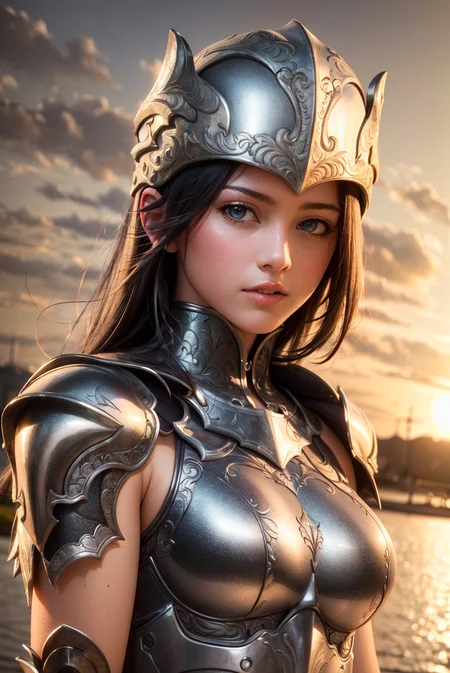
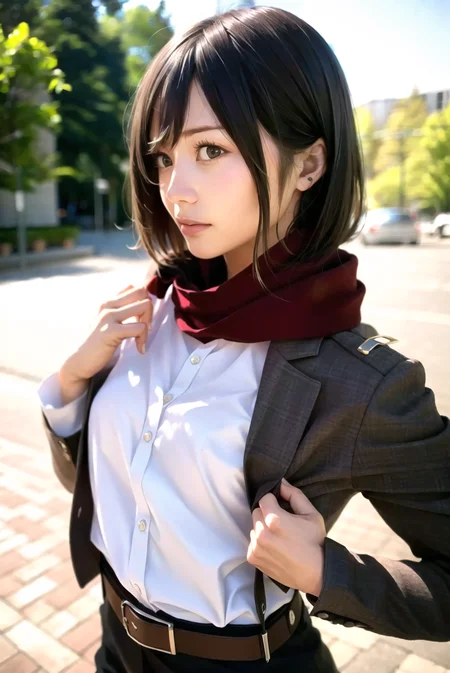




NeverEnding Dream (a.k.a. NED)
This is a dream that you will never want to wake up from
Add a ❤️ to receive future updates. This took much time and effort, please be supportive 🫂
Do you like what I do? Consider supporting me on Patreon 🅿️ or feel free to buy me a coffee ☕
V1.22 update: thanks to Bokus for some of the preview images and the tests.
Available on the following websites with GPU acceleration:
It has been a while since I made a model. I've been making LoRA's non stop for the last month, but I felt like I needed something. A big problem with DreamShaper is that it wasn't much compatibles with the LoRA's I was making. So I wanted to create a model that was "artistic" like DreamShaper but also able to use my LoRA's and booru tags for generating images. Plus I wanted this to be able to make good anime stuff out of the box, without needing an additional LoRA.
After a lot of tests and also fine tuning (plus LoRA merges) here is my newest model.
It came out a bit more realistic then I wanted, but I won't complain.
What is this model great at?
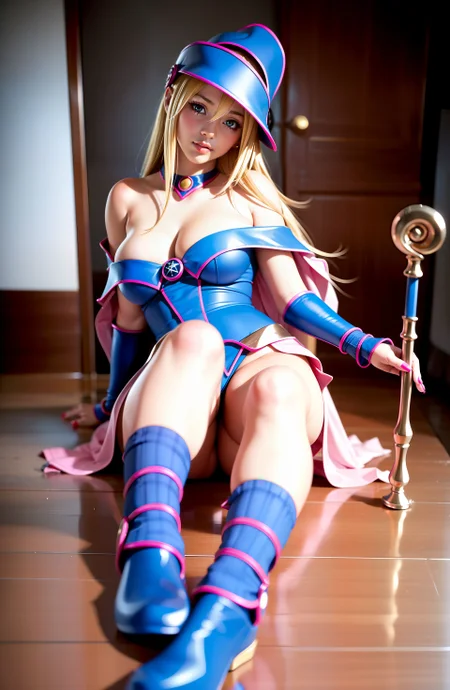
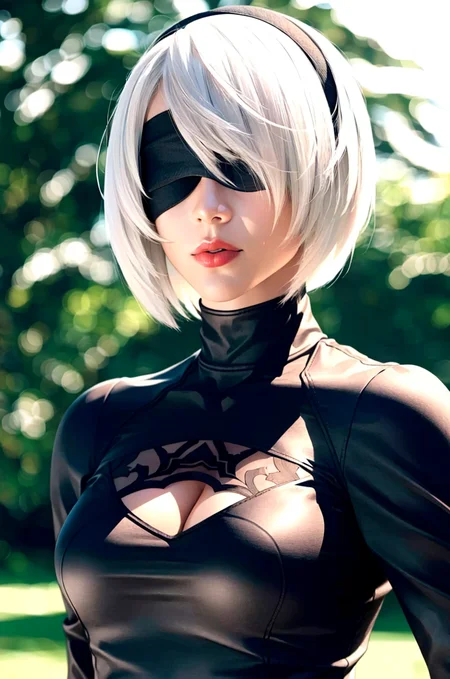
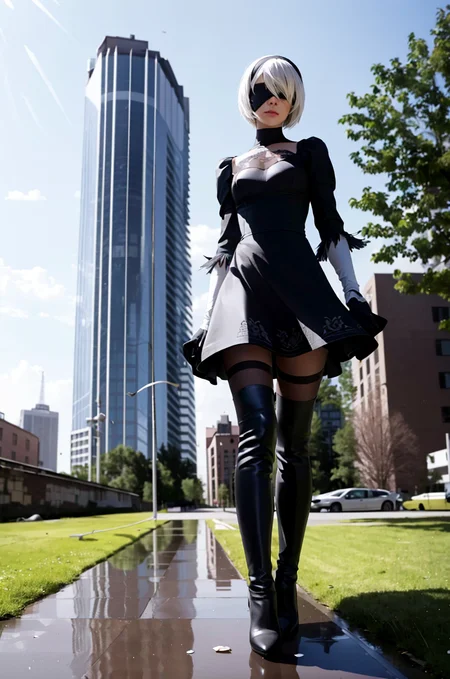
Generating cosplay images
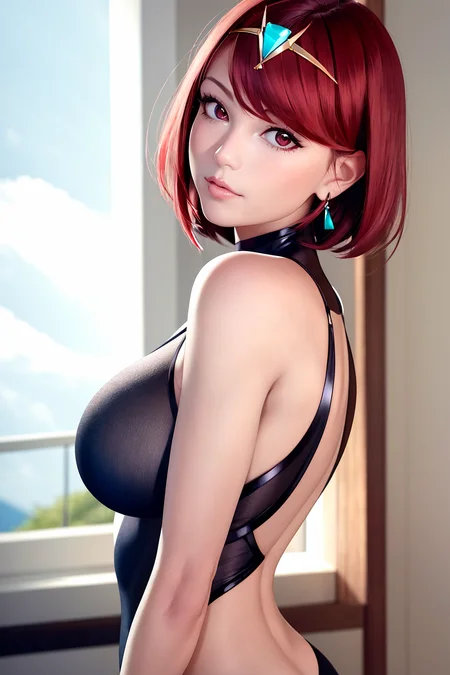
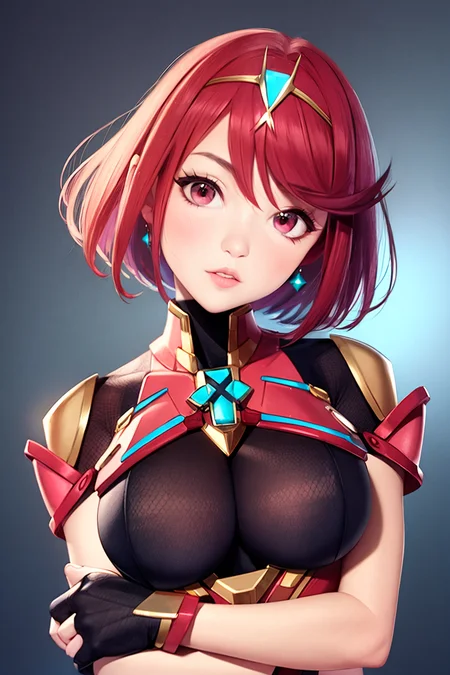
Generating anime pictures
Work accurately with character LoRA
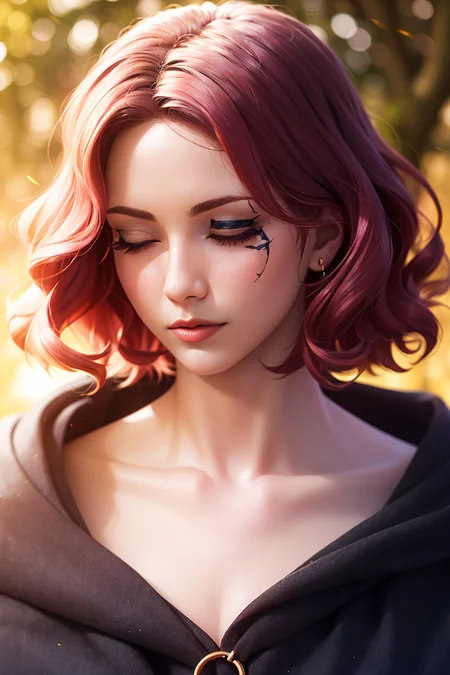
Generating good looking people
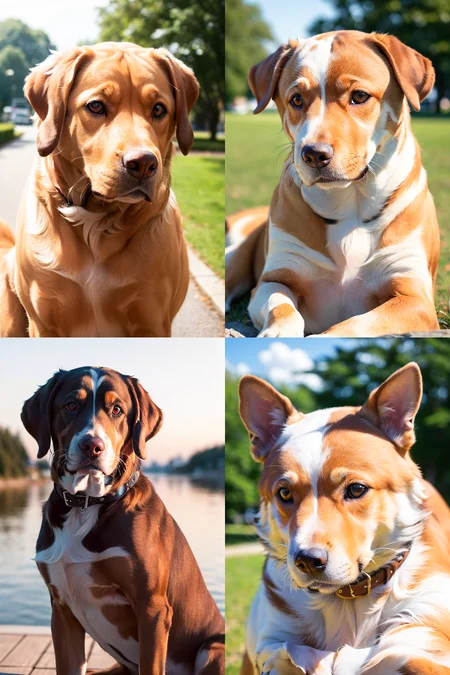
Generating realistic animals
Generating images using booru-like tags
What is this model not too good at?
Generating pictures from complex sentences
Making fantasy/sci-fi paintings
So this basically complements DreamShaper, and it also doesn't include Dreamlike in the mix.
I hope you'll enjoy it!
Some tips:
Use CLIP skip 2.
Select "auto" as vae if you're using the baked vae version.
Use highres fix or img2img to upscale the images after you get a preview. See the examples generation data for settings suggestions, I've tested various techniques.
If you're making images where the subject is far, remember you can inpaint eyes and faces selecting "only masked".
Stable Diffusion is great, have fun with it!
Description
FAQ
Comments (28)
gonna take a look later :)
Thanks, I appreciate it.
There's going to be some soggy undies over this one...
I was tempted to call it "wet dreams"
Which VAE did you bake in?
@DarkAgent Uses the SD-v2 VAE.
Ft mse
@Lykon do u have the link for Ft mse? i found one in hugging face but it doesn't show on the SD bar.
@kreavic806 you don't need it anyway, it's baked in. Just select auto.
I don't have the link rn and I'm not gonna be able to use my pc for maybe a week. Try searching on huggingface.
@Lykon Does it mean VAE has been embedded in this model
@jabaking04228 Yes, baked mean it already have Vae in it.
@jabaking04228 @kreavic806 exactly. The baked vae version has its own vae in it. You need to select "Auto" in your settings.
@Lykon Thanks
Can you please add the no vae smaller pruned version ?
sure, give me 10 minutes.
done
@Lykon Thank you !
Which VAEs do you recommend with the non VAE version ? There are so many.
@ritcher1 well I personally recommend the one I used for the baked vae version, which is ft mse.
@Lykon Perfect, thanks.
@Lykon This one, right ? vae-ft-mse-840000-ema-pruned.vae
@ritcher1 yes
@Lykon How to prune a model ? Can you offer some tutorials ? Thanks!
@2823550350734 https://github.com/prettydeep/Dreambooth-SD-ckpt-pruning
@Lykon Thanks!
Woah, these images (even if cherry-picked =) are something else. I've never or rarely seen hands with this much detail being generated by any model (without insano prompts). Looking forward to working with this! Thank you for the work you put in, be it LORAs or checkpoints, this community can only exist because of people like you (I'm not exaggerating - at all)!
Edit: Surface detail is insanely high as well. Bravo!
I agree! Looks dope af
This is one of the best models I ever seen, congratulations to the creator of ths model.
Details
Files
neverendingDreamNED_bakedVae_pruned_fp16.safetensors
Mirrors
neverending_dream.safetensors
neverendingDreamNED_bakedVae.safetensors
neverendingDreamNED_noVae.safetensors
118_neverendingDreamNED_bakedVae.safetensors
121_neverendingDreamNED_noVae.safetensors
neverendingDreamNED_bakedVae.safetensors
neverendingDreamNED_bakedVae.safetensors
neverendingDreamNED_bakedVae.safetensors
NeverEndingDream_fp16.safetensors
NeverendingDream_noVae_fp16.safetensors
NeverEndingDream_fp16.safetensors
NeverendingDream_noVae_fp16.safetensors
NeverEndingDream_fp16.safetensors
NeverendingDream_noVae_fp16.safetensors
neverendingDreamNED_bakedVae.safetensors
neverendingDreamNED_bakedVae.safetensors
neverendingDreamNED_bakedVae.safetensors
neverendingDreamNED_noVae.safetensors
NeverEndingDream_fp16.safetensors
NeverendingDream_noVae_fp16.safetensors
neverendingDreamNED_bakedVae_Pruned.safetensors
neverendingDreamNED_bakedVae.safetensors
model2.safetensors
neverendingDreamNED_bakedVae_full_fp16.safetensors
Mirrors
10028_neverendingDreamNED_bakedVae.safetensors
neverendingDreamNED_bakedVae.safetensors
117_neverendingDreamNED_bakedVae.safetensors
neverendingDream_bakedVae_2.safetensors
neverendingDreamNED_bakedVae.safetensors
neverendingDream_bakedVae.safetensors
DreamNED_bakedVae.safetensors
NeverEnding-Dream.safetensors
neverendingDreamNED_bakedVae.safetensors
neverendingDreamNED_bakedVAE840K.safetensors
neverendingDream_bakedVae.safetensors
neverendingDreamNED_bakedVae.safetensors
NeverEndingDream_ft_mse.safetensors
NeverEndingDream_ft_mse.safetensors
2.5D:neverendingDreamNED_bakedVae.safetensors
NeverEndingDream_ft_mse.safetensors
realneverendingDreamNED_bakedVae.safetensors
neverendingDream_bakedVae.safetensors
NeverEndingDream_ft_mse.safetensors
neverendingDreamNED_bakedVae.safetensors
neverendingDreamNED_bakedVae.safetensors
neverendingDreamNED_bakedVae.safetensors
neverendingDream_bakedVae.safetensors
neverendingDreamNED_bakedVae.safetensors
neverendingDreamNED_bakedVae.safetensors
neverendingdreamnedbakedvae.safetensors
neverendingDreamNED_bakedVae.safetensors