
V1 - General Upscaler + reskin
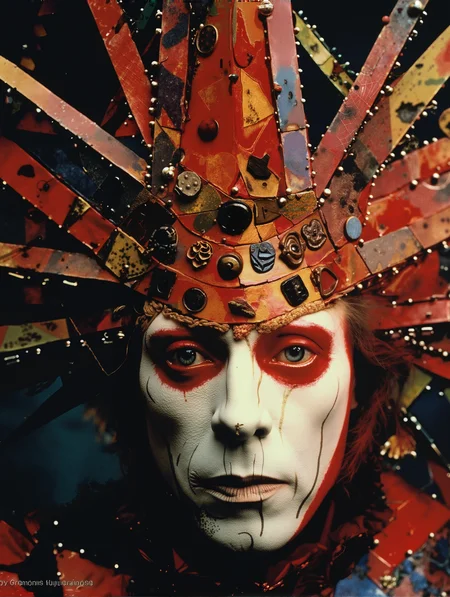
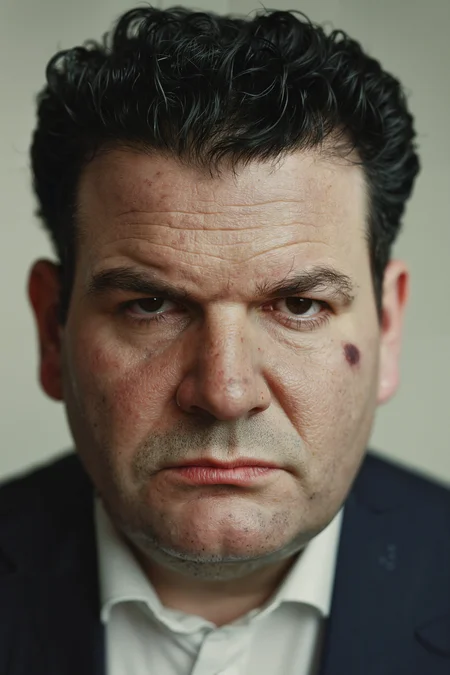
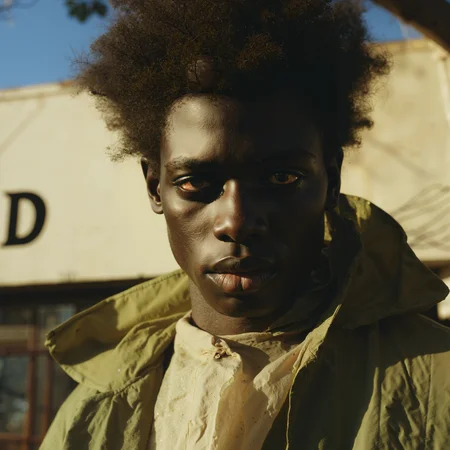
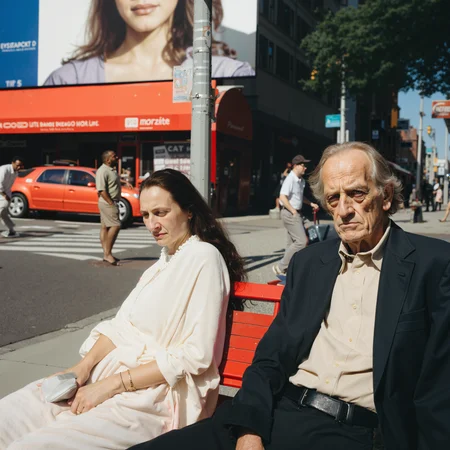
The Upscale Generalist works for pretty much all image types. It uses a converted FP8 Version of the JasperAi Upscale Controlnet (for faster infernece) as conditioning combined with SDUltimate upscale. There are two different versions of the workflow. One is a general upscaler that works with every image style while V2 is optimized for upscaling faces, focusing on a more realistic skin texture. Jump with key 1,2,3 between each upscaling pass and control the strength via the silder. With key 1 u can bypass the groups. Pass 1 and Two are good for general upscaling, Pass 3 is made for retexturing skin - it uses @denrakeiw new skin LoRa for this process. All settings that I prefixed in this wf work pretty good for me but pls feel free to adjust it to your needs.
Big Shoutout to @denrakeiw for the nice jam session
You can find all files here
Base Model: https://civarchive.com/models/647237?modelVersionId=724149
CNUP: https://civarchive.com/models/1028044/flux-controlnet-upscale-fp8
Skin Lora: https://civarchive.com/models/1018511/flux-skin-detailer-realistic-skin-dora
Upscaling Models: https://drive.google.com/drive/folders/11ZmP-Wp96dfcDMUZq0gu1m8kUYOS9tWU?usp=sharing
V2 - Regional Detailer/Upscale
With V2 of the Upscaling Generalist u are able to upcale more detail in precise areas. Use segfromer or sam2 for auto masking and define the region that should get a more attention. The Noiseblend passes blend a noise layer on top of the given mask, like a region specific nosie injection to get more regional depth and detail.
Jump with key 1,2,3 between each upscaling pass and control the strength via the silder. With key 1 u can bypass the groups. Pass 1 and Two are good for general upscaling, Pass 3 is made for retexturing skin - it uses denrakeiw new skin LoRa for this process.
For less hallucinations use low denoise values like 0.13-0.08 and the multiplysigma between 0.5-0.2. To achieve the best possible results you should work iterativ, always go a bit lower per pass. Here a quick example pass1denoise=0.13 pass2denoise=0.099
All settings that I prefixed in this wf work pretty good for me but pls feel free to adjust it to your needs.
Have fun and enjoy.
S/O to denrakeiw for the Idea, check his profile he is a amazing creator. https://civarchive.com/user/denrakeiw
add this instead of the upscaling model:
CN-Inpaint FP8: https://civarchive.com/images/45719781
Tipps for segfromere installation
First step Acticavte the wf, and create the segfromer folder in your comfy model directory, dont miss to use the right name for the folder as written in the error or follow the hf link for the right name.
Find all Model files here ->
https://huggingface.co/chflame163/ComfyUI_LayerStyle/tree/main/ComfyUI/models/segformer_b2_clothes
Then download all files and place them in the folder.
Refresh the wf and start a new run
Description
FAQ
Comments (7)
that controlnetmodel "Flux1 Dev_CNup-FP8" nowhere to be found, or did you rename that "fluxControlnetUpscale_v10" model ?
I don't even want to list how many error messages the workflow throws after I have installed everything the author has specified.
great work 👍
Not your fault at all but anyone else had issues installing the ComfyUI_Fill-Nodes?
Superb. Thank you.
Thank you so much! It looks like the Ultimate Upscale node has been updated. I tried adding the new version, but all the settings in your workflow from the previous version of the node are now misaligned due to the update 😅
Hi, what does redux and controlnet does in the script if you do not choose any preprocesor like depth/canny?
Looks like we don't have an active mirror for this file right now.
CivArchive is a community-maintained index — we catalog mirrors that volunteers upload to HuggingFace, torrents, and other public hosts. Looks like no one has uploaded a copy of this file yet.
Some files do get recovered over time through contributions. If you're looking for this one, feel free to ask in Discord, or help preserve it if you have a copy.