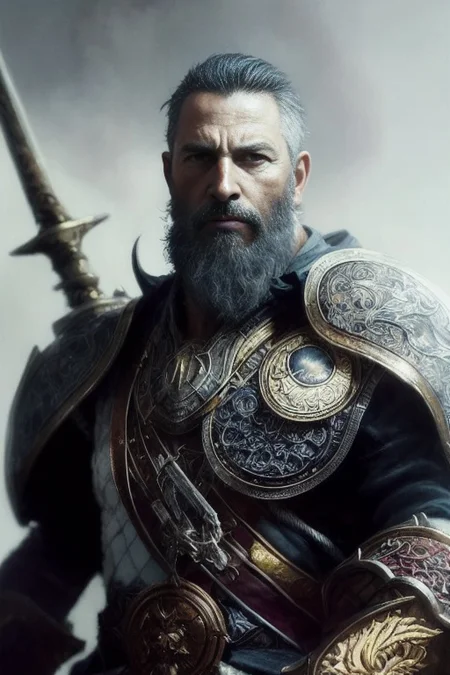
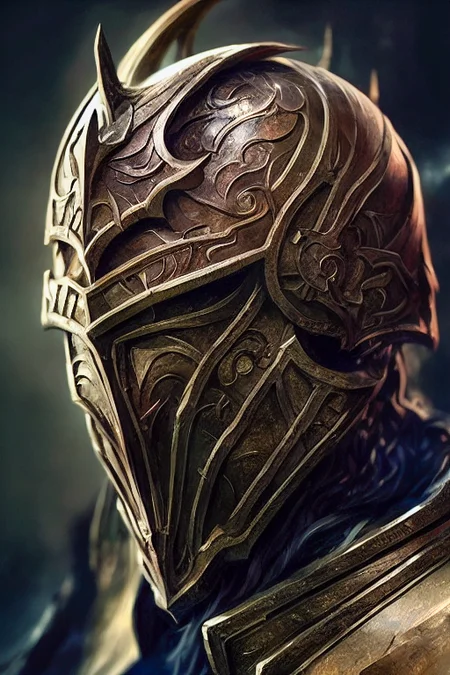
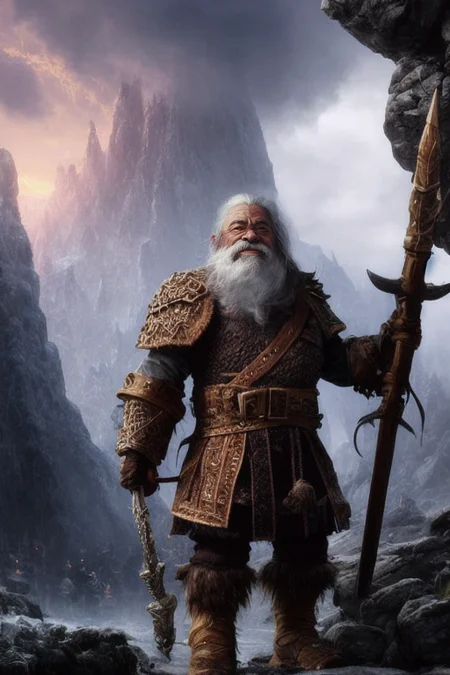
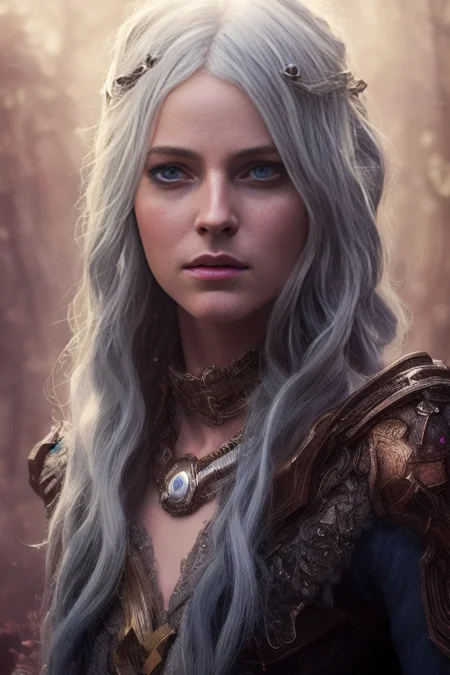
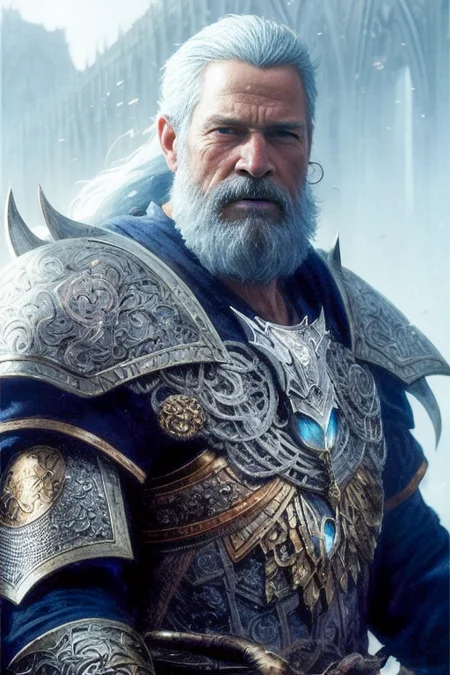
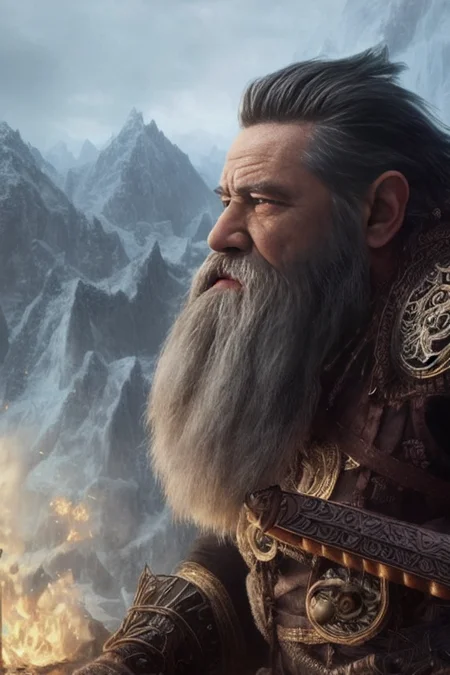
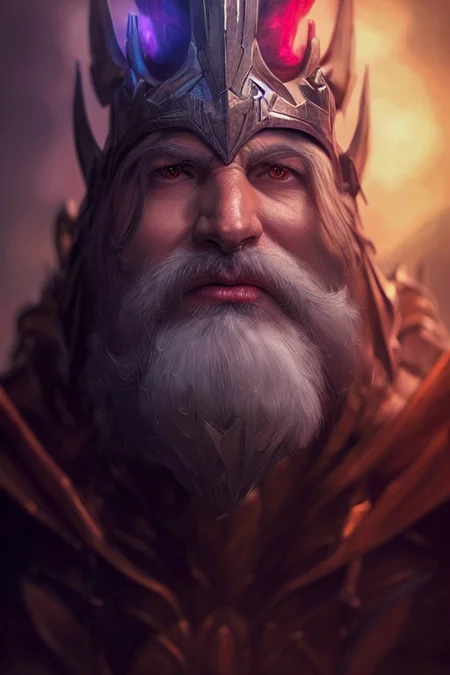
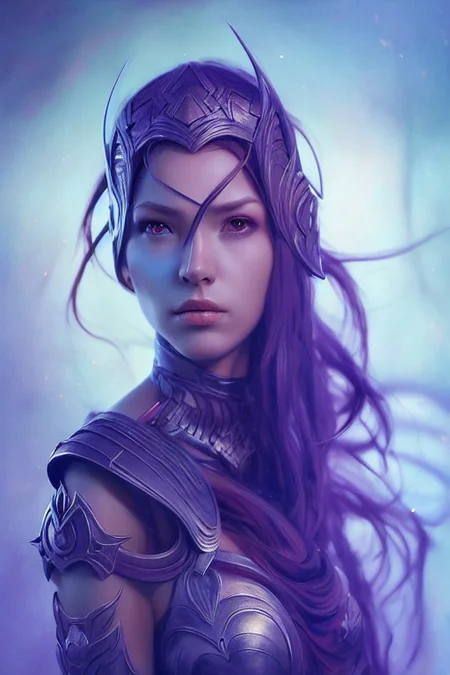
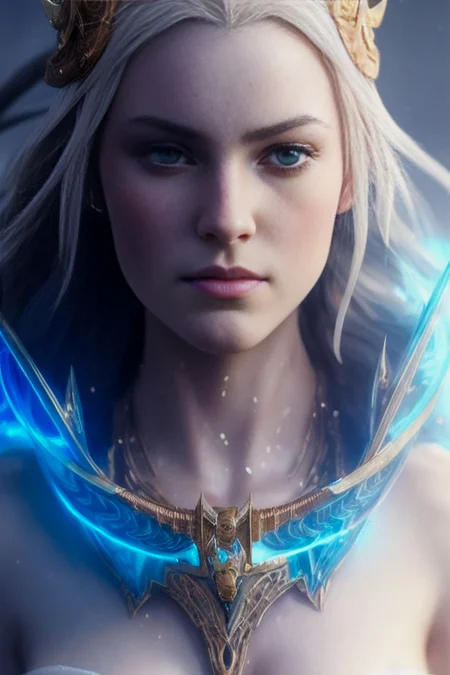
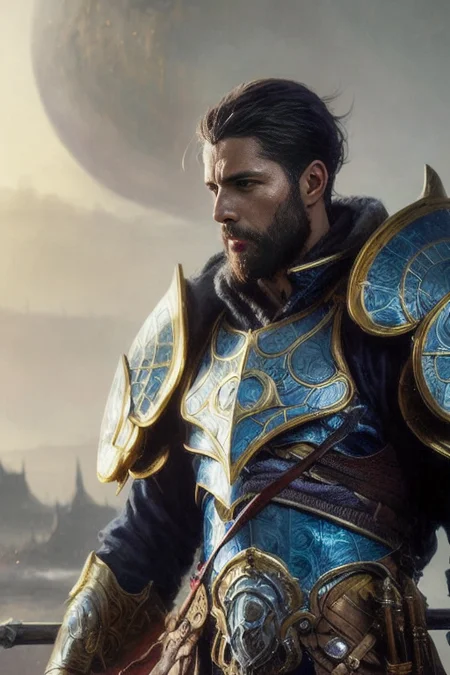
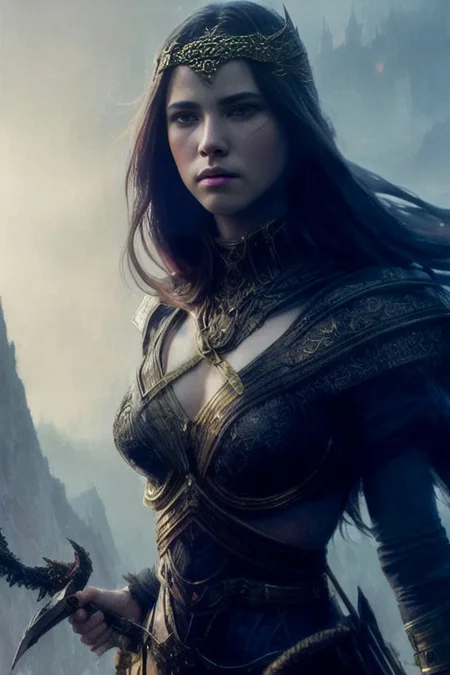
The new RPG v6 Beta and all future updates have moved here.
Support for RPG v5:
User Guide here: RPG User Guide v4.3
Official Youtube User: @singularity-ai
Join me on Discord: https://discord.gg/PcvEs8eVpj
Leonardo AI: https://leonardo.ai/
RunDiffusion: https://rundiffusion.com/
StableHorde: https://stablehorde.net/
STATUS: RELEASE
VERSION 5.0
STATUS: RELEASE
VERSION 4.0
I have built a guide to help navigate the model capacity and help you start creating your avatar.
Download the User Guide v4.3 here: RPG User Guide v4.3
If you like the model, please leave a review!
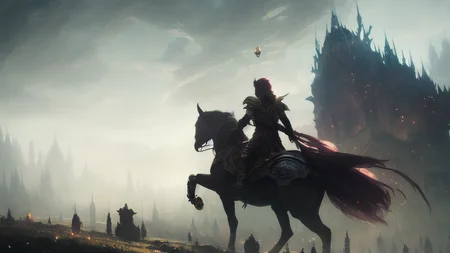
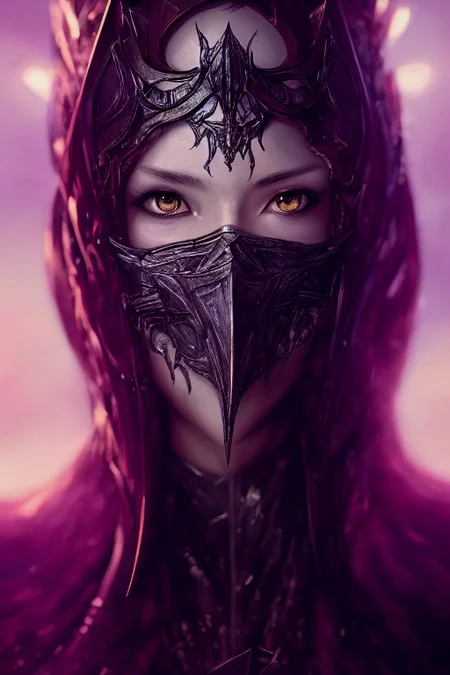
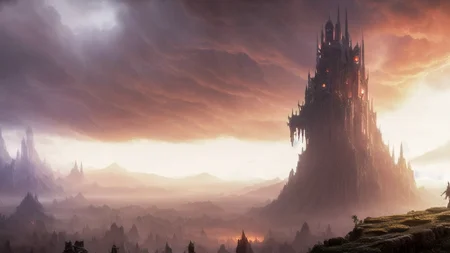
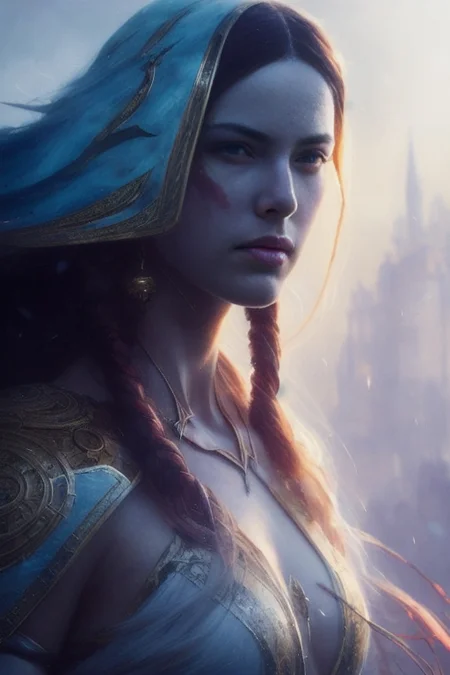
This model card focuses on Role Playing Game portrait similar to Baldur's Gate, Dungeon and Dragon, Icewindale, and more modern style of RPG character.
The model is the result of various iterations of merge pack combined with Dreambooth Training. This is a work in progress. If you are interested to help, reach me via my Discord server, user Anashel.
Description
FAQ
Comments (10)
The detailed guide is nice, but shouldn't there be a YAML file somewhere?
Only for 2.1, this one is still training under 1.5. Just need to drop the model pack and you are good to go.
Was it trained on character art for all sorts of RPG-styles (post-apocalyptic, cyberpunk, space etc.) or just Baldurs Gate style fantasy?
V3 (coming out soon) did some very nice cyberpunk. In general I suggest merging your current favorite pack at a 0.3 weight with my model pack; you shall see an distinctive improvement in clothing details.
The model does not follow instructions as: Her quite sparse hair is extremely long. She has a square chin. Her somewhat short ears are somewhat narrow.Her nose bridge is somewhat concave. her hair is gray with flecks of chocolate. her skin is pale brown. her eyes are brass.
an idea is, be an engineer with the idea of a poet, input keywords, cut the english you are not talking to a english major, sparse hair, long hair, flecks, chocolate and assign weights (gray hair:1.2), (flecks chocolate:1.3)... things like that.. imho
Yeah, I don't think that model will provide this type of control using plain english. You need to use weight ex: (leather armor:1.2) or negative prompt, if you do a cloth or a dress, add (metal:1.2) and (armor:1.2) in negative prompt.
You dont explain it like that to AI.
Too many unnecessary and repeatable words.
Here's the basic of prompting :
[The overall image that you want], details, details, details, details, enhancement
Dont need to explain "she have A, she somewhat a little tall, etc"
Use exact prompt, is shes tall, then use "tall", if shes short then "short"
The model should be able to make Dwarf Fortress descriptions.
I'll train it in the next one. For now I have added more armor and orc.