
The new RPG v6 Beta and all future updates have moved here.
Support for RPG v5:
User Guide here: RPG User Guide v4.3
Official Youtube User: @singularity-ai
Join me on Discord: https://discord.gg/PcvEs8eVpj
Leonardo AI: https://leonardo.ai/
RunDiffusion: https://rundiffusion.com/
StableHorde: https://stablehorde.net/
STATUS: RELEASE
VERSION 5.0
STATUS: RELEASE
VERSION 4.0
I have built a guide to help navigate the model capacity and help you start creating your avatar.
Download the User Guide v4.3 here: RPG User Guide v4.3
If you like the model, please leave a review!
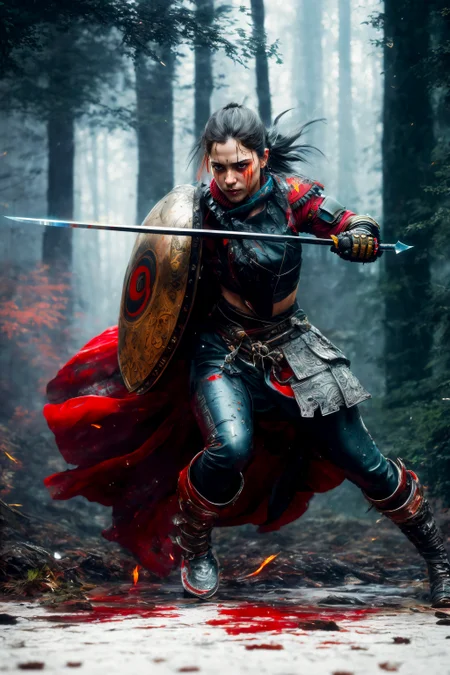
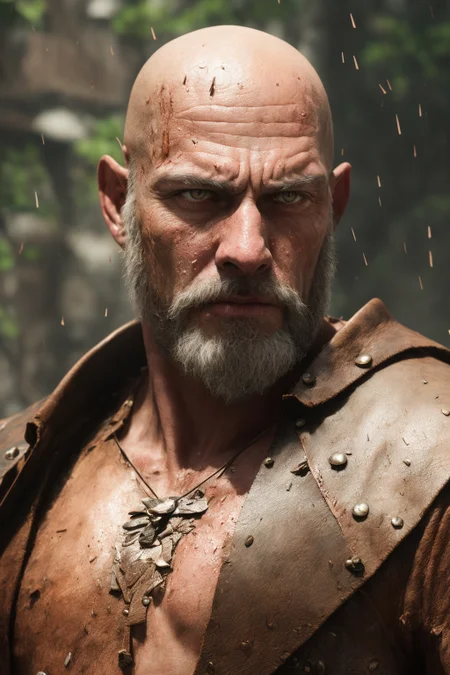
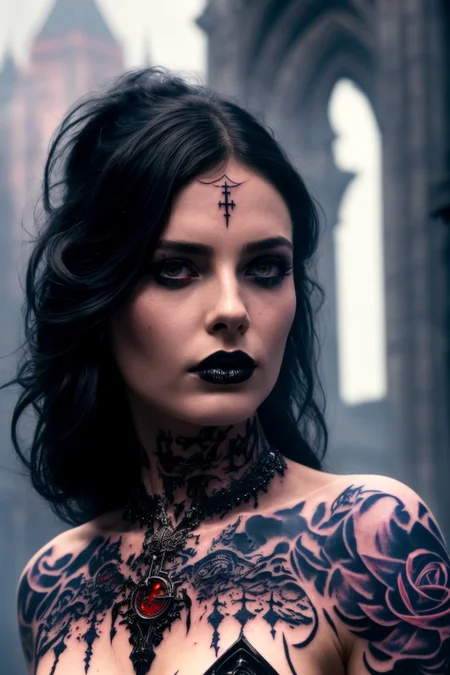
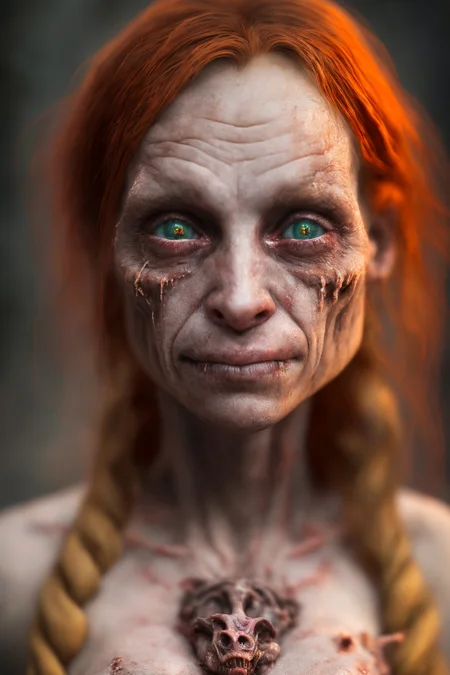
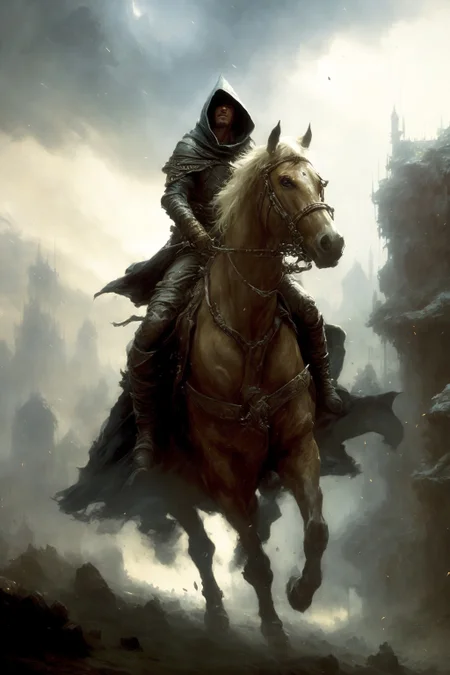
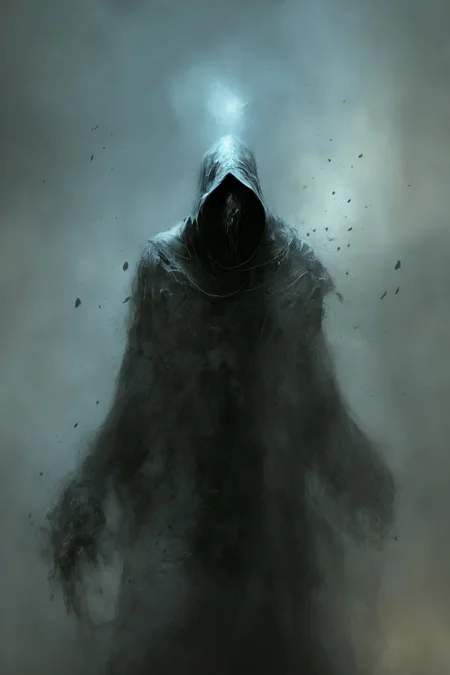
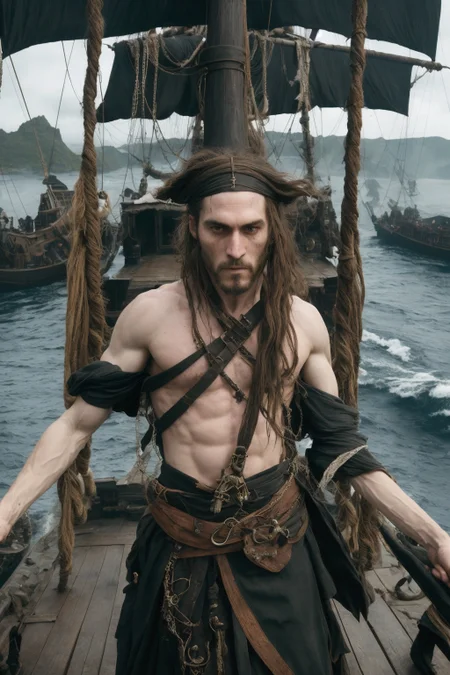
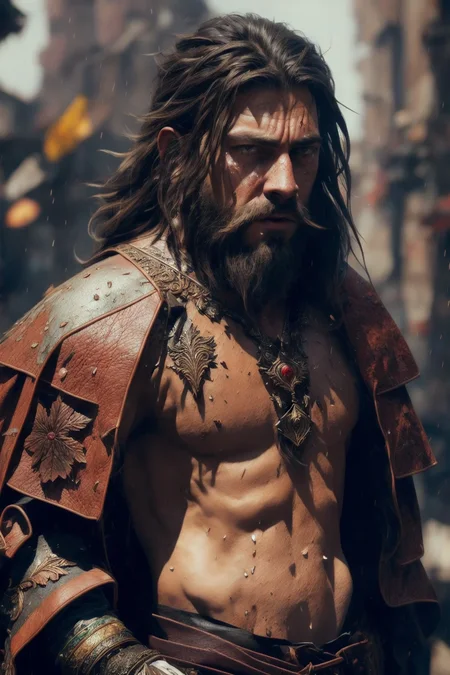
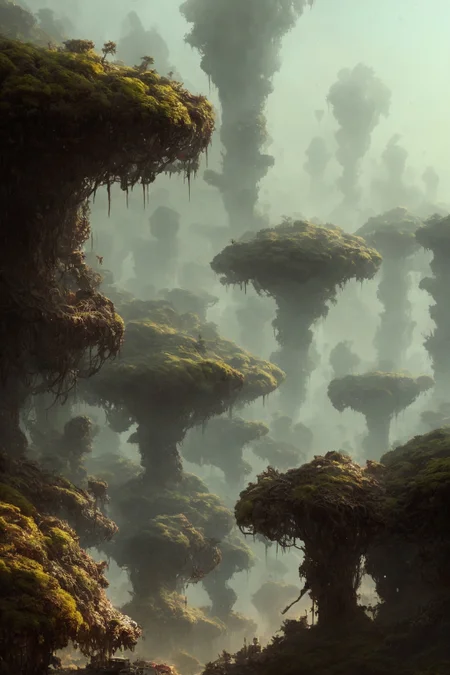
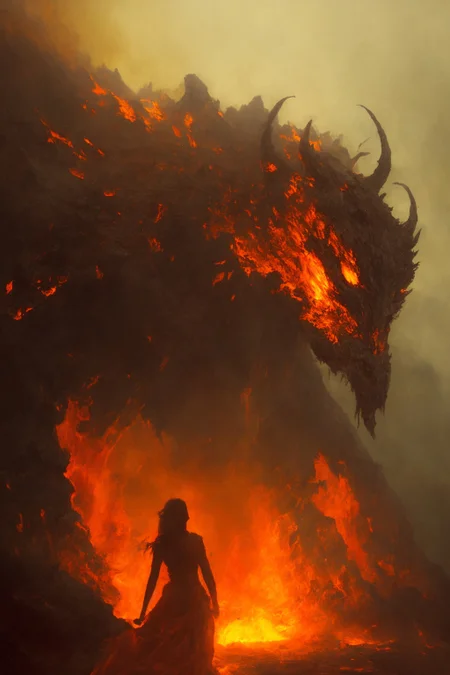
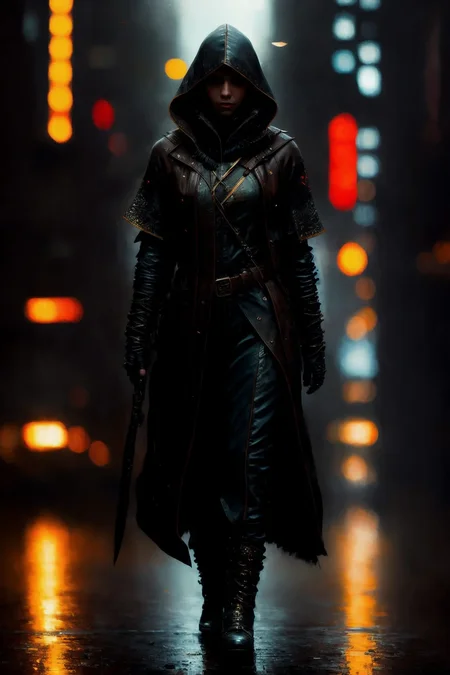
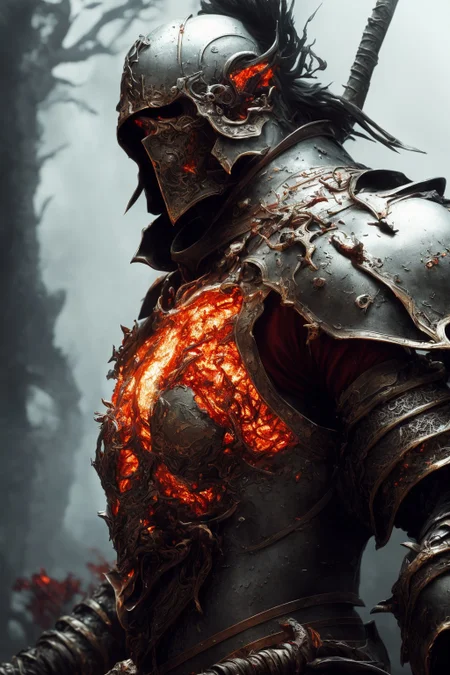
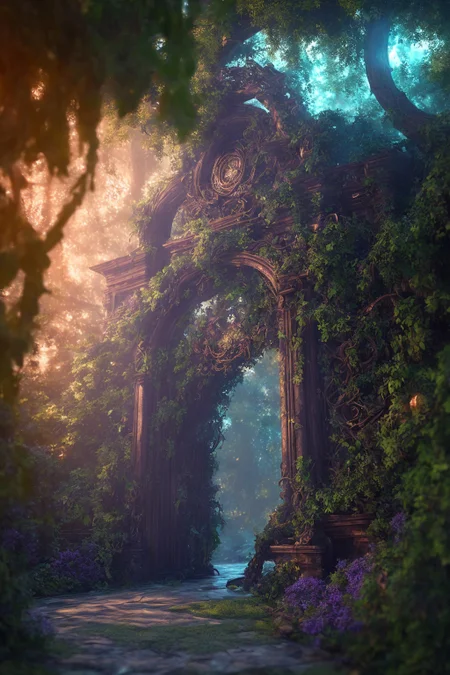
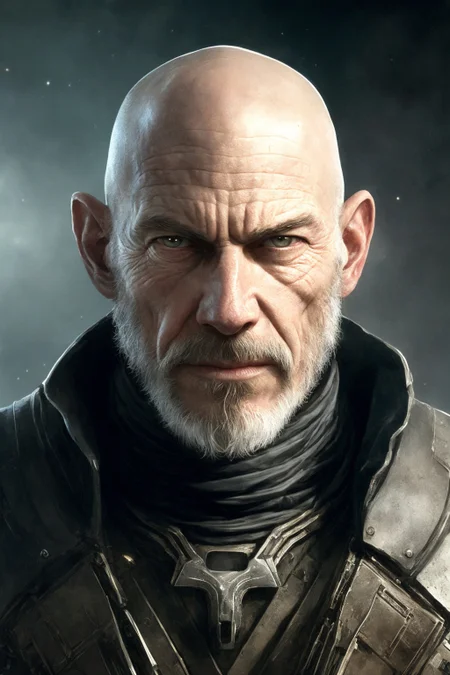
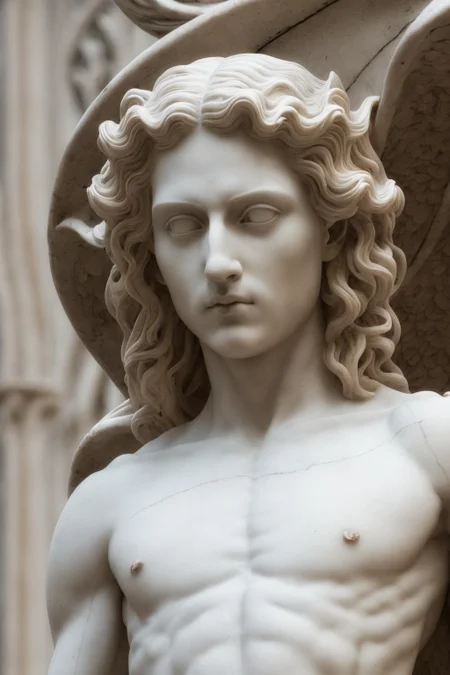
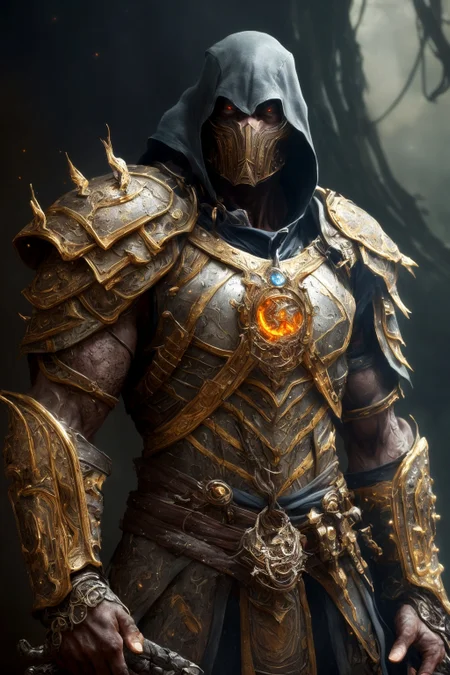
This model card focuses on Role Playing Game portrait similar to Baldur's Gate, Dungeon and Dragon, Icewindale, and more modern style of RPG character.
The model is the result of various iterations of merge pack combined with Dreambooth Training. This is a work in progress. If you are interested to help, reach me via my Discord server, user Anashel.
Description
+230 000 steps: Polishing and new concept:
Cloth & Dress
Cloak
Battle Worn Armor
Body Tattoo
FAQ
Comments (125)
V4!! 🤩
Let me know how it goes! Very curious as I changed the training and also apply tips from people in our discord
I want to use this for for creating my groups D&D characters. Does anyone know if this will work for non-human renderings?
I am not there yet, goblin, lizard, etc... but hopefully I will be able to get there :)
Elves can work. I got a dwarf too but needed photoshop to make face rounder and body shorter.
Where is the list of concepts? The user guide did not seem to contain much more than just some examples and prompts, but what would actually be useful is a full list of concepts this model had trained into it.
I'll add a grid of word you can use, but no trigger word are needed. Leather, cloth, cloak, armor, metal, etc... is what I have been training on for the last 4 months. Most of the word you normally use for RPG character. I'll try to make a grid for specific references. But the guide should give a good start.
Hi! Great model! What training method do you use? I mean like Shivam or Fast or something else?
I used Dreambooth extension for Auto1111 (is that what you meant?) - V2 was much more artistic, V3 got better but a little bit overtrain, with V4 I was able to bring back balance between V2 and v3, while adding better cloth and cloak fabrics details...
I've made some amazing stuff, Awesome!
Thanks!
PickleTensor plz
👋 Hello, first of all. Thank you for this model. It's the best one I've use so far. I read user guide kindly you provided us. I have a question, sorry it's a basic one. When I polish the image with img2img do I have to use different seed isn't? I tried to add more details using same prompt and settings as text2img, detail level increases immensely but pic is slightly blurry 🥲
Yes use different seed. HiRez upscale is different in img2img, to be honest I did not find a good way to do it as sharp as the hirez upscale from text2img. In general I try to output the img2img at a higher resolution, 1.5 times the size of the text2img size. If your VRAM can support it, you can go higher. That should give you a crisper image that you can upscale after in the extra options of Auto1111.
Hi!, i tried to train with my face in Dreambooth but throws conversion error. Anyone knows how can i to train my face in this model?.
In huggingface is not available to bypass this conversion.
Thanks
II uploaded a CKPT, let me know if it work with this
@Anashel Many Thanks, still throws conversion error.
Converting to Diffusers ... Traceback (most recent call last): File "/content/convertodiff.py", line 1130, in <module> convert(args) File "/content/convertodiff.py", line 1081, in convert text_encoder, vae, unet = load_models_from_stable_diffusion_checkpoint(v2_model, args.model_to_load) File "/content/convertodiff.py", line 846, in load_models_from_stable_diffusion_checkpoint info = unet.load_state_dict(converted_unet_checkpoint) File "/usr/local/lib/python3.8/dist-packages/torch/nn/modules/module.py", line 1671, in load_state_dict raise RuntimeError('Error(s) in loading state_dict for {}:\n\t{}'.format( RuntimeError: Error(s) in loading state_dict for UNet2DConditionModel: Missing key(s) in state_dict: "up_blocks.0.upsamplers.0.conv.weight", "up_blocks.0.upsamplers.0.conv.bias", "up_blocks.1.upsamplers.0.conv.weight", "up_blocks.1.upsamplers.0.conv.bias", "up_blocks.2.upsamplers.0.conv.weight", "up_blocks.2.upsamplers.0.conv.bias". Unexpected key(s) in state_dict: "up_blocks.0.attentions.2.conv.bias", "up_blocks.0.attentions.2.conv.weight". Conversion error
I tried to use your huggingface path to the avoid conversion difussers step but throws the following message.
Resolving deltas: 100% (89/89), done. From https://huggingface.co/Anashel/rpg [new branch] main -> origin/main From https://huggingface.co/Anashel/rpg branch main -> FETCH_HEAD error: Sparse checkout leaves no entry on working directory
The huggingface repo should to have a specific format??.
Regards!
if you still havnt figured out . let me know.
its the colab version thats outdated. i have fixed mined
@usamakenway271 Hi, the problem still persists. If I use the Anashel/rpg path from Huggingface, it is not recognized. The issue is that the pickletensor version is not available now, so I cannot use the direct Civitai path to test.
Does V4 merge pack include SD 1.4 based models or AnythingV3 variations?
I know nothing of D&D. There are things in the guide such as rogue:thief. I would like to know what those 2 make the image actually do, does rogue work on its own or does it need thief to function?
Also what other poses can be used. I have tried s-type and also defensive and aggressive but none change the output I dont think.
No, for pose you want to look at Control Net! For the concept, i'll update the user guide but there were hundreds of them, and since it's a general training, it is not design to work only with a trigger word to only give one specific style. Thats why the model can make landscape as well as building interior, character or armor. The model is train to impact anything you do. The word you see I use, like rogue, are not trigger word, just something that worked well when trying to find good prompt. Try paladin, mage, warrior, or just the description (a tall person with magical power) - do the same prompt crafting as you would have done with a normal SD 1.4 model.
what is the minimum PC requirement for using this Model?
Works fine on my gtx 1080 (8 Gb VRAM) and RTX 2060 mobile (6 Gb VRAM). If you can run SD 1.5 you can run this model.
I was not aware that model can change requirements of SD 1.5? Is it model file size that can crash a card? Mine is pretty small.
I have 1660s 6G, works fine
@Lancer4658 mine is 1060
您好,我这里是乐我无限的HR董甜,也是在civitai上看见了您,感觉好厉害呀。 我们公司也有一些可以落地的AIGC场景,本次沟通也不单纯是想沟通我们公司的职位,更重要的还是期望可以建立一个联系,可以探讨探讨行业相关信息。 如果感兴趣,我们可以加个微信:15031555836。或者你愿意与我们技术负责人沟通的话我也可以帮忙引荐。
感谢您的回复。您可以通过[email protected]与我联系。很高兴交流!
@Anashel 请小心可能的陷阱。如签订商业条款或劳务合同请务必明确内容。
By the way,your work is excellent. It deserve five stars. Love comes from China
Has anyone tried this with InvokeAI? Just wondering before I download it....
Yeahh, works fine.
@itsMedic Could you maybe help me get it working? I have it installed and have used some of the example prompts from the PDF and all I'm getting are garbage sketches...anyone know what I'm doing wrong?
Hello. V4 include the VAE or i need to download the suggested VAE and put in VAE folder and then activate in settings of automatic1111?
Thx!
Wow, this model see cool, but some difficult. I try to create some images with it.... Excellent work!!!
You deserve five stars just for the guide. Hands down the best guide for anything Stable Diffusion-related I've ever seen.
Thank you!! :)
hands trein please
HELP! I am getting a A tensor with all NaNs was produced in Unet. error. Could someone tell me how to fix this.
It's really cool !!
I want to train my own checkpoint model. I have about 10,000 high-quality pictures. How can I do it? Does anyone know? If you provide relevant technical documents or solutions, I will be very grateful
thanks
Thank you for a user friendly guide, the guide does apply very well with the model but also is a good knowledge to use for other model as well. I appreciated it very much :) you definitely deserve all the love.
Happy to help! :)
Hi Anashel,
First off, thank you so much for the wonderful model! It is by far my favorite one available at the moment and I hope you continue to develop it and add additional training to it. I was curious if you (or anyone else) knows why the same prompt within automatic1111 using RPG v4 looks so different from the RPG v4 used by Leonardo.ai?
I'm curious what setting(s) I could possibly modify within automatic to get more similar results to the results I fell in love with using the RPG model on leonardo. Thanks in advance for any insights!
I havent try Leonardo. Did you try the user guide?
Yes, I have read your excellent user guide. I was just curious if you knew why two seperate applications using your model give such different results, but if you haven't tried leonardo, I appreciate that you wouldn't be privy to that. Thank you for the response and thank you so much again for your work!!!!!
@wickedthoughtzzz999 Hi there! I have opt-in on the early access, I'll try it on leonardo. If some people are using my model, I am very excited to see the result! :) Is there a way to search by model to see if someone use RPG v4 and what was the prompt?
Funny you said it because I came here after using RPG on Leo and my results are similar/better to the ones on Leo
@Anashel when you go to the community feed, keep clicking the images until you find one made with RPG, scroll down a bit and you'll see images that were made with the model, on the right there'll be a button saying "View More" and you'll see all the pictures made with it
Hi,
Can you please reveal if your model was merged with F222 or based on F222 merge?
I'm researching this subject.
Thank you!
In case you don't get a response from the author, I happen to believe it was not. From what I understand, this model was created primarily with 3D content from a game developer's own library. They made these models to rapidly prototype new character designs and decided to share with the community. But, take that for what it is worth, as I'm a 3rd party to all that.
@zackstone
Thank you very much for the information.
@alexds9 Hi there, very sorry for the delay. No it's trained on OC content as @zackstone has mentioned. I did had in v2 a merged general model merged that is used to polished my model when I overtrained. (5% merged)
@Anashel
I'm impressed by the results.
Only 5% was enough to stabilize the model in v2? Usually, it takes much more...
Did you continue the training of v3 from v2, and v4 from v3?
@alexds9 Oh no, V2 was mostly merged with probably 25% OC. V3 and v4 are OC with stable merged when I got overtrained.
@alexds9 Also, V3 iteration 16 was when I was unable to correct the model anymore and sadly lost it. I had to restart V4 from Iteration 8 and train new concept. V3 started to loose integrity with the introduction or Orc, Goblin, Kobold and Shaman... it simply exploded. :) V4 focused on more silk, cloak, etc...
@Anashel
I feel that it's a shame that people do not share more about the process of training and model merging, it's important information that can be beneficial to everyone. Obviously, nobody should reveal secrets that he does not want to reveal.
Many people probably make a lot of the same mistakes and keep inventing the wheel each time.
@alexds9 Oh I can assure you it is not at all the reason. It's a very time intensive process, 1 training iteration can easily take me 3h to 6h of preparations depending on the concept I try to polished or add, then the training take 2h to 5h and then add another 2h of control and render test before doing some polishing. RPG v3 had 16 training iterations like that, around 21 for RPG v4... ;) So you are just so exhausted that doing a guide on top of it, at least in my case, was just too much. It tooks 4 months, and I am pretty sure there are better way of doing it :) but that's what worked for me.
@Anashel
Yes, 21 iterations is a lot.
@Anashel , dude thanks for all that effort, I really love this model, I am new to this but the model is on point
@lukeovermind Thank you! Started to train v5.
@Anashel Thanks so much for the forthright info, I'm so impressed by your model and plan to use it as an ingredient in a merge for base training, the composition and concepts are just too good. It's tough to find models that aren't muddled and mysterious so again, deep appreciation for your work!
@gaydiffusion Let me know how it turns out! My mode definitely should help in structure of textile and bring some realism also. V5 should give much better result with RPG building (either sci-fi or medieval)
Thank's for guide book! It's really helpful~!!
Glad it help! :)
Really beautiful model!
Does anyone have an idea of why 3 out of 4 renders giving me double headed images? (even using prompts from the gallery here) I'm using the 840000 VAE, 30-100 steps, 715X1000 res
I'm no expert but it might be due to the resolution size you are using. I read somewhere that if you increase the resolution too much, the models can "get confused" and fill in the extra space by cloning stuff. You could try reducing it a bit (512x768) to begin with and then upscale them. (I think the models are trained at certain resolutions and when you go too far above those resolutions, you start to get double heads etc)
You want to activate hi-rez fix 512 x 768 with high rez fix should fix the issues and give you a good result. What prompt are you trying to do?
Best SD model I've ever tried, hands down. The quality is amazing, so much fine detail in the textures of skin and clothing, and I'm even getting pretty good hands with this one. ;-)
Thank you so much! Comments like yours is why I started training RPG v5 now... ;)
Yup, I'm in love with this model too. Thanks for creating it!
123
Need some help! I keep on getting a handful of similar faces on my generations, anyway Ican get it to be randomn? Could it be the EasyNegative and Band_Hands embeddings I am using?
seems it using the combination of the two that is at fault, well that is what I think.
You should not, there is a lot of prompt to get various face. I'll try to add more example in RPG v5
Can I find a model for inpaint somewhere?
@Valerius_SPQR thank you very much
What is up with the multiple faces ?
You are probably using a bad resolution. Try to stick to 512*768 for example for the first generations.
I cant get any decent results with this model. Even with following the guide my generations are always different even when using the exact same settings and sometimes come out all mushy
What tools are you using? (Stable Diffusion? Vlad Edition?) What flag are you using (in the shell script? xformer?) What setting are you using? (DPM++ 2S a Karras, CFG 4.5, Steps 75?) Do you used controlnet or apply any plugin?
@Anashel I just use automatic1111. I use xformers and medvram. But apparently people say you lose quality with one of them but im not too sure. As for plugins I use controlnet but they weren't used on my test generations. As for the settings im just copying what was seen in the guide so close to those settings yeah
@Azuki900 can you explain what you mean by mushy, low definition?
@lukeovermind Basically yeah. Just to clarify its not a resolution issue as I always render on high resolutions. But every time I generate the faces just look all blotchy and patchy and my generations dont look anything close to the examples
@Azuki900 "I always render on high resolutions" - that is your problem, use max res of 768x768 or more likely 512x768 etc. If you like what you get use tile diffusion to upscale it or lock the seed lower cfg and use highres fix. Never just generate in high resolution. Also for faces you often need to add extra prompts like "ultra detail face" etc
@bitzupa Well the thing is I've always used Hires fix and I dont go over 768 x 768. But even then im not getting good results
@Azuki900 ohhh i see, i thought you made mistake many new users do and rendered in fullhd or 4k from start ;) Then try using easynegative2 and similar negative loras, they do work wonders. If you do already then i simply don't know what can be the reason. Maybe send me PM with prompts and setting and seed so i can check it out of curiosity.
@bitzupa @bitzupa I'll make my guide better on that but you want to render a 512 x 768 with hi-rez fix on at 0.3. That would give you a 1024 x 1536 to start. From there you can use the upscale and the inpainting to fix what you want.
@Anashel Sweet
Genuinely wondering, how is things coming along with V5?
Good! I have posted some early preview here: https://www.reddit.com/r/StableDiffusion/comments/13hg75u/rpg_v50_early_result/
@Anashel This is just fantastic!
@BNSart Thank you! :)
Its live!
@Anashel , fantastic news! saw the red light next to the notification icon one here and hoped it was an update! there goes my sleep!
@lukeovermind Looking forward to what you will create with it! :)
Does RPGv4 need VAE?
V4 creates grainy/noisy results for me, for some reason.
For those wanting to do inpainting : https://civitai.com/models/90365
Nice.
Thank you so much for your help!! Feel free to join my discord if you are interested to help doing it also with RPG 5.0?
@Anashel For sure, i'll be happy to do it! :)
Keep getting dots/blemishes in the middle of foreheads. Happens far less with other models. Changed a lot of prompts to try and fix it. Otherwise gives great fantasy-style outputs.
Put Facial Marking in the negative prompt. :)
Indian dot thing (bindi) I'd imagine. Put "indian", "india", "hindi", "bindi" and the like in the negative prompt.
Details
Files
rpg_v4.safetensors
Mirrors
rpg_V4.safetensors
rpg_V4.safetensors
rpg_V4.safetensors
1116_rpg_V4.safetensors
rpg_V4.safetensors
rpg_V4.safetensors
rpg_V4.safetensors
rpg_V4.safetensors
rpg_V4.safetensors
rpg_V4.safetensors
RPG-v4.safetensors
rpg_V4.safetensors
rpg_V4.safetensors
rpg_V4.safetensors
rpg_V4.safetensors
rpg_V4.safetensors
rgp_V4.safetensors
rpg-v4.safetensors
rpg_V4.safetensors
rpg_V4.safetensors
RPG-v4.safetensors
rpg_V4.safetensors
rpg_V4.safetensors
rpg_V4.safetensors
rpg_V4.safetensors
rpg_V4.safetensors
rpg_V4.safetensors
rpg_V4.safetensors
rpg_V4.safetensors
rpg_V4.safetensors
RPG-v4.safetensors
rpg_V4.safetensors