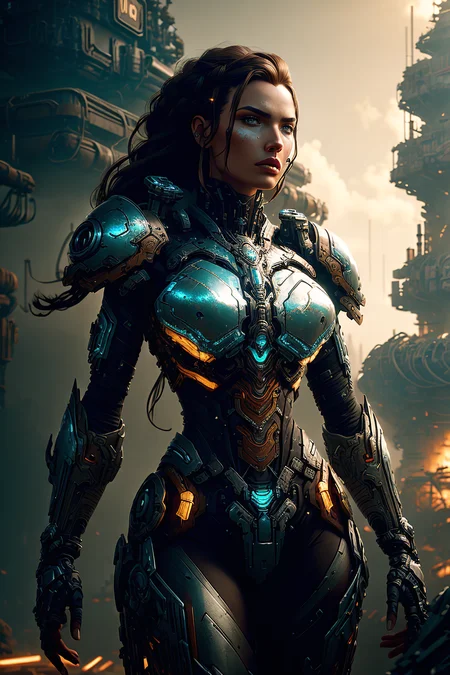
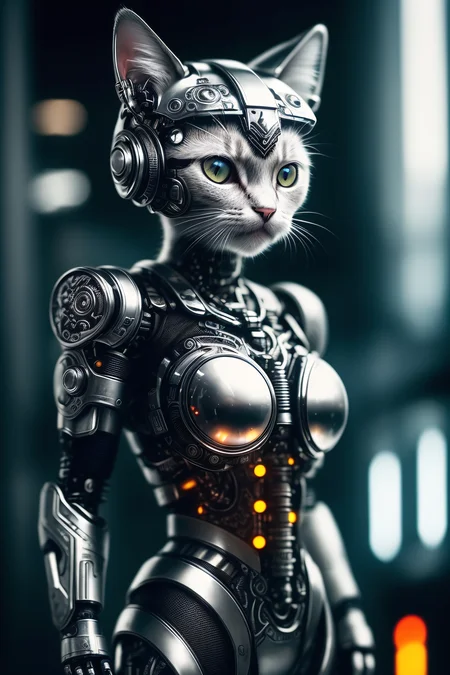
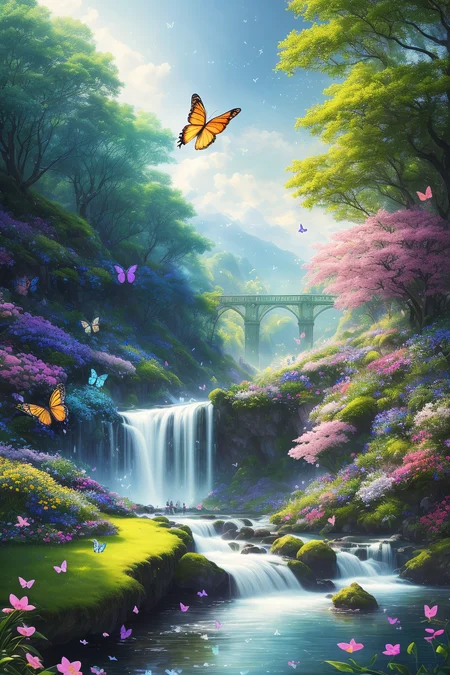
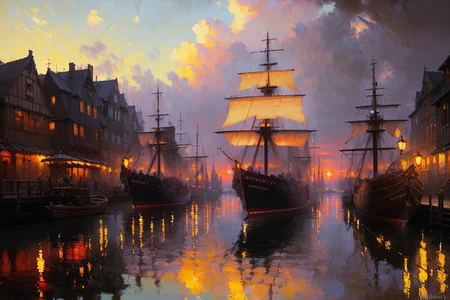
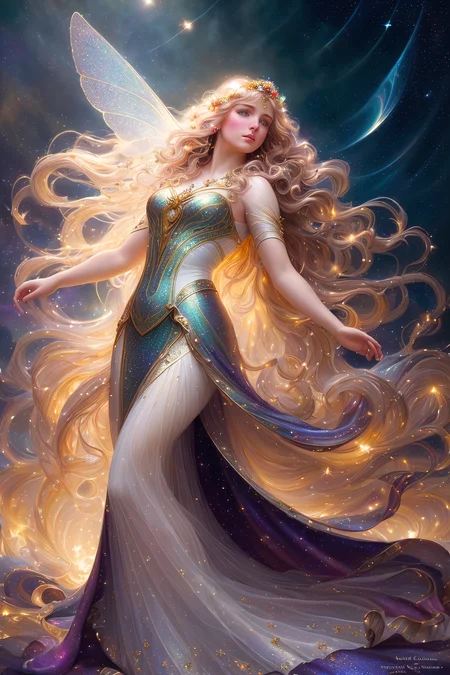
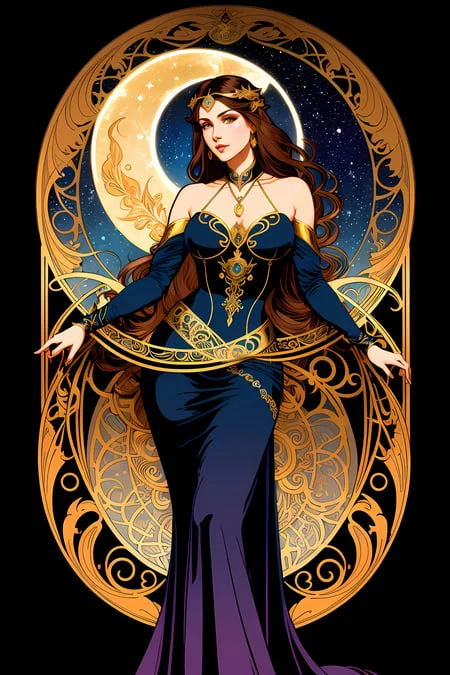
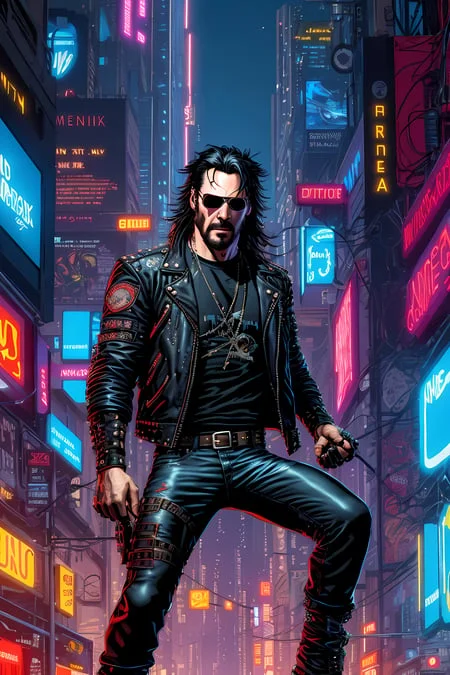
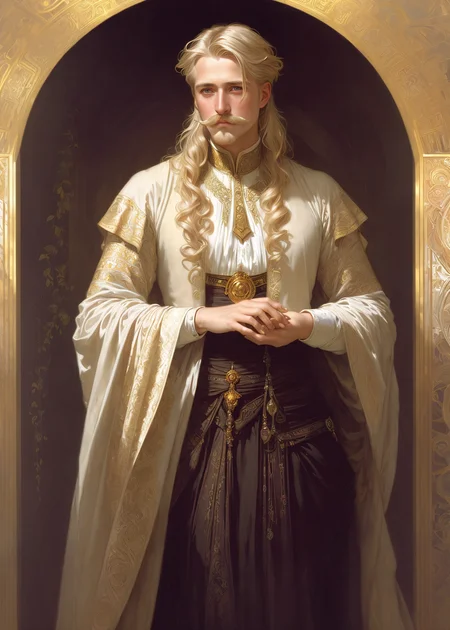
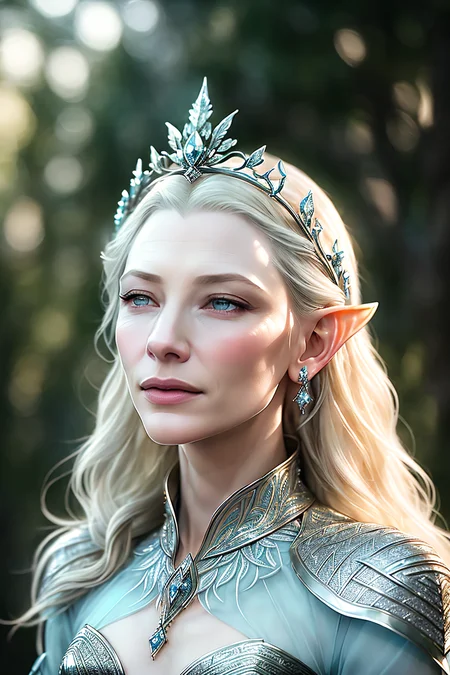
🔥🐉 NOW UPDATED TO V2.2! w/ BUILT IN NOISE OFFSET! 🐉🔥 ⚝⚝⚝⚝⚝⚝⚝⚝⚝⚝⚝⚝⚝⚝⚝⚝⚝⚝⚝⚝⚝⚝⚝⚝⚝⚝⚝⚝⚝⚝⚝⚝⚝⚝⚝⚝⚝

🔥IF YOU LIKE DNW.. GO TRY DREAMSCAPES & DRAGONFIRE! IT'S BETTER THAN DNW & WAS DESIGNED TO BE DNW3.0!🔥
A handpicked and curated merge of the best of the best in fantasy world, character & creature design. Should serve as a bit of a swiss army knife / multi-tool to create any and all fantasy art, character concepts, portraits, designs, locations, & even a bit of n00ds. I’ve yet to find what this can’t handle❗🎨
Specializes in painterly, semi realistic to realistic illustration, and artists based prompts, but can do design work, vector illustrations, logos, and a bit of anime as well.
Works best from 7-13.5 CFG and up 20-70 STEPS imho. YMMV!
SHOW ME WHAT YOU MAKE WITH THIS!! 😉
Note on the Versions:
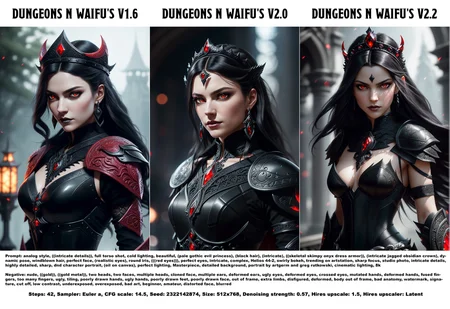
Keep in mind this merged model has been evolving… So the 1.6 version is not very similar to the 2.2 version or visa-versa. Yes, they both produce good results but the result you get will be different. (I tried to illustrate this in the example images if you flip between versions.)
If you find yourself asking “which is the right version?” If you’re new to SD and want an easy ride choose version 1.0 or 1.6 both are consistent and work quite well. I still use 1.6 for some things from time to time. If you want darker more detailed environments and detailed shading choose 2.0 or 2.2 but realize that 2.0 & 2.2 are a little more demanding from the prompt maker in order to get the exact result you want.
There is no embedded VAE in this (other than ones included in the merges) but one of these should work fine: (click the links)
☞ vae-ft-mse-840000-ema-pruned.ckpt
☞kl-f8-anime2.ckpt
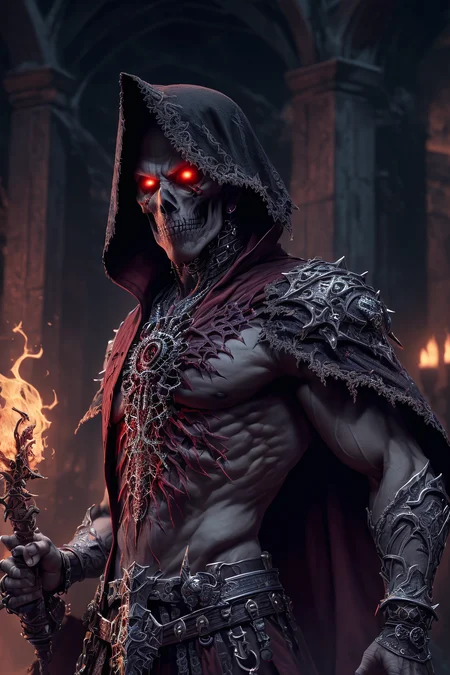
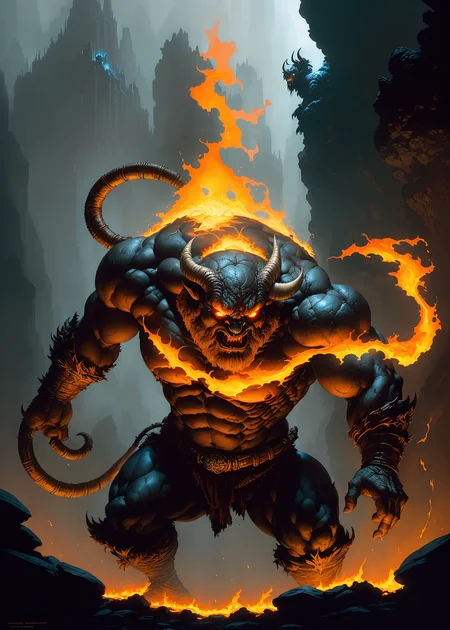
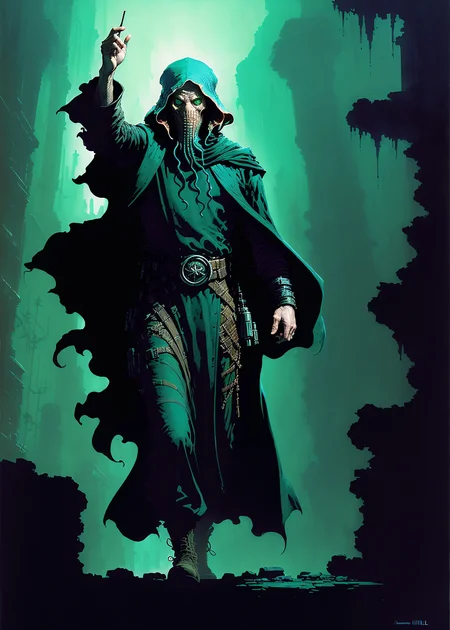
*** Note: that the example images are provided as a basis of reference and raw output. In most cases untouched other than mild inpainting for the eyes or face in a few examples. *** THESE SHOULD BE EASILY REPRODUCIBLE RESULTS! IF YOU HAVE QUESTIONS PLEASE ASK 🗪
There are pruned & non pruned versions available if you use the pulldown. This is better for merging & testing. Otherwise use the pruned. 👍
🗈 PLEASE NOTE: All of the originals have their own attributions so these must be followed to use this.
I was asked recently how to get higher quality images like the examples and about blurred eyes and faces:
Blurred eyes, or sometimes warped faces are not that uncommon in SD and sometimes require an inpaint to pull off. Most of my examples are not inpainted. But a few are.
First off when you run txt2img ALWAYS use HIRES FIX!
latent (nearest or exact) upscale / denoise 0.4-0.7 (Complete variable - depends on the type and complexity of the image. YMMV!)
Upscale by 1.5-2 but no more than that.
This will get you a pretty good base image to work with.
Afterwards… You can always send your txt2img picture to inpaint on the bottom right under the result area > select the face or eyes > lower the denoise strength to 0.5-0.57. > make sure your seed is set to random.
masked content = fill / inpaint area = whole picture ====== for faces
masked content = fill / inpaint area = only masked ====== for eyes
With “whole picture” selected for larger inpaint target aka faces (or hands) you may need the denoise to be lower to pick up more of the original image. 0.53-0.56
Now with “only masked” and a smaller target like eyes you get a little more freedom so your denoise can be 0.54-0.57
Run a batch of 4-5 (or more) for the faces… go through pick the best one… if you’re lucky you got the eyes and face in one go… if not you may need to choose the best face… send back to inpaint again… select just the eyes… and rerun a new batch (changing it to only masked and the settings described above for eyes.)
Finally when you get it all together send to extras:
Resize to 1.5-2
Upscale 1= Nearest
Upscale 2= R-ESERGAN 2x or 4x
But google & get yourself Remacri Upscaler , Lollypop Upscaler , 4x_NMKD_Superscale-SP_178000_G
Upscaler 2 is what will get you there. If you want super sharp / realism images you choose NMKD
You want a good all around upscaler that can do nearly any subject you choose Remacri
If you’re working on toons, anime, animated, cell shaded you choose Lollypop
Each of these is unique and so is their outputs if you want to compare simply change the pull down and run off the various types and contrast / compare the finished results.
For the more advanced upscale: Get yourself Ultimate SD Upscale
(click the link for a basic tutorial on how to get it and how to use it.)
Good Luck & Have Fun!
Description
2.2! Fully remapped, revamped and updated! With updates to all the major merged model inclusions, new ratios and.. a few changes to the list. Feel free to check out the specific merge info on the main info of this page.
Still includes "Dungeons and Diffusion" so the trigger words for races and classes will work. May take some finagling and weights to get some of them to display proper but they do work and my examples prove this. (Suggestion: use the weight for DND races at the beginning and if it doesn't work use it at the end of the prompt as well.)
*Also side-note*: because of the Noise Offset already in the merged models no extra Noise Offset was necessary. You may have to stop it down a bit by adding a contrast weight and a over or under exposed in the negative.
There is a pruned and non-pruned version.
More Fantasy More Expansion!
FAQ
Comments (27)
Really, really great blend !
Can you add, if possible, a smaller 2gb pruned fp16 no-vae safetensor version, for the v2.2 ?
tried last night to upload it but the site was being dumb will try again lol <3
Thank you.
@ritcher1 Pruned is up but it's still scanning. should be good soon
Thank you ! Since it is still 3.6gb, it's also fp16 besides pruned ? Mostly when the big models went pruned+fp16 the filesize become about 2gb.
@ritcher1 yes indeed. and re: 2gb.. not always.. the more bigger involved models even pruned are sometimes big. It's a big merge it's 9 models they are listed in the info. every version has increased in size. Feel free to check it yourself ;)
@DarkAgent I know that a few models are very little compressible. Thank you anyway.
Would be great as a LORA too, so it can be mixed with other CKPT
Don't have the availability to make one unfortunately. GPU is not quite strong enough for that. :/
If you have a recommendation or know someone else that can help... send em my way.
Hey bro how do you get those detailed faces, when i get full body art the eyes are always a bit like blurred and only a couple of lines, no real details on them. When zoomed out it looks okay ish but zoomed in it looks not that good
Blurred eyes, or sometimes warped faces are not that uncommon in SD and sometimes require an inpaint to pull off. Most of my examples are not inpainted. But a few are.
First off when you run txt2img ALWAYS use HIRES FIX!
latent (nearest or exact) upscale / denoise 0.4-0.7 (complete variable - depends on the type and complexity of the image.) Upscale by 1.5-2 but no more than that.
This will get you a pretty good base image to work with.
Afterwards.. You can always send your txt2img picture to inpaint on the bottom right under the result area > select the face or eyes. > lower the denoise strength to 0.5-0.57. > make sure your seed is set to random.
masked content = fill / inpaint area = whole picture ====== for faces
masked content = fill / inpaint area = only masked ====== for eyes
With "whole picture" selected for larger inpaint target aka faces (or hands) you may need the denoise to be lower to pick up more of the original image. 0.53-0.56
Now with "only masked" and a smaller target are you get a little more freedom so your denoise can be 0.54-0.57
Run a batch of 4-5 for the faces.. go through pick the best one.. if you're lucky you got the eyes and face in one go... if not you may need to choose the best face.. send back to inpaint again.. select just the eyes.. and rerun a new batch (changing it to only masked)
Finally when you get it all together send to extras:
Resize to 1.5-2
Upscale 1= Nearest
Upscale 2= R-ESERGAN 2x or 4x
But google get yourself Remacri Upscaler and Lollypop Upscaler
4x_NMKD_Superscale-SP_178000_G
Upscaler 2 is a right tool for the right job scenario.. If you want super sharp you choose NMKD
You want a good all around upscaler that can do nearly any subject you choose Remacri
If you're working on toons, anime, animated, cell shaded you choose Lollypop
That's my best recommendations. The rabbit hole goes ALOT deeper than this & there are other methods... but this will get you ahead of the curve. Good Luck & Have fun!
@DarkAgent Thanks man! Really detailed explenation, i just needed some cool characters or NPC for my dnd campaign. I've used those discord cloud ai ones and they got me some good results then found about SD and said i'll give it a try. How could i get results similar to this? What prompts would you use https://imgur.com/a/lq3LU5S
or this one i saw on reddit today
Seconding props on that explanation. I'm glad people have given up on trying to hoard techniques and are genuinely trying to be helpful now.
@dzonsena431 thanks to you this how to is now included in my info section ;)
You think you could update this to include the updated zova and rev models?
At this point that would probably take away from the original. However..
My new model is a revision / revamp of DNW has the new REV in it!
It was originally intended to be a 2.5 version but was so good it could easily be 3.0!
After using it for a while I decided it was so good it needed to be its own model:
Try it out & see for yourself: https://civitai.com/models/50294/dreamscapes-and-dragonfire-dnw-30
How do you create the background animated gifs?
They are very cool! : )
Having trouble with Earth Elementals. Any advice for better prompts? They keep looking like animals or too humanoid.
You probably need to use a specific LORA for that
and I know they have a few that may work out.
Deformed or modified bodies unless they were trained into the model are not typical output for a model.
Special shapes are covered by LORA's
@DarkAgent how do you use a lora
I'm a bit new at this and I'm confused. Does the vae go in the models/vae folder or in the models/stable diffusion folder along with the checkpoint? Thanks in advance!
You place it in the VAE folder, as far as I am aware!
@thronicomar That's correct
is there a sure way to get a correct tiefling result ? almost every try I made, the horns are just bad. either plain wrong considering the race, or just not symetrical.
Despite the model's advanced age, it still looks pretty good. Good flexibility, responsiveness and versatility make it possible to fully use this to create cool fantasy pictures even now. Sometimes, of course, it has some glitches, but no more than most similar modern models. Good job! Thanks!
This works great for the "classic" races, human, elf and dwarf. It struggles with others such as dragonborn, goliath and githyanki. It fills backgrounds quite nicely.