Anime Art Diffusion XL
Check the version description below (bottom right) for more info and add a ❤️ to receive future updates.
Do you like what I do? Consider supporting me on Patreon 🅿️ to get exclusive tips and tutorials, or feel free to buy me a coffee ☕
Kind of deprecated now, get AAM XL
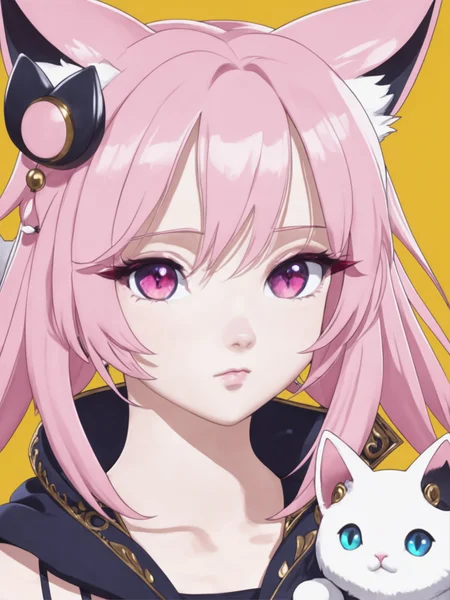
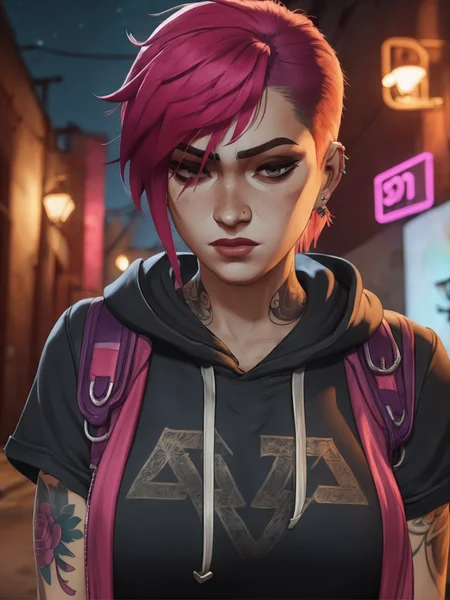
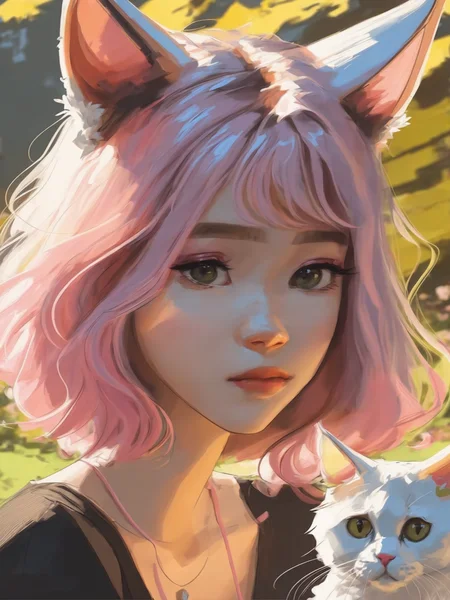
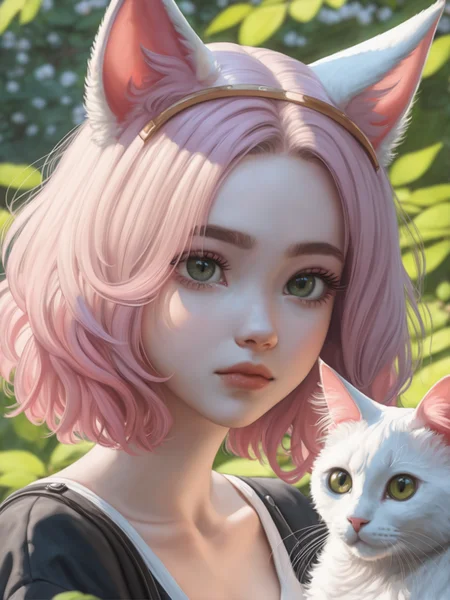
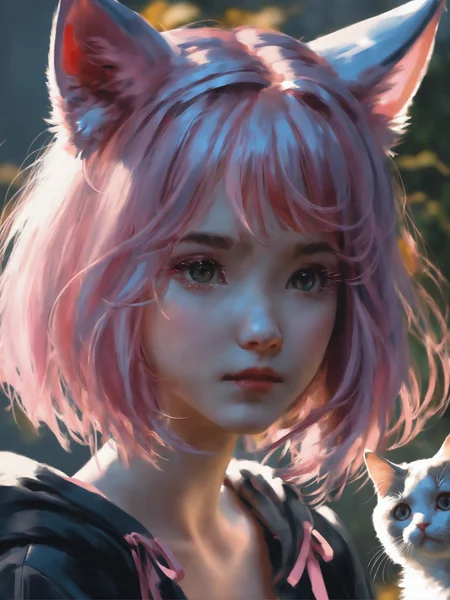
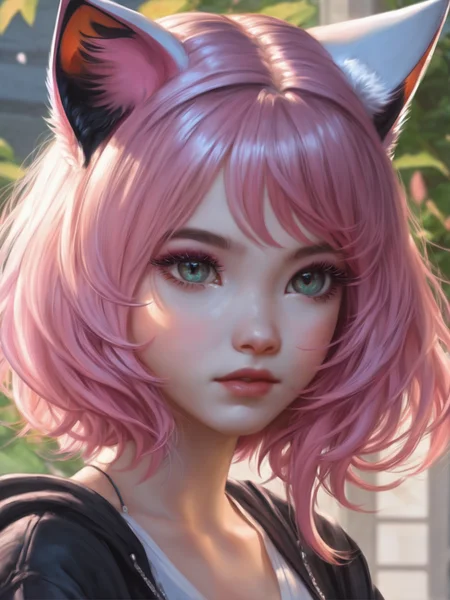
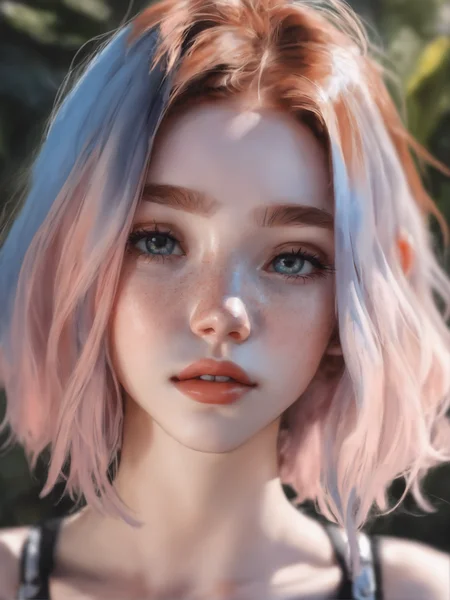
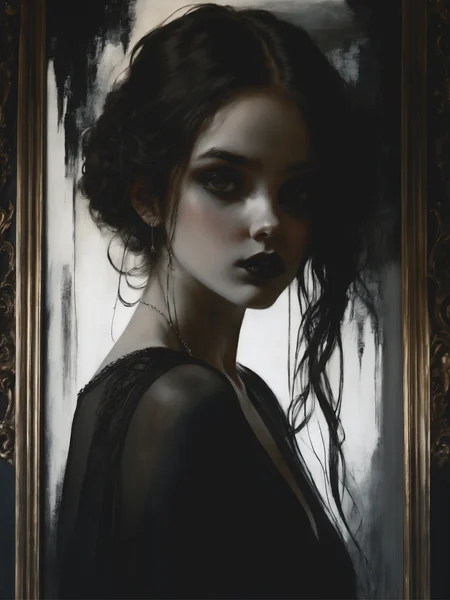
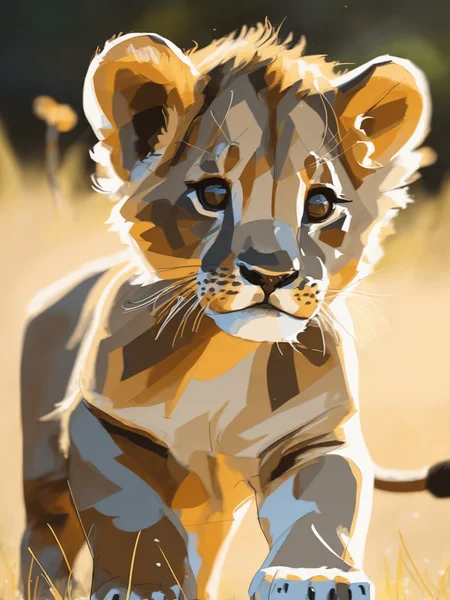
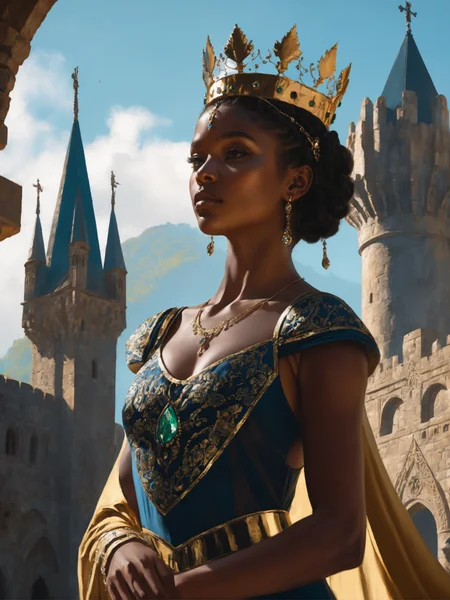
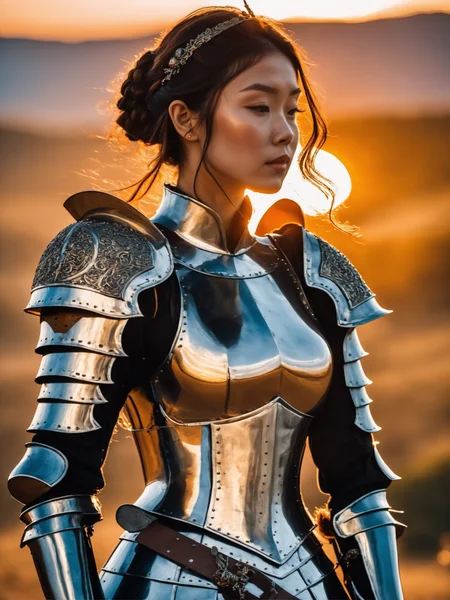
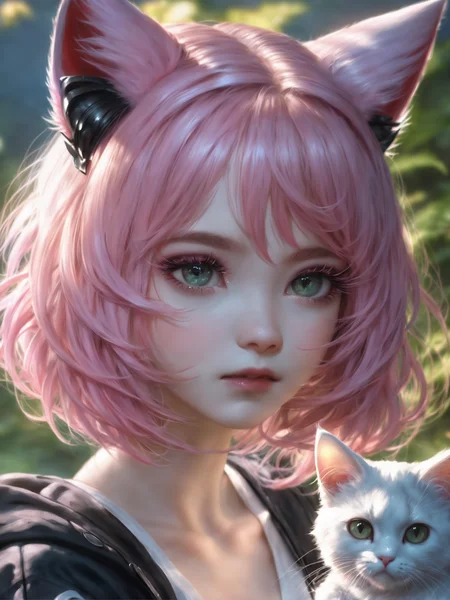
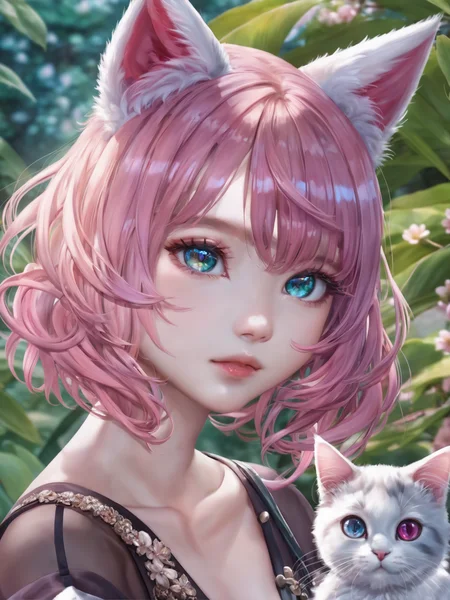
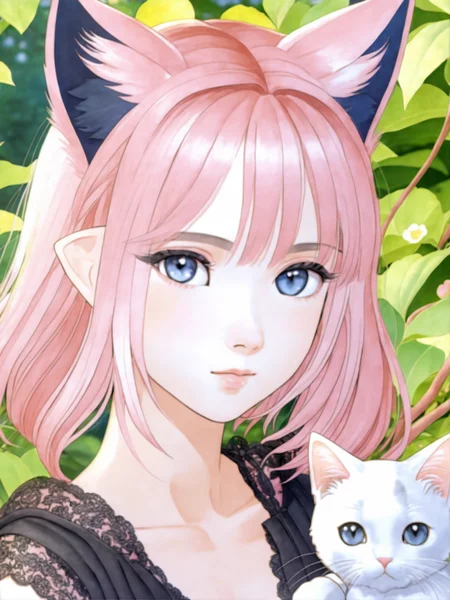
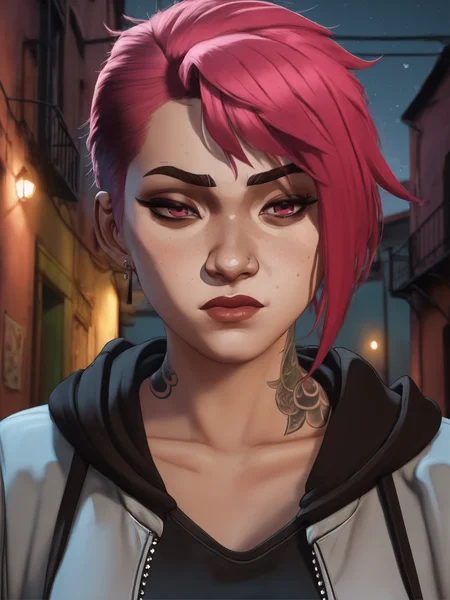
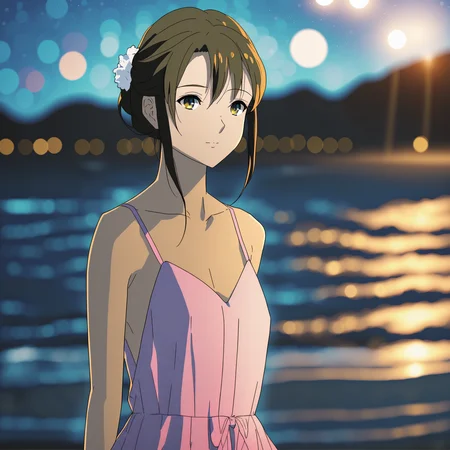
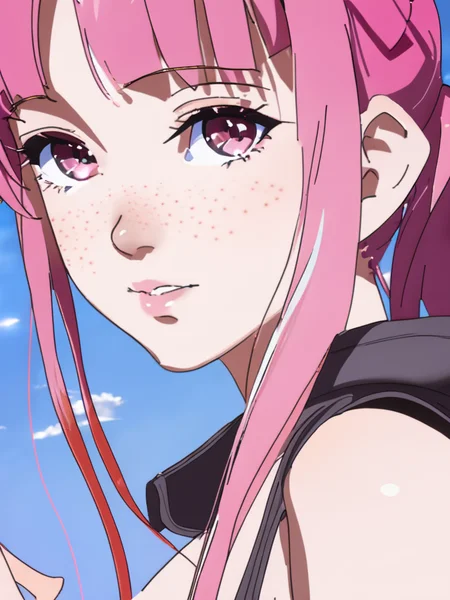
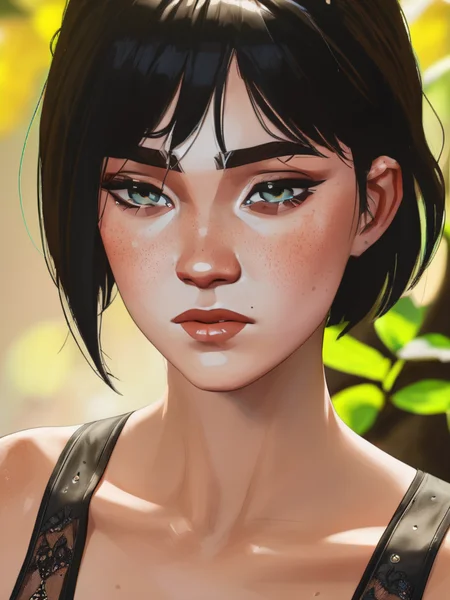
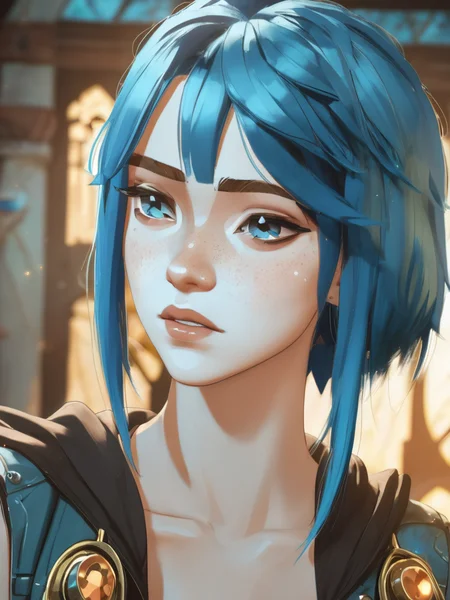
Raising from the ashes of ArtDiffusionXL-alpha, this is the first anime oriented model I make for the XL architecture. It will serve as a good base for future anime character and styles loras or for better base models.
Should work well around 8-10 cfg scale and I suggest you don't use the SDXL refiner, but instead do a i2i step on the upscaled image (like highres fix).
It's trained on multiple famous artists from the anime sphere (so no stuff from Greg Rutkowsky, but stuff like Sam Yang and Wlop for example). The model is oriented at producing stylized results.
I also suggest you use words like 8k and high resolution because otherwise it tends to go too much low detail. Look at the examples.
Enjoy!
Description
Based on SDXL1.0 but with the better VAE
FAQ
Comments (26)
Thank you for your contribution to XL, Lykon!
What was your comfyui workflow?
the workflow is included in the image
@CallMeMaybe I have literally tried to put the breast one into ComfyUI and it doesn't detect anything.
@virtualfix6885 workflow data is stripped by the cdn, but civitai stores it in the workflow button. Go to the generation data section of the image and click on "workflow"
@Lykon Oh nice, never knew you could just copy text and then Ctrl+V the workflow into ComfyUI directly
Is there anything special that we need to do to use this? Or is it just download and use like a normal older style models?
this is just a base model based on the XL architecture that's good at doing some anime artist styles. It will be my repository for anime model based on xl.
@Lykon Amazing work! Please do Evangelion 1995 anime style Lora for SDXL1.0
@Werry I've done it for sd1.5, is it really needed for xl? Won't work well at the moment I feel.
Looking good!
I'm really hoping we also get SDXL models that are more "true anime" (cartoony, far removed from reality, cute) rather than realistic and semi-realistic styles.
this is still required as a first step, I'll do that too, don't worry
I often find that "true anime" style tends to be very ascetically unpleasingly compared to the Blender 2D look
Yeah, classic styles like in the 90s animes and early 2000s would be cool since anime art was so much more diverse compared to now or the most common models.
@Lykon How many images do you have to do finetuning?
And so it begins
is there a diffusers model for this?
Would you reccomend Clip skip 1 or 2 with this?
what tool did you use for training? I have used a google colab for training on 1.5 but wasn't sure about SDXL training.
That's about vae,Do I need to use the original version of SDxl1.0 or not?
this one has its own vae.
Details
Files
animeArtDiffusionXL_alpha2.safetensors
Mirrors
animeArtDiffusionXL_alpha2.safetensors
animeArtDiffusionXL_alpha2.safetensors
ArtDiffusionAlpha2_half.safetensors.safetensors
ArtDiffusionAlpha2_half.safetensors.safetensors
ArtDiffusionAlpha2_half.safetensors.safetensors
ArtDiffusionAlpha2_half.safetensors.safetensors
ArtDiffusionAlpha2_half.safetensors.safetensors
ArtDiffusionAlpha2_half.safetensors.safetensors
Available On (1 platform)
Same model published on other platforms. May have additional downloads or version variants.