




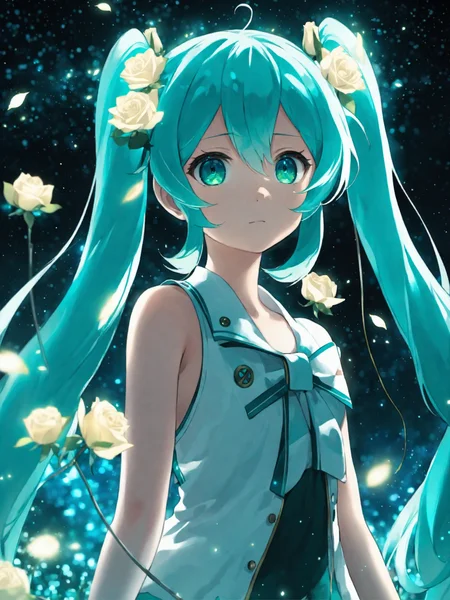
Anime Art Diffusion XL
Check the version description below (bottom right) for more info and add a ❤️ to receive future updates.
Do you like what I do? Consider supporting me on Patreon 🅿️ to get exclusive tips and tutorials, or feel free to buy me a coffee ☕
Kind of deprecated now, get AAM XL
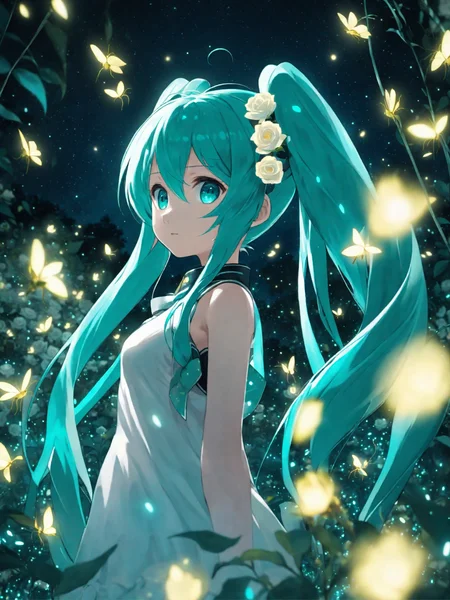
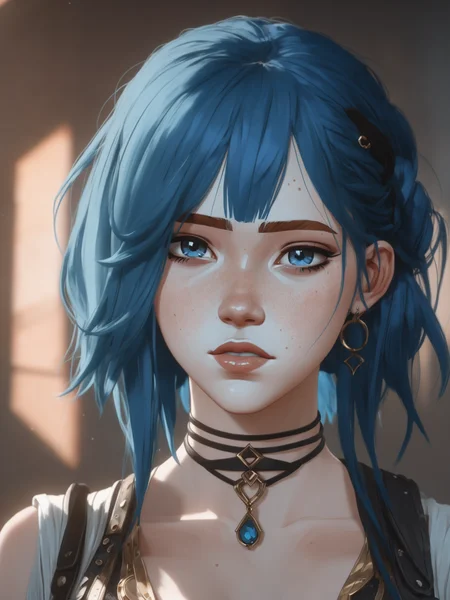
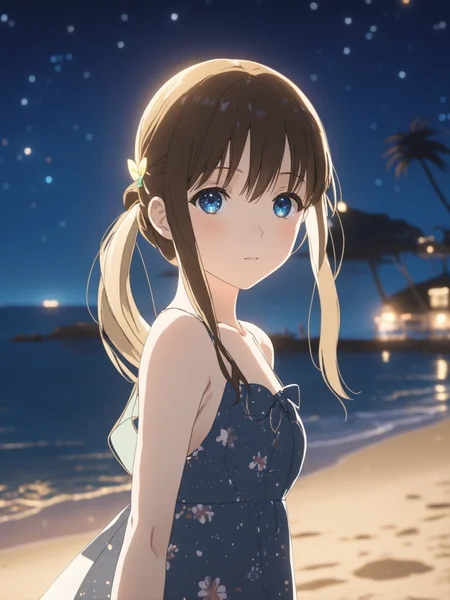
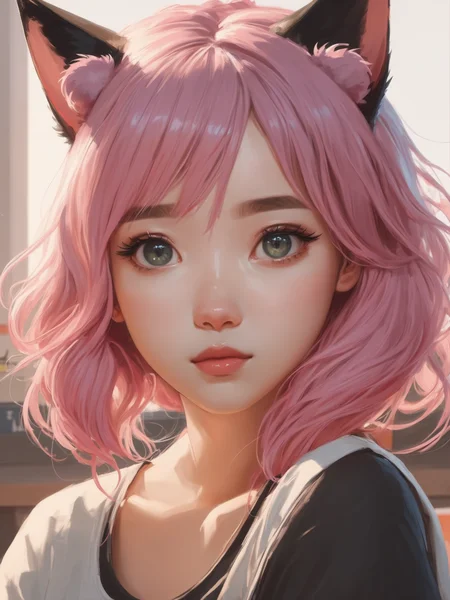
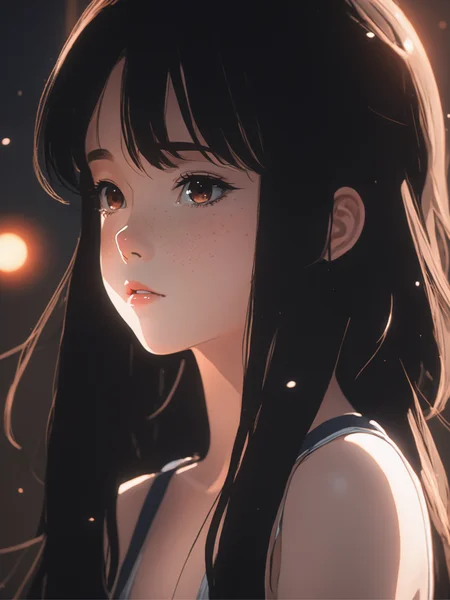
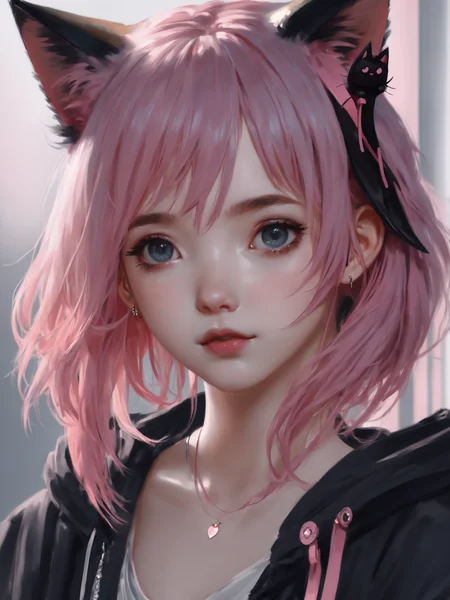
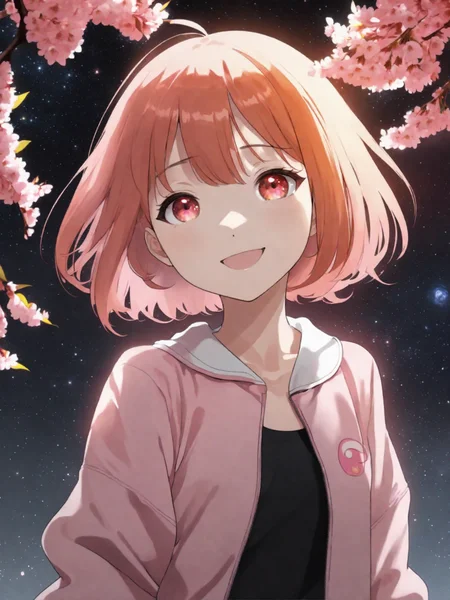
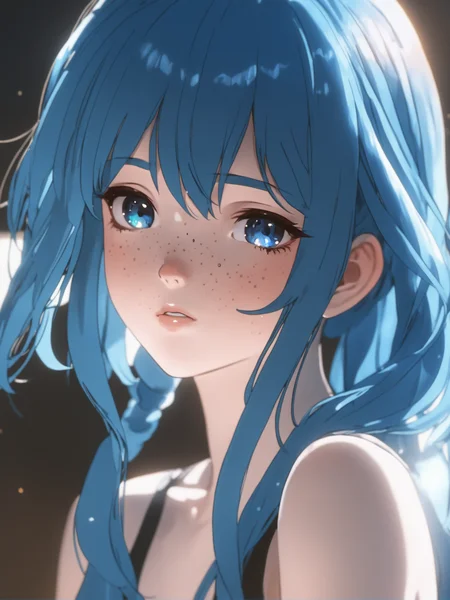
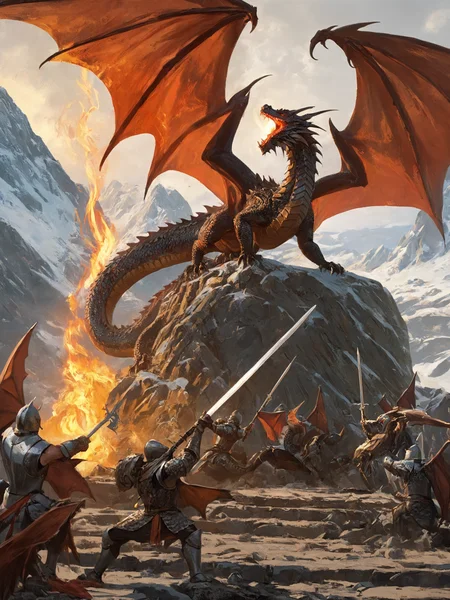
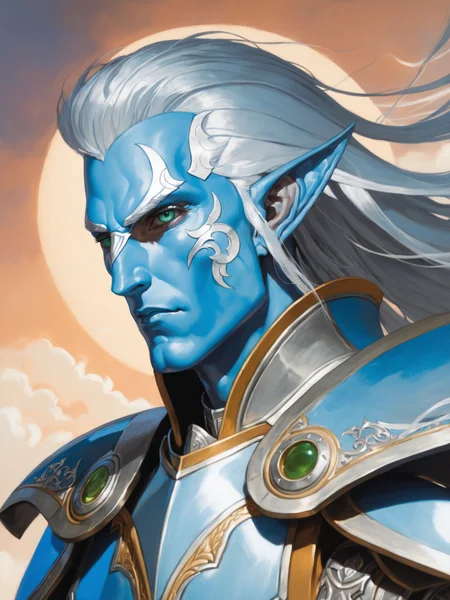
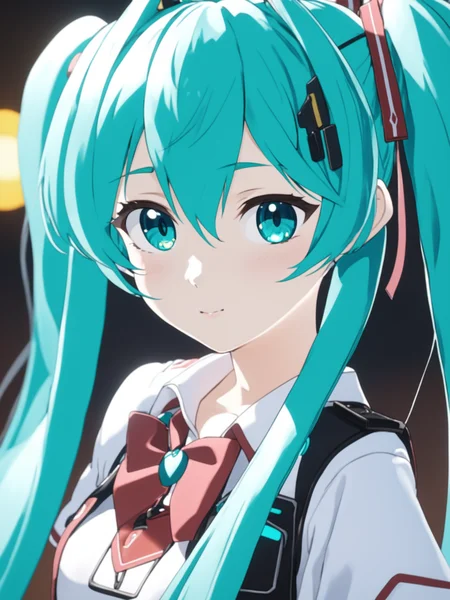
Raising from the ashes of ArtDiffusionXL-alpha, this is the first anime oriented model I make for the XL architecture. It will serve as a good base for future anime character and styles loras or for better base models.
Should work well around 8-10 cfg scale and I suggest you don't use the SDXL refiner, but instead do a i2i step on the upscaled image (like highres fix).
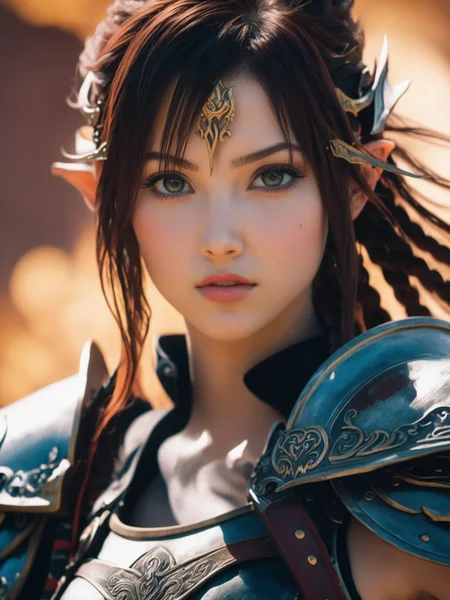
It's trained on multiple famous artists from the anime sphere (so no stuff from Greg Rutkowsky, but stuff like Sam Yang and Wlop for example). The model is oriented at producing stylized results.
I also suggest you use words like 8k and high resolution because otherwise it tends to go too much low detail. Look at the examples.
Enjoy!
Description
General improvements.
Doesn't hinder other styles (such as realistic) too much.
Better at drawings in general and better with Arcane LoRA.
Works with LoRA nets trained on DreamShaper XL
FAQ
Comments (39)
these early anime models for SDXL reminds me of the early anime style models on SD 1.5 like WaifuDiffusion.
yes, but with the difference that XL models hardly overfit if trained well. That's why this can still do realistic stuff
@Lykon I didn't mean it as a criticism, just felt a bit nostalgic xD
@kusoge of xourse, I just wanted to add something
I get what you mean, anything that isn't trained from NAI sucks.
@xxxxxxx good luck training novies, photos or painstyles on nai.
could we have a model based on western artist (mobius, mc farlane, ...) and not focus just on character but on everything (landscape, objects, people)
already done something like that for 1.5 which is western animation diffusion. Does comicbook stuff pretty well
I agree. Also we need one for mystical creatures only, no model is doing this well. It's very needed, the first person to make this is going to have a lot of downloads.
Wait a little longer, nowadays, everyone is rushing to the contests, there will not be very good quality models, really good models will come in a month!
The alpha this dude is doing seems really good tho, give them a try: they can only improve in the future!
True, especially for anime, we need a better/heavier trained model as a base, this feels more like a slight reinforcement of SDXL's anime weights and easily looks broken, flat and crude, or realistic, with the slightest change of prompt or just randomly. The character and background often look out of place too, having different styles.
It also doesn't have nearly the same understanding of booru tags as models that were trained on full booru datasets like NAI. For example, "see-through silhouette", a very common tag, always draws black silhouette art instead.
except that if folks don't download and show interest... people won't wanna develop and train models for it.
master piece, best quality, (((like))), (i liked), good, i think its good, fine, ((i just loved)), nice work, (nice anime sytle), noice
How are we doing with hands? Is your model able to first generate them or do we have to inpaint/photoshop? Am just curious as these new models weigh so much and before i jump on the xl wagon, i wanted to ask a reputable creator about it 😊
SDXL isn't doing well with inpainting but it can work with adetailer. And if you want to try using an embedding, the embedding of mine "bad X" works with SDXL and is only 4 KB.
Great model for dragons! I used it for a youtube clip: https://youtu.be/zrNYUwcShEs
It's over for me guys. My pc can simply not keep up with SDXL.
are you using comfyui or auto1111? comfyui is much less demanding and speeds sdxl up a lot
@backtitrationfan I'm still using A1111. Is comfyui really that much more efficient? Running SD on 6 gb of VRAM.
@oceanic Yes, my card got 8gb Vram but still cannot handle SDXL. I decided to give ComfyUI a try and it works great !
Try using --lowvram when you start the ui. if your ram is below 16gb you should also add --lowram.
If that doesn't work, Colab, Vast or Hugging Face are good choices for renting gpus
@dillon101 I run SD1.5 just fine on medvram at ~30s per image. Switching to lowvram makes it a waste of time. Especially since SDXL takes much longer on average anyway. I'm not willing to sit around wasting my life away waiting for an AI image lmao.
@oceanic Look up fooocus by IIIyasviel its basic but is really quick at generating images for me, check this video out, helped me start using SdXL https://www.youtube.com/watch?v=zIhODzEVZqg&t=2s&ab_channel=OlivioSarikas
how did you get the embeddings working I keep getting errors?
It's hopeless guys. I can't use SDXL :(
Auto1111 - always running out of vram.
ComfyUI - takes 25-30 mins for 1 image.
I have GTX 1660 Super 6GB VRAM. It's over :(
You can always try using Google Colab if a new GPU is out of reach.
My 2060 6G only has a few minutes,blender ComfyUI
Did you tryed --medvram (or --lowvram)? SD-XL Take with my 2060Super a few Minutes. Try it with Nvidia Driver 531.61 or lower. They Changed some things on the Memory management. On 531.61 it takes only about 40 sek.
@cfire741 saved my day, you are my alchemist hero
要換顯卡, RTX3050 8G以上的才行,
I have a GTX970 4gb and I got it to work, albeit a bit slow. Use --lowvram command line argument with Automatic1111 1.60rc or Vladmandic SD.NEXT. Make sure to download the fp16fixed vae too (Safetensors version for 1111 and Diffusers folder for SD.NEXT). Doggettx optimization works best for me on 1111 and ScaledDotProduct for SD.NEXT (since SDXL only works in Diffusers mode here). Have your webui-user.bat include:
set PYTORCH_CUDA_ALLOC_CONF=garbage_collection_threshold:0.9,max_split_size_mb:512
if you don't have a webui-user.bat (like in SD.NEXT which leaves the option up to you) create it (then use that batfile to run the webui), like:
@echo off
set PYTHON=
set GIT=
set VENV_DIR=
set COMMANDLINE_ARGS=--autolaunch
set PYTORCH_CUDA_ALLOC_CONF=garbage_collection_threshold:0.9,max_split_size_mb:512
call webui.bat
I'm using ComfyUI on GTX 1660 TI. But, it is not 20 minutes per image. It is around 2 minutes and few more seconds. My settings: 1024 x 1024 px image, Euler a 20 steps, SDXL base model.
Try Fooocus ui it only requires 4gbvram to use https://github.com/lllyasviel/Fooocus
Anyone has a link for a guide on how to start using SDXL? I googled but got too confused because the articles went more on the 'how it works'.
ComfyUI is your best bet, Lykon includes workflows in their images and you can find them in the image posts on the main demo reel. You have to copy the image workflow from the demo reel and save it to a txt then change the filename to .json, then drag and drop it onto your comfyui tab, it will populate the graph and let you see how all the nodes are connected, then just change the prompts and try new settings until you learn the UI.
As a side note, keep in mind that using customly set SD1.5 VAEs together with SDXL checkpoints will cause trouble
Start with fooocus v2 then. It has a decent description. Try different prompting. If you are not ok - check options under advanced, figure out styles etc. Then try non default models, inpainting. Btw it can use 1.5 models as a refiner, play with this too. Then proceed with debug options under advanced, enable freeu etc. Get disappointed in ai and revert back to gaming :/
I have been using and like your art diffusion XL 0.9 model... just curious is this the newer version of that, or a different model altogether?
Details
Files
Available On (1 platform)
Same model published on other platforms. May have additional downloads or version variants.