
Like the work I do and want to say thanks? Buy me a coffee or Support me on Patreon for exclusive early access to my models and more!
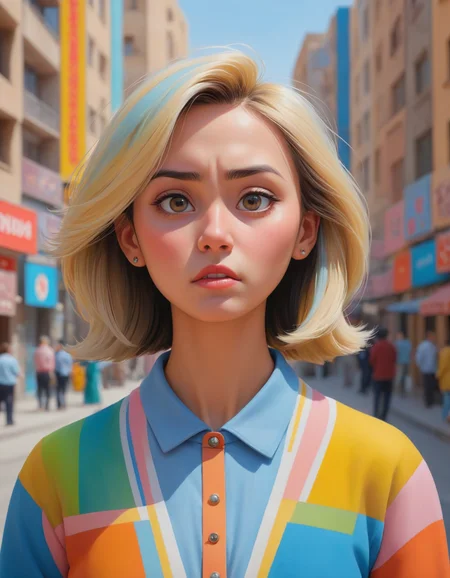
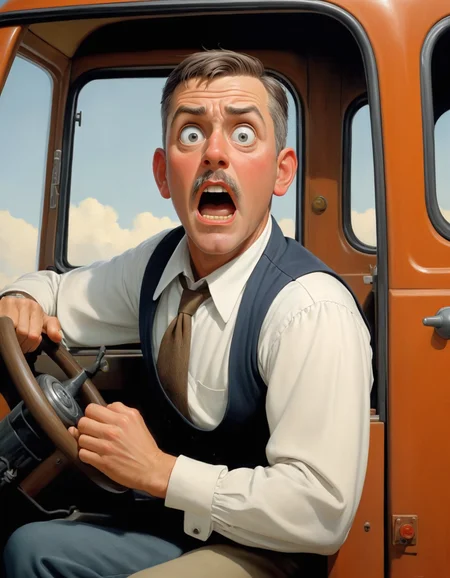
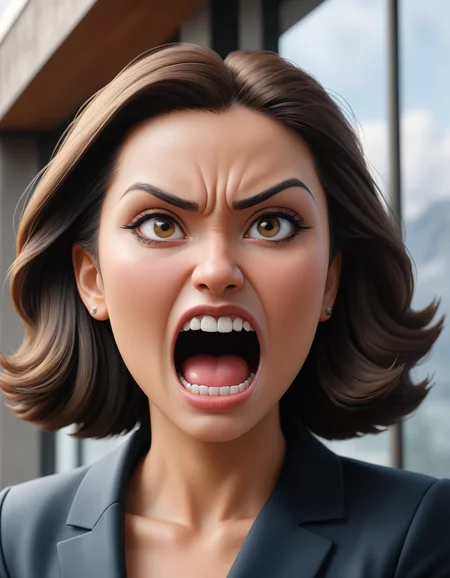
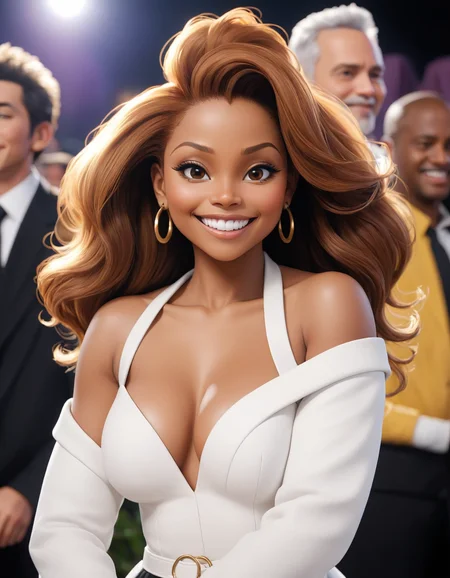
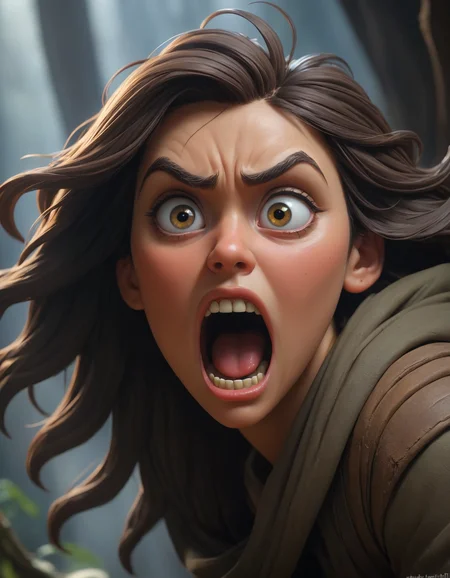
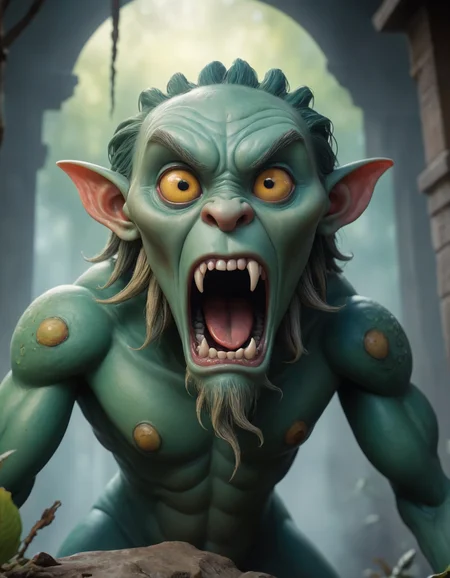
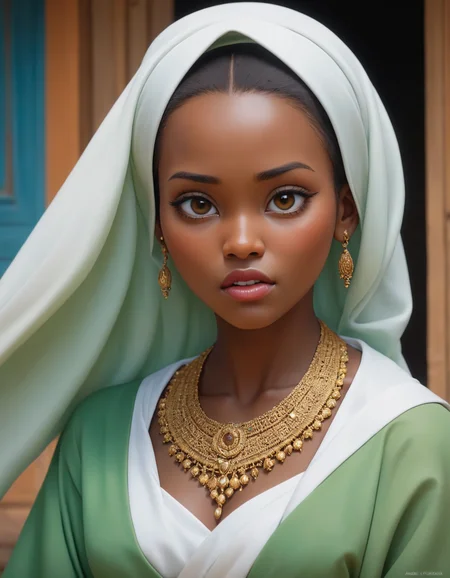
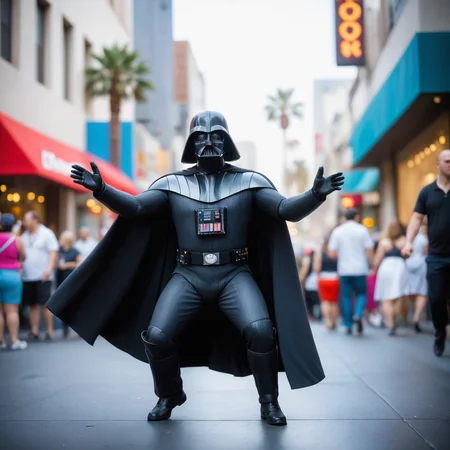
DynaVision XL was born from a merge of my NightVision XL model and several fantastic LORAs including Sameritan's wonderful 3D Cartoon LORA and the Wowifier LORA, to create a model that produces stylized 3D model output similar to computer graphics animation like Pixar, Dreamworks, Disney Studios, Nickelodeon, etc.
DynaVision XL is capable of both SFW and NSFW output. As with all of my other models, tools and embeddings, DynaVision XL is easy to use, preferring simple prompts and letting the model do the heavy lifting for scene building.
WARNING - DO NOT USE SDXL REFINER WITH DYNAVISION XL
The SDXL refiner is incompatible and you will have reduced quality output if you try to use the base model refiner with DynaVision XL.
Follow me here by clicking the heart ❤️ and liking the model 👍, and you will be notified of any future versions I release. I also need your help with feedback, please please please post your images and your honest feedback below, I will use your feedback and your output to help guide future revisions!
Description
BETA 0.3.7.1 CHANGELOG 08/12/23
NSFW Update! DynaVisionXL should be much easier to produce spicier and sexier images. Female anatomy should represent better in general. Male anatomy is still laughable, that's on the known issue list. Also worked on eyes a bit on this update as well, you should notice they look better overall with less goofy shaped irises and pupils (though not completely banished). With this release I'm switching to beta, and will slow down a bit with development.
Changes
greatly improved NSFW output capabilities
hands have seen a minor improvement, fingernails seem to be represented much better now
eyes should be better at distance and should see less odd iris/pupil shapes.
ADDED LORAS
DetailedEyes_XL_V2
finenude_v0_2a
Known Issues
- Hands are still hit or miss, though they're starting to become more hit than miss thankfully.
- Eyes at a distance are mostly fixed now, but can still sometimes look wonky.
- I noticed on some of the test images that nipples may be a bit overrepresented and may be a side effect of the NSFW enhancements. will need to watch and test.
FAQ
Comments (51)
BETA 0.3.7.1 CHANGELOG 08/12/23
NSFW Update! DynaVisionXL should be much easier to produce spicier and sexier images. Female anatomy should represent better in general. Male anatomy is still laughable, that's on the known issue list. Also worked on eyes a bit on this update as well, you should notice they look better overall with less goofy shaped irises and pupils (though not completely banished). With this release I'm switching to beta, and will slow down a bit with development.
Changes
- greatly improved NSFW output capabilities
- hands have seen a minor improvement, fingernails seem to be represented much better now
- eyes should be better at distance and should see less odd iris/pupil shapes.
ADDED LORAS
- DetailedEyes_XL_V2
- finenude_v0_2a
Known Issues
- Hands are still hit or miss, though they're starting to become more hit than miss thankfully.
- Eyes at a distance are mostly fixed now, but can still sometimes look wonky.
- Male genitalia is a disaster
- I noticed on some of the test images that nipples may be a bit overrepresented and may be a side effect of the NSFW enhancements. will need to watch and test.
Great work as always @socalguitarist! I'm seeing an overall quality improvement.
One thing I noticed, some of my prompts have watermarks/text even though I add "watermark" and "text" to negative, and weight them fairly highly. Only 2 out of 50 images in a particular batch did not have watermarks. Anything I can do, or anything you could add to the training to improve this?
@zer0TF Watermarks are still a problem for some art styles, I've had the same thing, and it's an issue that has come up from base SDXL. They should naturally work their way out over time as the model evolves, it's not really something you can train out easily. Would you mind sharing the prompt you were using when you were running into them? If you want you can ping me on Discord so we can discuss further. Thanks for the feedback!!!
@socalguitarist Sure thing, here's a sample - and yes, I am aware that because this is an "established character", that can cause more watermarking to naturally appear. Still thought I would mention it! 😊
Positive:
cute adorable girl, age 19, (kim possible:1.2), (disney pixar style:1.2), sexy, thin, young and youthful, black crop top, green shorts, action pose, dynamic lighting
Negative:
bad quality, line art, 2d art, ugly, (text:1.3), (watermark:1.2), deformed, bad anatomy, mickey mouse, disfigured, bad anatomy
Parameters:
[ComfyUI] Euler A, CFG 9, Steps 45
When using high-resolution upscaling, there will be an "RuntimeError: Input type (torch.cuda.FloatTensor) and weight type (torch.cuda.HalfTensor) should be the same"..
check upscaler supports sdxl, i had to update to x4ultrasharpv10
Christ alive this sucker takes 5 times as long to load up, and image prompts/setting that take 1 minute take up to 45 minutes with this.... what on earth???
Check your model caching settings in Auto1111 / SD.Next - this is a known issue with model caching (and not really due to my model, it's more of an SDXL-wide problem) - set model caching to 0 and it should fix the long loading time. Don't know about image creation times, but I've never experienced any longer run times than normal, unless I'm going nuts with LORAs or something.
Your GPU might be going into shared memory, you can see this in the GPU page on task manager if you're using windows. The speed drop when this happens is very noticeable. Most SDXL models are big enough to cause this if the GPU is a toaster or there's enough other stuff cached from other programs or controlnet, etc.
@socalguitarist Model caching is set to 0, i've never changed it. @Abraxo if a 3070 is a "toaster" then fuck all this noise, however there could be other stuff cached, no idea.
Lol you guys can keep giving me the thumbs down but I have some 20 other model checkpoints and this is the only one that takes TWENTY FIVE MINUTES to load up, and the gives me "RuntimeError: The size of tensor a (2048) must match the size of tensor b (768) at non-singleton dimension 1" errors anyway.
@bwanderegg822 What settings are you using? I'm using
set COMMANDLINE_ARGS= --xformers --medvram --no-half-vae
and it's extremely fast for an SDXL with Euler A and 30 steps. 640x1024 On an a RTX3070 8GB. Other models take 1-1.5m, this one is around 45s per image, so faster than average. .
Are your other models based on SD1.5 rather than SDXL? Latter is much slower...
@GDRF1324 Is the "COMMMANDLINE_ARGS" set in WEBUI-USER.BAT or the LAUNCH.PY? Because I have XFORMERS and MEDVRAM, but not "no-half-vae" in my .BAT, but it still won't prompt XFORMERS to load properly, and I've seen people say to add stuff to the LAUNCH.PY but I have ZERO commandline arguments in my launch,py.
as for the other models, i'm not sure how to even tell. I'm not as well versed with most of this, i'm certain I downloaded most of them before I updated to SD1.5, so I wouldn't be surprised if all my models are out of date, but just POSESSING DynaVisionXL in my models folder causes the entirety of Stable Diffusion to stall out, I don't even have to load it as the active model.
@bwanderegg822 If you want to pop on over to Discord (link is in the comments on this model) I'd be happy to help troubleshoot this with you. It sounds like this may be your first SDXL model, and if so, you should know that this model is 4 times the size of the 1.5 models and thus takes more resources to run. That said, there are several features in Auto1111 that may help you with load times.
@bwanderegg822 Yeah socal mentioned, the SDXL models are much larger; it's a larger more recent model to SD1.5, just the file size, 6GB vs 2GB. The command line arg is for the webui-user.bat , so try it with my settings, since you have the same video card should work equally well for you.
Also, RAM might be an issue, I'm at 48GB and when switching to SDXL can go up to 32GB usage, but if I recall, I could still run SDXL models with 16GB of ram, although like I mentioned, generating images is much slower. But as I said, this model performs well when compared to many other SDXL models. Good luck! :D
@bwanderegg822 for the command line ags; the --xformers arg speeds up image generation, and the --medvram --no-half-vae are basically because the SDXL models are huge and the 3070 is a bit limit with 8GB or RAM. Also fixes errors / improves compatibility. So yeah definitely try them! Bit of work to get going, but worth it!
When I use some of the prompts from the posted images, my images look washed out. Normally I'd say that would be a VAE problem, but since the VAE is baked in in this case...I wonder whats going on? I'm in auto1111
If you wanna come hit me up on Discord, we can try to figure it out. Not having this problem myself (and auto is, well, auto) but happy to help try to diagnose!
A lot of people have been using different software (besides A1111) for SDXL because A1111 struggles with SDXL checkpoints, and because of that, the same seed/prompt in A1111 won't be the same in other programs.
Shame that Civitai doesn't have a space to note what program the image was generated with.
what's your steps and cfg? I noted the lower steps around 25-30 the better. cfg 7, using One Button Prompt script in Auto1111 just enter the beginning for the prompts as (Ultra realistic, Wonderful, intricate photography) , detailed eyes, ultra realistic, and then for the ending of the prompt to be high resolution, (8k resolution), 8k, super resolution, ultra hd, megapixel, high details, detailed and intricate, intricate details, high intricate details and will make random prompts in the middle and straight gold with this model. 768x1024, make over 1000 images like this already also using DPM++ SDE is slower but produces good results. Have fun.
@happygo I used the same steps and CFG as in the example image I used (I think it was 30 and 7?)
@socalguitarist Thanks, I think it was the prompt (even though it wasn't washed out in the example image I was pulling my prompt from). But in an case, when I use my own prompt everything looked fine.
Fantastic model by the way!! Great stuff.
This is an incredible checkpoint. I always come back to this after trying others. My go-to for just about everything.
🎉🎉 CONGRATS @socalguitarist on reaching SDXL Rank #1! 🎉🎉
Works fine with Refiner FYI. You just need to apply it appropriately, like with ComfyUI for proper step control. Refiner doesn't work in tangent with base model, so there is nothing a base model can do to make it incompatible except some novel style it was never trained on, but this model doesn't really have anything novel, just easier to obtain cause whole thing is influenced.
getting error building the model.
Starts with... Failed to create model quickly; will retry using slow method. then spits out a few screens of errors
I haven't ran into that one before. You may have a bad download? Only thing I can think of. If you figure it out, would you mind letting us know? Also if you're still stuck, pop over to my discord channel and we can try to help you out.
Does not work.
Trying to use it spams a boatload of messages about size mismatch and it just reverts to whatever the last usable model was.
This is a fantastic model/checkpoint! I really like it, but I get an error every time I try to use Hires Fix to upscale my SDXL images. "RuntimeError: Input type (float) and bias type (struct c10::Half) should be the same" I did some Googling, but the only results I could find pre-dated SDXL. So I don't think it's the same problem... Anyone have suggestions or knowledge about what I've got set wrong? TIA!
try in cmd in your sd folder "git switch dev"
Enable HiRes prompts and make sure it's empty. A1111 has a bug where it loads nonsense into the HRF prompt when you drag in an image or hit the load prompt button, even if you don't have it enabled. Also, you may need to use the --no-half-vae flag on startup. If neither of those work, pop over to the tech-support thread on my discord channel (link in the comments on this model) and I'd be happy to try to help further. This is a common one since the HRF prompts were added...
@socalguitarist Thank you for the help. I didn't have any issues with the HiRes prompt, so I added no-half-vae and it worked just fine. I really appreciate your help! I'm happily generating hires images again. :)
@Floniixcorn Thanks! I'm not real familiar with git, but won't that switch the fork I'm using to a development or developers fork? I don't think that sounds like a good idea without knowing the impact, which is why I tried socalguitarist's tips first. They worked, but I'm still curious about what this git command really does.
@ttb2112 yep, switches to dev branch, im on it for 2 months now and all pushes are stable, just make sure to not update so often so that yu always get one with everything fixed, it has a ton of amazing features that i dont know why arent pushed to main yet
This Checkpoint is simply the best out there, you get great results even if you are a novice like me, excellent to use and a joy to create with, well done.
I wasn't actually able to get any nsfw images out of this model.
Haven't been able to get any NSFW out of any sdxl model so far.
An image with a naked character in it is not NSFW imo. For it to count as NSFW it has to be explicit in some sense. Nudity is not explicit. its just nudity.
it gives out crazy good nsfw, look at my reviews
I know what you're saying, I'm also having some difficulty get some nsfw stuff. I can, but its taken much more effort than its taken me with 1.5 models. I'll concede that I'm prompting wrong, or my workflow is borked.
Most nudity, or even much eroticism isn't exactly 'Safe for Work'- which is exactly what NSFW means.
You can get nudity out of the base SDXL model pretty easily. I was able to generate a naked woman sitting down raising her arms to the moon with visible genitals on my first 10 images messing around with it, only the prompting is different.
All i can say is that your workplace has a very relaxed view on what "Not Safe For Work" means.
I am having problems with SDXL pr0n too :-/
1: Use ComfyUI. Current version of A1111, though compatible, have some issues with SDXL.
2: If you're on Nvidia gpu, revert your drivers to v531 or lower (Nvidia recently did something that allows gpu to use RAM instead of VRAM sometimes, which tremendously reduces sampling speed)
Yeah , same with me . This checkpoint update doesn't work but previous beta 0371 is working perfectly fine
The upload is broken. When I try to download it with curl I get "curl: (18) transfer closed with 1442126210 bytes remaining to read" every time. It's also much slower than other downloads, so I'm guessing the problem is actually on Civitai's end. I think it just needs to be re-uploaded.
Broken for me as well. It loads (or tries to anyhow) for awhile before stopping and getting a 'killed' message in the terminal.