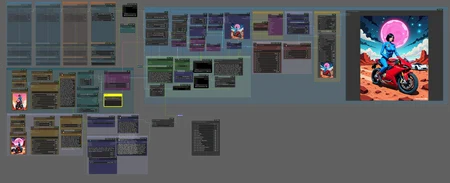
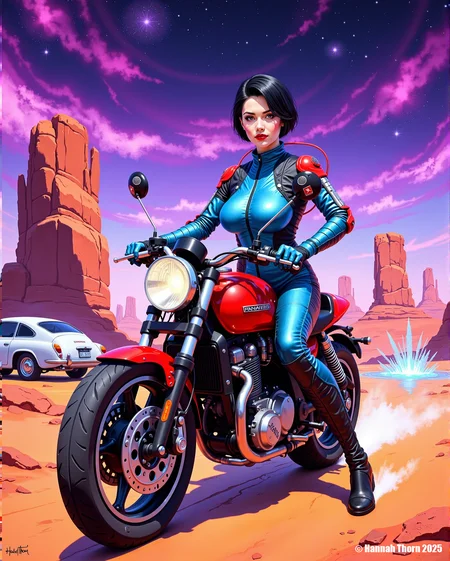

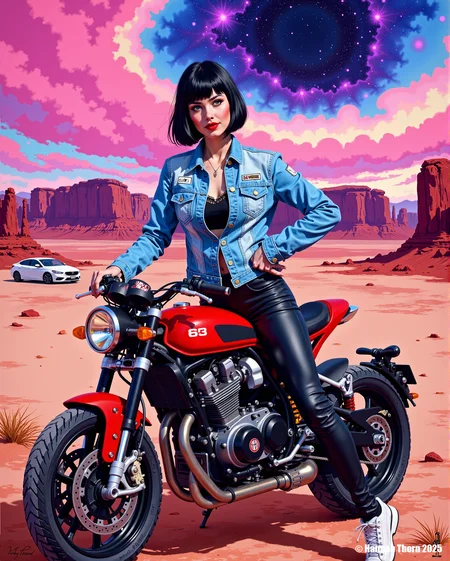
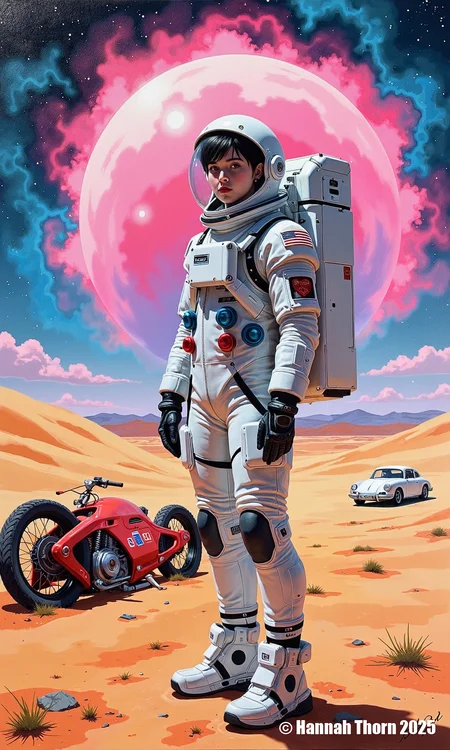

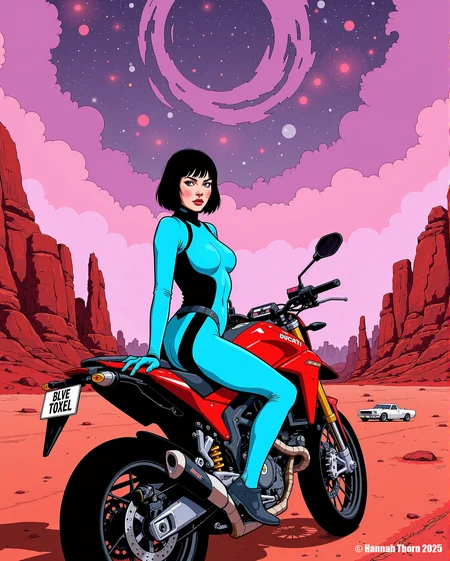

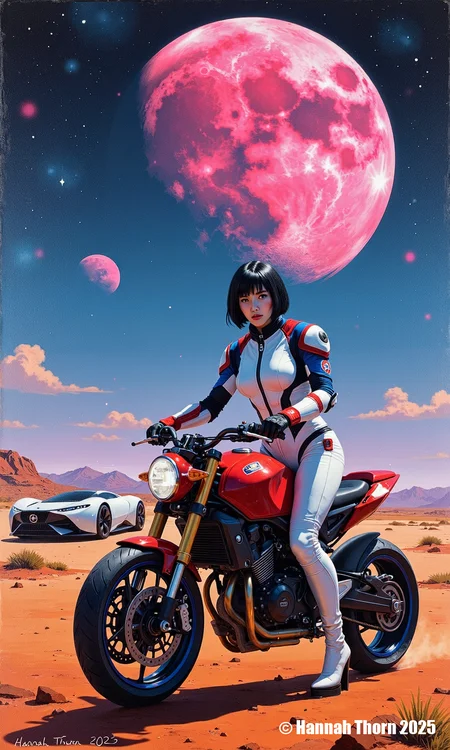


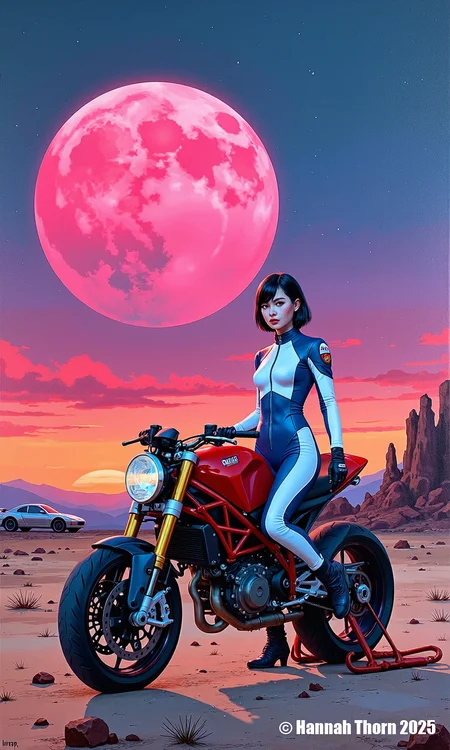








This worklflow automatically loads images, creates a combining prompt and generates a new image.
You just have to specify one or two input paths and set the seed to "0". If use the same input-path for the the pictures you want use as template, use different seeds, else ComfyUI will load the same image twice.
If you want to develop your output - for example second two templates should use the first output-image, you have to use the same input and output directory - like it is done in the given workflow.
Of course you can use two different input paths and a third one for your output.
If you set your queue to "Queue (instant)", it will run and repeat with different combinaton until you stop it - or your disc will be full. If you do so, you can change your workflow on the fly (change Loras, change Lora-weights, different resolution and so on).
Have fun!