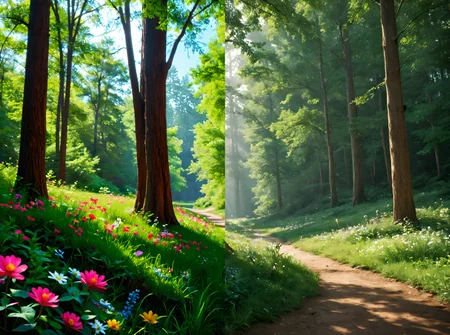
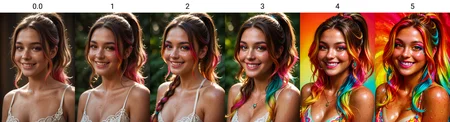
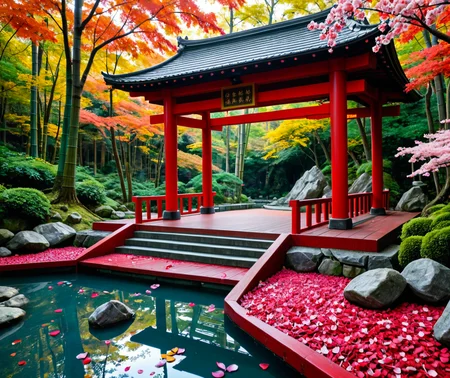
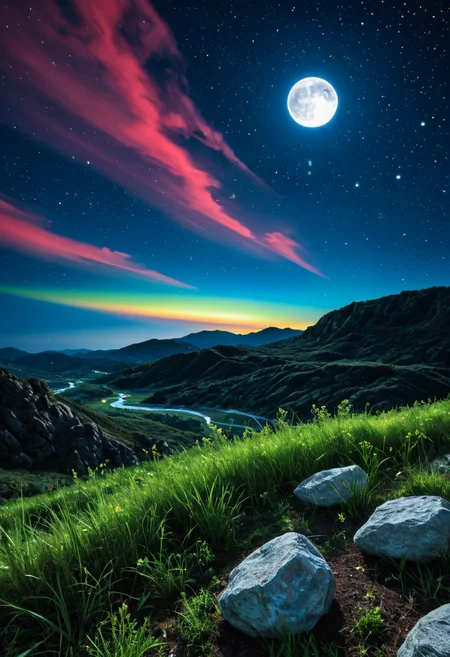
This slider is designed to enhance color depth and vibrancy across Pony, IllustriousXL, and SDXL models. It addresses the common issue of muted or washed-out colors, particularly in Pony-based models, by bringing richer tones, deeper contrast, and a more natural color balance to your images.
Key Features:
✅ Works across multiple model types – seamless integration with anime and realism-based models.
✅ Maintains subject integrity – enhances colors without altering anatomy.
✅ Fixes muted colors – ideal for Pony-based realism models that tend to produce flat, desaturated images.
✅ Works in subtle increments – 1.0 - 2.0 is usually enough for natural results, while higher values can create artistic or stylized color effects.
✅ No activation prompt required – simply adjust the slider to increase color depth.
How to Use:
For realistic Pony-based models, keep values between 1.0 - 2.0 for a natural color boost.
For anime-based models, higher values (up to 4.0 or more) can create dramatic and stylized color enhancements.
💡 This slider is not designed to change the subject’s color scheme—it purely enhances existing colors for a more dynamic, lifelike, or artistic result.
📌 Test in small increments to find your preferred balance.
🔥 Love this slider? Share your results and feedback! I'm always open to suggestions for future improvements or new slider ideas. 🚀
Description
FAQ
Comments (13)
Awesome slider!
How can I use this?I don't know how to get the slider
Hi @dasklpmk24544 , you can either download this and put in your lora folder, or you can use it on side to generate. Just adjust the weight between 0.5 and 1.5 to add color to inage, if you go beyond 2, it will start making abstract art and other crazy stuff
@klaabu Does it work just by adding this prompt?<lora:Add_color_ILXLv1:2>
@dasklpmk24544 if you run locally, yes. And after the ":" aff number for weight, 1.5 is enough for most cases, beyond 2.5 will make real colourful images
ty!@klaabu, I couldn’t understand because <lora:Add_color_ILXLv1:2> wasn’t in the image prompt from the gallery.
Is it intended for the Pony and Illustrious versions to be the exact same model download file?
Am I correct in assuming they have separate version pages due to the way the online generator works, and its not accidentally uploading the wrong file with a different filename?
Hi @kitten_wizard , yes you're correct. Due to the limitations of civit, these are uploaded separately, but these are all same. FYi, all my lora sliders work between Pony, illustrious and SDXL
Pony and Illustrious versions have the same checksum. It's the same file. Is that correct?
Yes, that's right.
@klaabu Alright! Saved a bit of HD space then :)
@wrOngplanet ❤️ i have discord now. It is small and new, but feel free to come and hang out, see WIP or just chat shit
Uh, and now I noticed this was 2 MB in size 😂🤣 (Which is awesome btw!) Still, my old 4TB HD is basically full (not only models), and I juggle models between the old spinner meant for storage and M2 meant for usage (and gaming), now also storage. Plus the Win10 OS drive, now also model storage lol (I dual boot Linux Mint). Kind of consider getting rid of it, but Win 10 is nice to have at times. It's a mess. Oh well. Time to shop for a new HD.
Pro tip, don't ever purchase a SMR (Shingled Magnetic Recording) drive just because it's seemingly cheap pr. TB, unless you use it for what it's mean for. Which is basically a NAS drive. Apparently. I don't quite get how that improves things, but probably it's not meant for mass transfer at a time (like TB's). I don't have a NAS but I still tried an SMR drive. Worked nice the first 2 TB or so, then speed fell down into kB/s range! I sent that one back.