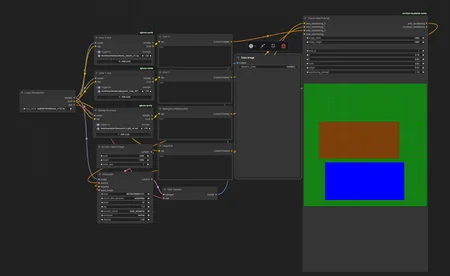
simply input your desired character traits/loras and background/interactions into the labeled sections, and use visual area prompt to set the postions.
i find that keeping the 2 "character" areas seperate in visual area prompt reduces lora bleed, but you will still need to generate a few pics to get what you want (as is the case with all ai generation)
before you can use it, you will need to use "install missing custom nodes" to get rgthree (for power lora loader) and visual area nodes (for the visualizer.)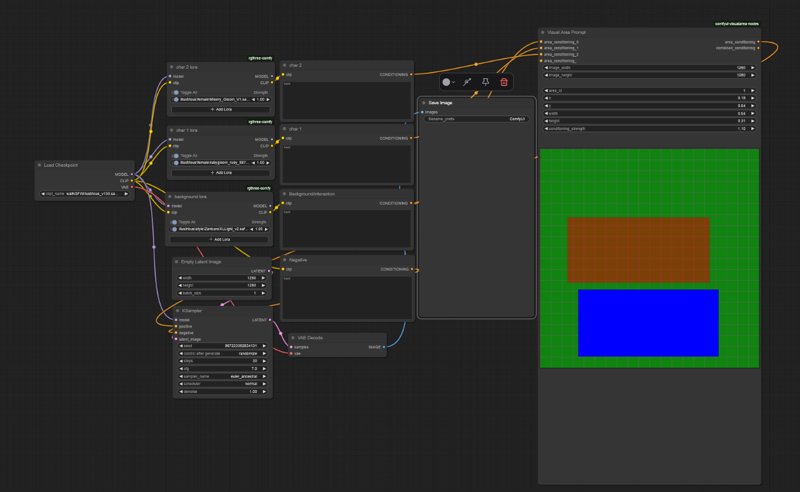
Description
base version
FAQ
Looks like we don't have an active mirror for this file right now.
CivArchive is a community-maintained index — we catalog mirrors that volunteers upload to HuggingFace, torrents, and other public hosts. Looks like no one has uploaded a copy of this file yet.
Some files do get recovered over time through contributions. If you're looking for this one, feel free to ask in Discord, or help preserve it if you have a copy.