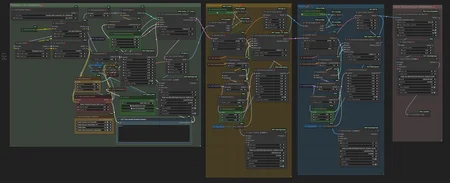
This is a workflow of Hunyuan Text-to-Video (T2V). Actually, it is not new, but a simpler version of another workflow.
This is actually the simpler version of "Hunyuan video t2v with face detailer POC" by @iljoe, and the sampling principle by @LatentDream. go check them!
The Key-Nodes:
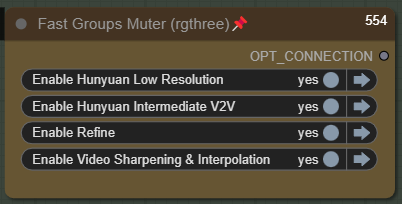
This node is for searching for the right video to be processed further, before full mode. Just select the first one and turn off the others.
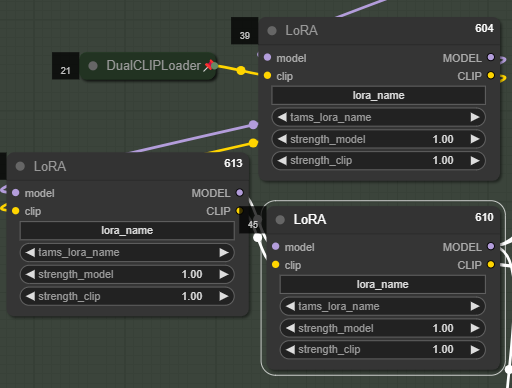
You can set up to 3 LoRA(s), or... who needs more tho?
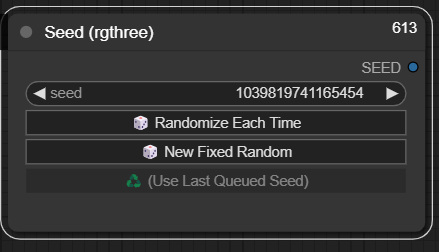
You can manage your seed here:
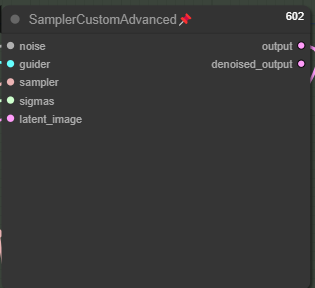
Yes, I know. This is an old-fashioned sampler. You can replace it with TTP_teacache Sampler. But if you don't have it, sometimes keeping it old-fashioned is the best way :)
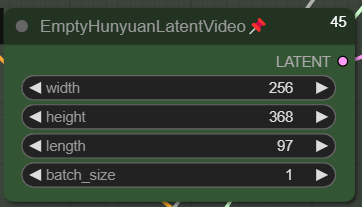
Set your Video dimension here. This is my setup of the initial video for Low Res. The length is 97 frames, it is a 24fps/4s video. You can set a higher initial dimension. The + is that the initial video would probably be better in anatomy (anatomy correctness), but the con is obvious: it takes longer to generate.
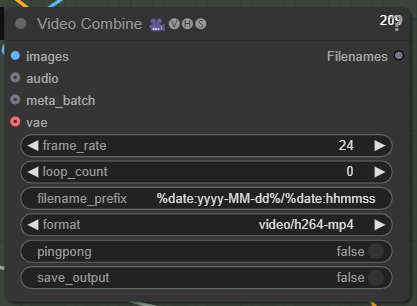
 Change your FPS here:
Tweak the denoise, ModelSamplingSD3, and Steps if you encounter a "fried or pixelated" video. Read the article of @LatentDream : TIPS: 💥 Hunyuan 💥 the bomb you are sleeping on rn.
Feedbacks are appreciated!
Cheers!
Description
V.1
FAQ
Comments (3)
Hi,
I'm struggling to find this one, I keep being sent to one without sampler in the name which does not work.
I hope you can help, thank you :)
TeaCacheHunyuanVideoSampler
This is good, I wanted to make something similar but then u uploaded this WF. I made some changes and it is amazing. I added sage attention node, videoblockswap, riflexrope node, left Load Character lora with clip and replaced rest of Lora Loaders with Hunyuan video Lora Loader where I can set double blocks. It just works great. Next step will be to add Img2Txt group and MM audio group..(copy paste from another WF). Thank you for upload!
Great workflow!
I have a question, is there a way to recover the seed of a video and proceed only with upscaling and interpolation? thanks!