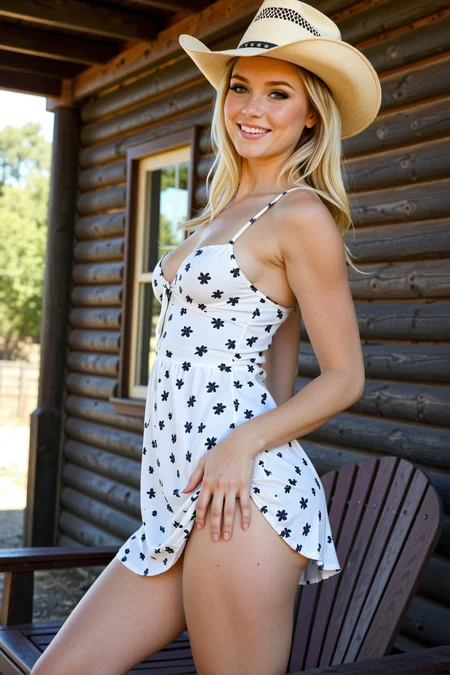
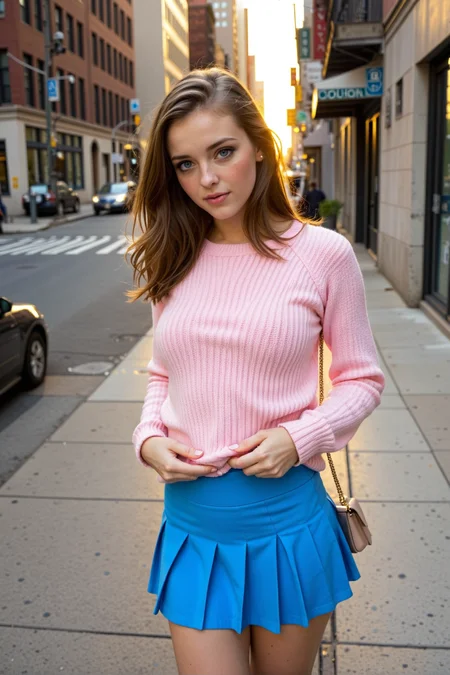
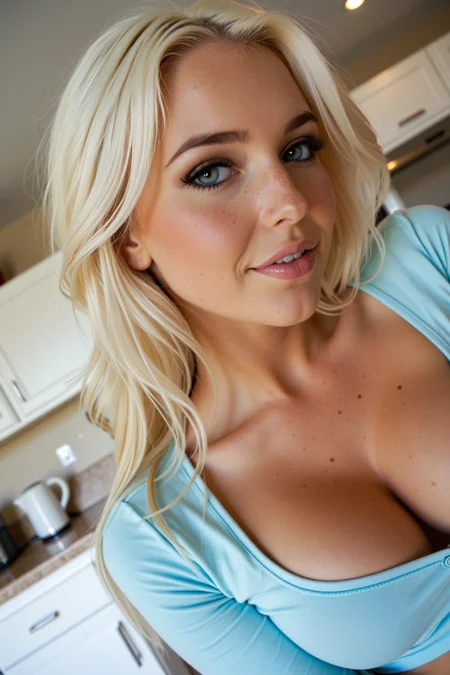
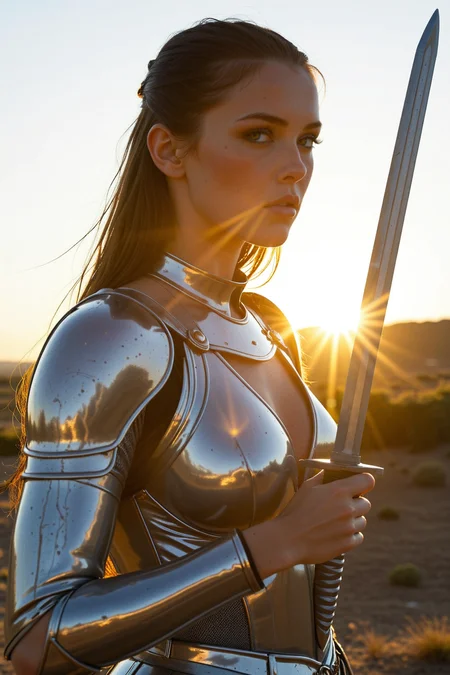
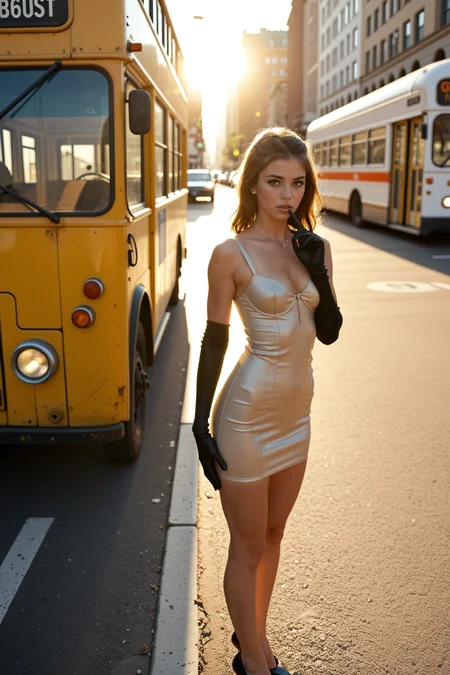


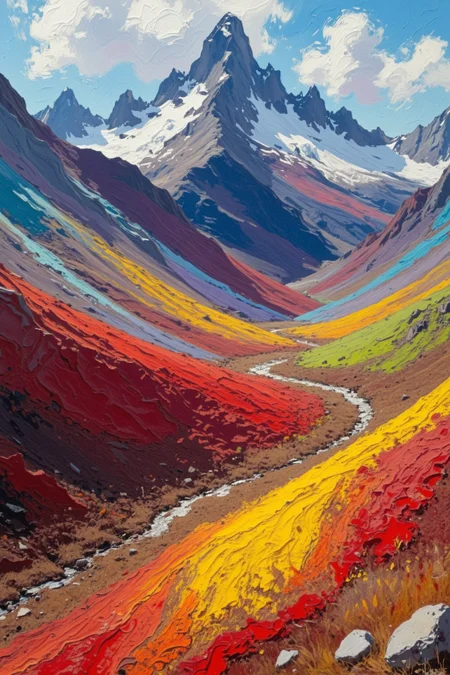



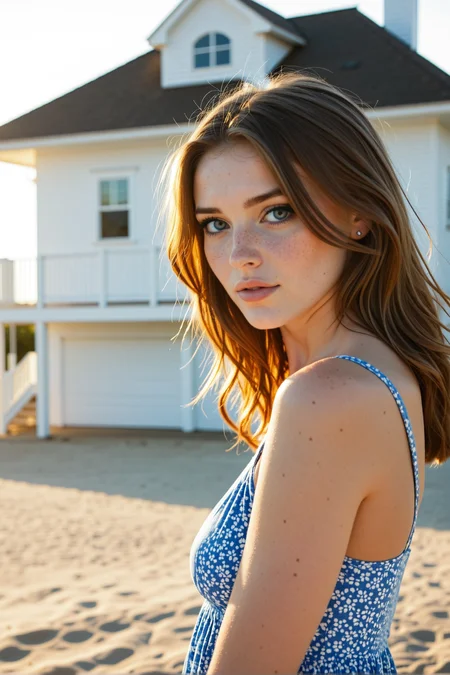
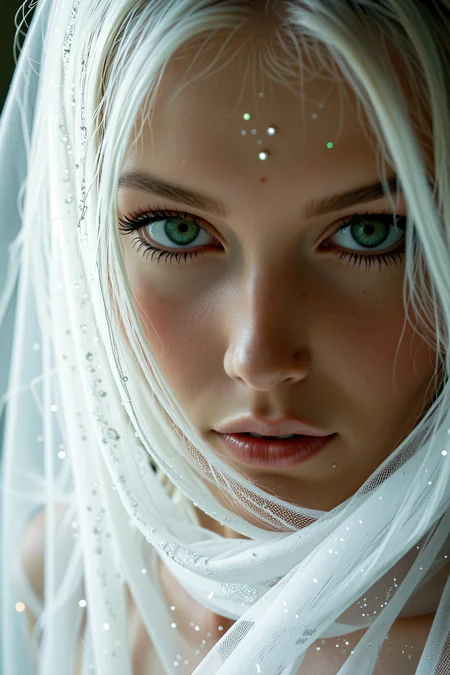

Note: Check the About This Version section for specific recommendations on the settings and workflow.
I believe this model to be very good at photorealism although it does have some artistic capabilities as well. Here are a few tricks to using the SDXL versions of GonzaLomo to its fullest potential:
Clip Skip is your friend. I recommend trying a prompt with both 1 and 2 values. 1 can make images that are more creative, artistic, retro or grungy whereas 2 is better at photorealism and the, um, physical attractiveness of the subject(s).
Generate at 1024x1536 or higher using the PatchModelAddDownscale node in ComfyUI. This will create a much more detailed image that can then be upscaled further, resulting in incredible photorealistic detail. Using that node, I can do an initial generation as high as 1280x1920.
You can play around with different sampler settings but I find that the absolute best results are with LCM/Karras, 12 steps and CFG 1.0.
Selective usage of the Self Attention Guidance node can sometimes give amazing results. I always have it in the pipeline and usually bypassed but turn it on when I think an image has potential but just needs a little more oomph like color saturation or contrast.
I get really interesting/creative results by generating with the V1.1 Semi-Real model and then resampling that image with the V2.0 Unity model at around 0.60 denoise. You really need to play with the denoise to find the right value that tips the image from cartoonish to photorealism but you'll be amazed at what's possible when you do. Note that V1.1 Semi-Real requires Clip Skip 2+ and will not work with 1 at all.
And lastly, always be upscaling! More pixels equals more detail equals more photorealism.
Note: I only use ComfyUI so I apologize in advance if you're having trouble with my model in some other tool and I can't help.
Current Models
V2.0 Unity
Essentially, this is V1.1 Real with a bit of Siren Forge, Cyberrealistic and Lustify added to the mix. The base is still Gonzales and LomoXL.
I called this version Unity because I originally wanted to have separate models for photorealism and artistic styles. However, I realized that I could get both in one model and created V1.1 Artsy for that purpose but it was a failure. This is my second attempt at that combination and I think/hope it's a success.
At the very least, I don't want to degrade the photorealism capabilities and just want to add more surreal, artistic or fantastical styles as an option.
The recommended settings haven't changed since V1.1 Real:
Sampler: LCM (also dpmpp2a and ddim can provide interesting results)
Scheduler: Karras, Exponential or Beta
Steps: 8-12
CFG: 1.0-1.3
Clip Skip: 1-5
I normally keep my settings at LCM/Karras with a CFG of 1.0 but I tend to vary the clip skip between 1 and 5 because those can change the image pretty drastically. Sometimes an image at clip skip 2 will be terrible but might become amazing with clip skip 1, and vice-versa.
V1.1 Semi-Real
I'm doing a little experimenting with non-photorealistic models. This is a merge of GonzaLomo v1.1 Real and ToonComix which is a toon model that does a really good job with detailed backgrounds. The whole Comix family of models is very good so check them out.
Sampler: LCM
Scheduler: Karras, Exponential or Beta
Steps: 8-12
CFG: 1.0-1.3
Clip Skip: 2-5 (1 is not supported)
Retired Models
V1.1 Real
This is a simple 60/40 merge between two of my favorite photorealistic models - Gonzales-NSFW-PonyV1/V2-DMD v2.0 and LomoXL (with a little bit of Lustify thrown in). Many, many thanks to the makers of those excellent models.
Gonzales is a Pony model so GonzaLomo inherits all of those capabilties. LomoXL has a very strong analog feel to it which helps give an edge to Gonzales' "pony-ness".
Sampler: LCM
Scheduler: Karras, Exponential or Beta
Steps: 8-12
CFG: 1.0-1.3
Clip Skip: 1 allows greater analog effect but lessens NSFW capabilities
Clip Skip: 2-5 lessens/removes the analog effect but allows more NSFW
Try this workflow to get started, if you need it.
To be clear, I created this merge for my own use cases. It's certainly not better than Gonzales for most things. I'm just hoping to inject Gonzales with some of the gritty, analog feel that I was looking for in some cases. LomoXL also allows for a wider variation of faces, especially with clip skip 1.
Enjoy!
P.S. This is my first model upload so I would appreciate any constructive feedback or comments.
V1.1 Artsy alpha (Not very good imo, use V2.0 Unity instead)
This was an attempted merge between V1.1 Real and a few art-focused models. The main purpose of this model is to be able to produce artistic styles but it has the tendency to try to force photorealism when prompted clearly for an artistic style. This model has been abandoned in favor of V2.0 Unity which does a much better job of combining the photorealism of V1.1 Real with artistic styles.
Description
Note: Despite the potentially confusing name, this is a SDXL checkpoint.

I struggled with how to version and name this model. I meant it to be a successor to v4.0 Unity but I think it's different enough stylistically to be something else. In the end I split the baby and called it v5.0 but gave it the name FluXL because I meant for this version to be closer to Flux in color, composition and lighting. It's not perfect but I hope you like it. If you prefer the v4.0 style better then please leave me feedback!

P.S. FluXL is probably a bad name because this is a SDXL model but I've never been very good at naming things (*cough* GonzaLomo *cough*).
FAQ
Comments (109)
My only complain with these otherwise great models is that they seem to really bias towards anal. Straight vaginal sex is harder to make them do.
Hey, thanks for the compliment and the feedback! I had actually thought the opposite was true but I think it might come down to prompting styles and also the resolution/shape of the image sometimes. Nevertheless, I'll see if I can find ways to make the prompt adherence better regardless of any other factors.
Tested v5.... the v4 remains my beloved wife xDDDD
Awesome, thanks for testing it. I'm glad one of them works well for you!
GBRX The fourth best on the civit, and if we talk about speed/quality, then the other models on the civit are quietly crying in the corner. 244!
Astelteyn There's a lot of really great models now so I'll definitely take 4th place and be happy with that!
GBRX oh i mean v4 ^^
Astelteyn do you mind to share what are the three best ones according to you? I'm new with stable diffusion! thanks!
ElectricDreams the best model from IL is here, GonzaLomo v4, add some quality and realism boosters from Stable Yogi. And for now, at this point, there is nothing else to look for. IMHO.
ElectricDreams If you find something better, let me know.
ElectricDreams I really appreciate the vote of confidence from @Astelteyn but there are lots of great models out there and they all bring something a little different. BigLove, Analog Madness, Lustify, HuslyoRealismXL. Take a look at the leaderboard for creators and see which models are most popular. You really can't go wrong with any of them.
GBRX by any chance did you finetune the last version with flux pictures? all women seem to wear a lot of makeup and they always have a very noticeable eyeshadow. That was my brief experience with V5.
GBRX make something with VAE always baked in, it should have DMD or Lightning whatever fastner , one specific requirement it should work on DPM++ SDE / Karras
hassansoomro So DMD-enabled models are really trained to use the LCM sampler with CFG 1.0. DPM++ doesn't work well with DMD. I do have a v4.0 non-DMD SDXL model that works well with DPM++ but it also requires 20+ steps.
ElectricDreams By default, the faces are going to have subtle makeup at least, probably a bit more so than with v4. However, with v5, if you add something like "plain_face, no_makeup" to the prompt then you should get little to no makeup.
GBRX what should i expect new in V5, i am trying V4 right now, does it do all ethnicities?
hassansoomro It should do very well with most ethnicities. I just added a post with some examples. The main point of this version is to get a little closer to Flux in terms of color and lighting. Women will tend to be a bit more idealized too by default but you can still prompt for almost anything. I wouldn't call this better than v4 - it's just stylized differently.
ElectricDreamsI just added a post that shows how to prompt for no makeup with less color saturation. This looks a bit closer to v4 in terms of style.
I have also tested the v5 and I think the same, for me the v4 is a masterpiece.
drdrt I think if pure photorealism is the goal then v4 is definitely the best of my models.
From the first model I used, the GONZALOMO UNITY XL DMD V2.0, I really liked it a lot, and with each new model, the quality and details of the images have continued to improve. This new version is no exception—great work
Thanks so much, I really enjoy your images a lot!
I love your models, and i think they are the best so far, but here's what I've noticed, is that since version 3.0 I've been getting less detail and realism. Also, while the 4.0 model was going into a yellow filter, the 5.0 model was going into red and more plastic. I'm quite aware that this could be the case in Forge, since you write about Comfy all the time. But the trend is very strange. In addition, in 5.0 it became impossible to realize some scenes, gives just the background without the character. With the same prompt on other versions (3,4 and so on) everything is ok.
This is all about realistic pictures, with artwork it's ok.
Thanks! v5 is definitely a different animal than v2-4. With each version I've been trying to get better color, lighting and composition. I haven't noticed that there was any degradation in detail or realism. I do a lot of A/B testing when deciding whether a new release is better than the previous one. That said, I'm only testing in Comfy so I should probably do some testing in A1111 and Forge.
As far as prompting for v5, it did seem to require a little tweaking to some of my existing prompts but I didn't come across any concepts that I just couldn't get to work. In fact, I was able to do some things with v5 that I had trouble with in previous versions. I'd be curious to know more about the issue you're having.
Which version do you think was the best? v2 or v3?
GBRX v2-more natural skin colors and texture
v3 - more detailed and more flexibility, better hands, better eyes.
They are both good in their own way, but they are apparently different. In version 3 this thing with color reproduction started, but everything was within the limits.
As for the above described problem with the scene, to make it easier I will post pictures of one of the prompts published here by another user.
mihain I was able to import the image workflow into comfy. I don't have that age slider lora so I disabled it and I didn't have any issues generating the prompt. It might be that the model and clip strength was set really low at -4. Also, the clip skip was -1. Maybe set that to -2 and either disable the age slider lora or set the strength to something in the 0-1.0 range.
GBRX I have used with different loras and without, at different levels, including extreme levels. In this case, this was the first example I came across.
It's just a problem in Forge. Comfy might be fine. I'll restore Comfy later and see what's up, I just stopped using it for almost a year.
UPD: After using Comfy i can say that v4 is the best one. It's just been transformed for the better. On the v5 the same problems as the Forge, but until you get the clip down to -3. But there remains the problem of worse understanding of the prompt. It still has to be trained.
I hope I've helped you in some way
mihain Thanks again for doing all that testing. As far as photorealism goes, V4 is definitely the best. V5 strays more into hyperrealism at times which is something I have a use for. I'll probably leave V4 as my photorealism model because I don't really have the skills yet to make it better. I'll focus on make the FluXL line better overall by tweaking the CLIP.
Honestly one of the best realistic models I've used, I've got really good results from this one, specifically the 3.0 and 4.0 models. Highly recommend.
Thanks!
How to upscale this model?
Which upscaler and which config?
Keen to see how this model goes 😎
SLAYYY amazing in my top 3
Thanks!
Using Comfy and the most recent two releases. In all cases, I get lots of dots and often lines - almost like a broken glass on the image. Any ideas? Using recommended settings and the posted Refiner Workflow....
It sounds like a mismatch with sampler and/or scheduler. I use lcm karras with 10 steps 1.0 cfg
I'll need more info. Specifically, which model/version are you using as well as which workflow/version?
GBRX I am using v5.0 FluXL DMD model and workflow is Flux Refiner Workflow v3.0. Ive tried version 4.0Unity as well, with similar results. Ioaded the workflow as is and used all recommended settings. The issue is most prevalent in the initial generation picture and then is improved after the refiner but still never corrected.
kumquatz This was it. Thank you.
GBRX Works brilliantly now. I just need to read better...
GeneralAI77 That's my fault - you're not the first person that has had that problem. I haven't done a very good job of specifying which workflows go with which models and I have all my models mixed up on one page. Thanks @kumquatz for the help
Hello, i used dmd v4.0, on stable diff..... no matter what i put on the prompt, always are naked.... what im doing wrong? thx
easily THE most efficient model i've ever seen / used on civit. you are a saint for sharing such a quality model for users with a low vram gpu. also i love how easily it can be used for straight AND gay scenes!!! kudos! excited to see how this develops :)
Thanks!
Ran XL40UnityXL DMD yesterday, what a beast of a checkpoint!
Then today i suddenly get an error. (Im on DirectML a1111): invalid or unsupported data type BFloat16 (in DML.util.cc 118)
Nothing was changed since yesterday, and even did a clean install. Could anyone help me out? Because I'm in love with the Checkpoint!
I'm so sorry that happened to you. Unfortunately, I'm a 100% ComfyUI user and don't even know how to properly use A1111 never mind debug issues. At what point in the generation process does it give this error? e.g. loading models, generating, etc
GBRX On loading model, I ended up writing a script that checked for BFl6 and changed them to FP16 and it works for now! Thanks for responding though!
jojord Oh, that's great!
V5 is incredible!! Having a lot of fun with this one so far. Giving near-flux quality on 8gb VRAM. bravo <3
Awesome, thanks for the great feedback!
need fp16 flux version of this.
fp8 just doesnt work on mac
Hey, I'm sorry about that but I don't think a FP16 version is going to be possible. Not all of the models I use in the merge are available in FP16 and I'm not sure my machine can handle doing a FP16 merge in any case.
its ok.
its still the GOAT model imo.
Same problem here.
I am training LORA on gonzalomo, why do I get plastic skin with LORA? HELP PLS
Which model version are you using? I've heard from other that DMD models don't work well for training LoRAs. You can either try my v4.0 non-DMD model or maybe Analog Madness or Big Love.
GBRX GonzaLomo40DMD
GBRX yes, I also had this idea, now I will try to train on a model without DMD, and render on a model with DMD
GBRX I tried to train on BIGLOVE, on a data set that was rendered on GonzalomoDMD. and the face turns out terrible
GBRX if i train on a model without dmd, will i be able to render a similar face on dmd?
GBRX Thank you very much for answering me
zagzagem685 Yes, you should be able to use a character lora with most SDXL models, whether they're DMD or not. With some models you may need to tweak the lora strength a little however.
GBRX Maybe you have a way to properly train LORA at the DMD checkpoint?
zagzagem685 I'll definitely try
What Lora 'family' works best with the models you found?
jojord I not real big on using loras except the character ones I've created for clients. I don't know of any specific lora family that either works best with my models or doesn't work. So far, any lora I've tried has worked great and I haven't had any bad experiences with them once I dialed in the right strength.
GBRX I need to train Lora for character consistency, I rendered the photo on GNZLXL4DMD, but I tried to train Lora on NonDMD, and use it back in DMD, but apparently it doesn't work correctly, the character's face is distorted.
GBRX as a way out I tried your workflow in Comfy, with NonDMD main checkpoint, and DMD refiner, but there is another problem "Facedetailer works very badly" compared to Adetailer in Forge
ty for working on this model and sharing it with the world. I'll try and post an image below to show what I mean, unless civitai bot refuses to verify it.
Hi, can the images I generate with this model be used commercially?
Yes
GBRX Ty. Great work!
I have been trying to train a LoRA model here, but unfortunately, the pre-trained datasets provided do not seem to work properly for my use case. Could you please explain how one is supposed to train a LoRA model in this environment?
I'm not sure what you're referring to. Do you mean you're trying to use the CivitAI lora trainer?
Great model.
Is there any Hiresfix setting, which works with dmd model? I got only very bad results. With dmdless models, its good.
Which tool are you using? Comfy, A1111, Forge? What settings are you using on the Hiresfix? I publish Comfy workflows that include upscaling and refining operations. All of the images that I post go through those workflows.
@GBRX Forge Hires Fix. The best, i could do is 1-1.1 hires cfg, lcm with simple, 0.25 denoise, 10 steps. Its still bad. It doenst do, what i want(subtle fixing the eyes). It gives huge detail improvement, but eyes will be even worse.
@taikaidenn668 Try LCM with Karras, Exponential or Beta. I don't use Forge so I can test it but those should be the schedulers you use. Also, my Comfy workflows use a separate eye detailer
@taikaidenn668 When using dmd2, it is better to upscale in Forge using img2img. HiRes fix only works well with the slower sampler/schedulers.
Retain the same Sampler/Scheduler (LCM/Exponential is what I use), steps (6-12, I use 8 or 10) and CFG scale setting (1.0-1.4, I use 1.0 or 1.1), then experiment with 2 things:
1.) The Denoise slider. If you are going to upscale without artifacts, generally go no higher than 0.35, but you should try different settings until you find the sweet spot for that particular image.
2.) The upscale factor (up to 2). If your background is already reasonably detailed, use Detail Daemon (available as Extension in Forge) and add "clutter, detail, texture" to get a more immersive picture. If most of your image is the subject and you do not have much of a background, DD may add distortions to the face or body instead - again, experiment to find what works for your setup and style.
Hope that helps! Feel free to DM for specific advice. Also, check out my profile and add a Follow if you like my gens.
ForgeUI: cfg1 lcm karras 2steps strengh 0.1 remacri-original
Perfecto pipo!!!
No One work on fooocus ?
In a fraction of time this model delivers better results than any other XL model I've tested so far.
My absolute favorite.
Thank you.
Thanks!
Hello I am trying to learn using comfy UI don't know what I'm doing wrong please help me.
Prompt execution failed
Prompt outputs failed validation: CheckpointLoaderSimple: - Value not in list: ckpt_name: 'gonzalomoXLFluxPony_v50FluXLDMD.safetensors' not in ['cyberrealisticXL_v70.safetensors', 'gonzalomoXLFluxPony_v50FluxlDMD.safetensors', 'juggernautXL_v9Rundiffusionphoto2.safetensors', 'mopMixtureOfPerverts_v20.safetensors', 'realismIllustriousBy_v50FP16.safetensors', 'v1-5-pruned-emaonly-fp16.safetensors'] CheckpointLoaderSimple: - Value not in list: ckpt_name: 'gonzalomoXLFluxPony_v50FluXLDMD.safetensors' not in ['cyberrealisticXL_v70.safetensors', 'gonzalomoXLFluxPony_v50FluxlDMD.safetensors', 'juggernautXL_v9Rundiffusionphoto2.safetensors', 'mopMixtureOfPerverts_v20.safetensors', 'realismIllustriousBy_v50FP16.safetensors', 'v1-5-pruned-emaonly-fp16.safetensors'] UltralyticsDetectorProvider: - Value not in list: model_name: 'bbox/Eyeful_v2-Paired.pt' not in ['bbox/face_yolov8m.pt', 'bbox/hand_yolov8s.pt', 'segm/person_yolov8m-seg.pt']
You need to select the right checkpoint in your local path. Also, you can find the bbox files here, https://huggingface.co/Tenofas/ComfyUI/tree/main/ultralytics/bbox. Then put them in the ultralytics/bbox folder under models.
Going forward ANY errors you get instead of posting them in comments sections, drop that error message into a web enabled LLM like Chat GPT or Perplexity (or even Google search AI works) and 10 times out of 10 you will get back a step by step guide on how to fix any errors you may encounter in ComfyUI.
Love declaration :
I wouldn’t know how to find the words to express just how much I love these models, how much they have revolutionized my work and my image creation process. After having tried just about every framework—sometimes with flaws, often with disappointments, flow artifacts, chin flaws, plastic-looking skin, constant censorship—I eventually tried some of (others) DMD2 models, which were already a beautiful step forward. Until I came across your models, especially version 4.0.
For weeks, for month now, they’ve been the only models I use. I find them incredible. The quality is mind-blowing. The concepts—at least when aiming for porn-realism—are simply astonishing. Working with cfg 1.0 on SDXl is, imo, the key to a next level, and enhance that the apply of some other tech (like instantID or IPAdapter). The models work so well, even it's for a refine of an existing picture, they even handle letters/writings. Even if nanobanana is now taking kind of a lead on some image generation aspects, yours keep the lead on free uncensored generation.
Thank you, thank you, thank you infinitely for all of this. ♥♥♥
Thanks so much, I'm glad you're enjoying these models.
By far the best Flux.D when it comes to realism, fashion realism, and the fastest too. You get excellent Flux results at the speed of SDXL. Just awesome
Thanks! I appreciate the kind words.
This is an incredible model. The only thing I found out, is, that it tends to always show tan lines on a naked body. Even if tan lines is in the negative prompt.
Any suggestion to prevent it from doing that?
Use a skin tone slider or give weight to (pale skin:1.1) or similar
My go-to SDXL is the non-DMD version. Best I've seen.
Great model. And thanks for the resolution hack. It works surprisingly well. Not much noticeable problems with anatomy compared to standard resolutions. Not even with 1920x. Anyways, I noticed that DMD is pressing too hard in this model, so to speak. Images are overexposed even at CFG 1. I recommend running DMD lora at -0.4 or -0.3 to wash the burning effect away (Yes, you can run DMD as Lora that way even when the model have it embedded). I can guarantee that it will make the images look much better.
Thanks, I did reduce the DMD strength a little in this release but I agree that it can be reduced more. I tend not to see the oversaturation because I usually run 8 steps at CFG 0.8 which also tones down the DMD effect.
@GBRX I just tested v4.0 Unity non-DMD and it's awesome. Thanks for making non-accelerated version too. Yes, I prefer non-accelerated models so that I can test different samplers and speed ups freely.
@PirateGirl Great, glad you like it. You can actually make any DMD checkpoint into a non-DMD one yourself by the way. All you have to do is add the DMD lora to the model pipeline and set the strength to -1.0. You might need to tinker with that value a bit to get the effect you like but it's a quick and easy way to do the conversion.