


Workflow - HiDream Full FP8 + Multistyler 370 Styles
How to install .csv file
Create a Styles folder and insert the styles.csv file into it.
Right-click on the file
Copy as Path
In ComfyUI open was_suite_config.json in Notepad
ComfyUI_windows_portable\ComfyUI\custom_nodes\was-node-suite-comfyui\was_suite_config.json"
Paste path here
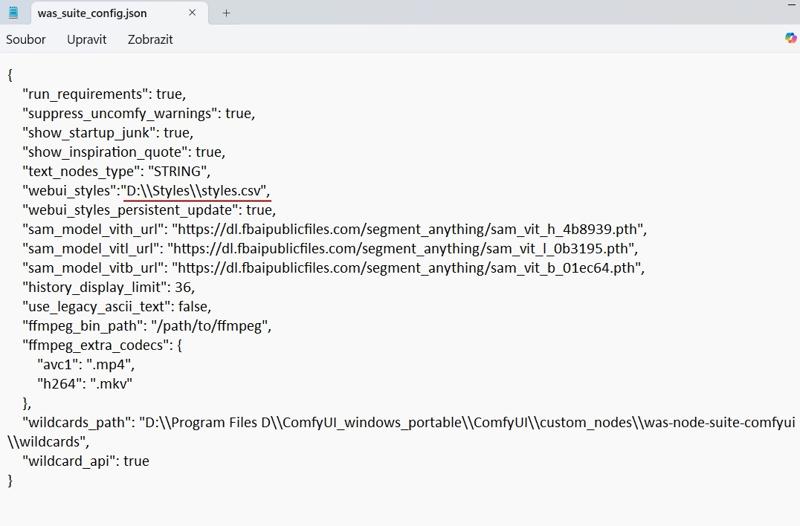 Important! You have to write another slash
"D:\Styles\styles.csv" - wrong
"D:\\Styles\\styles.csv" - good
In Notepad File and Save.
Here's a video tutorial from Pixaroma. It is for Flux but this process is the same.
STYLES
In the styles you will find styles from me and from Pixaroma.
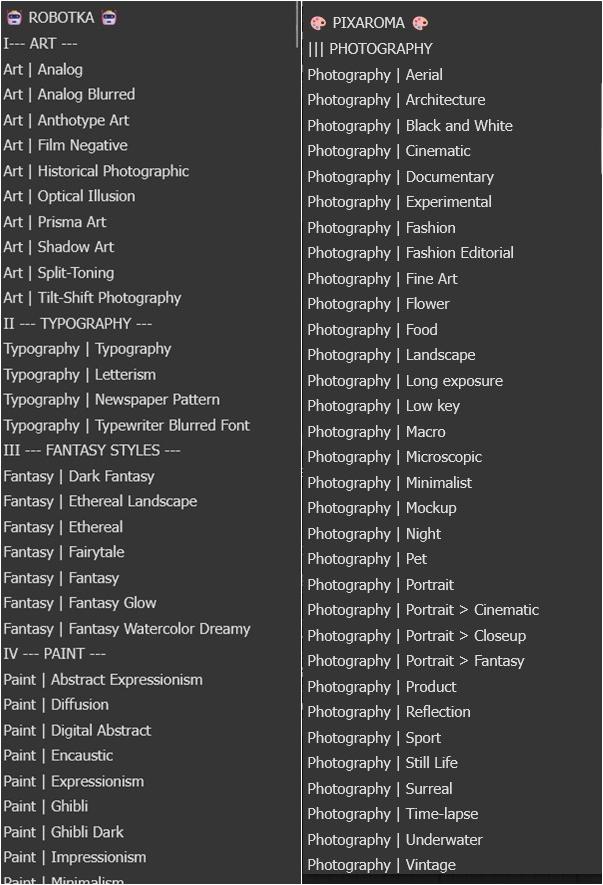
Examples
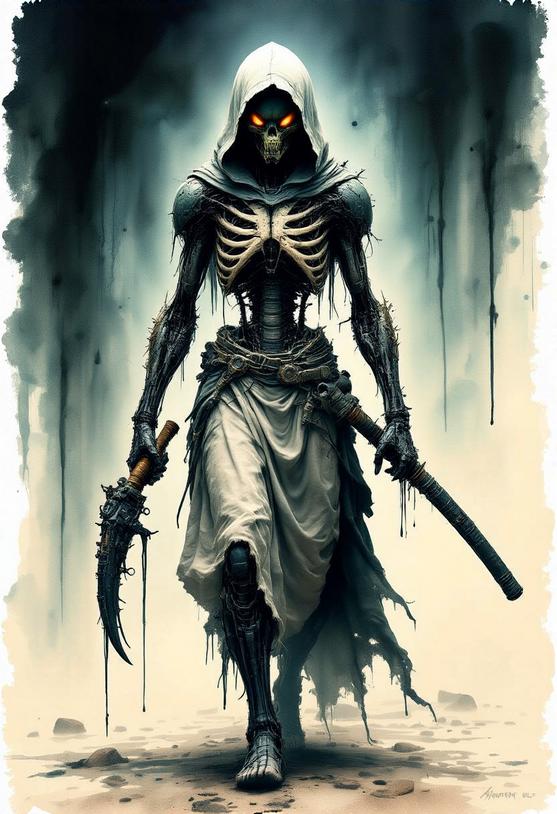
prompt: alien Ninja walking, hood, catana in his hand
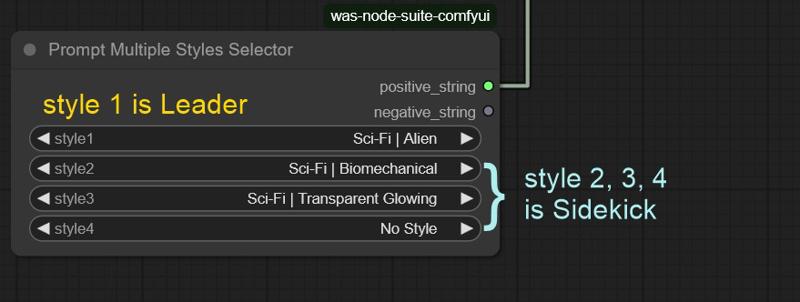
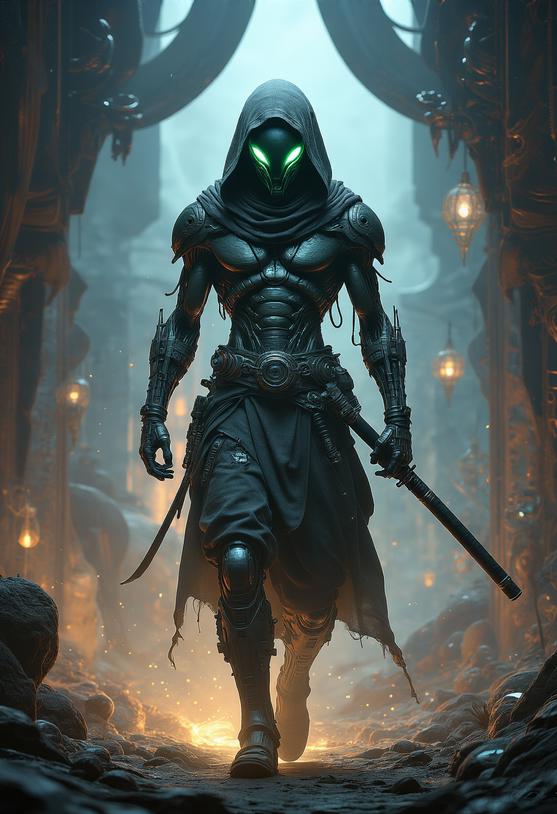
Prompt: Ninja walking, hood, catana in his hand
style1: Sci-Fi | Xenomorph
style2: Sci-Fi | Biomechanical
style3: Fantasy | Fantasy Watercolor Dreamy
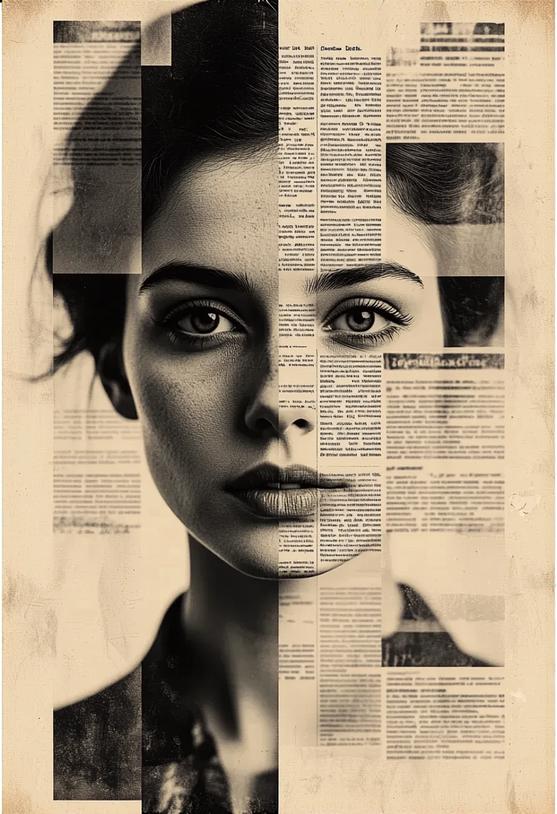
Prompt: woman's face covered with a pattern
style1: Art | Newspaper Pattern
style2: Art | Analog Blurred
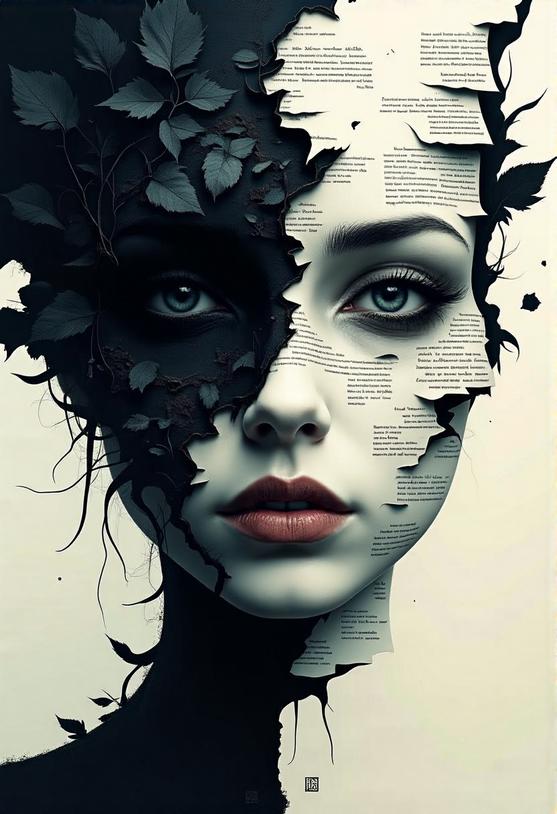
Prompt: woman's face covered with a letters
style1: Typography | Typography
style2: "Paint | Dark Ghibli
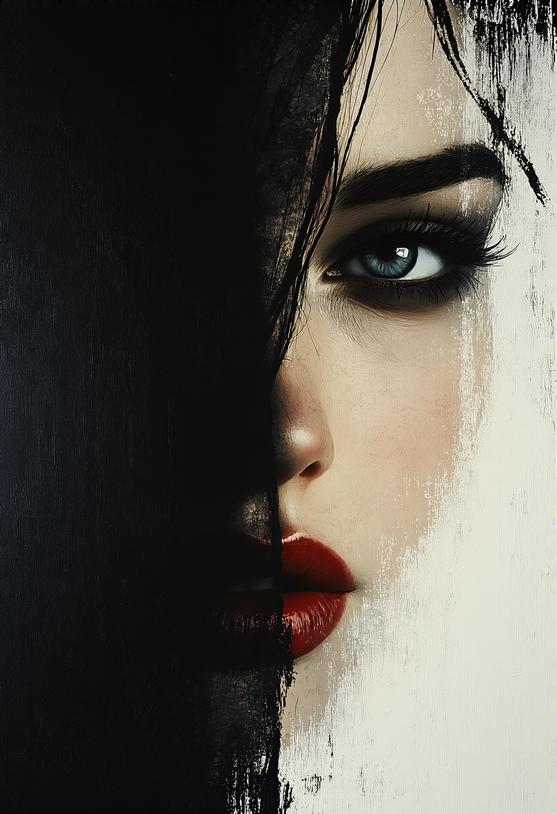
Prompt: "woman's face
Style: Paint | Tenebrism
Recommended generation settings
These recommended generation settings are different from those in the tutorial, but they work well for me.
Sampler
deis
uni_pc
dpm_2
Scheduler
kl_optimal
Steps
25
LINKS
THANK YOU to Pixaroma for his instructions and permission to use his csv file.
Description
FAQ
Comments (4)
Your styles screenshot has an error. You put the path surrounded by ' ' but you needed it to be " ". This took me 20 minutes to figure out but I have it working now.
Thanks a lot ♡ for⚡ @sweetmax797