


Create images of a character in other positions for LoRa training
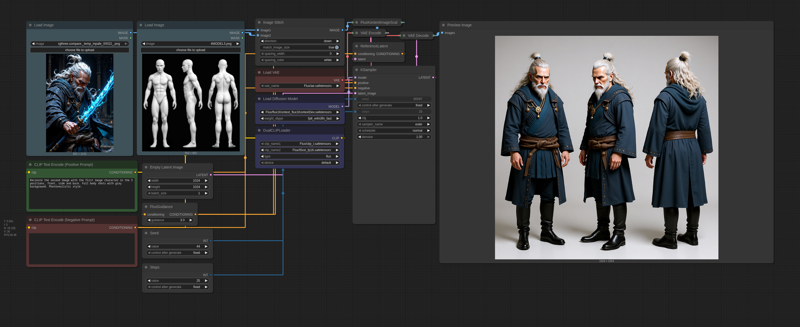
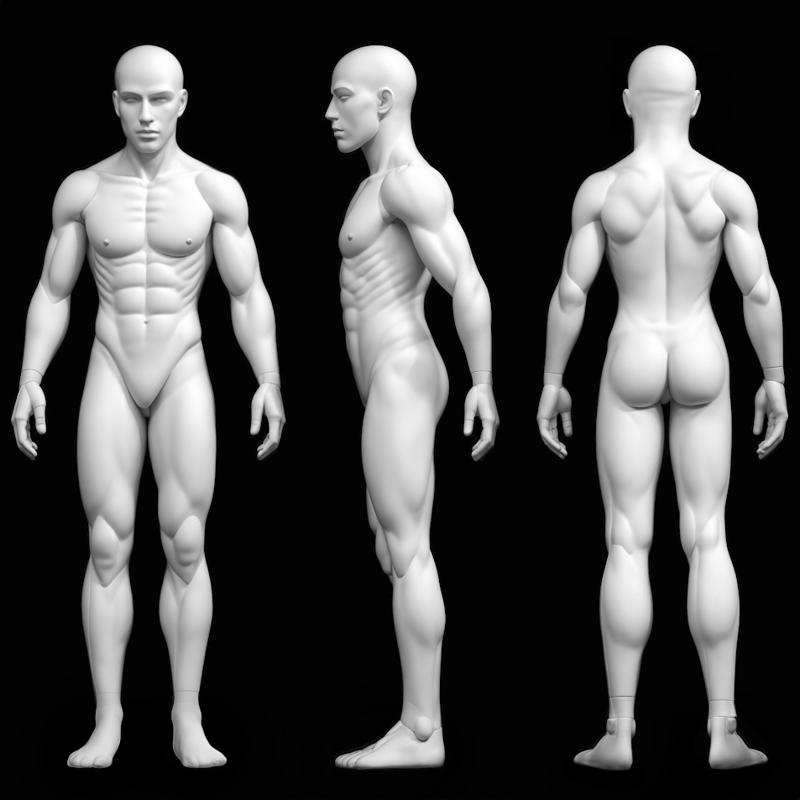
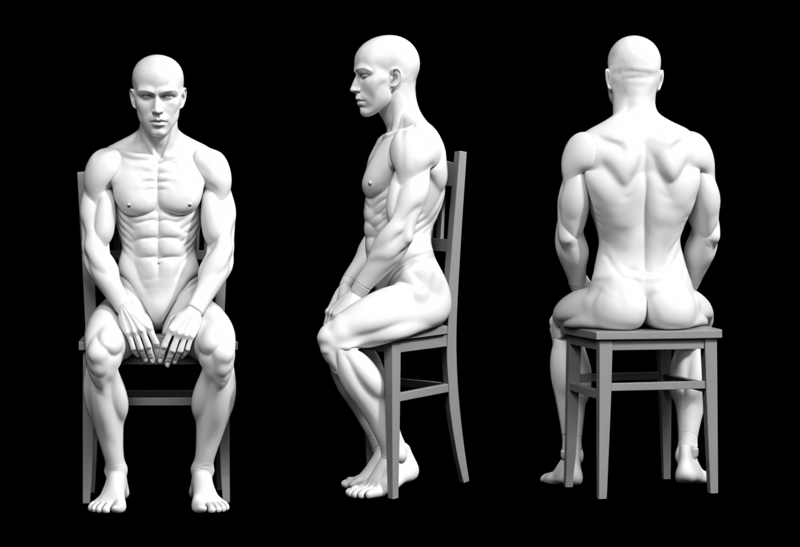
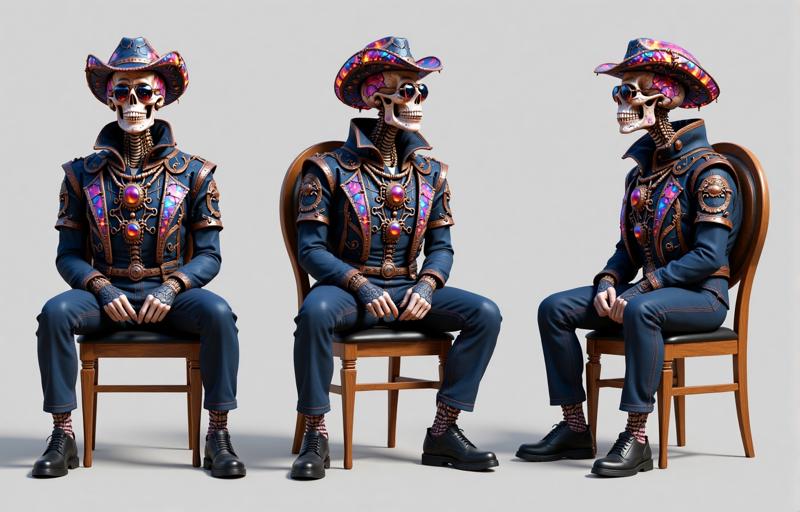
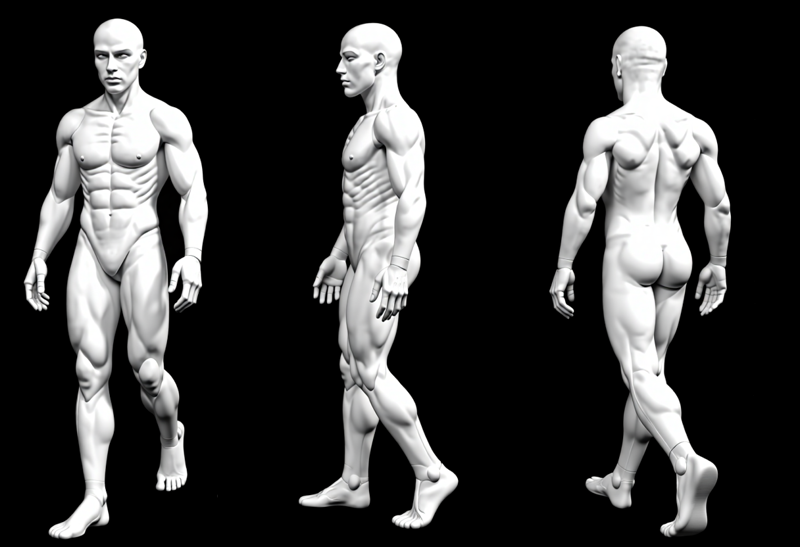
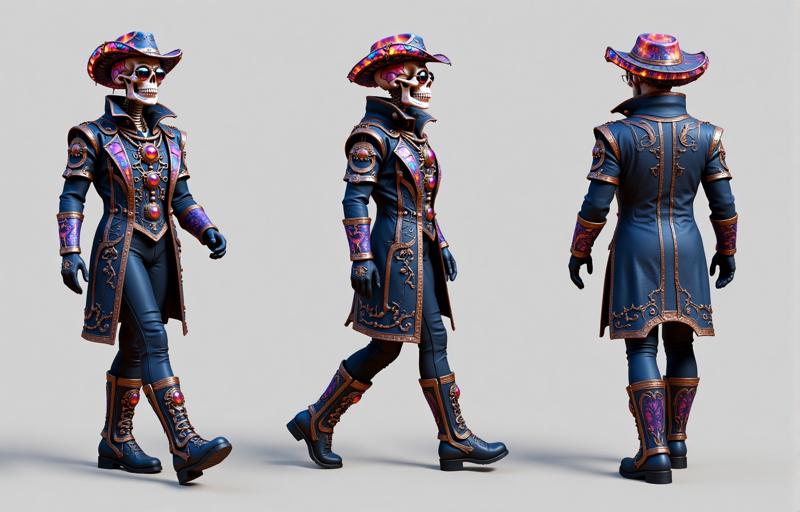
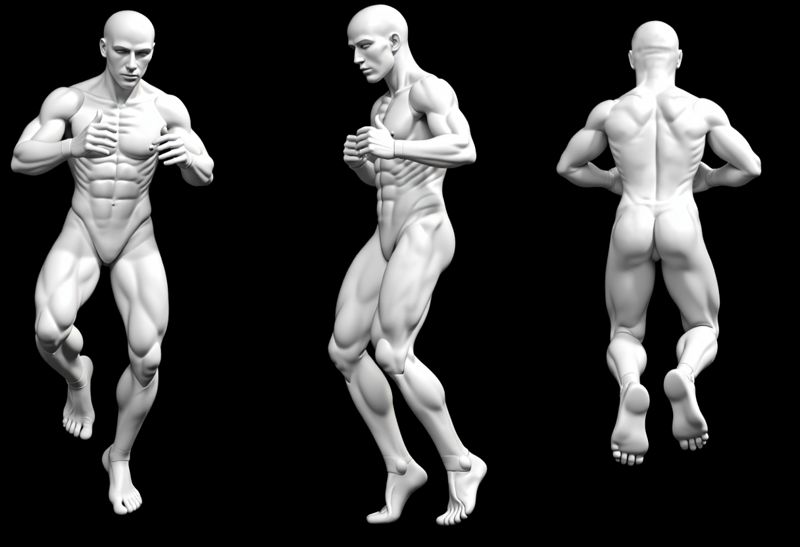
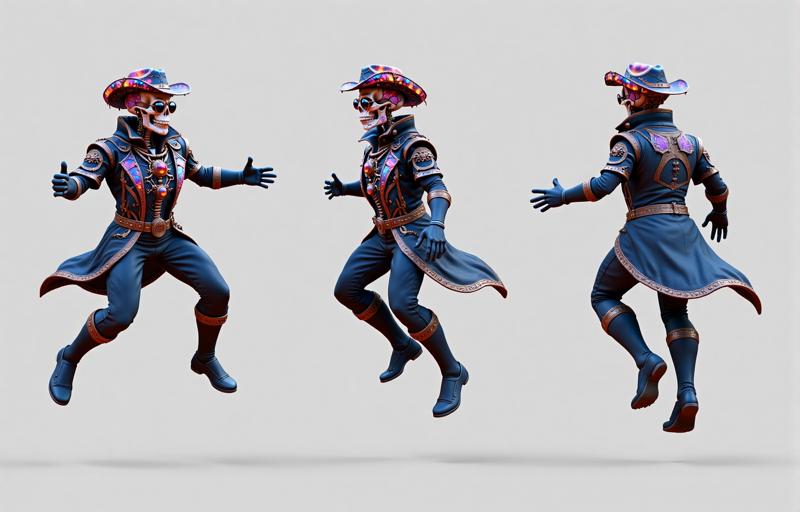
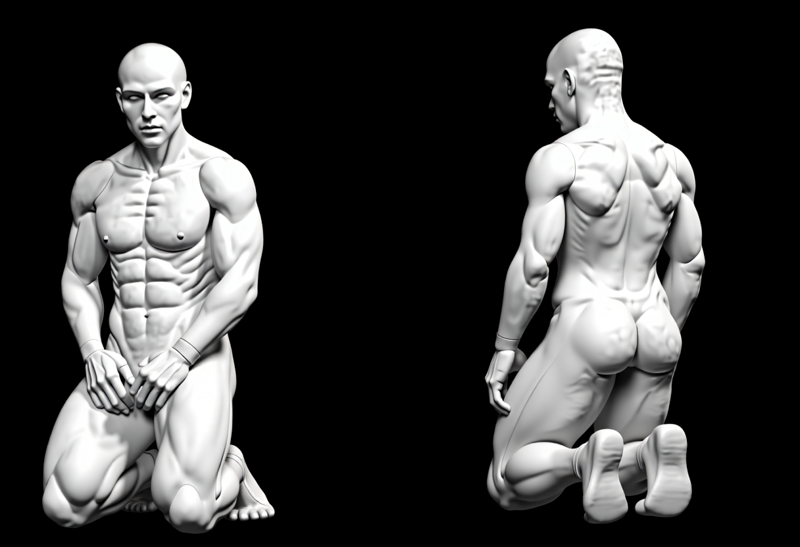
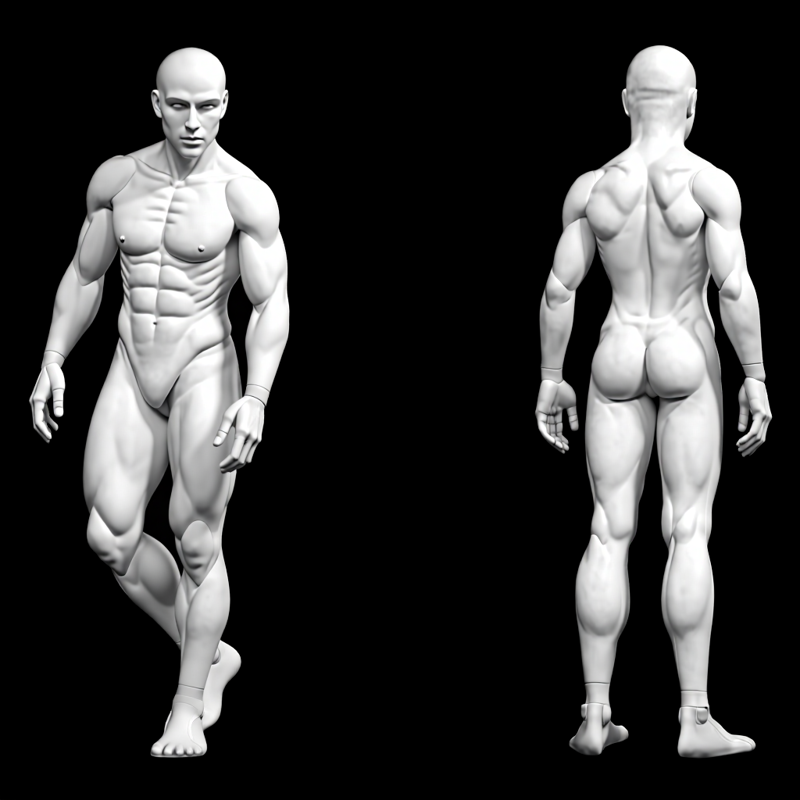 Some examples of prompts that I used to test.
Recreate the character from the first image in three anatomical views: front, side (profile), and back, matching the exact pose and perspective of the reference model on the second image. Maintain full consistency in the character's identity, including facial features, hair, clothes and accessories. Preserve the style, lighting, rich textures, and realistic anatomical proportions. Ensure that each new pose captures the same costume flow and detail placement from the original character design.
Reposition the fantasy warrior character into a new distinct dynamic pose while preserving all original details, including his face, hair, clothes and accessories.
Maintain the original style, lighting, and rich texture quality throughout all poses. Character anatomy, costume elements, and personality must remain consistent.
Walking Calmly:
Show the character walking forward at a relaxed pace, with a neutral or thoughtful expression. His hands can rest naturally at his sides casually. Clothes and hair flow subtly with the motion.
Standing with Arms Crossed:
Depict the character standing in place with his arms crossed over his chest, conveying patience or contemplation. Keep the body relaxed but firm, expressing wisdom or calm authority.
Looking Over Shoulder:
Show the character in a slight twist, glancing back over one shoulder as if reacting to a sound or presence behind him. This should be a subtle motion—no combat stance—just curiosity or awareness. Maintain natural posture and relaxed expression.
Sitting Pose:
Depict the character sitting on a stone throne or ancient bench, maintaining a powerful and composed expression. Clothes should flow naturally around the seated form.
Jumping Pose:
Show the character mid-air in an action-oriented leap, clothes and hair flowing dynamically to convey motion, and a focused, intense expression.
Running Pose:
Display the character in full stride, running with determination. The clothes trailing behind, and the body leaning slightly forward for momentum. Ensure proper motion blur or implied movement for realism.
Pointing:
Show the character with one hand extended forward, pointing to the camera.
Kneeling:
Depict the character in a solemn kneeling position and both hands resting on his lap. His expression should be calm or contemplative, suggesting honor, memory, or ritual. Maintain detailed costume flow and realistic weight distribution.
Defensive Stance:
Show the character in a guarded, battle-ready pose, feet planted wide, and body turned slightly sideways. His expression should be alert and prepared, with clothes and hair positioned naturally to reflect a tense, ready posture.
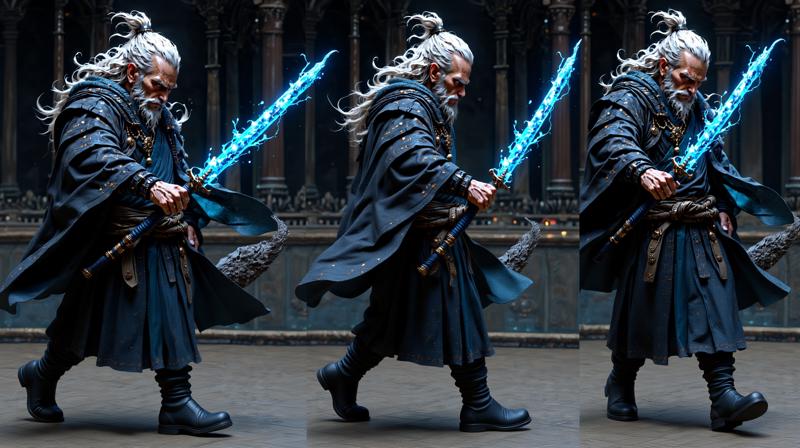
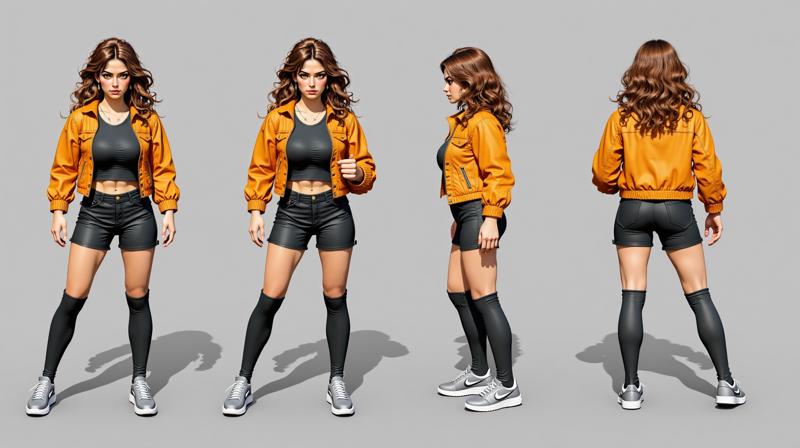
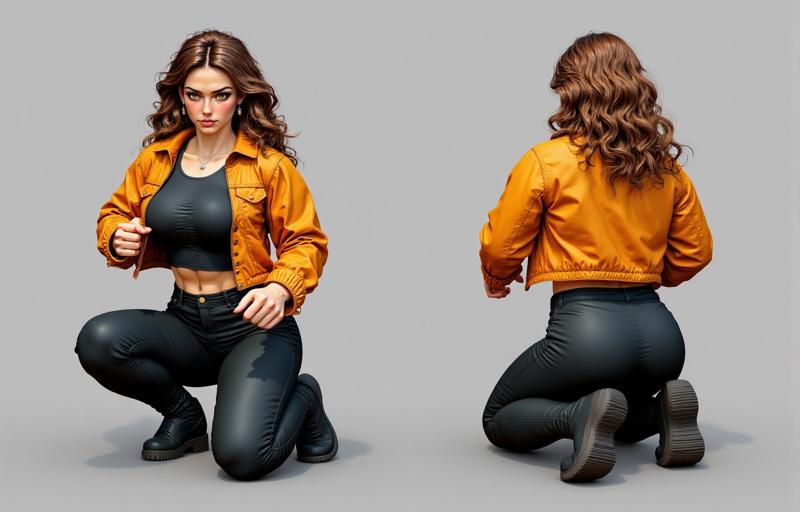
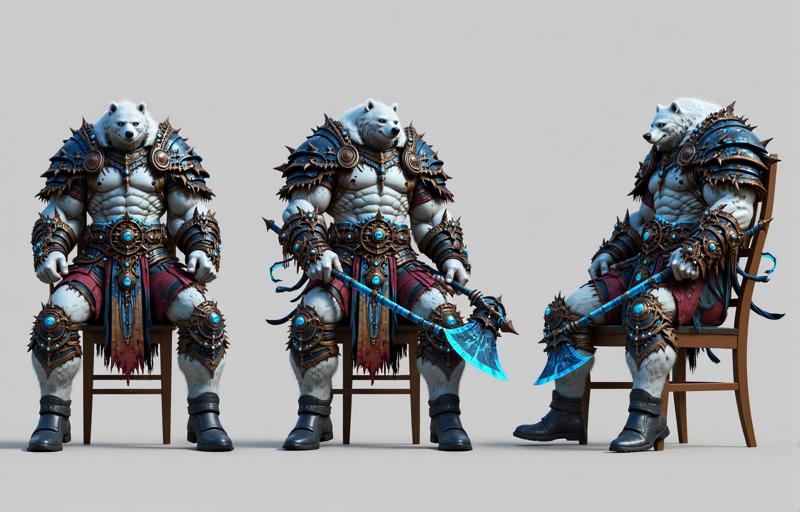
Description
Added 6 reference images for generations jumping, sit, kneeling, walking, casual posing. Some examples in the zip and some prompts.
FAQ
Comments (13)
This is fantastic. Thanks for making it! One minor fix. The V2 upper right (Kneeling-Male) says "exact pose of the reference model" instead of "exact pose and perspective of the reference model" and it made my character all white like the models. It appears that "perspective" part is important : )
I removed it because it was giving me trouble with some seeds and characters. But my prompts and reference models are just suggestions. I’m glad you changed them and got better results! And thank you for sharing it here, others might benefit from this advice too.
I’ve been thinking about creating a monster workflow with several more positions, prompts, and reference models, but I’m not sure if it might be too intimidating for beginners on ComfyUI. What do you think, would it be helpful?
alcaitiff Yes
This workflow doesn't do anything. You can delete/disable the turnaround image and Kontext will generate the same image because you're telling it to in the prompt.
It really depends on your original picture, the seed, the prompt, and the image size. Wider images tend to generate more characters, some seeds might not work well, and certain original pictures may not produce good results without a second reference image. After some testing, and keeping in mind that the model is still quite new, I believe it can be helpful and serve as a suggestion, at least from my humble perspective.
But thank you for sharing your experience with it, I truly appreciate it!
Cool
Nope. Broken as supplied-
(dont feel like fixin it either)
((...but I did fix it.))
It just needed A LOT of work- but it's now amazing.
Can't get this to work.. I just get:
Cannot execute because a node is missing the class_type property.: Node ID '#303'
Looking the node map you can see who is the 303, I think it is "Anything Everywhere" from the "
cg-use-everywhere" package
ok - I've managed to get both v1 and v2 to run.
But I'm finding although the new poses are picking up the clothing of the character, I'm getting the same skin colour, hair colour and hairstyle everytime regardless.
Hello, This is incredible. Thank you for this Workflow !! SD