





Important Note :
Use Positive embeddings in the Prompt section
Use Negative embeddings in the Negative Prompt section.
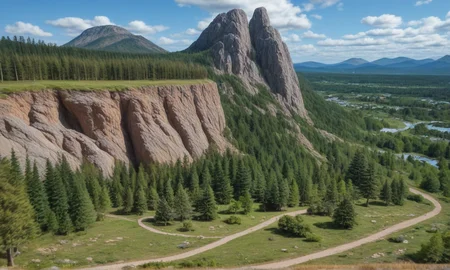
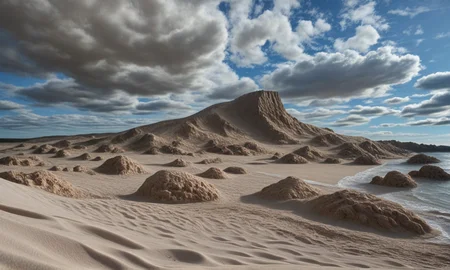
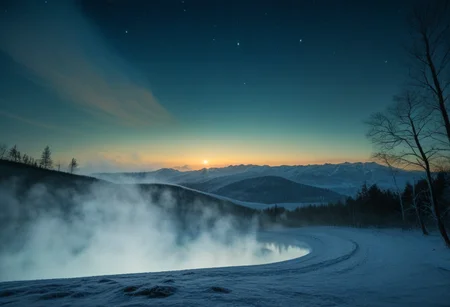
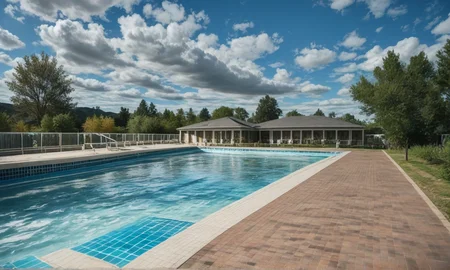
For guidance, check the images in gallery below.
Download New Versions here :
Stable_Yogis_PDXL_Negatives2 :> https://civarchive.com/models/1331758
Stable_Yogis_PDXL_Positives2 :> https://civarchive.com/models/1331980
Loving this model?Get the Pro version of my models here for exclusive perks and early access to unique resources.
To discuss custom LoRa's or models, feel free to connect on Discord.
👍 Like this model to keep me motivated and inspired to create more!
💬 Drop a comment and let me know what you'd love to see next.
🌟 Review this model to help me improve and make even better creations.
🔔 Hit that notification bell to stay updated with my latest models and updates!
1: NEG_EMBED_STABLE_YOGI V1 (For SD1.5, Too old now - please switch to V3)
2: NEG_EMBED_STABLE_YOGI V2 (For SD1.5, Enhanced Negative Embedding)
3: Low_Quality2xx_ By_Stable_Yogi (For SD1.5, Quality Enhancer Negative Embedding)
4: Low_Realism_2xx_By_Stable_Yogi (For SD1.5, Realism Enhancer Negative Embedding)
5: Realism_Quality_2xx_By_Stable_Yogi (For SD1.5, Realism + Quality Enhancer Combined Negative Embedding, Low_Quality2xx_ By_Stable_Yogi + Low_Realism_2xx_By_Stable_Yogi)
6: Morenegative_Stable_Yogi (For SD1.5, Bonus Negative Embedding!, This was for personal use)
7: NEG_EMBED_STABLE_YOGI V3 (For SD1.5, New Updated Negative Embedding - can be used with Morenegative_Stable_Yogi, Low_Quality2xx_ By_Stable_Yogi, Realism_Quality_2xx_By_Stable_Yogi, Low_Realism_2xx_By_Stable_Yogi for regular images, please test the image quality and decide which embedding are giving good results together. For only female photography use this embedding with influencer tools , see image examples.)
8: Stable_Yogis_PDXL_Negatives (PDXL Negative Embedding + only for realistic Image, Dont use With Anime, Cartoon or Art Styles)
9: Stable_Yogis_PDXL_Positives (PDXL Positive Embedding, keep this at beginning of your prompt, + only for realistic Image, Dont use With Anime, Cartoon or Art Styles)
10: Stable_Yogis_Animetoon_Negatives ( Good with Anime, Toons, and realistic images )
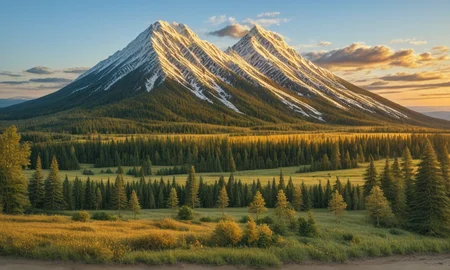
11: Stable_Yogis_Scenery_Positives ( Great for realistic scenery images )
12: Stable_Yogis_Scenery_Negatives ( Great for realistic scenery images )
For Best Results use with my Detail sliders and my Checkpoints
Description
🔹 Scenery Refiner: Removes unwanted elements in outdoor and landscape images.
🔹 Realism Focused: Suppresses unrealistic details for lifelike scenery.
🔹 For Photographers: Ideal for refining scenic shots.
🔹 Works well this SDXL, PONY and Illustrious
FAQ
Comments (34)
How do you use the negative prompt when the CFG is set to 1 for the fast models? the negative prompt greys out when I set the CFG to 1
Not sure, try CFG 1.01, check if that works.
Can't choose animetoon one with Pony model on site
I understand, when uploaded, it was added as Base Model SDXL 1.0.
So it will show up with SDXL Checkpoints.
Locally It Works on Both PONY and SDXL.
Another excellent resource from The Yogi. Works a treat with Cyberrealistic Pony especially with dark fantasy style art.
Thanks a lot for the Feedback. 👍
This is best negative embeding for Pony avaible. But its hard to find if i reccomend it for somebody, standalone page would be nice to see.
Sure, i will check with the moderators if we could do that now.
thanks.👍
How do I use these embeddings? With the Loras? Newby here.
@anthonirox you put it in embeddings folder and then you can either copy the name of the file and put it in negative or positive prompt regarding what version you have OR you can put it in prompt by clicking on it inside of your AI where should be embedding tab.
@magmirant0011 Ok, thanks!
only have one file, neg, how to put pos in pos prompt ? where is pos files bro ?
If you are using on Realistic Images then use this in positive. https://civitai.com/models/177792?modelVersionId=775151
if you are using with Cartoon anime, just use the Animetoon neg.
@Stable_Yogi You didn't answer the question.
This is the positive file https://civitai.com/models/177792?modelVersionId=775151
this is the negative file https://civitai.com/models/177792?modelVersionId=772342
@Stable_Yogi Hello,
What do we need to do with the files? There's no guide telling where to place them or how to use them. Explain where to put these files. Can you share the ComfyUI workflow as well?
@Desecrated Put the files in stable-diffusion-webui-forge\embeddings
Currently only Forge ui based images, just use Forge ui>PNG info to learn the image meta data and generate accordingly.
@Stable_Yogi Thanks so Much!
Hi Guys,
this is the link to Negative file https://civitai.com/models/177792?modelVersionId=772342
This is for the Positive File
https://civitai.com/models/177792?modelVersionId=775151
sorry if this has been asked before, but will your PDXL embeddings work well enough with base SDXL models or do you recommend against that?
@shapeshifter83 They work well with SDXL and Pony
For illustrious and SD1.5 i have specific embeddings.
@Stable_Yogi thanks
How to use these positives and negatives embedds in Fooocus? I've downloaded to the embeddings folder but I just can't find them in any settings in Fooocus.
@shapeshifter83 All XLModels will work well, including Pony and illustrious
@Stable_Yogi Ok, thank you!
@Stable_Yogi just so you know, the images are going great, but the other way arround: beautiful shots with only your Realism_By_Stable_Yogi checkpoint and a simple prompt, and not so great if I put (embedding:Stable_Yogis_PDXL_Positives:1.1) in the positive prompt and (embedding:Stable_Yogis_PDXL_Negatives-neg:1.1) in the negative prompt. Actually I don't care anymore, because I'm already getting the best results anyway, but again, just so you know :)
@anthonirox Thanks for the kind words. Most Embeddings work great with A1111 and Forge, comfy and Focus do not give best results.
@Stable_Yogi ohh maybe that's why. Anyway, the shots are beyond great with just your checkpoint alone. Cheers!
@Stable_Yogi Friend, where are the positive and negative prompts installed and how are they used in Forge? I can't figure it out. I've been trying to get it to work with Realism_Illustrious_By_Stable_Yogi but I can't find anything. I can't find any tutorial on how to get the prompts to work.
@ElPanaFresco69 for the Illustrious models
use the special illustrious embeddings
https://civitai.com/models/1028256/stableyogisillustriouspositives
https://civitai.com/models/1028231/stableyogisillustriousnegatives
Put them in stable-diffusion-webui-forge\embeddings
For comfy ui add them to ComfyUI\models\embeddings
@Stable_Yogi Sorry for the newbie question, but where to put these positive and negative embed safetensor files in comfyui
@Abbas86 Put them in stable-diffusion-webui-forge\embeddings
For comfy ui add them to ComfyUI\models\embeddings
@Stable_Yogi Thank you for your help. Much Appreciated..