
Join The Tinkerer on Whop. Membership gets you early releases, private tools and a bunch of extra stuff.
👉 Join on Whop
💬 Join the community for support, free tools and early news on Discord
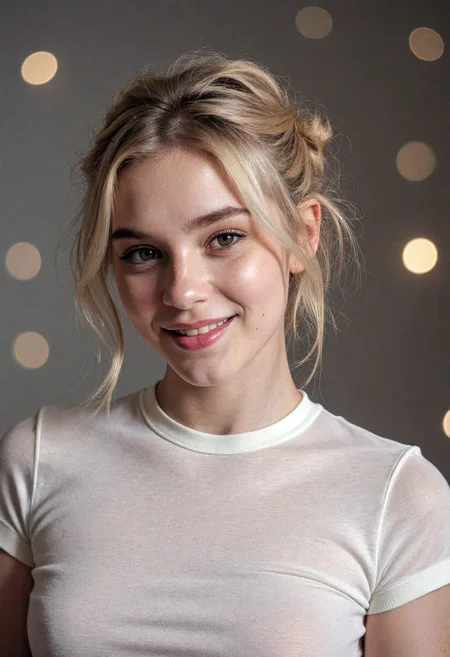
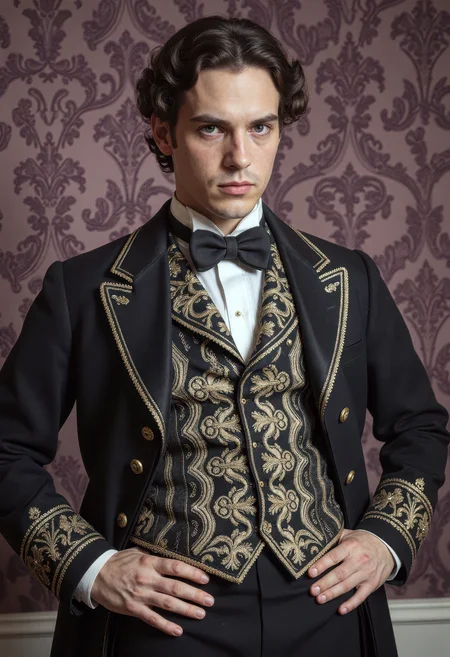
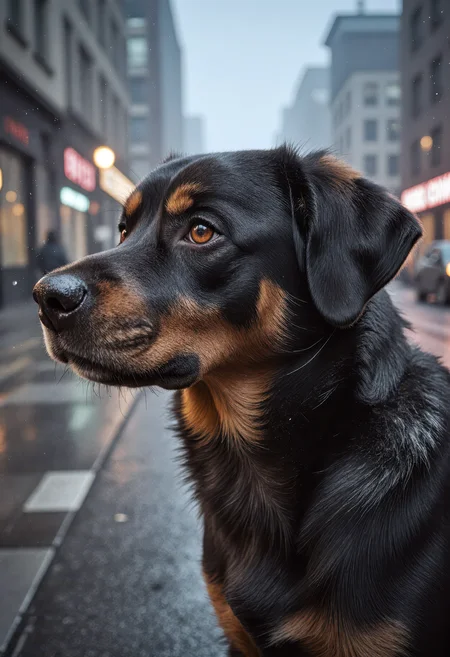
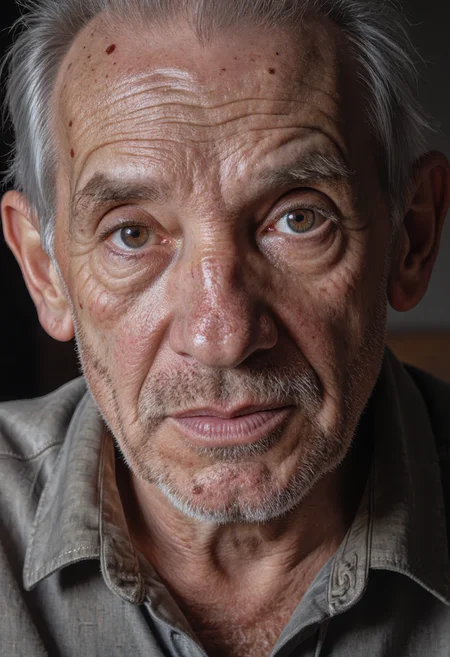
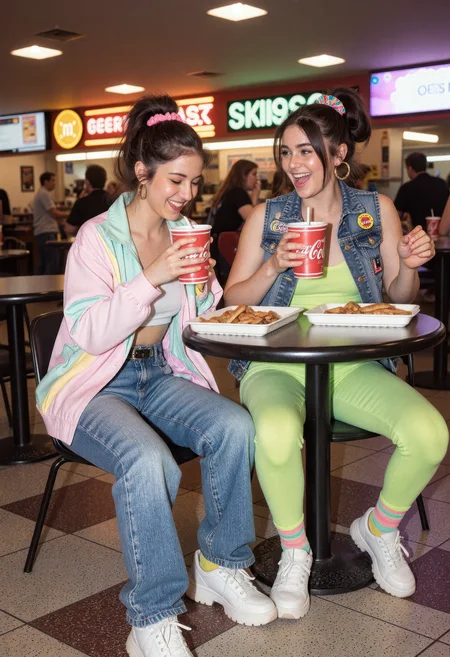
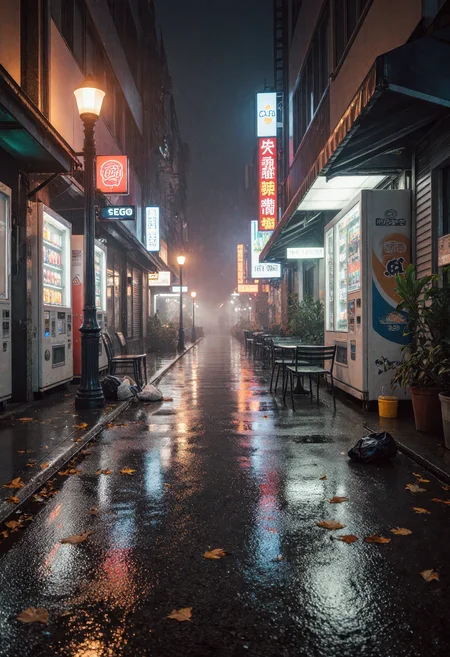
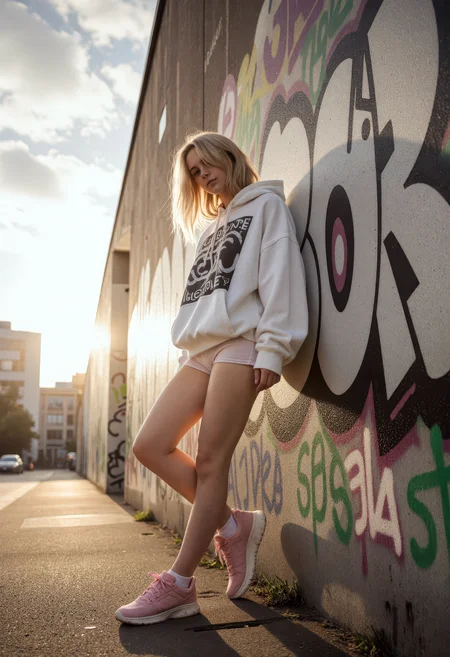
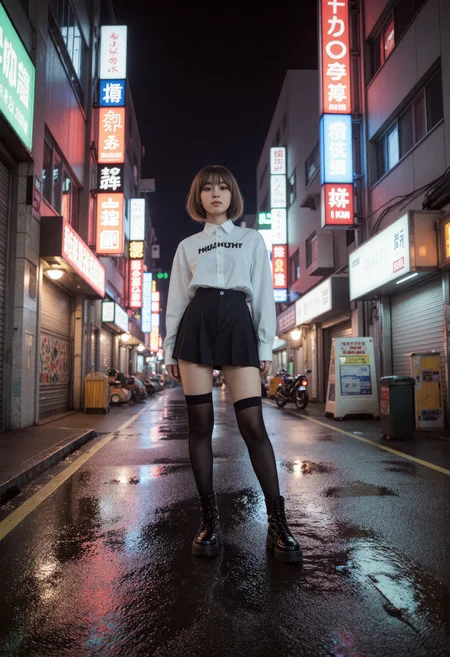
After a ton of requests, I’m finally rolling out CyberRealistic Flux (FLUX.1 dev)! It’s designed to make realistic images, both safe-for-work and not-so-safe-for-work. It’s not perfect yet, but it’s a solid start and sets things up for what’s coming next.
Heads up: The (non AIO release) doesn’t include clip models or VAE. You’ll need to grab those separately here.
(clip_lorg.safetensors = orginal clip_l file. clip_l.safetensors is the CLIP-SAE-ViT-L-14 one)
Settings I Use:
Sampling method: DPM++ 2M / Euler
Sampling steps: 20/30 Steps
Distilled CFG Scale: 2–3.5 (Samples were done at 3.5, but lower values often give better results)
⚠️ A Quick Warning:
This model can make mature or sensitive stuff. You’re in charge of what you create, so use it wisely (or at least get creative with it).
💬 Want Better Prompts?
There’s a custom ChatGPT that’ll whip up great prompts for CyberRealistic Flux:
🔗 [Try it now on ChatGPT]
Description
CyberRealistic Flux V1.5 takes everything from the original Flux line and cranks it up a notch. Now it plays way nicer with LoRA, so your workflow should feel even smoother. You’ll still get that crisp lighting, tons of detail, and natural vibes from V1.0, but this update fixes some common LoRA headaches. Whether you’re making SFW or NSFW stuff, V1.5 is built to be rock-solid and super flexible.
FAQ
Comments (37)
Differences between v1.5 ALL and v1.5 AIO?
AIO is a larger file, demands more vram maybe?
Thanks!
It's in the version description "This version includes the VAE and CLIP versions, so you don’t have to hunt down extra files - just load and create."
Cyberdelia Sorry, before asking I had only read the main text, didn't remember to check version description. My bad.
Haven't been using Forge, but will try your version. Thanks for sharing!
PrisX no prob! :)
FYI, the AIO may be a larger file size by itself but because it doesn't need to load the VAE and CLIP separately, it can take up less VRAM overall and be quicker.
The model is held in ram and the vram holds process data. Why is that everyone insists that the model is held in the vram? I run flux models larger than my vram.
Hey, I'm getting different results for the sample images you have attached, using "PNG info to txt2img" on Forge. Using CLIP and VAE from https://huggingface.co/cyberdelia/FluxTextEnc_VAE/tree/main
Hi. Your AIO looks promising. Unfortunately I do not have Forge, but ComfyUI. So I'm wondering how this AIO may work with ComfyUI. I do not know any UNet loader which also extracts the VAE and Clip. With SDXL or Pony etc. no problem, it's standard for such model loaders. But for Flux? Do you have/ know any custom node for that? Thanks and regards 😀
Good question and I would think that it should just work in ComfUI. Granted, but hopefully there are ComfUI experts who can say something more meaningful about it.
Hi! Not an expert so here's my very simple ComfyUI setup that I use currently: https://new.imagehostx.com/upload/2025/08/06/cyberflux_1754483882.jpg Gotta remember to put the CyberAIO model in the "checkpoints" folder and not the "diffusion_models" folder so the "Load Checkpoint" node can find it, hope it helps!
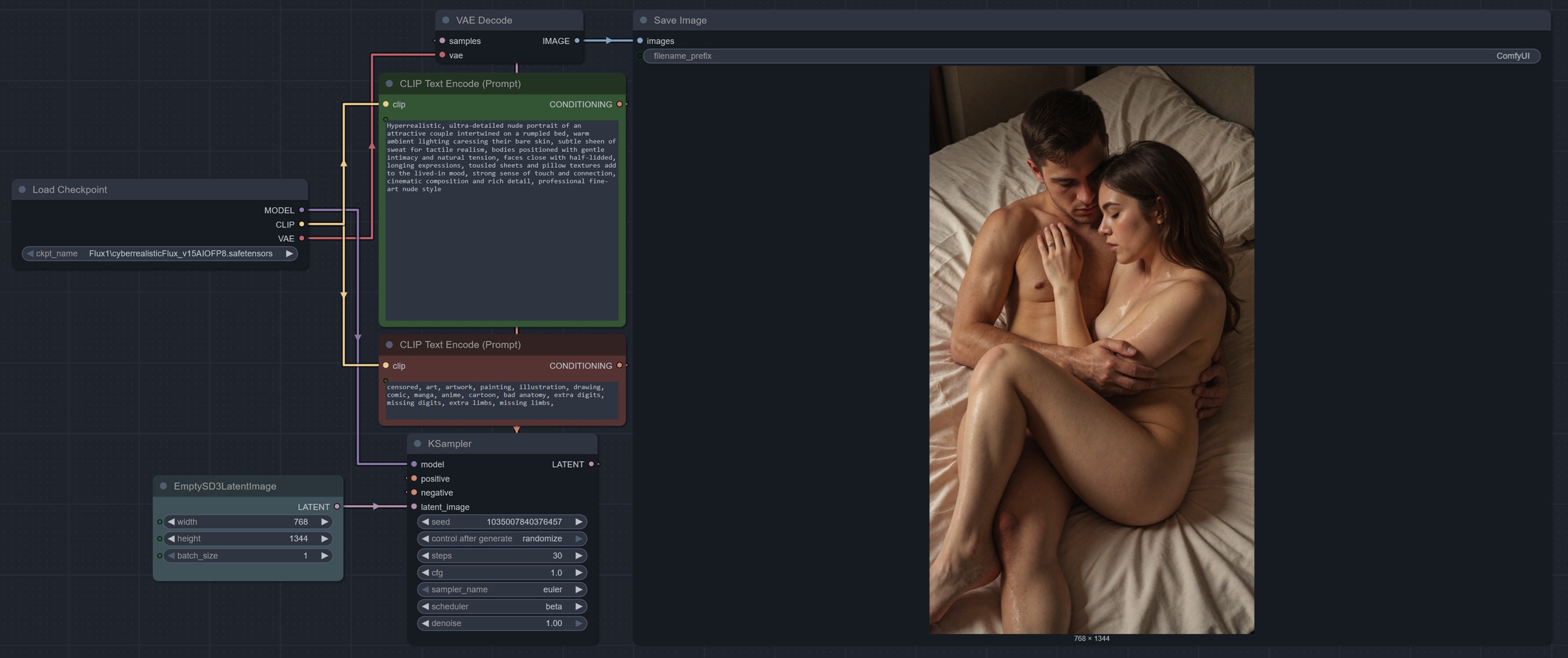
miewski
Hi. Thanks a lot. Sometimes it can be so easy 😉
Yes, this hint is very helpful. So I moved the file among the other PDXL checkpoints and now I can use it and it works like a charm.
Best regards
Does this checkpoint not like character loras? Makes the skin look scared and old. Tuning down the weight of the lora helps, but to the point the lora gets lost in the sauce. Any recommends?
This is very good but it would be great if it could do penis as well
I made a comment about the quality, I thought I had solved it, but unfortunately the quality problem persists. Pixelation, excessive grain, blurred textures. I don't understand what the problem is. This problem persists both with and without Lora. Same with standard settings, same with different alternative settings. Why is this problem
I agree, have the same problem.
Are the results different then the samples?
Cyberdelia Yes. Version 1.0 was better than your new first FLUX version. The textures were more realistic and clear. But there is a problem with this latest version 1.5. It gives continuous pixelated, high grain and blurry images. Both with LORA and without LORA the result is the same. Also Eular Beta, Eular Simple, Eular DDIM, Eular Normal, Dppm2, DPM, all settings give the same result.
cyberandra Ok, that’s unusual. I actually removed two components and added some new training to improve LoRA support. I haven’t encountered the issue myself, but I’ll look into it further.
The new version has an extreme more analogue photo style with unsatured colors, grain and blur. I´m no sure its wrong, it´s just different to version 1.0. The problem is that a lot of results don´t look good, especially because of the bland colors and blur. It´s not possible to get a picture with vibrant colors and sharpness now. Loras intensify this effect extremely. Without Lora it´looks like in the samples.
sam345 Exactly
Cyberdelia Please I beg you, bring a version improvement that will bring back the clarity and quality. I love the CyberRealistic series. I was excited waiting for the new FLUX release, but today I had a lot of setbacks and I'm depressed. I am sure you can fix this. Thank you Cyber.
sam345 There are custom Vae-s on huggingface, there is Vectorscope etc.
I experienced this on Comfyui. Seems updating nodes helps.
moonsoil That was it. Problem solved. Thanks a lot.
sam345 Check out the gallery below. Look at the photos people have taken and see for yourself. You will understand that this is a problem experienced by the majority. Thank you. Note: The problem has not been resolved.
Very impressive
Iam New so this is a very basic question: Do I get it right: This is a merge, meaning I put it in the checkpoint folder in comfyUI and load it with a checkpoint node and not in the diffusion model folder. BUT I have still to use a clip and VAE from the flux workflow?
Would be awesome to see an FP16 version. Would you consider releasing that?
Yes
Amazing! Im struggling to get a thin and skinny person. No prompting trick appears to work. Are there loras for that compatible with this model?
Try this
A gaunt man staggers through vast desert wasteland, emaciated figure with visible ribs and sunken cheeks, tattered clothing hanging loosely on thin frame, skin weathered and burned by relentless sun, cracked dry lips, hollow eyes showing desperate exhaustion, matted hair caked with sand, torn shoes barely holding together, trembling hands reaching forward, posture showing complete physical depletion, harsh sunlight casting sharp shadows, endless sand dunes stretching to horizon, heat waves distorting distant air, bleached sky with merciless sun overhead, scattered sun-bleached bones and dead vegetation, vultures circling in distance, extreme depth of field showing isolation, photojournalistic style, high detail on skin texture showing dehydration and sunburn, muted color palette of browns and yellows, film grain effect
how are your images always so sharp i tried your flux and pony models and i'm using an rtx 3080 10gb on forge ui and your images always look a lot sharper and better quality than mine and i also used hires still not the same results
I'm just downloading this now and jumping into it, but I would imagine that they use an ai upscaler as a final step to polish the natural image that generates from the model. Try to download one of the images and examine the workflow and see what they are doing. Then replicate that as best you can.
I use Ultimate Upscaler (https://github.com/Coyote-A/ultimate-upscale-for-automatic1111)
@Cyberdelia can you please tell me the usual setup for your ulitmate sd upscale script i tried watching a few tutorials and messing around with it myself but i still can't get the same result, thanks
@Cyberdelia i think i got it, check the most recent photos using this flux checkpoint