
** Latest version changes:
V1.2.2 adds automatic toggle for landscape/portrait derived from input image.
**
Based on WAN-KR this is a multi-clip workflow that can combine up to 4 clips.
Being that this is currently a simple feed of the last frame into the next clip it has the known drawback of losing context if something is covered up in the former clip. See the example clip where Hades Model covers her necklace and it changes form. Also sometimes the sudden change of movement between clips is noticeable because the AI as no memory of the movement vector - Still, often it does work pretty well.
HOW TO:
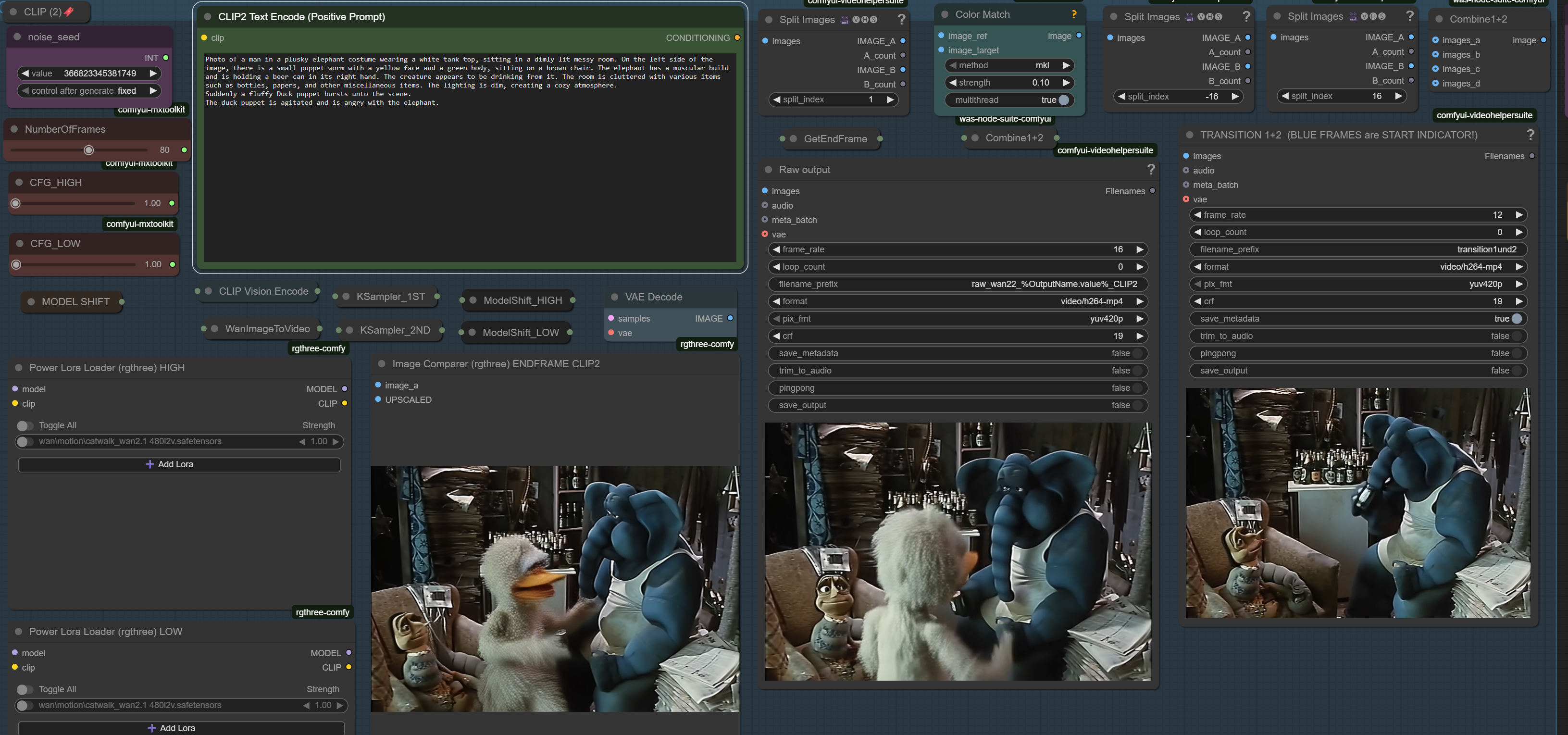
Generate your init clip. If satisfied enable CLIP_2, add your prompt, generate.
If not satisfied with clip 2, change the prompt or just the seed and regenerate clip 2, clip 1 remains untouched and needs not to be redone.
( Important: Do not start Comfy with "cache none", as this will disable the node cache too and this is the whole point of the workflow.)
If satisfied with clip 2 and the combination 1+2 preview, move on to CLIP_3, repeat procedure. Clip 1 and 2 remain untouched due to locked seed.
Optionally move on to clip_4, although you can always stop combining after 2 or 3 clips.
As final step, combine and optionally interpolate and upscale the result.
To use the resolution preset for Kijai selector node put the JSON with the custom dimensions into the ComfyUI\custom_nodes\comfyui-kjnodes\ folder. If you don't need all those resolutions just edit the file down.
If you have your prompts/storyboard nailed down and want to generate some complete clips without checking the transitions, you can simply set the initial seed to random/increment, keep the seed on 2+3+4 locked, enable clip2-4 as well as combine clip and then you can pipe several runs into ComfyUI pipeline.
Navigating this behemoth can be done easily with the Bookmarks/quick keys 1-9, I and K which can be customized. Also there are locked yellow group bypasser to jump back to control panel.
Depending on your machine you need to change the GGUF checkpoint from Q8 down to Q6, 5 or even 4. If you want the fp8 for whatever reason just swap out the GGUF loader to the normal one.
Q: Do I need all those Lightning/LX2V LORAs?
A: No. But if you ask 5 people which are best, you'll get 5 answers, like A,B, C or mix of A+B or whas it A+C?, so during testing I implemented the enabler/mixer for convenience.
If in doubt, just stick with either Kijai's latest or the seko variant from the Original team (all links in WF) - for now, until the next best thing comes along.
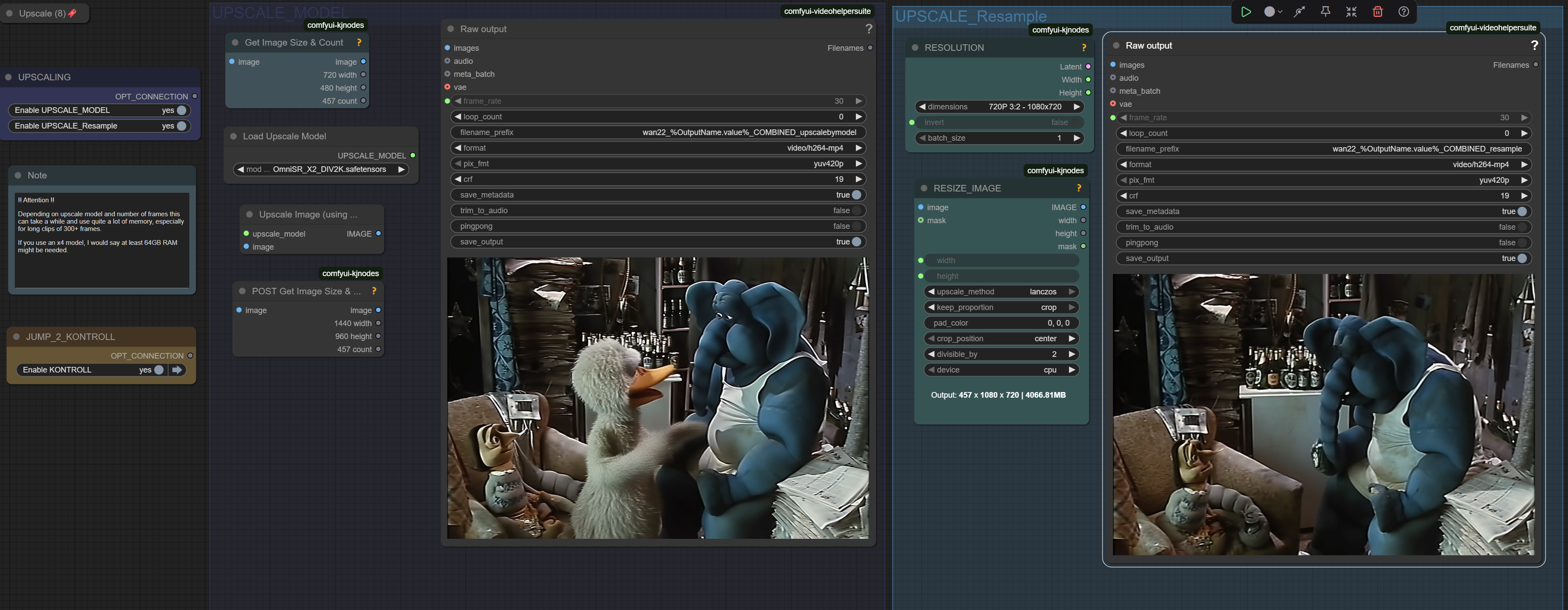
Upscaling a long and hi-res clip can be tricky on memory/VRAM. I would advise to not use a 4x model in that case. Even with 96Gb I got some swapping in some cases.
Description
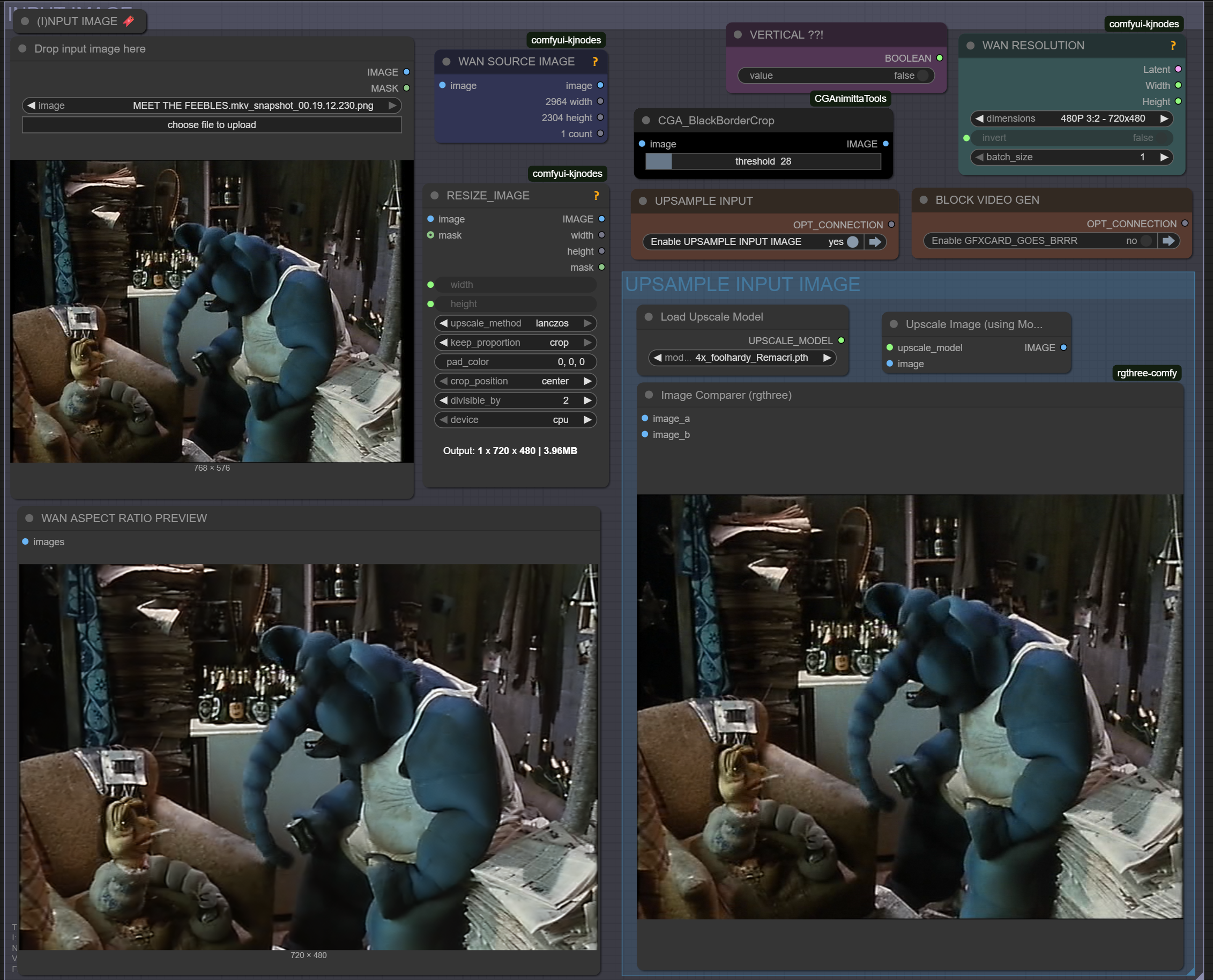
Added optional resample of low res input image as well as crop of cinemascope black bars
Optional upsample of end frames to mitigate loss of details in consecutive clips with A/B preview
Added possibility to mix several LX2V/Lightning LORAs with differing strength
Added LORA stack to all clips, so different LORAs can be used to create a story
Added transition preview of +/-16 frames at lower fps to check for janky/jumpy transisitions
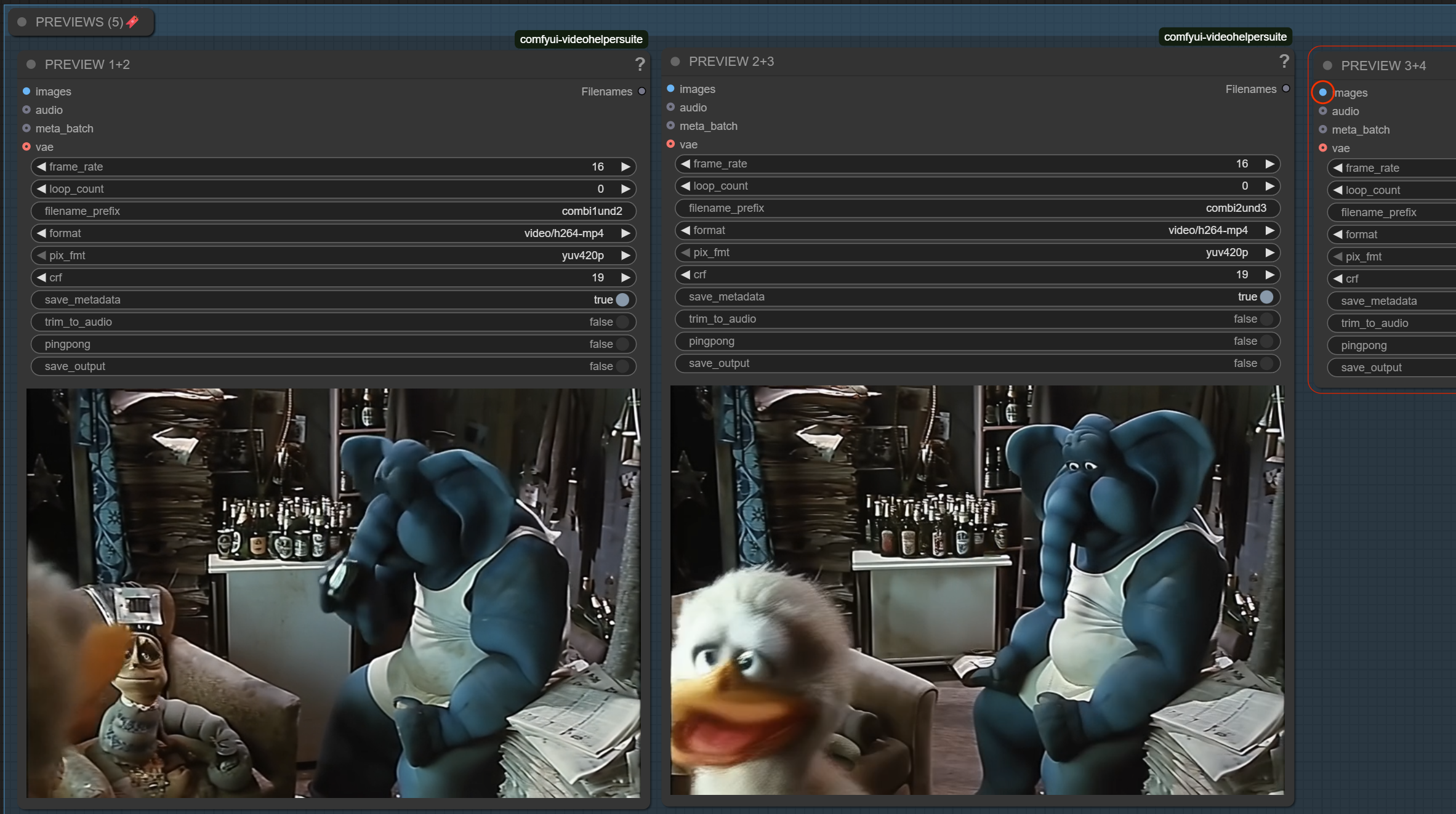
Previews for combination of 1+2,2+3,3+4 before final combine added.
Added GIMM VFI as pre upscale interpolation (supposed to be better than Rife)
Upscale now split into model and resample(Lanczos) for more flexibility
FAQ
Comments (9)
This is best long wan workflow what i have found, and it works fine with 20sec x 720p (24gb vram), other similar workflows have max 10sec / 720p and then oom. Hope new versions coming soon.. thanks
Thanks. Not too surprising as I use a 4090 with 24gb VRAM. Although with reduced resolution and a Q5 quant instead of Q8 it should also run well with lower specs. I hope I can condense all those tweaks to the workflow that I did since the last release in the near future.
Anyone tell me who the lady in the cover video is? Or is it a random character generated by the AI?
Which lady, the elf wizard, or the lady in snow? 1st was a remix with Z-Image Turbo of an older image I did. Passed it to Florence for captioning and used that as prompt for T2I. Then used that as input for I2V. 2nd IIRC is either Flux 1 or 2 based, have to look it up.
@gman_umscht The elf wizard, she is so beautiful. wow!
@BIG_A https://civitai.com/images/111977739 here is the image with workflow for zimg
@gman_umscht THX DUDE!
Comparison between raw 16fps multi-clip with uneven speed/slo mo VS. variable interpolation with GIMM to mitigate the effect here:
Example for variable frame GIMM interpolation (OG 16fps vs VFR 60fps) | Civitai
Automatic Landscape/Portrait aspect from input image is in embedded WF here: Video posted by gman_umscht. (Actually I f*d up and there's no metadata lol - use V1.2.2) .I finally got tired of forgetting to flip the invert switch. I'll try to update the zip file later, as this is not big enough to warrant a new release. (somehow did not work, released as 1.2.2)