

This is a ComfyUI workflow base on LCM Latent Consistency Model for ComfyUI
LCM is already supported in the latest comfyui update this worflow support multi model merge and is super fast generation.
For this to work correctly you need those custom node install.::
Need this lora and place it in the lora folder
Latent Consistency Model (LCM) LoRA: SDXL
Latent Consistency Model (LCM) LoRA: SDv1-5
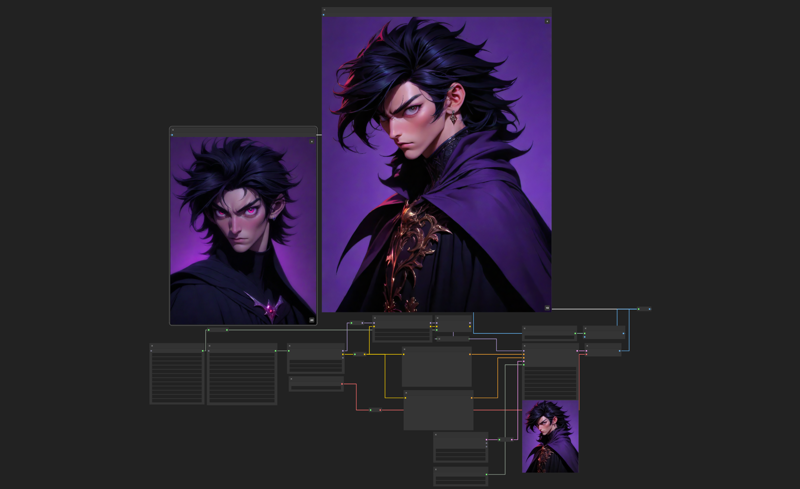
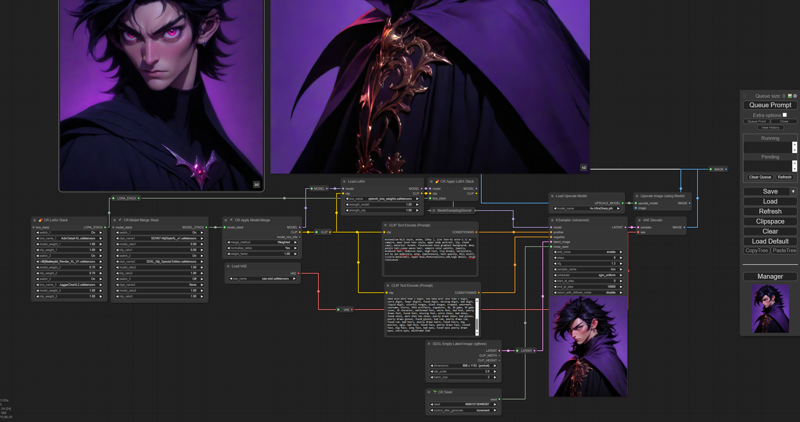
Hope you people like it...!
Description
🌟 LCM Workflow Highlights [V.1.2] 🌟
Multi Lora support :: CR Multi lora added
Multi ControlNet support :: All line extractor added, Fannovel16 Auxiliary preprocessor
Multi Model merge :: Support multiple model merge
Added CR image swith node for ControlNet
Added Image save with prompt two option ::
- Save image Prompt :: working for me
- Image save with prompt /info file (WLSH) :: Not working for me test it...
CR Latent input Switch
Wen loading this workflow install the required missing node.
Need to install ComfyUI Manager
FAQ
Comments (4)
Great workflow, but can't seem to get the image save with prompt file working, it's just a red box, but shows no missing nodes and downloaded all the models. when i double click and try to use image save with prompt/info, it won't even show up
You need to update WLSH node pack there is a bug in the save prompt node
And install missing node if asked
@nolascokiko249 How, reinstall, search for the update, delete and clone from github and no missing node loads. it's just the nodes with info that don't load.