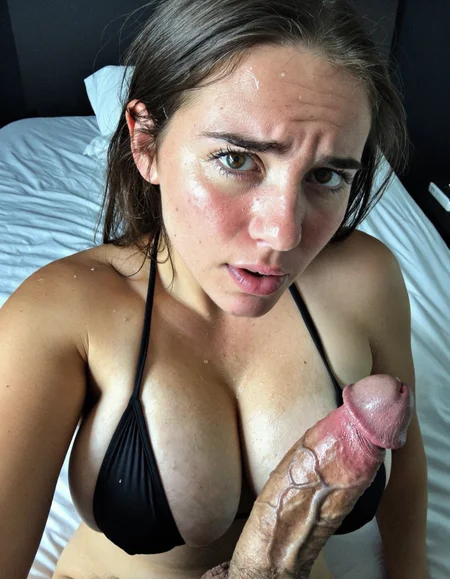
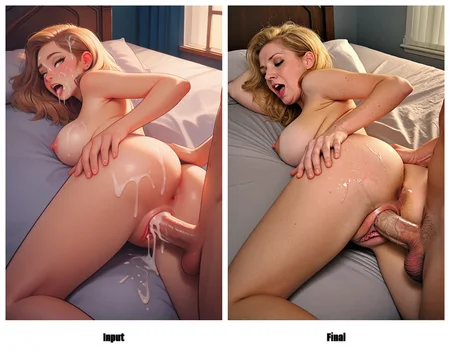
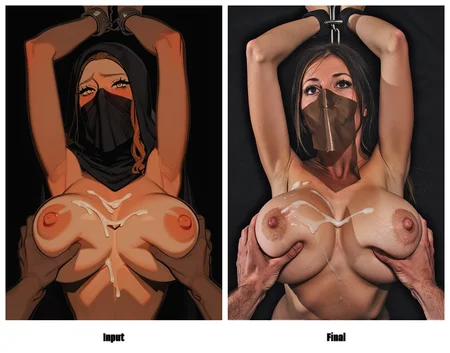
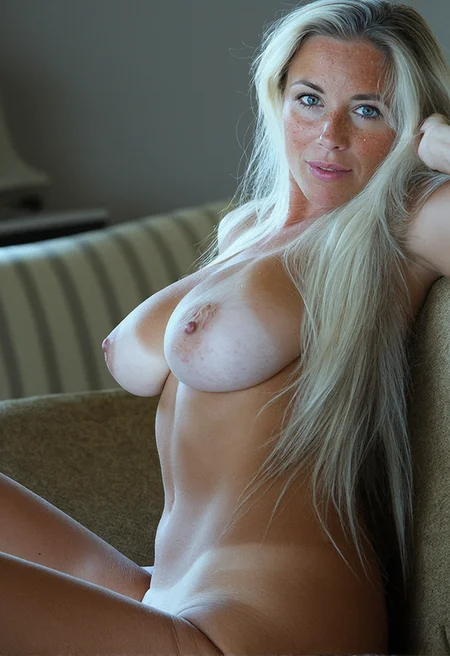

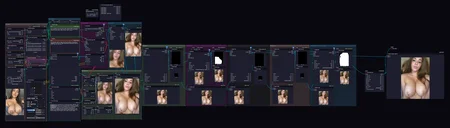
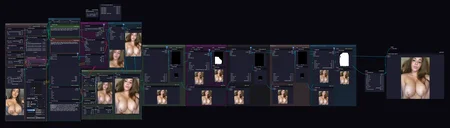
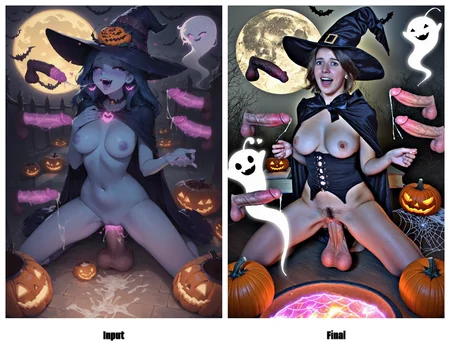
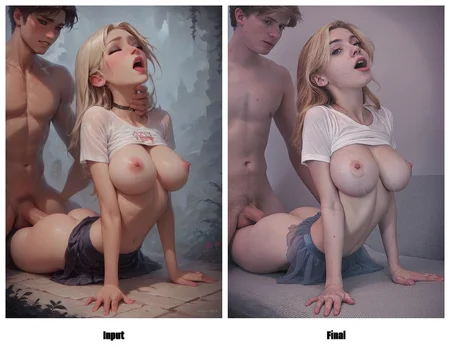
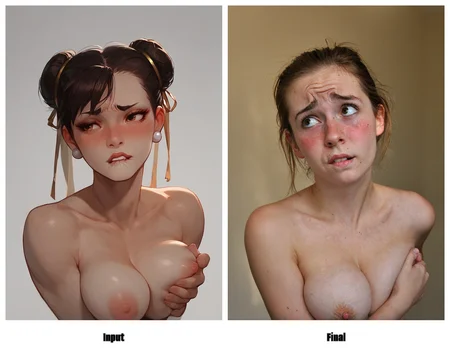
This Chroma workflow allows you to:
Load an image from Civitai or locally
If the image has a prompt or tags, it uses this as a starter prompt to feed into Ollama Locally
Either way, Ollama will refine the prompt based on image and the metadata into a descriptive natural language prompt, including NSFW components
Lora stack added
The image is also run through controlnet with customizable settings
After the first sampling is complete, the image is then run through 5 Detailers, you can toggle these or change the Bbox model they are using for detection, for now it details:
Face
Vagina
Breasts
Penis
Overall
From here, the image is put through a slight fine grain addition to be saved.
To edit a detailer, click the subgraph expansion icon on the top right of each detailer, so you can make modifications like changing the detection model, prompt for that detailer etc.
You can swap out the LLM for a different node if you like, such as Gemini API
You can replace words it finds in the original image prompt BEFORE it goes through LLM prompting but also AFTER in the final LLM prompt you can also find/replace words. Eg Blonde to Ginger.
Custom Nodes that are active:
Description
FAQ
Looks like we don't have an active mirror for this file right now.
CivArchive is a community-maintained index — we catalog mirrors that volunteers upload to HuggingFace, torrents, and other public hosts. Looks like no one has uploaded a copy of this file yet.
Some files do get recovered over time through contributions. If you're looking for this one, feel free to ask in Discord, or help preserve it if you have a copy.