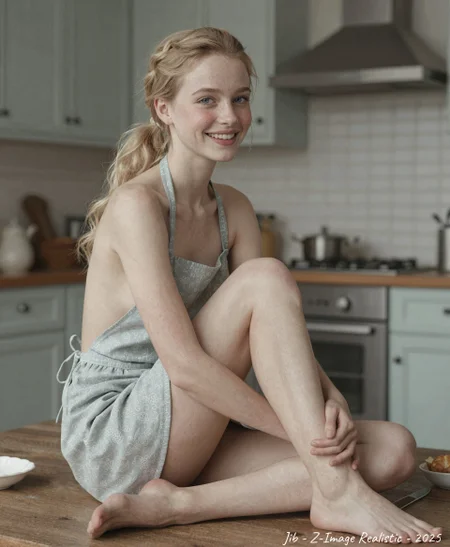
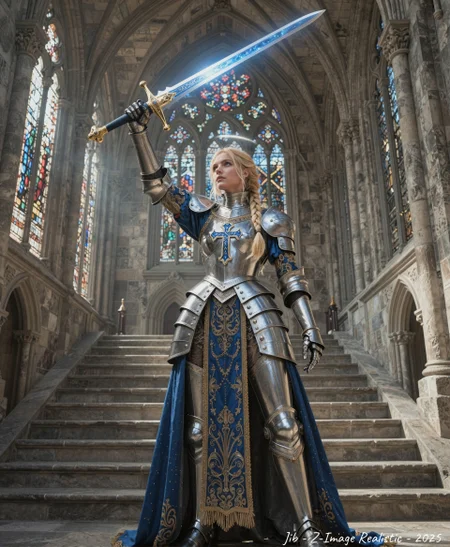
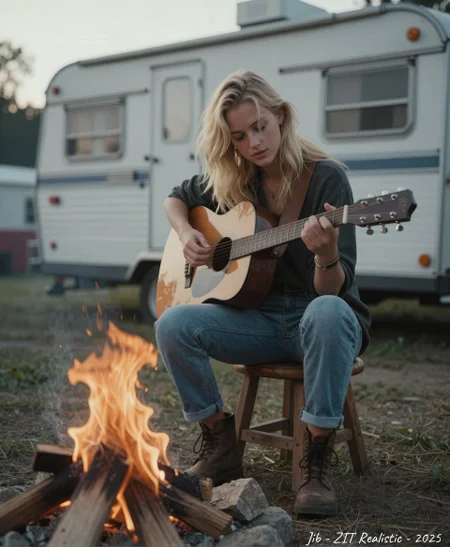
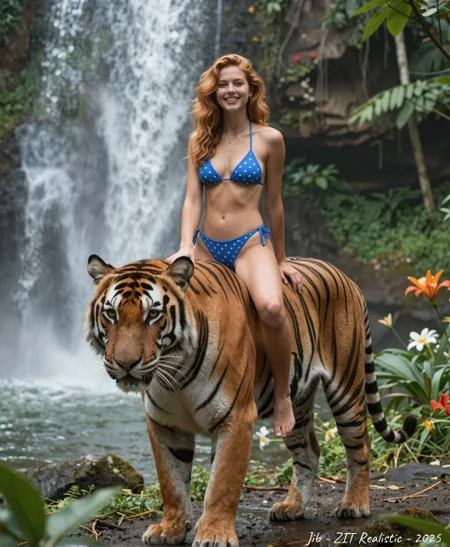
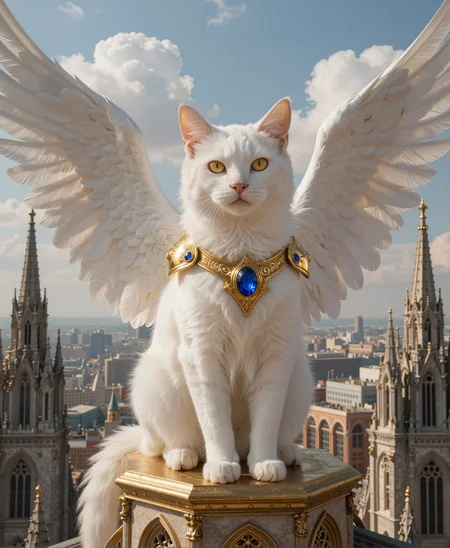
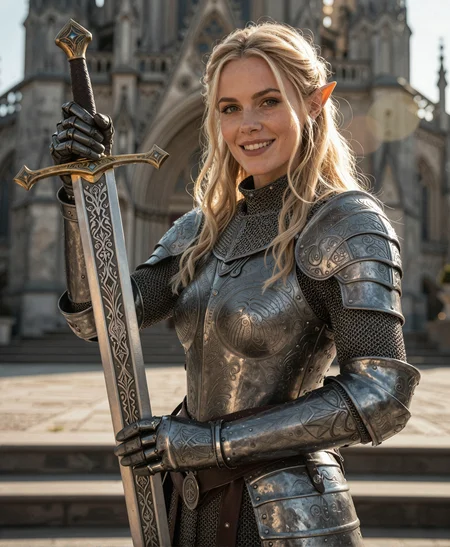
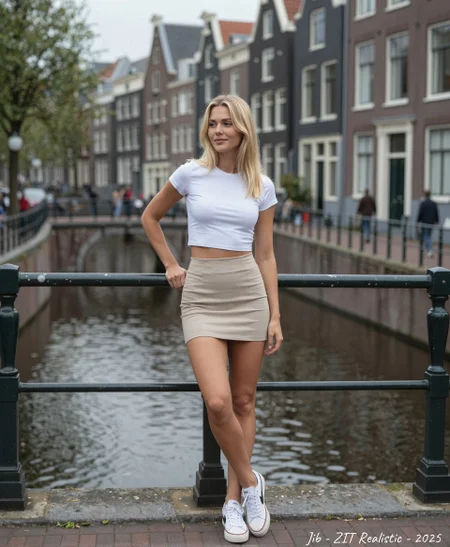
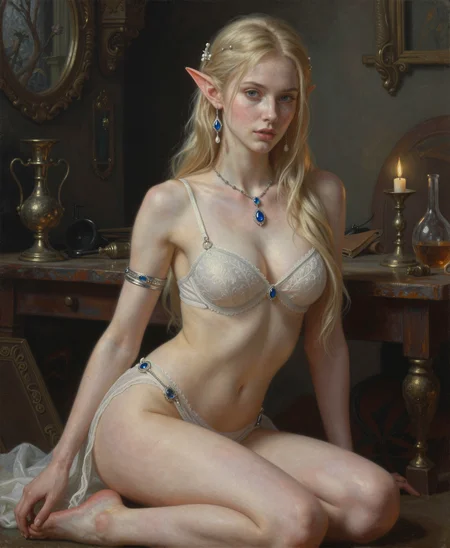
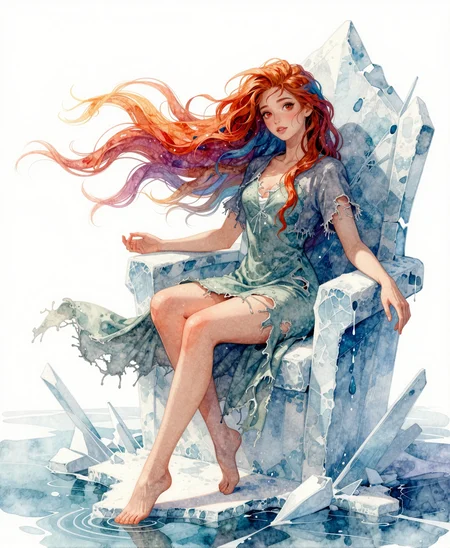


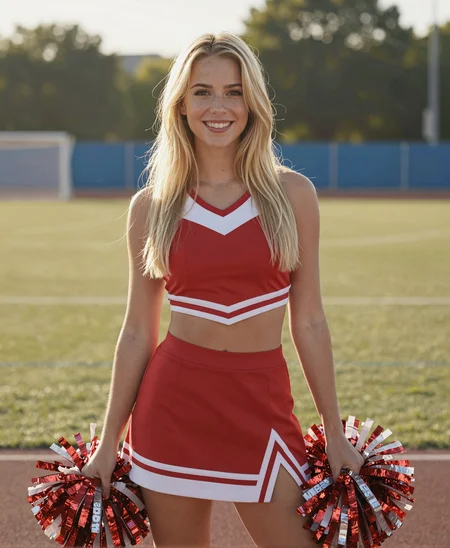


Jib Mix Zit is an upgrade for realistic images, sharper and prettier faces.
Jib Miz Zit V2:
Better fine small details (especially in backgrounds)
More variation in image and Style (Doesn't always produce photo realism but can be a nice surprise)
Less Zit mottled Skin.
More Varied faces and poses.
- A bit less photo-realistic.
I recommend the FP16 model for 12GB of Vram and up
But a smaller FP8 model is available.
For Best Image Quality try:
I recommend using 80% of the UltraFlux VAE merged on the fly with 20% of the Normal Zit/Flux VAE for sharper images
UltraFlux VAE: https://huggingface.co/Owen777/UltraFlux-v1/tree/main/vae
This custom nod: https://civarchive.com/models/2231351?modelVersionId=2638152 does a merge of the 2 VAE on the fly as the UltraFlux- VAE can be a little too sharp-looking on its own and definitely is if you use it for upscales.
V1 model can benefit from a small amount more of my Zit lora (around 0.15): https://civarchive.com/models/2194714/jib-mix-realistic-z-image-lora
I recommend ClownSharkSampler and Linear/ralston_2s for detail.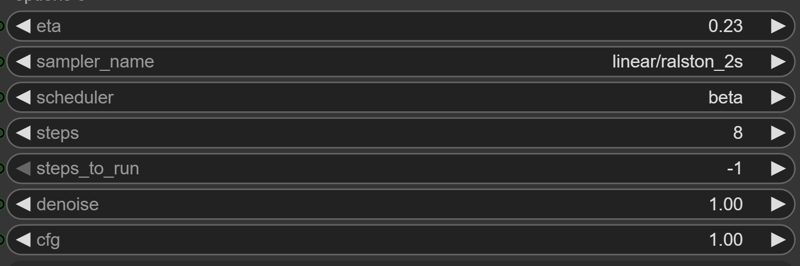 with some added noise option nodes.
It has been tuned against my workflow (I have a version posted here: https://civarchive.com/models/2194714?modelVersionId=2481800)
Description
Initial Public release.
Make the default faces more European and less likely Asian.
Gives Z-Image the Jib Mix treatment, it can force more realism from fantasy prompts as well as improving NSFW anatomy.
FAQ
Comments (13)
Wow, the FP16 checkpoint is really great, very good work :)
Is this trained on sex organs ?
There are quite a few images of naked female anatomy in the training set, not males, I have found it difficult to train on both in the past.
@J1B not difficult, tricky.
I trained ("personal dataset of penis", 320 images for my pony/illustrious/noob dataset) 8 times total, the 7th was the best
ostris AI tool kit, 4060 ti oc 16GB, 32gb ram
this was my process of learning:
thinking my computer was going to train 14 hours for a 10 epoch lora like flux (i hate flux so much), I limited myself to 256.
1. 30 images I did a 256 train 0.0001 LR 3000 steps, did not caption, used illustrious captions - fail
2. 30 images I did a 256 train 0.0002 LR 5000 steps, did not caption, used illustrious captions - fail
3. 30 images I did a 256 train 0.0003 LR 5000 steps , did not caption, used illustrious captions - fail more because burnt
4. I realised I can do 512 and 768, training doesnt take too long, 5000 steps (3hrs everytime and 6-8 hours respectively, 0.0002 LR but joycaptioned properly - fail
5. 100 images, 512 train 0.0001 LR 6000 steps , joycaption - worked, unsatisfactory, still overbaked (hint its the LR)
6. deleted some images I thought created noise 89 images, 512 train 0.00008 LR 5000 steps , joycaption - worked, but weak.
**7. 89 images, 512 train 0.00009 LR 6000 steps - worked. just works like it should. still, its nice to do adetailer through A1111(can do facedetailer in comfy but it worked better in the ole A1111 with a good realistic IL model+img2img adetailer and corresponding Lora)
8. same 89 images, 1024 train 0.00009 LR 6000 steps - this failed... idk why it generates only scrotum. odd. who knows why. doesnt matter I got lora from previous run. for now...
Retested the No. 7 settings on a character, adjusted steps accordingly for 17 image dataset, ended up with 3200 odd steps and it worked
it seems 0.00009 is a good sweetspot LR with adamw8bit
other settings I switched was quantization off - float is default, 8bit is also popular, i set it OFF
ai-toolkit has dataset weight option (this is for use with multiple datasets in one training) but I set it at 2 even with 1 dataset. runs 1-4 I had this set at 1.
ai-toolkit also has dedestilled model, however, training on turbo with V2 adapter is better for some reason.
use ema 0.99
vram settings only applies to me because Im limited - offload text encoder 100% offload diffusers 0% low vram on, cache both latents and te
biggest takeaway is - anatomy requires more steps - naturally, since the model isnt trained on it, breasts require less because out the box, it knows what those are.
2nd biggest takeaway - Low LR + More steps = tortoise style of winning the race, slow, steady and converges better. (this doesnt really affect speed of training, with my card Im hitting 1-1.3it/s so 2-2.2 hours for 6000 steps, flux can dreeeeeam i dont care.
Im sorry you had to read all this,
OR congratulations I hope it helps.
@A_rdatyaksh_I Bro, Pony base model is trained on dicks. It's completely different.
@girlswithafros if you read my entire comment, you'd have noticed I explained my approach. and mentioning pony was just an in-passing thing to say
V1.0 fp16 is a very nice checkpoint. Good colors, good contrast, and wonderfully realistic. Thank you, I like it.
Hey, my friend.
I'm glad you released the zit model, it's an excellent work.
Which Text Encoder should I use? qwen_3_4b.safetensors or zImage_textEncoder.safetensors?
As an option could recommend to check this: https://civitai.com/models/2193783/z-image-uncensored-text-encoder-abliterated-huihui-qwen3-4b-v2-q8-gguf
I use it personally.
@msux Thx a lot!
How do you download the VAE, i only see two files there called 'config.json' and 'diffusion+pytorch......'
Its diffusion_pytorch (335MB) just rename it UltraFluxVAE.safetensors or something. All Huggingface model files are named diffusion_pytorch by default.
@J1B ahh thnx
Details
Files
Available On (2 platforms)
Same model published on other platforms. May have additional downloads or version variants.