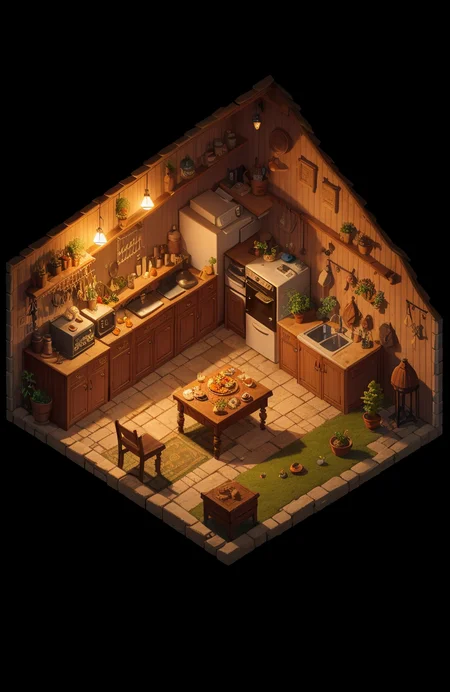
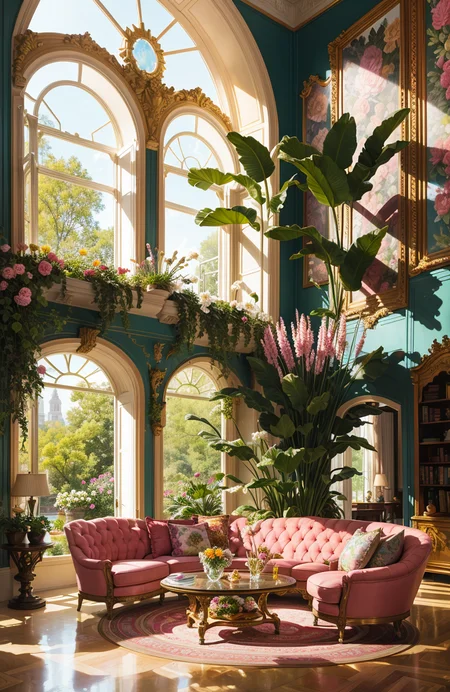
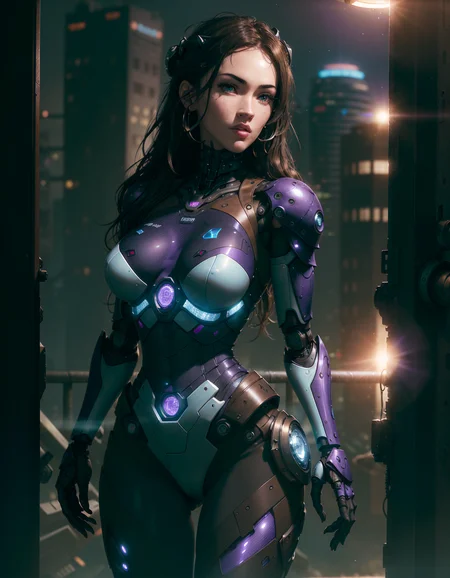
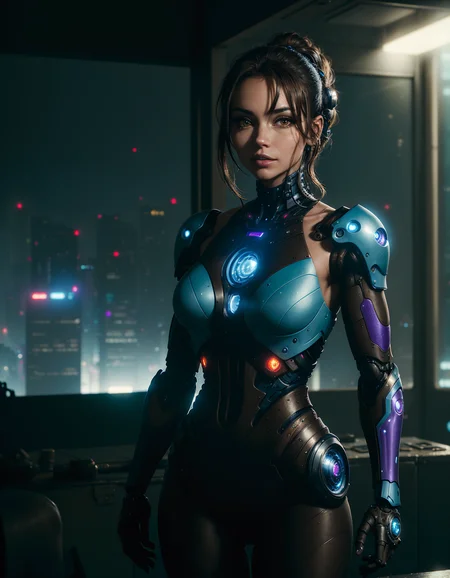
The creator of this resource has been found to be manipulating their reviews and the reviews of others.
As such they have been banned from the platform and their resource delisted
By popular demand, we've brought back the resource availability to download. but locked discussion and further reviews from being posted.
We've opened the images back up by popular demand, as a lot of users want to see the metadata for images. However, to ensure this resource does not receive an unfair advantage from its false reviews, we've excluded all reviews and comments on the resource. This ensures it has a fresh start.
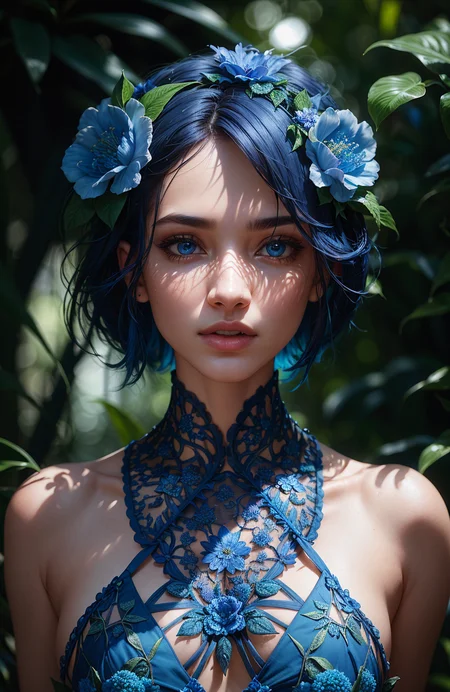
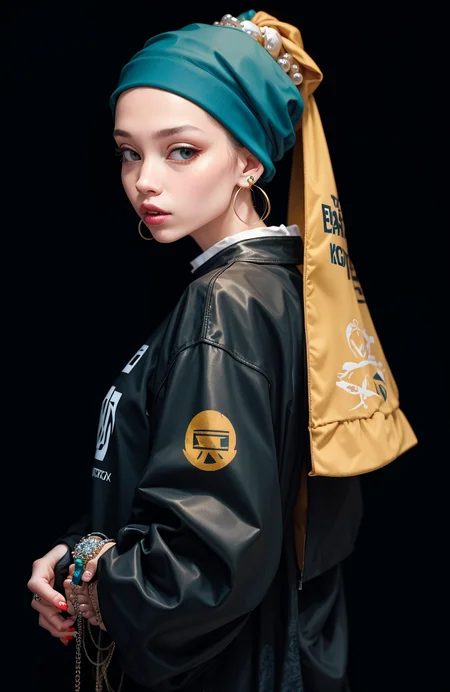
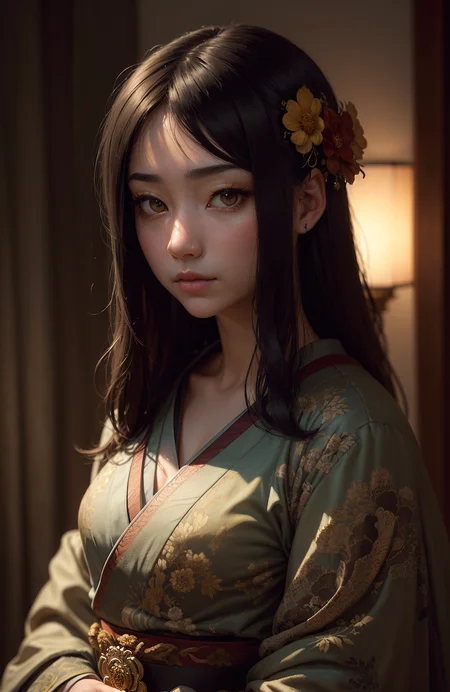
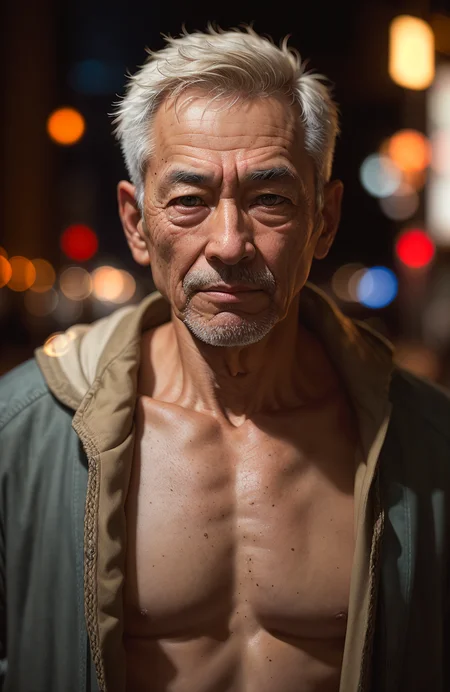
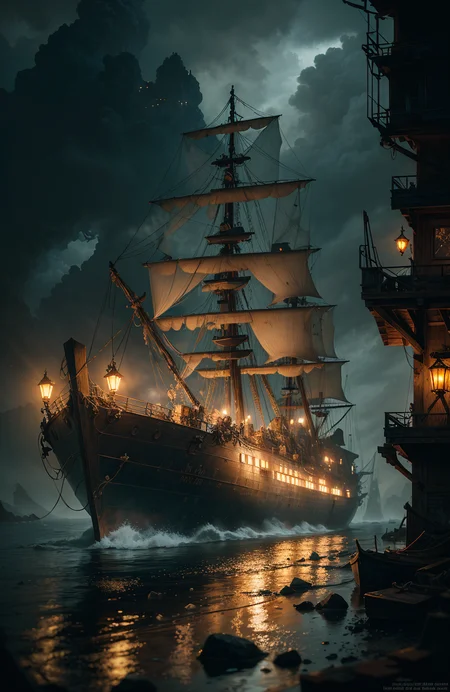
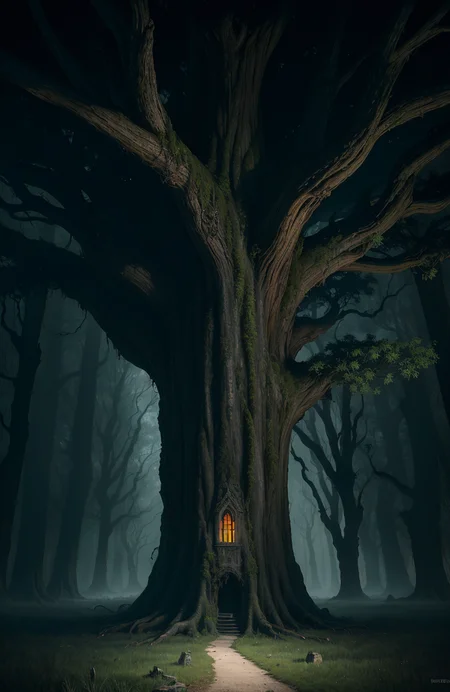
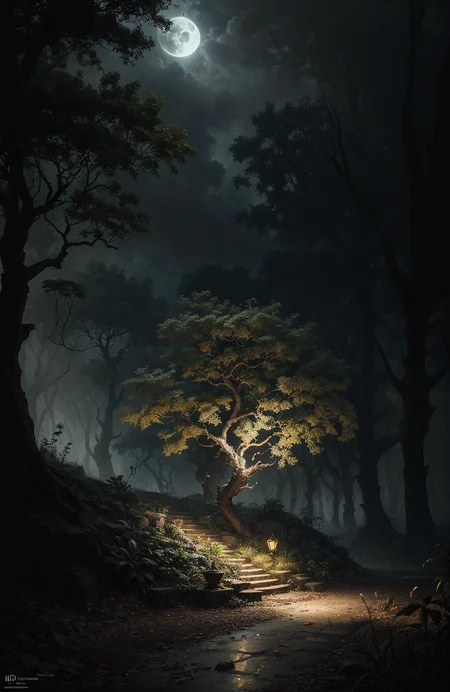
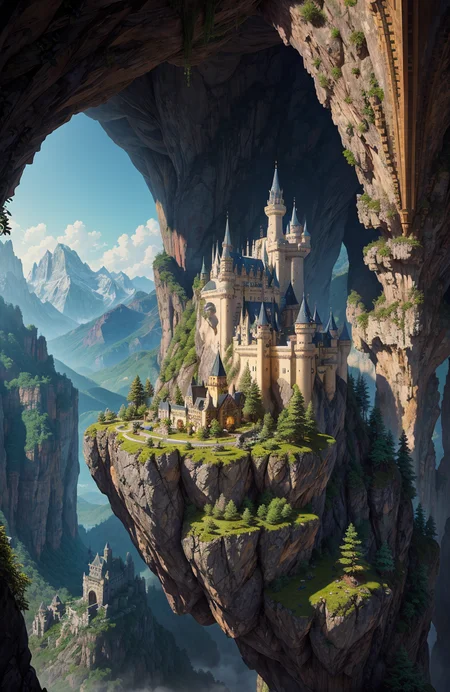
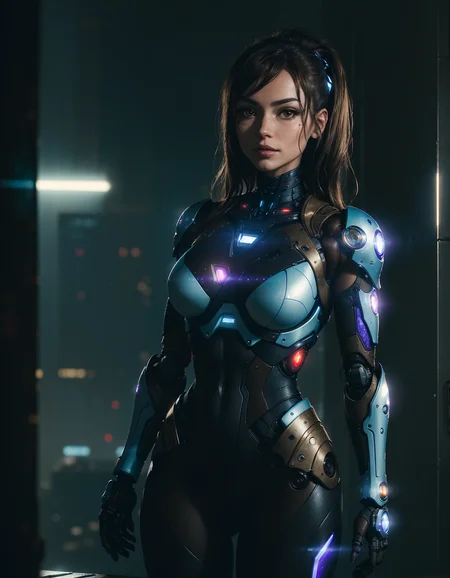
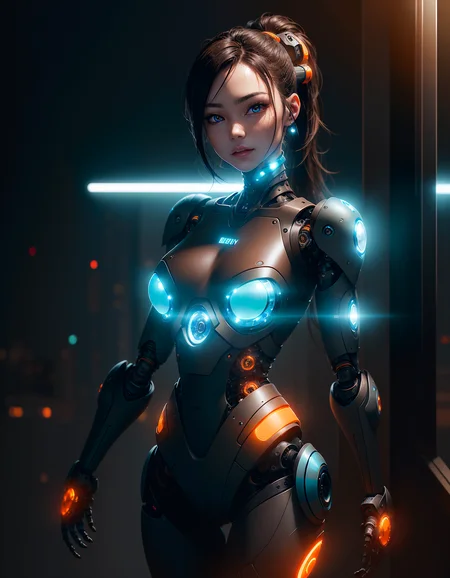
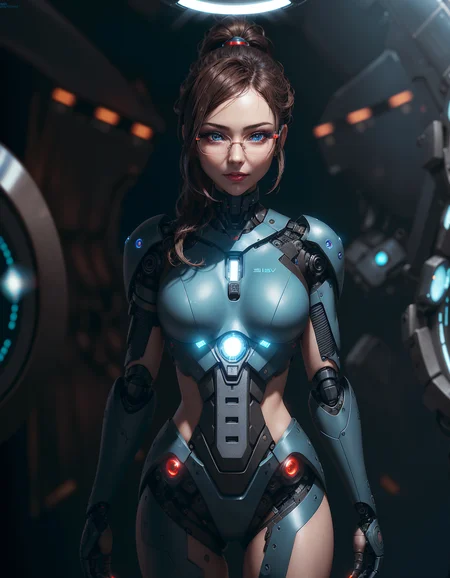
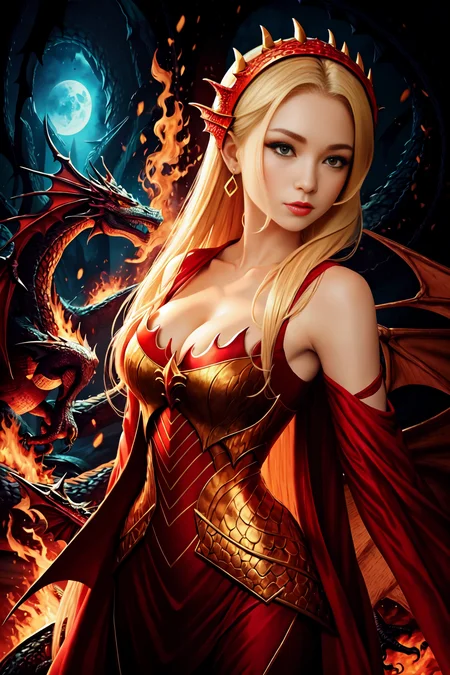
Hello, the model was created as an artistic style, the model can do almost anything, the main thing is to follow the promt, hands and eyes looks good for the most cases
Model Information:
This model is generally designed for portraits and full-length anime style photos. Fantastic landscapes are quite decent. And it doesn't require kilometer-long queries to get a high-quality result.
Recommend: DPM++2M Karras, Clip skip 2 Sampler, Steps: 25-35+
This model would not have come out without XpucT's help, which made Deliberate
If you have the desire and means to support future models, here you go:
Advanced Cash - U 1281 8592 6885 , E 8642 3924 9315 , R 1339 7462 2915
PEYEER - P1075963156
I hope you like it, thanks for the feedback
Description
More lighting
More proper shadows
More background details
Higher resolution
the woods have become more deeply felt
And a lot of useful stuff
FAQ
Comments (42)
can you add pruned versions?
why i cant download it by chrome
Great model, I love it!!!
Love it I think it's one of the best! Thank you!
One of the most flexible and epic models out there! Loving it!
From my testing, this model is insanely good. I'm very happy with the results and styles. It's also very responsive so far with prompts, it actually does what you ask of it, in a good way.
What is the best VAE to use?
use vae-ft-mse-840000-ema-pruned.safetensors
Got some really nice results with female based images. Thank you. :)
I have some problem. Someone can help me with negative prompt for no extra paws and no text on the image? bacause i have write it on negative prompt, but it make anyway it
What's the prompt?
@Nekos4Lyfe I am new about stable diffusion. So I am sorry if the prompt is not good and also the negative prompt.So I'm doing trials and tests and so I'm always changing and modifying. I'm going crazy.
The pompt is:
model 3d cat full body, white cat, Pearl eyes high realistic blue, body fused and mixer with leafes color gold, neon blue, green and purple and red flowers in ears in middle of arms and in the tail. The tail is with gold augumentation and attachment beautiful and filament. Black background, realistic, smooth, (realistic fur), 3d art, 3d, intricate details , octane render + unreal engine 5 - w 1024 n, (vibrant color), elegant, ((soft light))
The negative prompt is:
nsfw, cartoon, lowres, bad hands, (text, artist name), error, missing fingers, fewer digits, cropped, worst quality, low quality. ((mutated, deformed, extra head, extra arm, extra leg, extra digit, extra nose, extra mounth, extra eyes, extra tail, extra paws, extra feet, bad anatomy, extra finger)), cloned face, dehydrated, duplicate, owres, poorly drawn face, picture frame, framework, disfigured, (( semi-realistic, cgi, sketch, drawing, painting, blurry, blurred)) humanoid, human, brand, brand mark, brand name, ((username)), ((signature)), (worst quality:2), (low quality:2), (normal quality:2), worst quality, low quality, jpeg artifacts, ugly, [deformed iris, deformed pupils], long body
I have problem for extra body parts. texts, light too bright.
I'm going crazy. If you want u can find me on Discord with : NeosBlack#8832
@NeosBlack Hey, Instead of using extremely long negative prompt, try some negative embeddings. Those usually help with weird stuff. Another thing i have noticed is, it is not good idea to use anything with strength of (x:2). Can cause some weird stuff..
@potatovision842 Good advice! I haven't tried negative embeddings myself. Might be why some of my art so far is a bit gray lol
Me and NeosBlack did revise the prompt mentioned above. Feel free to leave suggestions.
Using 30 steps for Euler a :
prompt: " [blurry black pattern : white tail : 3]
[ photo white cat body cat photo Pearl eyes blue leaves gold leaf neon blue green purple flowers red ears gold augmentation : studio 8k ((hyperrealism)) : 15 ]
[billowing : . : 10]
[ : fur : 20 ]
negative
" ((cat-tail)) nsfw
[
:
nsfw, cartoon, lowres, bad hands, text, artist name, error, missing fingers, fewer digits, cropped, worst quality, low quality. mutated, deformed, extra head, extra arm, extra leg, extra digit, extra nose, extra mounth, extra eyes, extra tail, extra paws, extra feet, bad anatomy, extra finger, cloned face, dehydrated, duplicate, owres, poorly drawn face, picture frame, framework, disfigured, semi-realistic, cgi, sketch, drawing, painting, blurry, blurred humanoid, human, brand, brand mark, brand name,, worst quality, low quality, jpeg artifacts, ugly, deformed iris, deformed pupils , long body
: 10
] "
@Nekos4Lyfe Hey, i'll try to generate this and get back to you.
@NeosBlack @Nekos4Lyfe Hey,
Found little time to figure this out now.
I noticed 2 problems that might be causing it.
1. Clip skip. You can change clip skip from settings -> stable diffusion -> clip skip. Usually clip skip 2 works best for most of the models. It depends on model.
You can get clip skip to the top of ui for fast change. Having VAE there is also good idea. This can be done from settings -> user interface -> Quicksettings list, and adding this to there:
sd_model_checkpoint, CLIP_stop_at_last_layers,sd_vae
you need to reload after this
It looks like this: https://i.imgur.com/L5WxkJ2.png

2. Having cat 2 times in the prompt
It is not good idea to have duplicats of words in the prompt. It can be causing the cat to try to generate twice and multiplying it's bodyparts.
Here is fast test i did for the clip skip and prompt neos gave: https://i.imgur.com/VixoJLQ.png . As the tail is still twice in the prompt, did not notice that. It generated 2 tails :) (this is book case example of why you should not copy paste prompts ;))

For negative i had:
(low quality, worst quality:1.4), verybadimagenegative_v1.3, (Unspeakable-Horrors-Composition-4v:1.0),
Both of these embeddings can be found from civitai.
Tips for prompting:
The arrangement of prompt matters, words first will have higher impact on the image than last.
Don't make prompt overly complicated.
Learn to build prompt from empty prompt and understand what everything does to the image, generating between adding large parts of prompts is good idea.
Using a lot of different colors is not going to work, it is going to mess the colors around in parts you don't want them in. Using extension called https://github.com/hnmr293/sd-webui-cutoff can help with this somewhat.
Good luck, let me know if there is still something bothering.
@potatovision842 I didn't have a moment to read everything and make some. Proofs. As soon as I can ( as soon as possible, I will get on it and inform you, thank you very much)
@potatovision842
651 / 3000
Traduzione
Okay I read everything and thank you very much for the help. I need to improve the prompt as I have already been told and I think I understand. In any case I read that a VAE might help. Could you recommend something that might suit me regarding this kind of fantasy animal with modified body or fused with other objects? And more. For the embeds that you put in, do I just look for that name written in your negative prompt? I need to see about editing the clip skip as well. You can tell I am new to this ahaha. One thing I don't really like is the poses that come out for the most part, not all of them be clear. But many of them are not the best. tomorrow i'll try make this change
@NeosBlack You welcome. Personally i like https://civitai.com/models/22354/clearvae . I think the most popular one is vae-ft-mse-840000-ema-pruned and can be found from stability ai huggingface page.
These are the negatives embeddings i use:
https://civitai.com/models/11772/verybadimagenegative
https://civitai.com/models/4499/unspeakable-horrors-negative-prompt
You can find more with just typing "negative" at the search bar and see if there is something better for you.
There is extension called open pose editor for posing if you want to get better poses heh https://github.com/nonnonstop/sd-webui-3d-open-pose-editor
The clip skip is really important don't skip that ;)
@potatovision842 apart from the fail above which shows my use of the translator hahaha. okay thank you. to install the VAE if I'm not mistaken you wrote about how to do it right? as soon as I have a moment of time I'll do everything and let you know if there's any news. if you want in case write me on discord ( NeosBlack # 8832 ) so in case I show you the final results
@potatovision842 one question. For negative horror.which is better? I see only 4 vector trained, 16... 32.. etc ( and only composition) there is only 1 download or i need download only one this? ( Sorry i'm with phone for now)
@NeosBlack I use the 4 vectors one, it adds less negative and seems to work pretty well without changing the original image too much. Too much, too strong negatives want to derail your image from your prompt. (This is personal opinion from testing)
VAE has to be dropped to the models/VAE folder. After that you can select it in the settings -> stable diffusion. I recommend adding it to the top of the bar for quick switching like i mentioned in earlier comment.
Hope these comments helped you :)
@NeosBlack I use the 4 vectors one, it adds less negative and seems to work pretty well without changing the original image too much. Too much, too strong negatives want to derail your image from your prompt. (This is personal opinion from testing)
VAE has to be dropped to the models/VAE folder. After that you can select it in the settings -> stable diffusion. I recommend adding it to the top of the bar for quick switching like i mentioned in earlier comment.
Hope these comments helped you :)
@potatovision842 yes, thank you very much <3 really. you are really great people. thank you again. I just have to be able to find Cutoff, because I can't find it in the extensions
@NeosBlack The cutoff is extension and is not necessary, i just mentioned it, as it is good for use of many different colors. Seemed like you were interested in having a lot of different colors looking a the prompt. Might only work for clothes though. Not 100% sure. Tested it a while back and seemed to work.
@potatovision842 I have now had time to do some tests. they are wonderful, much better than before. but it still always has some problems. too many tails (even though I removed the double input in the prompt) and occasionally some extra paws. it also happened that elongated and enormously tall cats came. (i modified everything as you said). don't know what to think honestly
@NeosBlack Have you tried with different models? some excels better at making different things than other. Also different samplers give different results, some samplers need more steps and some less.
@NeosBlack Also some quality tags could be causing some randomness.
@potatovision842 Yes, I have tried several models and so far this is the one I like the most
Sorry to bother again in this very long comment. Would anyone have any embbending to exclude furries?
@NeosBlack I think you have to take those out with tags, embeddings mainly fix lines and stuff.
@potatovision842 okay but i tried, on the negative prompt: human, humanoid, furries, furry. But nothing
@NeosBlack Not really expert on furry wording, one word is anthro you could negative. Maybe you have something in positive that leans more into furry than proper cat. For example some cat parts like "paws" could be causing this etc.. It depends a lot on model where it leans on what words..
Hope you getting better stuff from this helping :P
Really one of the best models, what about a VAE? Nobody knows?
He/she using Deliberate mixed...i assume the same vae.
use vae-ft-mse-840000-ema-pruned.safetensors
A really great and versatile model.
If possible, can you add the smaller 2gb pruned-fp16 version ?
good model
great model, do you have any huggingface url to download?
This model is too good
Details
Files
lyriel_v13.safetensors
Mirrors
22922_lyriel_v13.safetensors
lyriel_v13.safetensors
lyriel_v13.safetensors
lyriel_v13.safetensors
lyriel_v13.safetensors
lyriel_v13.safetensors
lyriel_v13.safetensors
lyriel.safetensors
lyriel_v13.safetensors
Lyriel_v1.5.safetensors
72_lyriel_v13.safetensors
lyriel_v13.safetensors
lyriel_v13.safetensors
lyriel_v13.safetensors
lyriel_v13.safetensors
lyriel_v13.safetensors
Lyriel.safetensors
lyriel_v13.safetensors
lyriel_v13.safetensors