
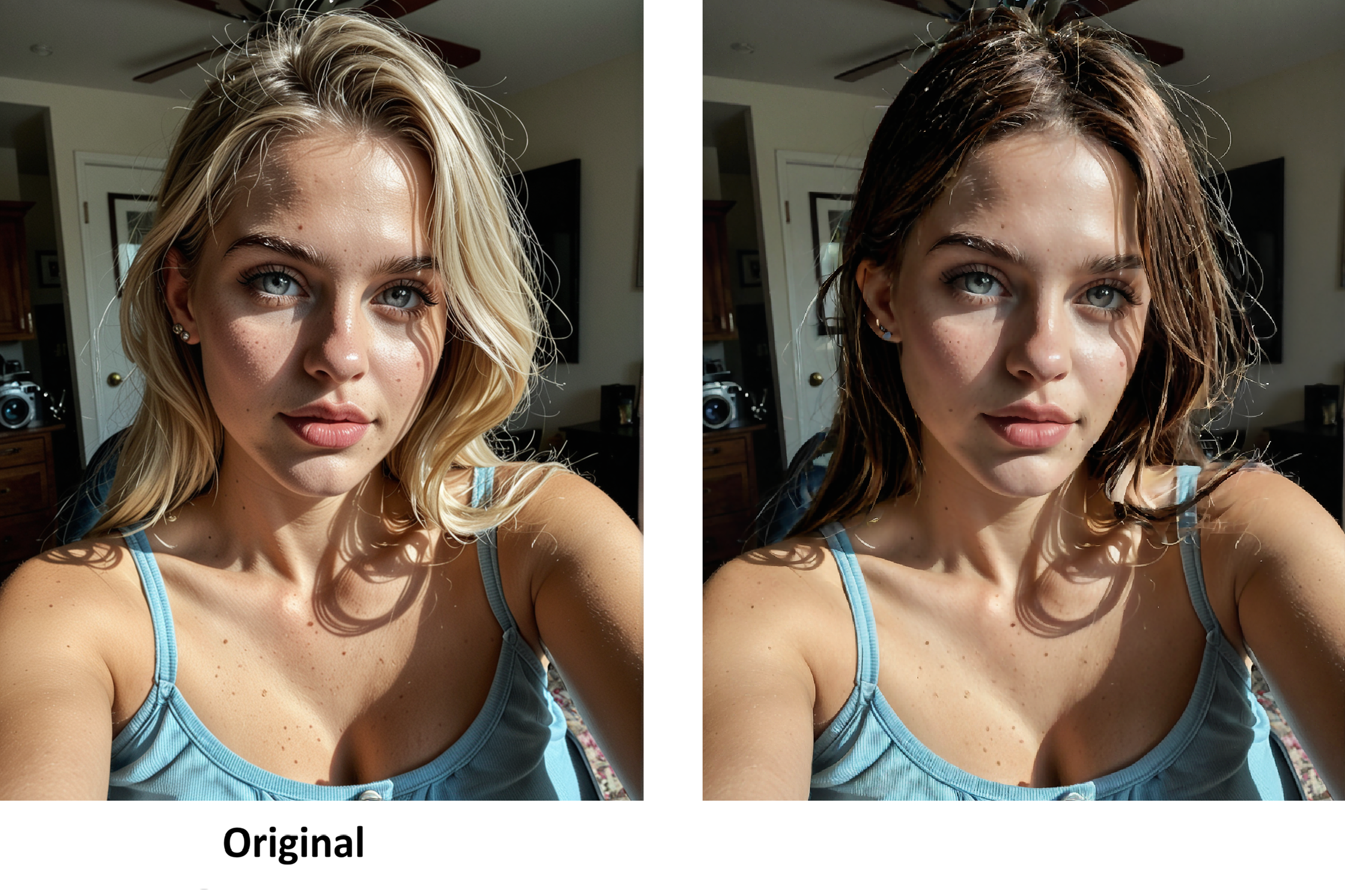


Repaired after update
Note: If you have ANY issues with nodes not downloading, read the notes or reach out. There's nothing that special about any of them that aren't core modules.
⛔⚠️🛑✋ Read the notes completly before using. Most common install and node problems are listed in the directions
A troubleshooting guide including a list of common error messages can be found here https://civarchive.com/articles/24678/how-to-use-my-workflows-a-comprehensive-breakdown
"Man, if only....."
Need better resolution? Got it.
Want to change her clothes? Sure.
What her naked? No problem.
want her dressed? Umm...okay.
Workflow features:
Inpainting
Hi rez fix
Seed VR2 Upscaler
My exclusive Post Processing Suite
Instagram: https://www.instagram.com/synth.studio.models/
Buy me a☕ https://ko-fi.com/lonecatone
This represents many of hours of work. If you enjoy it, please 👍like, 💬 comment , and feel free to ⚡tip 😉
Description
FAQ
Comments (14)
Any chance you can build something similar for zImage?
@carsten499 on the to do list. This is my 6th or 7th attempt at inpainting to get something consistent. You can take any image and drop it in though. It does not matter the source.
That being said, if you want a workflow with everything else built in, use this bad boy:
https://civitai.com/models/2270894/zit-nsfw-low-or-high-vram-anatomy-corrector-w-controlnet-inpaint-seed-variance-seedvr2-upscalers-and-post-production-suite
I think, maybe, you got your captions backwards?
no. why?
Thank you for your hard work,can you please tall me where to put the "lut" folder?
The location is listed in the instructions, but it goes directly in the model folder
thank you very much.
Getting blurry and distorted results using Wai Illustrious v16. Trying to mask the hand to remove an extra digit and it basically completely changes the skin tone and distorts the entire area around the mask.
Tried messing around with the expand/blur_radius values as well as the steps/cfg on the ksampler, no improvement. Tried changing the vae, the model, the prompt, still the same issue. I'm using the same model I used to generate the image as per the recommendation. I don't see anything mentioned about this in the guide either. I'm using inpainting only with draft mode on.
Any support would be much appreciated.
Am I talking to you on Reddit as well?
hw did you create the original image? You could recreate it using a controplnet and solve all of your problems
@lonecatone23 Uhhh maybe my name is the same on Reddit
@lonecatone23 Created the original image with Wai Illustrious v16 as I said
@Toufh Take the repaired image you have and refeed it through the workflow.
I'm sorry. There is no reason why it shouldn't work. I make images like that all the time.
you can slso try regenerating it with a depth controlnet.
https://civitai.com/models/2189190/illustrious-pony-sdxl-professional-grade-workflow-i2it2i-low-or-high-vram
@lonecatone23 Hmm ok, I might take a look at the dependencies again and see if maybe something isn't working properly