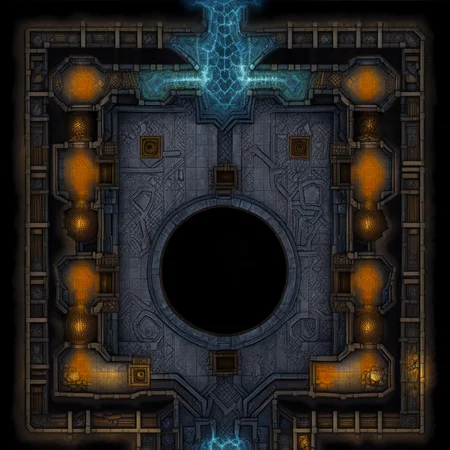
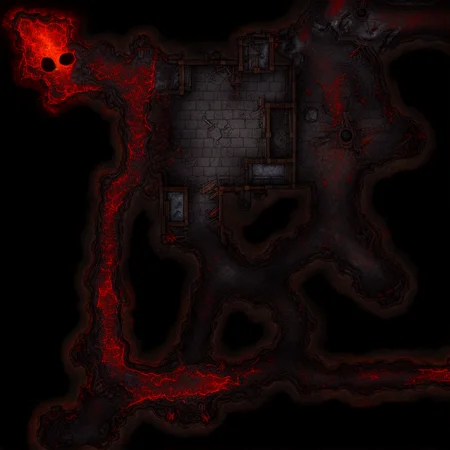
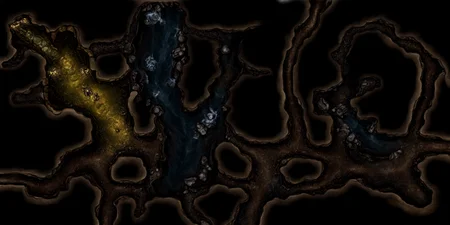
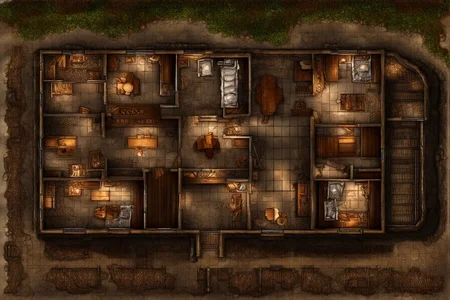
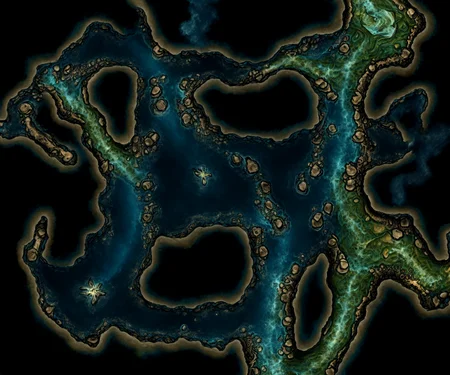

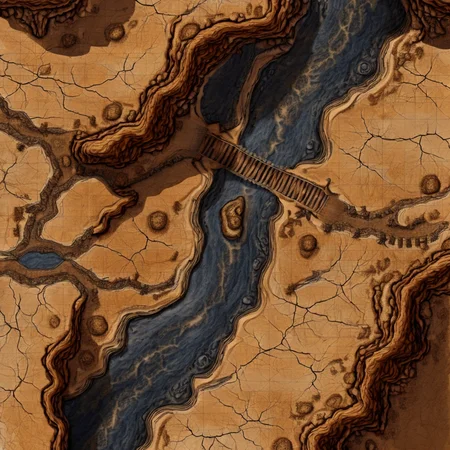
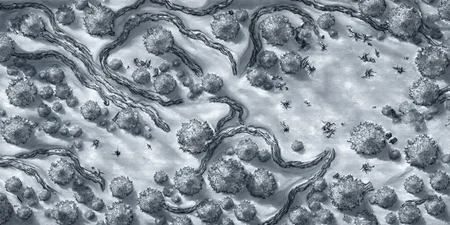
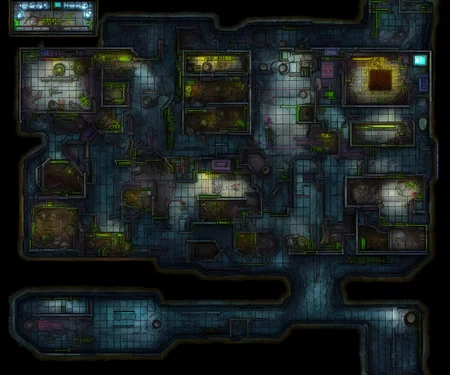
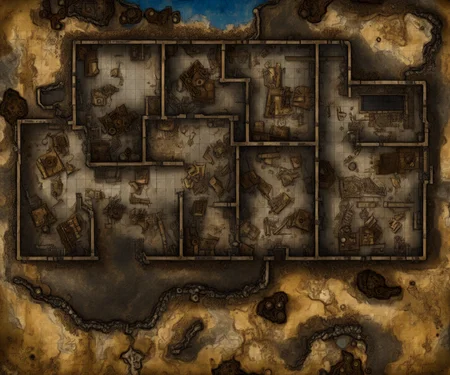
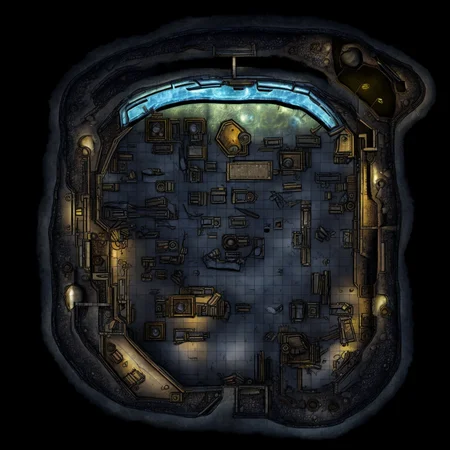
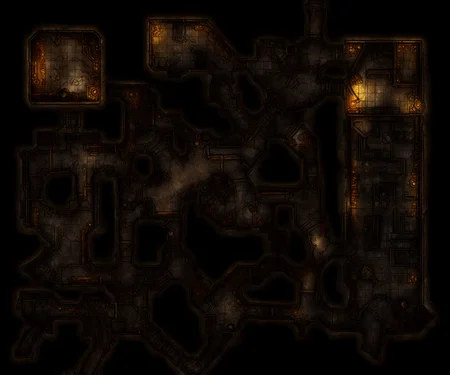
D&D battlemaps
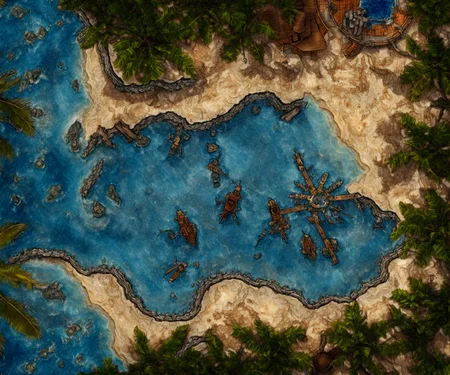
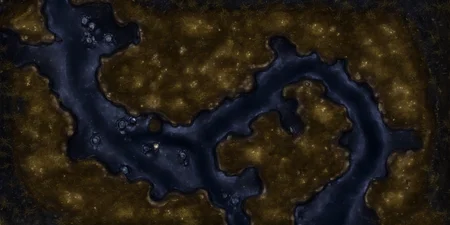
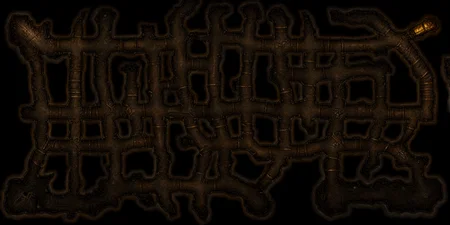
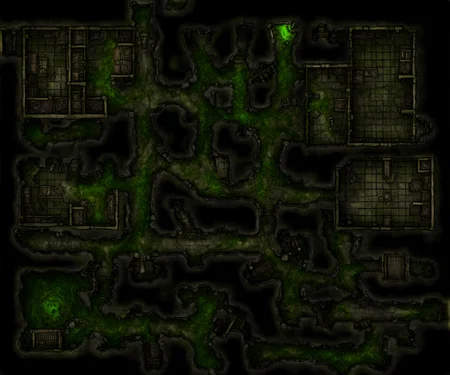
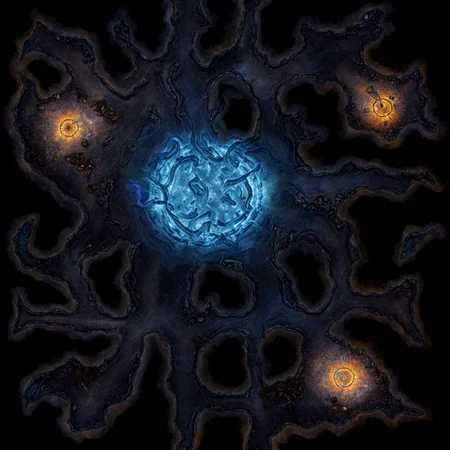
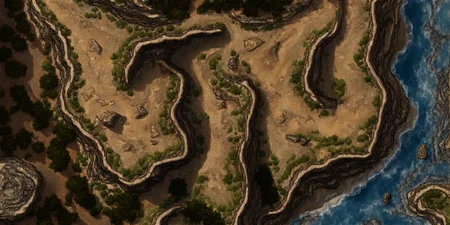
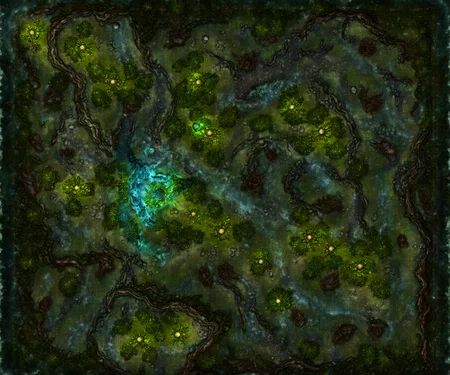
The model is trained on fantasy battlemaps, so it works the best for medieval fantasy setting but not only limited to this.
Resolution
You need to use width and height not less than resolution 1024 but you can make it larger and that works perfectly just producing bigger battlemap.
Dimensions
You can assume battlemaps dimensions as approximately 24x24 squares (120x120 feet) for normal dimensions of specific model, for example:
1024x1024 generation is 24x24 battlemap
1536x1024 generation is 36x24 battlemap
2048x1024 generation is 48x24 battlemap
And so on.
Also sometimes square gird is visible and you can rely on this.
Prompting
Main trigger word is "Battlemap". You can try everything after this word but you can get best results generating something in medieval fantasy setting.
Two second trigger words are "Dungeon" and "Outdoor". Use the first one for closed space, usually underground (e.g. dungeons, mines, caves, castles, labyrinths, etc.) and second for open space (e.g. forest, city, sea)
Link to huggingface for 1024: https://huggingface.co/Zapper/battlemap-1024
Link to huggingface for 768: https://huggingface.co/Zapper/battlemap-768-v-10
Description
Trained on 1024 resolution. Requires more vram for run than 768, but gives much more detailed results. Also gives slightly different results as side affect. Hopefully in the future I could decrease it.
Important: This model is trained on 1024 resolution pictures so you must use at least 1024 dimensions when run. But this works perfectly, if you run more than 1024 (e.g. 1024x2048) generating just bigger battlemap.
FAQ
Comments (14)
Unfortunately upon using this I have repeatedly been given runtime errors which I have not gotten when I used other models, I was really looking forward to this one working out.
Sorry, to hear about this. Can you send screen of this issue
RuntimeError: output with shape [320, 320] doesn't match the broadcast shape [320, 320, 320, 320]
and
RuntimeError: The size of tensor a (1024) must match the size of tensor b (768) at non-singleton dimension 1
are both issues I had pop up while trying to use this model, and unfortunately I had to reload the whole program in order for stable diffusion to work again because when I swapped to other models I was having those issues pop up again but when I reloaded the program every other model was fine except this one weirdly enough. My stable diffusion program is up to date so that shouldnt be an issue and I haven't messed with any coding either.
@red_wave_anon
That's pretty weird
Never seen this
I don't think that could help but try set this flags to webui bat file:
--always-batch-cond-uncond --opt-split-attention --xformers
@Zapper hmmm, unfortunately Im not sure what to do with that. im sorry.
@red_wave_anon
find file that you use to run SD (webui-user.bat) and open it with notepad. Than find line "set COMMANDLINE_ARGS=" and insert here commands that I gave you
So you will get "set COMMANDLINE_ARGS=--always-batch-cond-uncond --opt-split-attention --xformers"
It's working fine for me on Automatic1111 web ui with just --xformers if that's any help. (I'm using the safetensors version)
I don't see a config file. Could that be the culprit?
@Polygon Standard config file should be sufficient
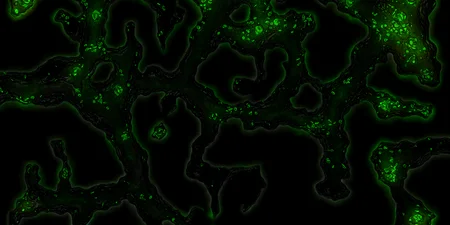
Tried to use on Mac M1 with Draw Things. It works but outputs blobs of green, sometimes red dots.
Would it be possible to get safetensors file?
uploaded
@Zapper Thank you so much! This is sick!
@hatless753
You are welcome, mate
That would be cool, if you share your results
Details
Files
Available On (1 platform)
Same model published on other platforms. May have additional downloads or version variants.