





🌕 LUMA
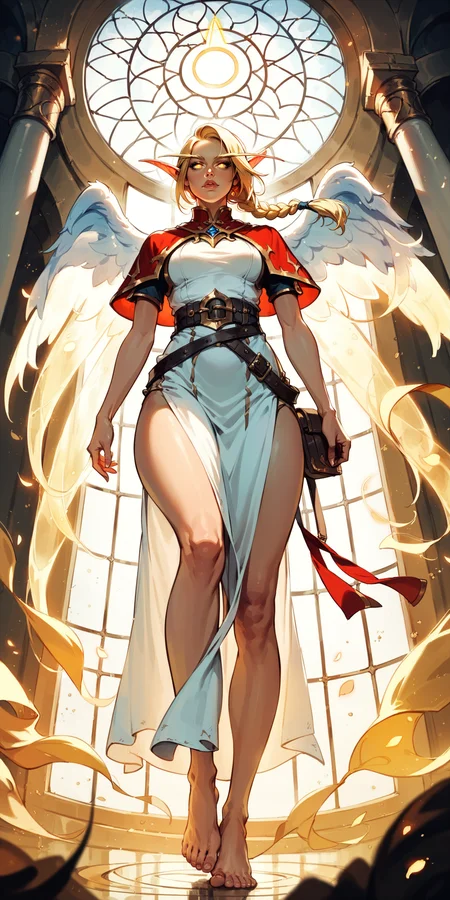
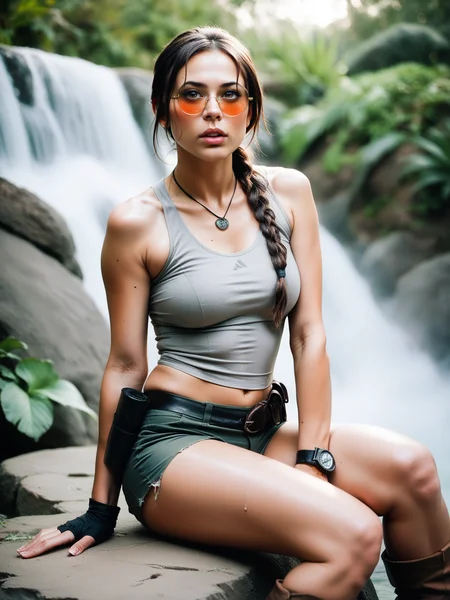
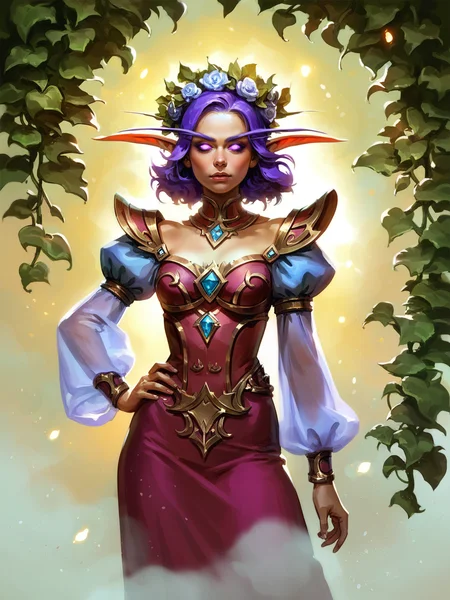
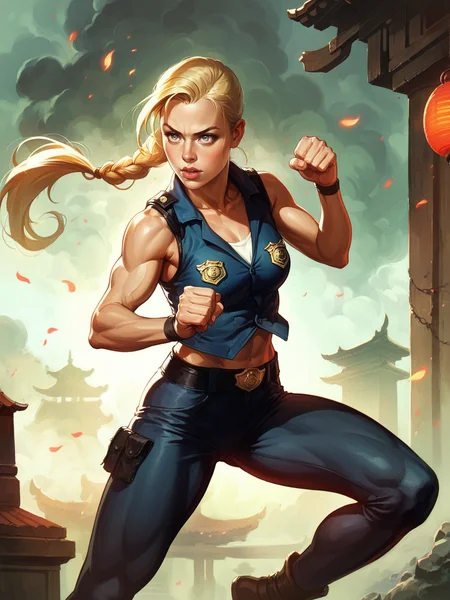
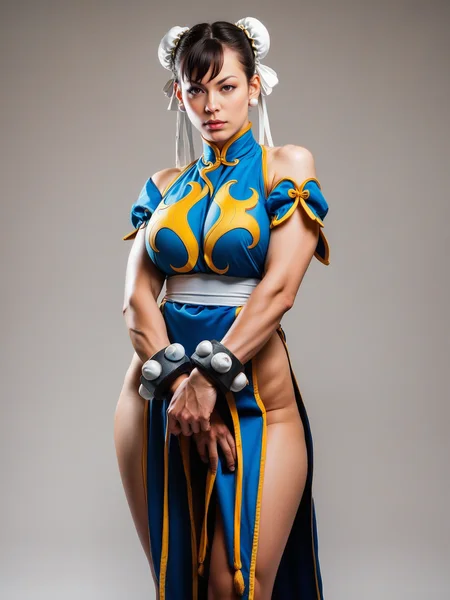
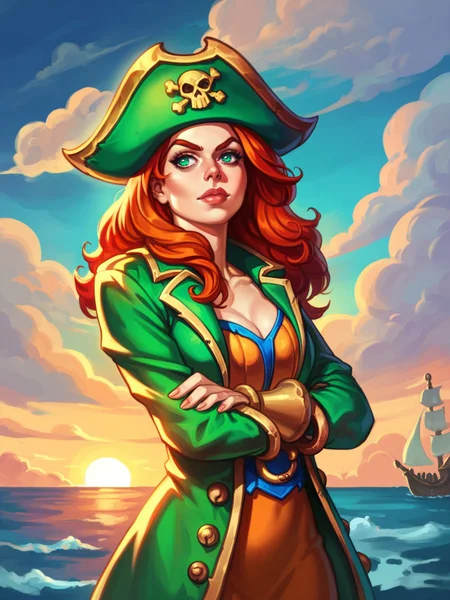
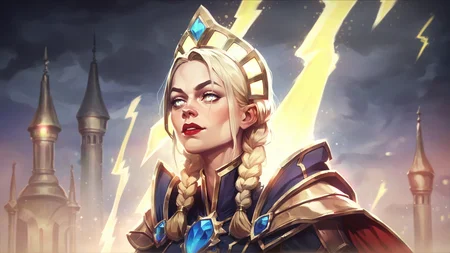
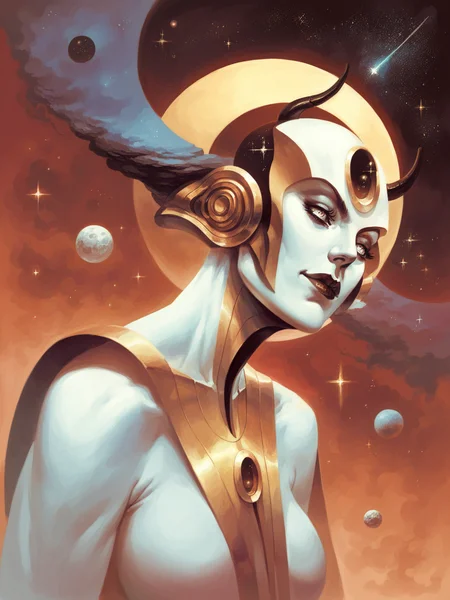
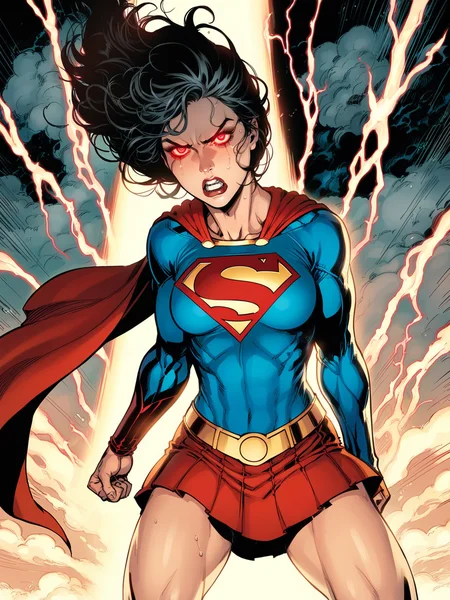
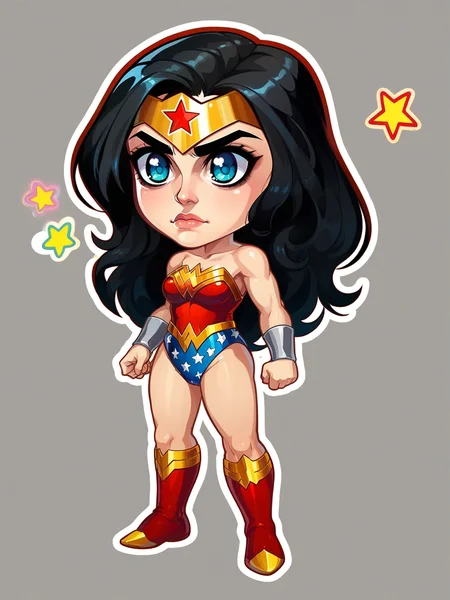
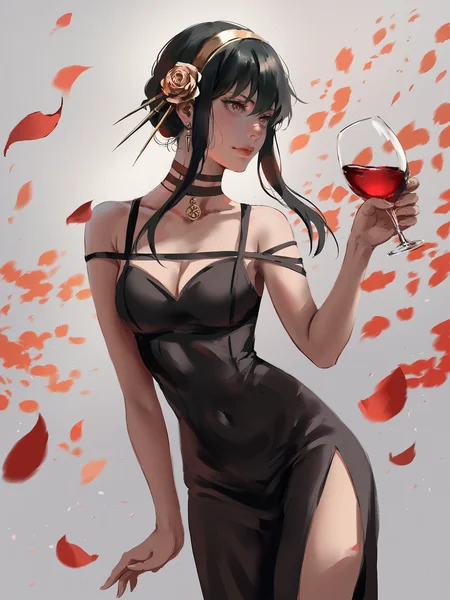
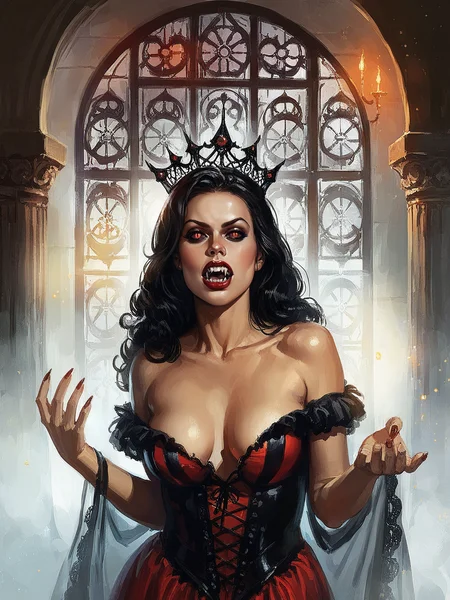
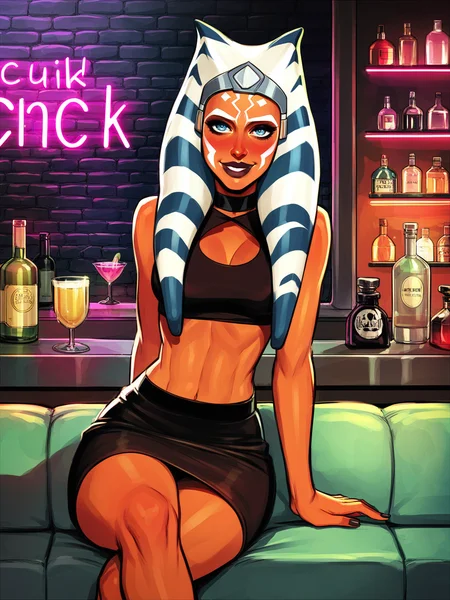
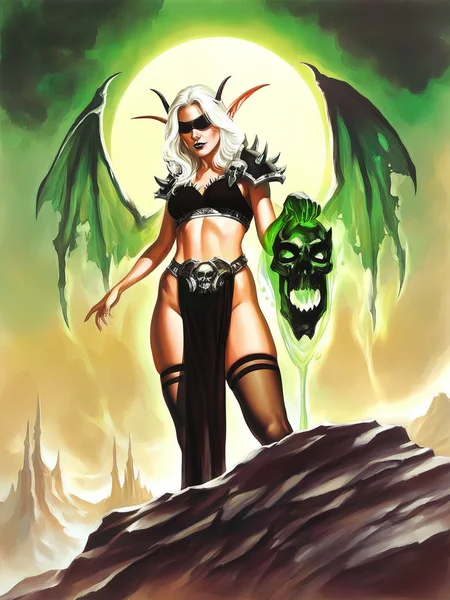
This is anime-based semi-realistic mix of checkpoints and loras tweaked for good results on simple prompts.
Model is fully compatible with all LoRA that I made and will make in the future.
All the content I make is and will be completely free on CivitAI.
But if you want to support me with a coin, then you can do it here.
Luma A3 VAE Style and Artist List (please note, that some of styles need additional tags like "retro artstyle, faux traditional media, painting", etc):
Please note that tags "3D, REALISTIC, ANIME" in positive or negative may change look of your images significantly.
I also higly recommend to add "score_5, score_4, ps1 screenshot, 3d, niji" in negative prompt, if you're not going to use it in positive.
Also note, that i added somme extra tags for concepts.
For example:
altshaped - will help you make humanoids with alternative anatomy
overdesigned - will help you make some complex designes if your prompt assumes it.
Complete style list:
123wsty
ahriman, anime
albrecht dürer
alex ross, retro artstyle
alexkonstad
aloija
amadmir
anato finnstark
anbudehuang
anime
arcane
asahiart, automaton, altshaped
boris valejo
brenda burke
burda, grungetech
castlevania, anime
cher-ro
cherrygig
chibi herowars
claude monet
cmg
darkest dungeon, high contrast
dashiana
degenesis
demessance
deus ex, cyberpunk
disney, flat color
dkeeno
drakonoart
dravacus
dreelrayk
eddie mendoza
edgerunners, anime
elden ring
fanfoxy
galyosef, 3d
ganas
greg rutkowski
hades
hearthstone
henry asencio
hizipro, high contrast
ikenaga yasunari
indus
ivan kramskoy
jandrew, scenery, environment
jeremy mann
jim lee
john william waterhouse
jojo
jose parra
jparked
junejenssen
kael ngu
krrat, overdesigned
kylepunk
laurelin
leicai
lol
lovk1y
makoto shinkai, style
mangamie
marta nael
max kostin
mengxuanli
mixppl
mohrbacher, divine, altshaped
mtg
nadar
nicolasaviori
niji
nixeu
othalam
painting \(medium\)
papsuev
peterskore
photo, realistic, cinematic
pixar, 3d
ps1 screenshot
qichao wang
rakavka
reliah
retrofuturism syd mead
saiya-art
sanchare
scenery, environment
shinjuku
smite
stephen pan
stumpyfongo
sugarpunk, cyberpunk
tck, altshaped
templarpainter
tixnen
tomas duchek
trufanov
valentin serov
valorant
vegera
viktor vasnetsov
vincent van gogh
warcraft
wayfinder
wlop
wroniec
wushenyou
yumingli
yuriiiko, flat color
zack snyder style, movie still, cinematic, realistic
zexiguo, overdesigned
PDXL Usage:
Clip Skip 2
Sampler: Euler a / DPM ++3M SDE (SGM Uniform) (or any your favorite)
Steps: 30-40
CFG Scale: 5-7
Hires.fix: x1.5
Upscaler: 8x_NMKD-Superscale_150000_G for realism or R-ESRGAN 4x+ Anime6B for illustrations (Denoising strenght 0.2-0.3)
Hires steps: 15
Never use Face Restoration!
If you want better faces just use AutoChar or AfterDetailer.
Useful tags (negative):
wrinkled skin, double head, mutant, bad anatomy, fewer digits, bad hands, extra limbs, twisted, cropped, out of frame1.5 Usage
Recommended embeddings:
1. easynegative
2. easynegativev2
3. bad-hands-5
4. badhandv4
Recommended extensions:
1. AutoChar
2. AfterDetailer
My regular settings:
Clip Skip 2
Necessary negative prompt: easynegative or easynegativev2
VAE: kl-f8-anime2
Sampler: any
ENSD: 31337
Hires.fix: x1.5 and higher
Upscaler:
Option 1: 8x_NMKD-Superscale_150000_G for realism or R-ESRGAN 4x+ Anime6B for illustrations (Denoising strenght 0.3-0.5)
Option 2: Latent (any) or Lanczos (Denoising strength 0.5-0.6)
Never use Face Restoration!
If you want better faces just use AutoChar or AfterDetailer.
In 0.9X version you may use tags like 3d, realistic in positive or negative prompt to increase/decrease realistic shading. (Check sample images for examples)
But you may feel free to experiment.
Please note that this model is horny sometimes, so I strongly recommend to tag some clothes (pants or something) and using these tags in a negative prompt to avoid NSFW: nsfw, naked, nude
Useful tags (not necessary, just minor tweaks): volumetric light, realistic, dark atmosphere, volumetric light, caustics, absurdres, eye focus, contrast, dark scene, bright scene

Description
Much more new styles. (more than 100 styles total)
Better anatomy.
Better style consistency.
Better faces.
Better realism and photorealism.
A lot of artists recognition.
FAQ
Comments (24)
One of the bests. Happy to see in online generator.
My favorite art model got even better! Thank you! <3
how to stop getting long eyebrows
add elf to negative
@sadxzero I want elf like 0.9X Vae how can i get that style elf in this pony model ?
@vihangasa14 you can, but you'll need to prompt a little. For example, don't go with "elf", and just add pointy ears. Or go with "elf, pointy ears" and then add "elf" in negative for eyebrows reduction or some. Also for style check that you have "ps1 screenshot, 3d, niji" in negative and "realistic" in positive somewhere. And don't forget about scores. I prefer 8 and 7 in positive, and 5 and 4 in negative.
@sadxzero Thank you working well
One of the best so far and we only been at a few months. With the latest version 1.10 SD 1.5 things are awesome.
Wow, we haven't even touch the surface with the styles! Great Job!
A3 one of the best XL models I think.
I cant seem to get this to work good. What am I doing wrong? What VAE do I need to run with it?
i HAD the same problem, I am new on this place
I'm struggling with the same issue
me three
tell me what you struggling with and we will try to figure this out
@sadxzero Hi, I would like to know how to use this model.
@sadxzero the same problem here, is a video available about how to do it? sorry i'm new on this
Me too, could you tell us how to use it?
Still have no idea what you struggling with. Anyway. So basically use it as usual Pony-based checkpoint. But in positive prompt for scores use only "score_8_up, score_7_up" and in negative add "score_5, score_4, ps1 screenshot, niji, 3d". Other settings and styles for this model you can check in description under showcase images. VAE already merged into checkpoint, so there is no need for standalone VAE. And by the way, you my just drag&drop my sample images into your ui to get whole setup right. @SBAnutfr @yorhthehuman @caballero @Omensoul
@sadxzero So how about the resolution? ive been copying settings like crazy and i cant get it to make anything that doesn't look like stable diffusion came out yesterday... I see AMAZING examples but my generations are horrendous. Also i use Krita with scribble controlnet. It doesnt help at all the way pony xl would with scribble...
May I ask which of the listed art styles is closest to the 1.5 version of SXZ? Or how to generate stable art style similar to the art style of 1.5 versions? Thanks.
my favorite checkpoint