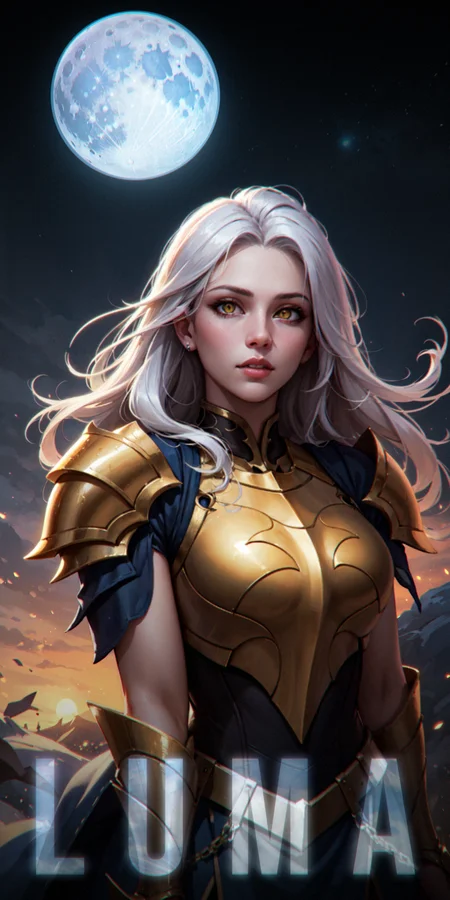
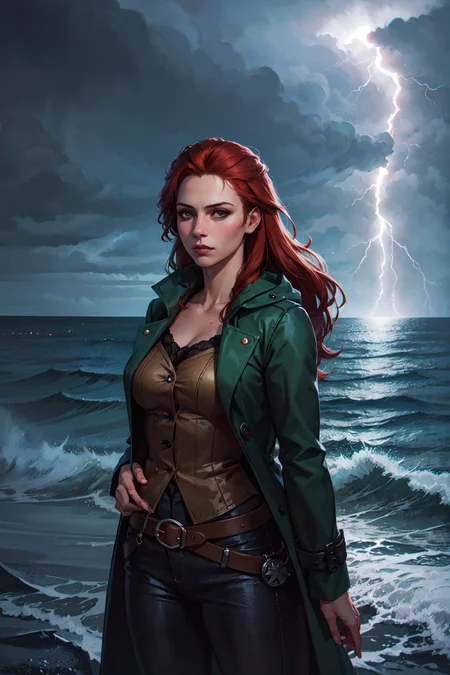
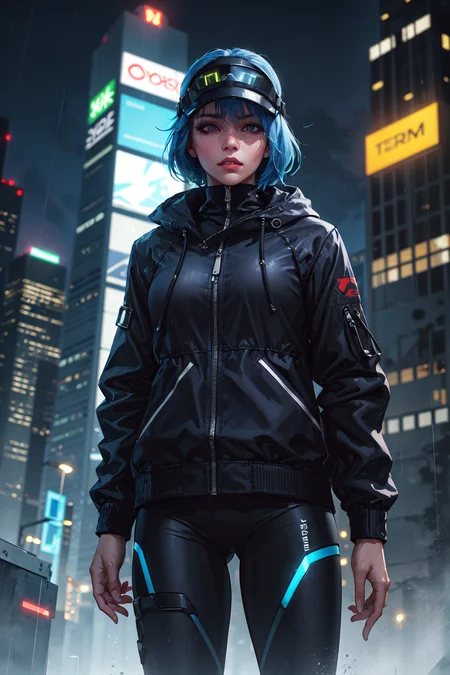
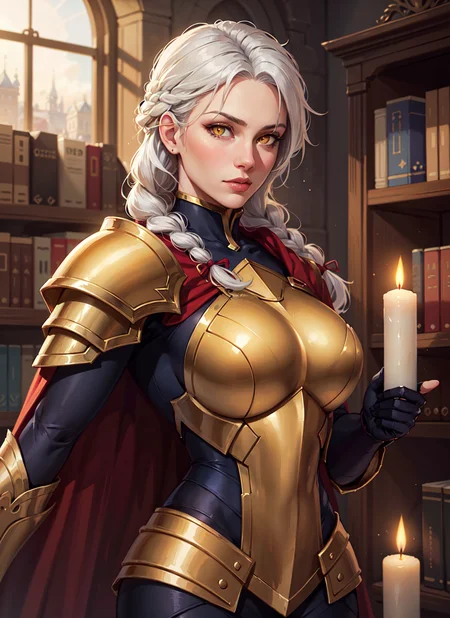
🌕 LUMA
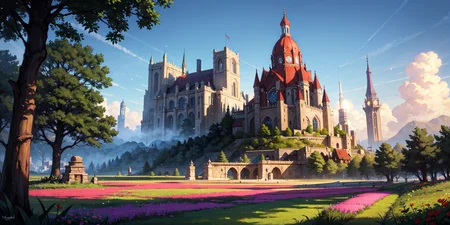
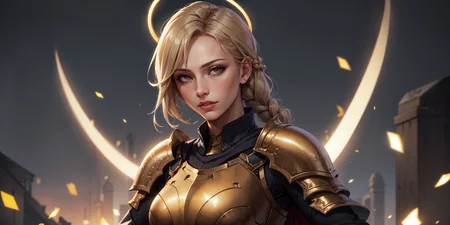
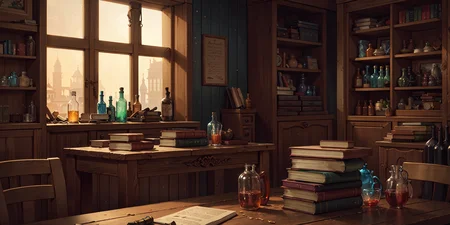
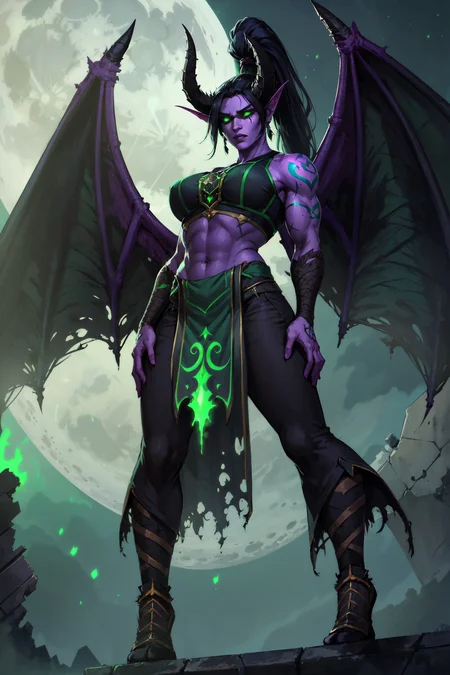
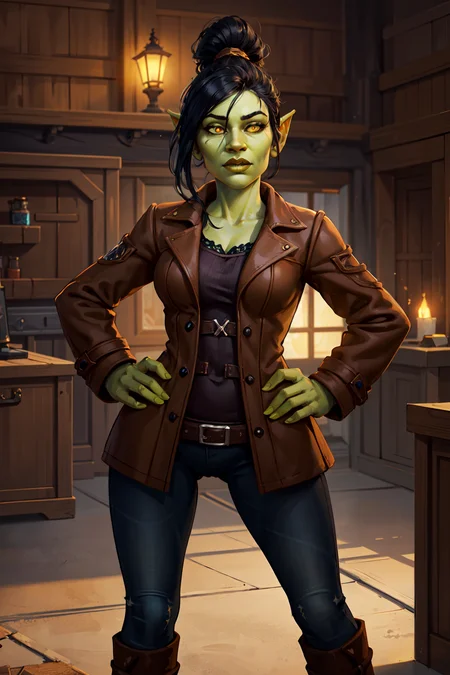
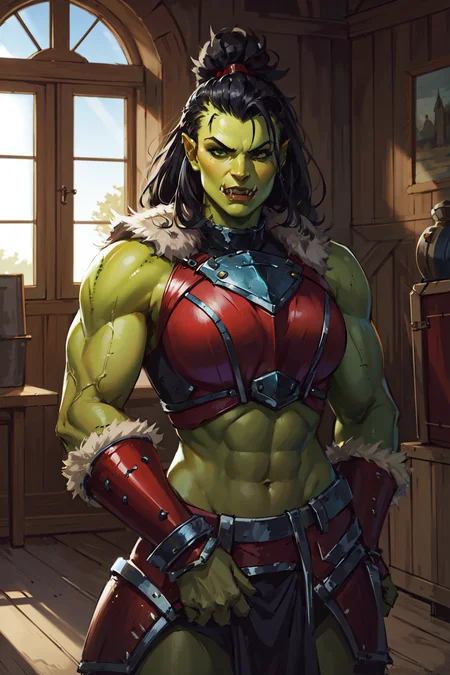
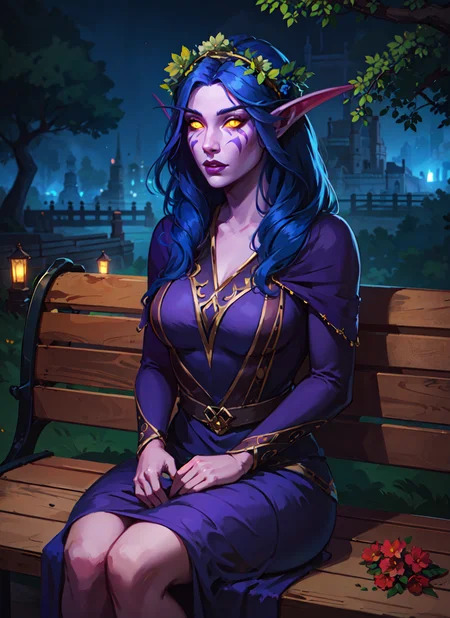
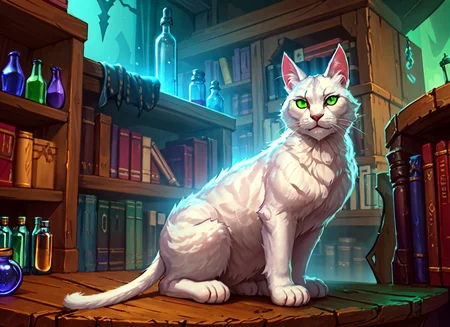
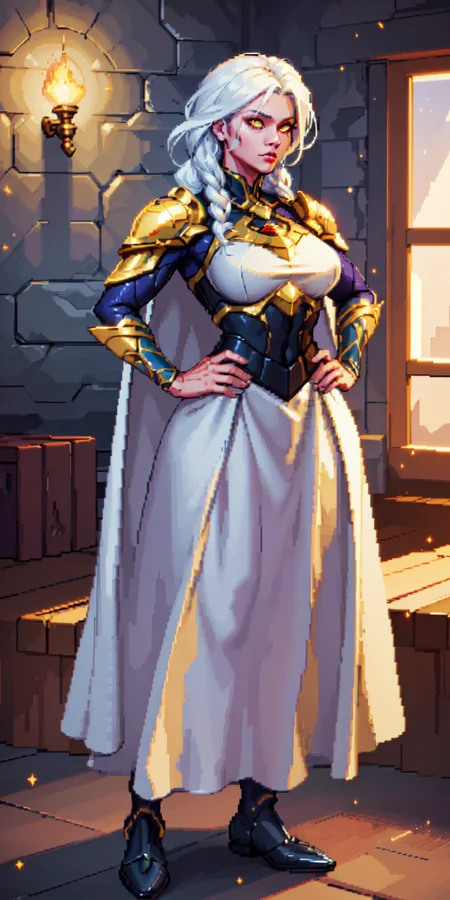
This is anime-based semi-realistic mix of checkpoints and loras tweaked for good results on simple prompts.
Model is fully compatible with all LoRA that I made and will make in the future.
All the content I make is and will be completely free on CivitAI.
But if you want to support me with a coin, then you can do it here.
Luma A3 VAE Style and Artist List (please note, that some of styles need additional tags like "retro artstyle, faux traditional media, painting", etc):
Please note that tags "3D, REALISTIC, ANIME" in positive or negative may change look of your images significantly.
I also higly recommend to add "score_5, score_4, ps1 screenshot, 3d, niji" in negative prompt, if you're not going to use it in positive.
Also note, that i added somme extra tags for concepts.
For example:
altshaped - will help you make humanoids with alternative anatomy
overdesigned - will help you make some complex designes if your prompt assumes it.
Complete style list:
123wsty
ahriman, anime
albrecht dürer
alex ross, retro artstyle
alexkonstad
aloija
amadmir
anato finnstark
anbudehuang
anime
arcane
asahiart, automaton, altshaped
boris valejo
brenda burke
burda, grungetech
castlevania, anime
cher-ro
cherrygig
chibi herowars
claude monet
cmg
darkest dungeon, high contrast
dashiana
degenesis
demessance
deus ex, cyberpunk
disney, flat color
dkeeno
drakonoart
dravacus
dreelrayk
eddie mendoza
edgerunners, anime
elden ring
fanfoxy
galyosef, 3d
ganas
greg rutkowski
hades
hearthstone
henry asencio
hizipro, high contrast
ikenaga yasunari
indus
ivan kramskoy
jandrew, scenery, environment
jeremy mann
jim lee
john william waterhouse
jojo
jose parra
jparked
junejenssen
kael ngu
krrat, overdesigned
kylepunk
laurelin
leicai
lol
lovk1y
makoto shinkai, style
mangamie
marta nael
max kostin
mengxuanli
mixppl
mohrbacher, divine, altshaped
mtg
nadar
nicolasaviori
niji
nixeu
othalam
painting \(medium\)
papsuev
peterskore
photo, realistic, cinematic
pixar, 3d
ps1 screenshot
qichao wang
rakavka
reliah
retrofuturism syd mead
saiya-art
sanchare
scenery, environment
shinjuku
smite
stephen pan
stumpyfongo
sugarpunk, cyberpunk
tck, altshaped
templarpainter
tixnen
tomas duchek
trufanov
valentin serov
valorant
vegera
viktor vasnetsov
vincent van gogh
warcraft
wayfinder
wlop
wroniec
wushenyou
yumingli
yuriiiko, flat color
zack snyder style, movie still, cinematic, realistic
zexiguo, overdesigned
PDXL Usage:
Clip Skip 2
Sampler: Euler a / DPM ++3M SDE (SGM Uniform) (or any your favorite)
Steps: 30-40
CFG Scale: 5-7
Hires.fix: x1.5
Upscaler: 8x_NMKD-Superscale_150000_G for realism or R-ESRGAN 4x+ Anime6B for illustrations (Denoising strenght 0.2-0.3)
Hires steps: 15
Never use Face Restoration!
If you want better faces just use AutoChar or AfterDetailer.
Useful tags (negative):
wrinkled skin, double head, mutant, bad anatomy, fewer digits, bad hands, extra limbs, twisted, cropped, out of frame1.5 Usage
Recommended embeddings:
1. easynegative
2. easynegativev2
3. bad-hands-5
4. badhandv4
Recommended extensions:
1. AutoChar
2. AfterDetailer
My regular settings:
Clip Skip 2
Necessary negative prompt: easynegative or easynegativev2
VAE: kl-f8-anime2
Sampler: any
ENSD: 31337
Hires.fix: x1.5 and higher
Upscaler:
Option 1: 8x_NMKD-Superscale_150000_G for realism or R-ESRGAN 4x+ Anime6B for illustrations (Denoising strenght 0.3-0.5)
Option 2: Latent (any) or Lanczos (Denoising strength 0.5-0.6)
Never use Face Restoration!
If you want better faces just use AutoChar or AfterDetailer.
In 0.9X version you may use tags like 3d, realistic in positive or negative prompt to increase/decrease realistic shading. (Check sample images for examples)
But you may feel free to experiment.
Please note that this model is horny sometimes, so I strongly recommend to tag some clothes (pants or something) and using these tags in a negative prompt to avoid NSFW: nsfw, naked, nude
Useful tags (not necessary, just minor tweaks): volumetric light, realistic, dark atmosphere, volumetric light, caustics, absurdres, eye focus, contrast, dark scene, bright scene

Description
Upgrades, people, upgrades:
Fixed color bleed!
Much cleaner image!
Much better hands!
Much better eyes!
Even less horny.
Better colors and contrast.
Slightly better lighting.
Better high resolutions support.
Better lora compatibility.
Capable to generate decent results without EasyNegative embedding, but i still recommend to use it sometimes.
FAQ
Comments (31)
One of the best models on Civ. Never stop updating this thing. Thanks for all the contribution.
Thank you so much!
My last comment is lost to the updates. I also love this model and looking forward to new updates. I also can recommend the awesome LORAs sadxzero has published. Thanks
Really appreciate your feedback! Thank you!
Hi, could you please clear my curiosity? How is it that in some positive and negative prompts some words are enclosed in parentheses? These to be clear ( and sometimes even 2 (( or 3 ((( parentheses. Could you explain the reason? It's not enough to simply use the Comma? , XD
Hi! It's quite easy actually. In automatic1111 webui the parentheses serve as a strength/attention multiplier to the tag. For example (tag) = "tag" multiplied on 1.1, and ((tag)) = "tag" multiplied on 1.21 because double parentheses are 1.1 multiplied on 1.1 = 1.21 and so on. You can write your own multipliers in parentheses to indicate the specific strength of the tag. For example (tag:0.7) or (tag:1.25) where 0.7 and 1.25 equals 70% and 125%. In this case, it should be borne in mind that too high multiplier values may ruin the image, so it is recommended not to exceed a value of 1.5
I didn't know that, thanks a lot for the help :)
@PlayerOtaku glad to help)
@sadxzero May I ask, would ((tag:1.25)) be calculated as 1.25 x 12.1 = 1.51, resulting in a weighting of 151%, or would it only be calculated as 125% due to the priority of 1.25?
The best model gets the best updates.
Love ya ♥
One of the best models out there for semi realistic pictures
Oh, you so sweet. Thank you for all your reviews! ♥
This model consistently generates images for me with next to no errors, it's far better then any other model I've used in this regard. Well done!
Thank you! I glad you like it!
Everytime i use this AI or even an AI like it it has trouble with faces and picture quality. Is there anyone who can give tips on what to change in my settings or something? ill attach a picture of me using the same prompt as one of the popular pictures using this model.
I have the same issue. A few iterations before the final one, the quality looks very good and then it just starts degrading. I've adjusted a ton of settings and nothing seems to help. :(
Have you been using "restore faces"? I find it's best to keep it off until you think you NEED it.
send them to inpaint, mask the face set res to 768x768 denoise 0.4=0.5.
Hi, great work here, I love the warcraft lora.
Im a noob on stable diffusion and I was wondering if you do some support.
I encountered an issue with your model, every image I make have a desaturation effect, the colors start to disapear a little around 80% of the process. And I can't figure why. I'm pretty sure I followed every steps of your usage guide. Any idea ?
I tried to reproduce this image for example https://civitai.com/images/479212?modelVersionId=43092&prioritizedUserIds=93894&period=AllTime&sort=Most+Reactions&limit=20
my result : https://i.ibb.co/HK3zssB/00056-3383848206.png
Everything seems accurate except the global colors.
Hi, thank you! I think i know the reason. You need to dowload a VAE-file (this for example) and drop it in models/VAE folder and then in interface you need to select it in Settings tab. (You may use CTRL+F to find VAE box and then select it). And i also recommend to write sd_model_checkpoint, CLIP_stop_at_last_layers, sd_vae in your Quicksettings list also in Settings tab so you can change those parameters anytime you want. And dont forget to press big orange Apply settings button! Then you reload your UI and ready to go! Good luck, mate!
@sadxzero It worked ! I thought we just had to download and move VAE in the right folder, thx mate.
I love the look but I'm getting a lot of watermarks and signatures even though I have "watermark, artist_name, patreon_username" in my negatives.
Any idea how to get rid of that?
I mean you can just throw that into Photoshop (or any similar program, there are even some for free) and remove that in less than a minute. Sometimes you will get watermarks regardless if you have it in the negatives or not. There's no universal way to guarantee the consistent removal of watermarks.
@Ferrovia Thanks, I guess I'll do it in post, then. Not something I'd want to do for full batches, though.
@ax6178648 You can do that for like 10 different images all in a minute or two max. So unless your batches are talking about like 50-100, then it can be annoying for sure. But are you really producing 50-100 images all of great quality without any post work needing to be done?
Thank you for your feedback! Honestly, as i can tell it's problem from basic-SD itself, so there is not too much what we can do. But also i noticed that complicated prompt or negative prompt with bunch of embeddings sometimes may be a reason. So i highly recommend to start with easynegative and any bad hands embeddings and then add some extra if necessary.
Best model on here.
Only problem i have is the visible skin. With all the negative promts i still get most of the time visible skin, like belly buttons on warriors even when i say full plated armor with tunic underneath and such. Wish it was less horny
negative: (skintight)
Thank you! I really trying to improve it with every new version. So it should be not completely but noticeably better in new one (0.98 VAE).
@sadxzero Keep it up man. I'm using the slavic Lora too. Legit my dream fatnasy art style. Looks similar to magali villeneuve art style that Magic the Gathering and GoT use.
@DarkAgent Thank you. I'm gonna try it later and see if it works.