
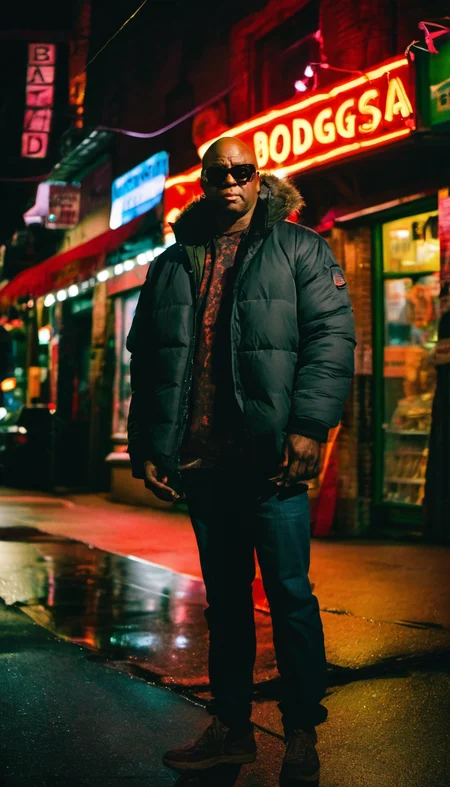

(check version pages for more images)
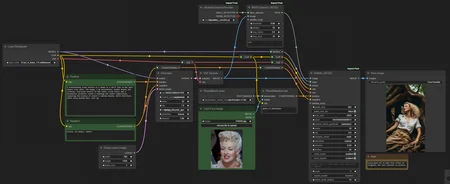
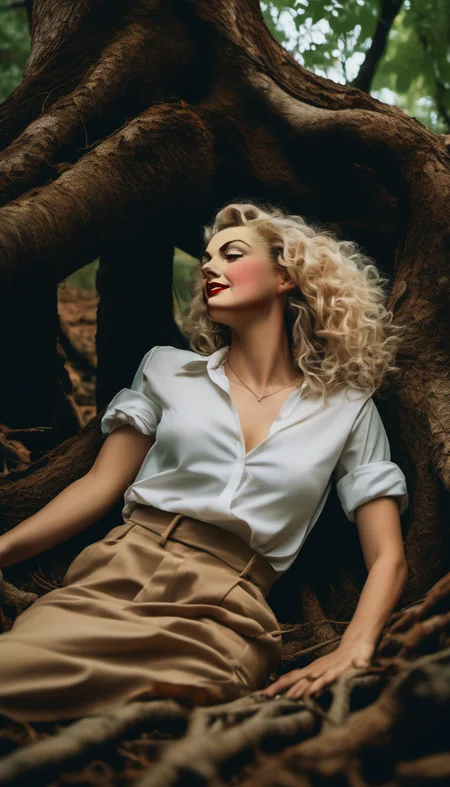
This is a face detailer that takes an image of actual face instead of prompt! Allows to transfer face into an image.
SDXL only.
Installation and dependencies
Install Impact pack custom nodes;
Download Photomaker model and place it in "\ComfyUI\ComfyUI\models\photomaker\";
Download ViT-B SAM model and place it in "\ComfyUI\ComfyUI\models\sams\";
Download and open the workflow.
How to use
Load an image to inpaint into (toImage version) or write prompts to generate it (toGen version). Hair is not transferred! So it's good to prompt for hair. Prompting for similar face features also helps a lot.
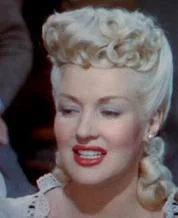
Load an image with the face you want.
Run it.
FAQ
Q: Face not detected.
A: Increase "threshold" in "BBOX Detector (SEGS)" node.
Q: Face remains the same, no transfer, only color change.
A: Make sure you use SDXL model, not SD1.5 model. If problem persists, try basic SDXL 1.0 model.
Q: Face is still to close to general image, not recognizable face image.
A: Increase denoise
Q: Increasing denoise leads to garbage instead of the face.
A: Not any transfer is possible. You can't inpaint a human face over a Shrek face, unless using specific models or LoRAs.
Description
This version generates a picture first, then inpaint the face to it.
FAQ
Comments (3)
There is no facial resemblance at all. This only works as a After Detailer. What could be wrong?
ComfyUI-PhotoMaker-SMZ
I deleted the node Photomaker Encode and installed a new one from my menu. It works now. Thank you.
Interesting. It was "Add node → for_testing → photomaker → PhotoMakerEncode"?
@Postpos I have ComfyUI-PhotoMaker-SMZ... and I also installed through Manager 2 PhotoMakers. In my menu Add node → photomaker → PhotoMakerEncode and Add node → photomaker → PhotoMakerEncodePlus
Looks like we don't have an active mirror for this file right now.
CivArchive is a community-maintained index — we catalog mirrors that volunteers upload to HuggingFace, torrents, and other public hosts. Looks like no one has uploaded a copy of this file yet.
Some files do get recovered over time through contributions. If you're looking for this one, feel free to ask in Discord, or help preserve it if you have a copy.