
Read "About this version" to see what changes were made to the model. I might make changes you don't like and you may want to stay on the older version.
The only authorized generation service outside Civitai is yodayo.com
Maintaining a stable diffusion model is very resource-burning. Please consider supporting me via Ko-fi.
AingDiffusion will ALWAYS BE FREE.
EXP models will be updated here to reduce confusion: https://civarchive.com/models/52780.
===
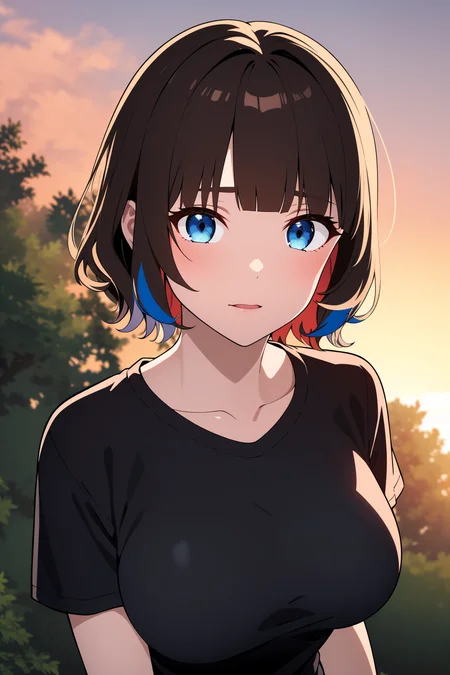
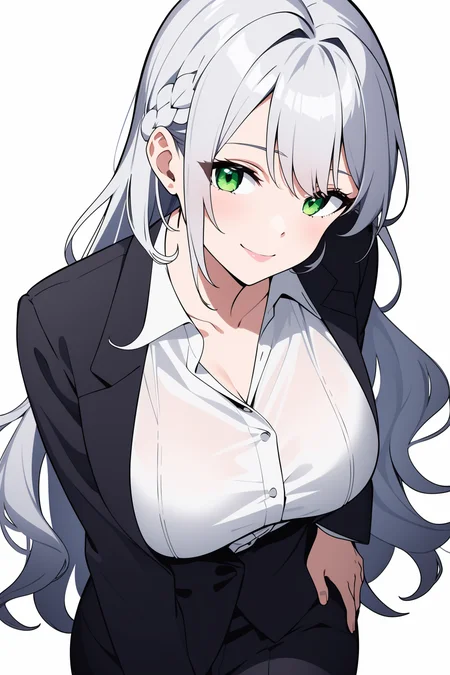
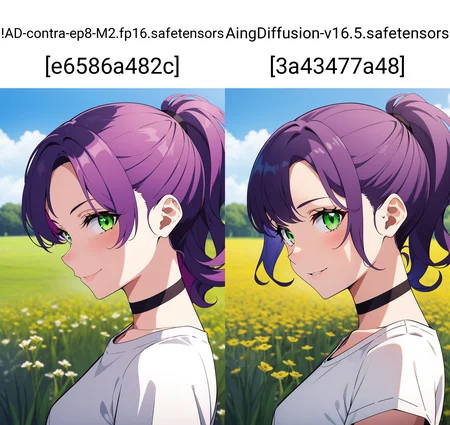
AingDiffusion (read: Ah-eeng Diffusion) is a merge of a bunch of anime models. This model is capable of generating high-quality anime images.
The word "aing" came from informal Sundanese; it means "I" or "My". The name represents that this model produces images relevant to my taste.
Guide to generating good images with this model
(NOT REQUIRED SINCE v7.7. FOR AINGDIFFUSION v7.7 AND UP, SET THE VAE TO NONE)
Use the VAE I included with the model. To set up VAE,you can refer to this guide.Use any negative textual inversion (e.g. EasyNegative), they will help you a lot.
Recommended samplers are "Euler a and DPM++ 2M Karras" for AingDiffusion v7.1 and up.
Hi-res fix is a must if you want to generate high-quality and high-resolution images. For the upscaler, I highly recommend 4x-UltraMix Balanced or 4x-AnimeSharp.
Set Clip skip to 2 [optional, if you need more creativity to the output and not following the prompt 100%], ENSD (eta noise seed delta) to 31337 [to replicate image], and eta (noise multiplier) for ancestral samplers to 0.667.
FAQ
Q: What's up with the frequent updates?
A: AingDiffusion is a model I use daily, not something I merge to gain popularity or for the sake of download count. I made constant efforts to improve the model whenever possible and wanted to share the improvements as quickly as possible.
Q: I can't generate good images with your model.
A: The first thing to remember is that every little change matters in the world of Stable Diffusion. Try adjusting your prompt, using different sampling methods, adding or reducing sampling steps, or adjusting the CFG scale.

Keep experimenting and have fun with the models! 😄
Description
A new dataset was added. It's using the same dataset used to fine-tune AingDiffusion XL. Although the effect is very minimal.
FAQ
Comments (4)
Pretty good looking model, good style. But quite often there are problems with anatomy.
Hmm. My results are visibly worse for characters with 17 than with any previous version. No clue why. I deleted it for now, in favor of V10 and V16.
For those who do not have the clip skip for A1111 SD1.5 pre - release download version, go to the setting tab -> scroll and select User Interface -> Find this line: [info] Quicksettings list (setting entries that appear at the top of page rather than in settings tab) (requires Reload UI), it has only 1 part which is the checkpoint to show the drawing style -> click on border and type "stop" then select "CLIP_stop_at_last_layers" -> scroll back to the top of the page, click "Apply settings" then click "Reload UI". Finally, there will be a clip skip navigation bar, then adjust the parameter 2 for the Aingdiffusion checkpoint. if u don't wanna use it just remove "CLIP_stop_at_last_layers". Hope it helps you.
looks good
Details
Files
Available On (1 platform)
Same model published on other platforms. May have additional downloads or version variants.