




First: very, very thanks to
Stable Cascade Lora Training with OneTrainer | Civitai
for tutorial. It was hard to understood, but finally it working :)
Dont worry! It working on RTX 3060ti 8gb vram. I have old ryzen 7 with 32gb ram. (training loras and run workflow)
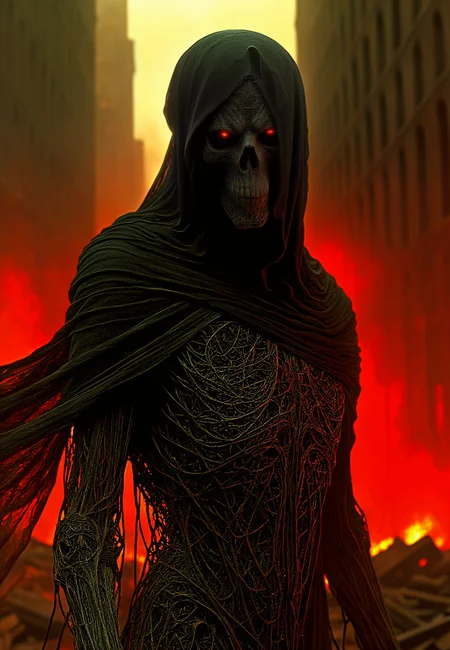
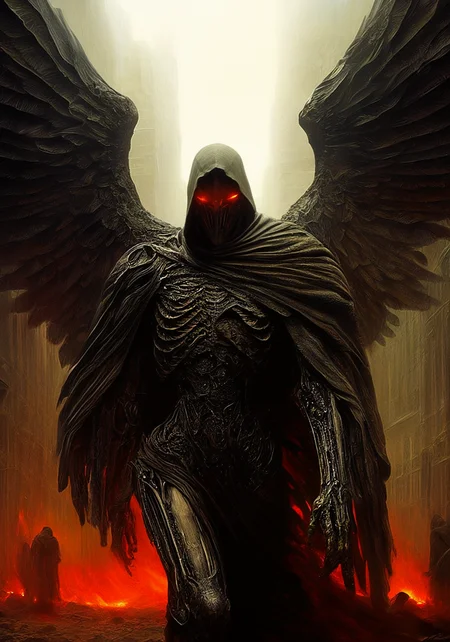
Working lora:
Stable Cascade Beksinski - v2.0 | Stable Diffusion LoRA | Civitai
Presets and workflow added as zip file.
So, lets go!
Put json (presets file) setting to folder
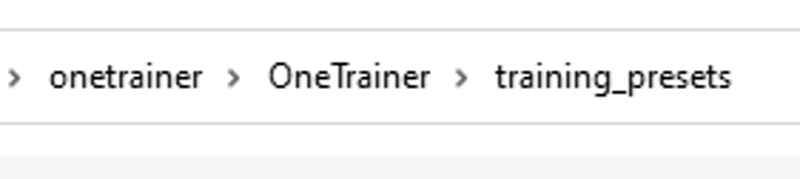
Step by step:
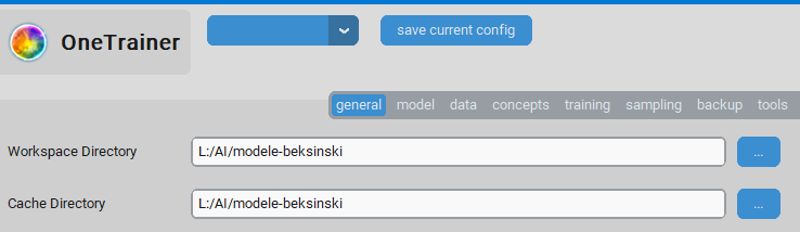
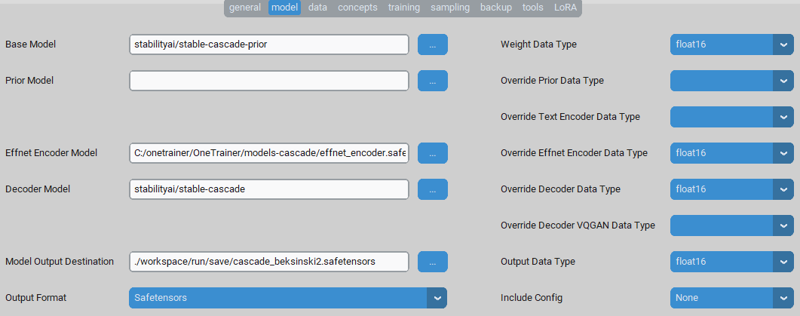
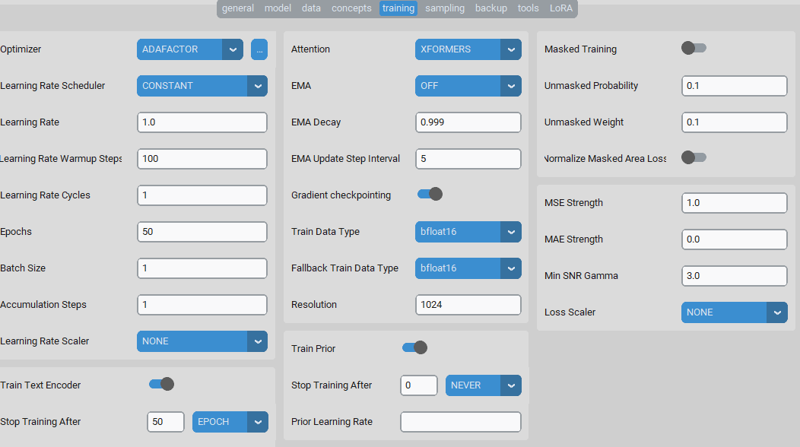
I have images and txt files on drive L. bfloat32 is so fun, but so slowly on my gpu, so i switch all to f16 (not bf16)


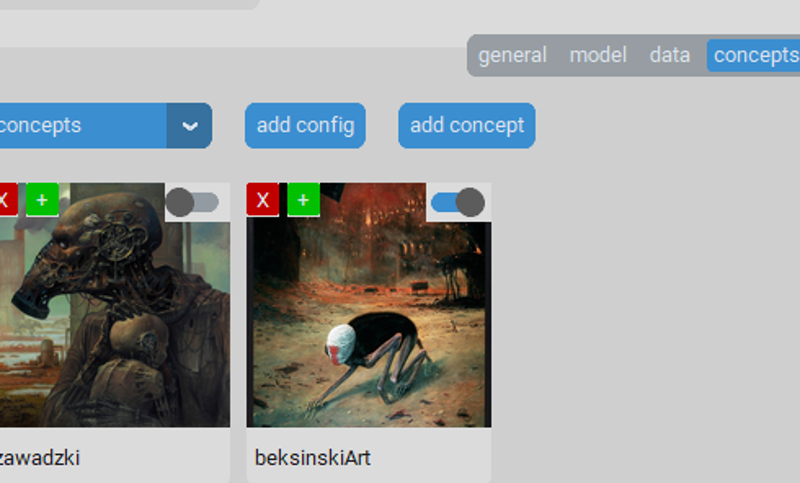


I was use dataset tool to make captions with BLIP and set trigger word as first in caption.
 Caption tool tip: first use Blip to make first line with tag and caption, then make wd14 caption as NEW LINE. Results:
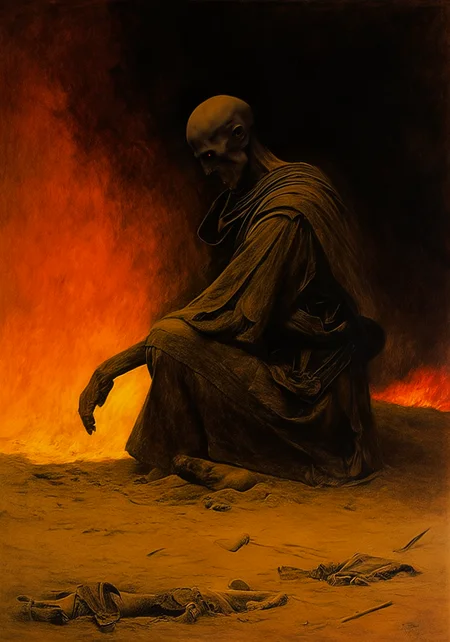
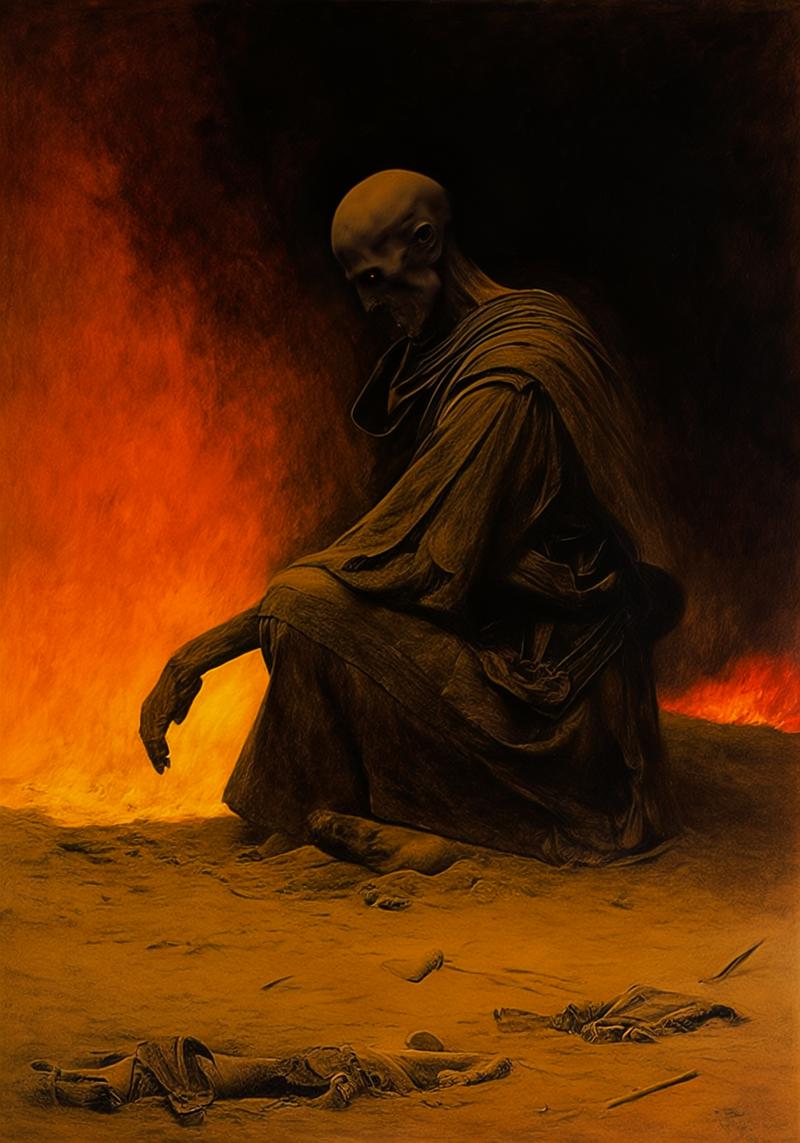
"beksinskiart, a painting of a man kneeling down in the sand
traditional media, fire, no humans, solo, border"
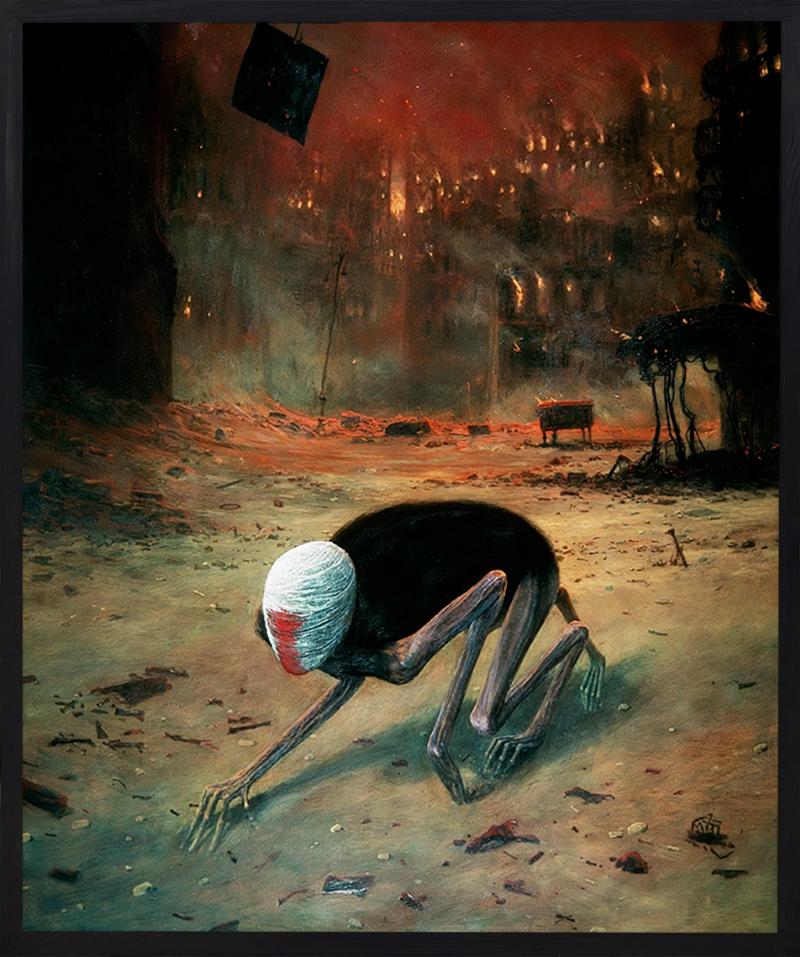

If you need longer caption you have to add max_tokens in blip or blip2 model.


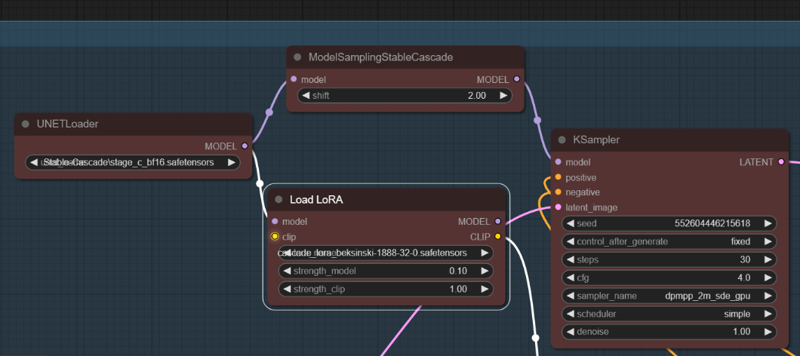
and last one window

Testing workflow:
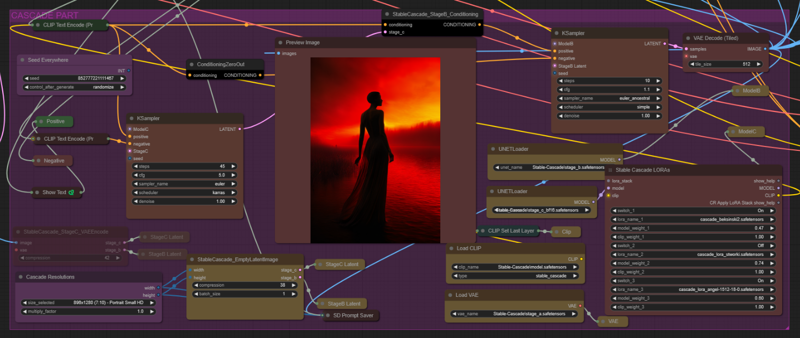
And normal workflow
Have a nice day!
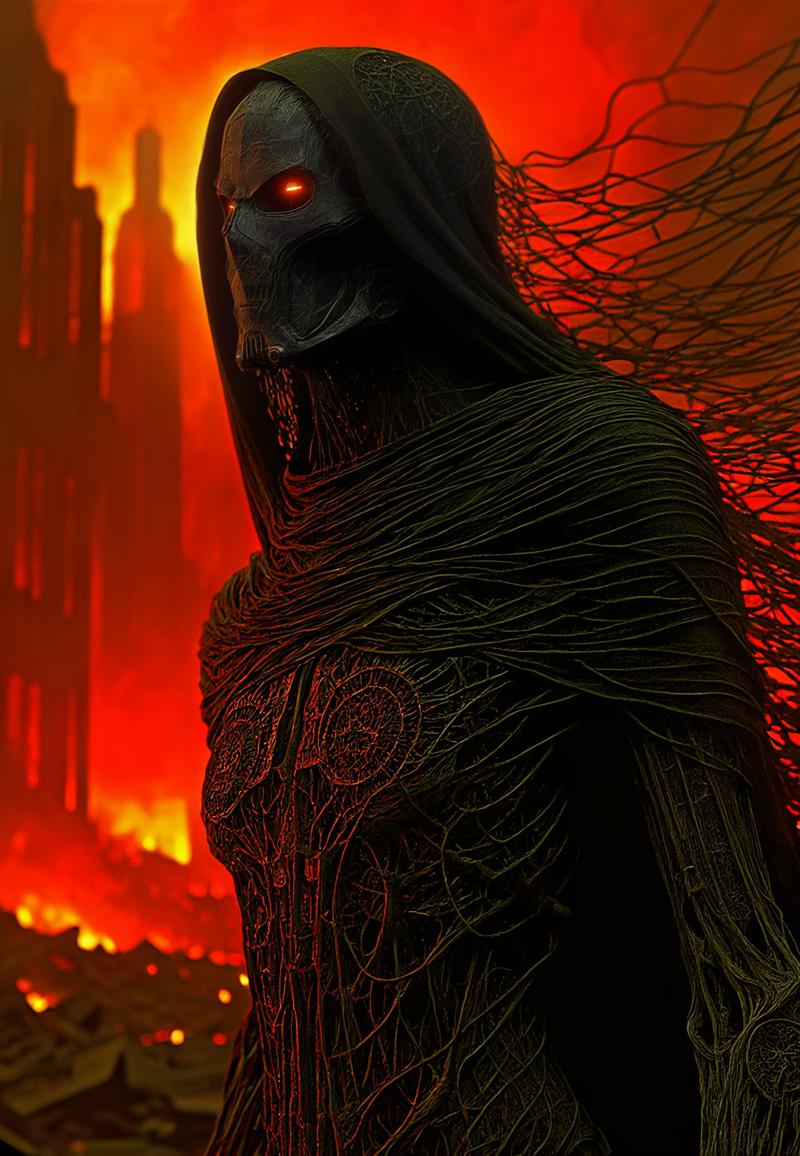
After training then you use my wf with this prompt
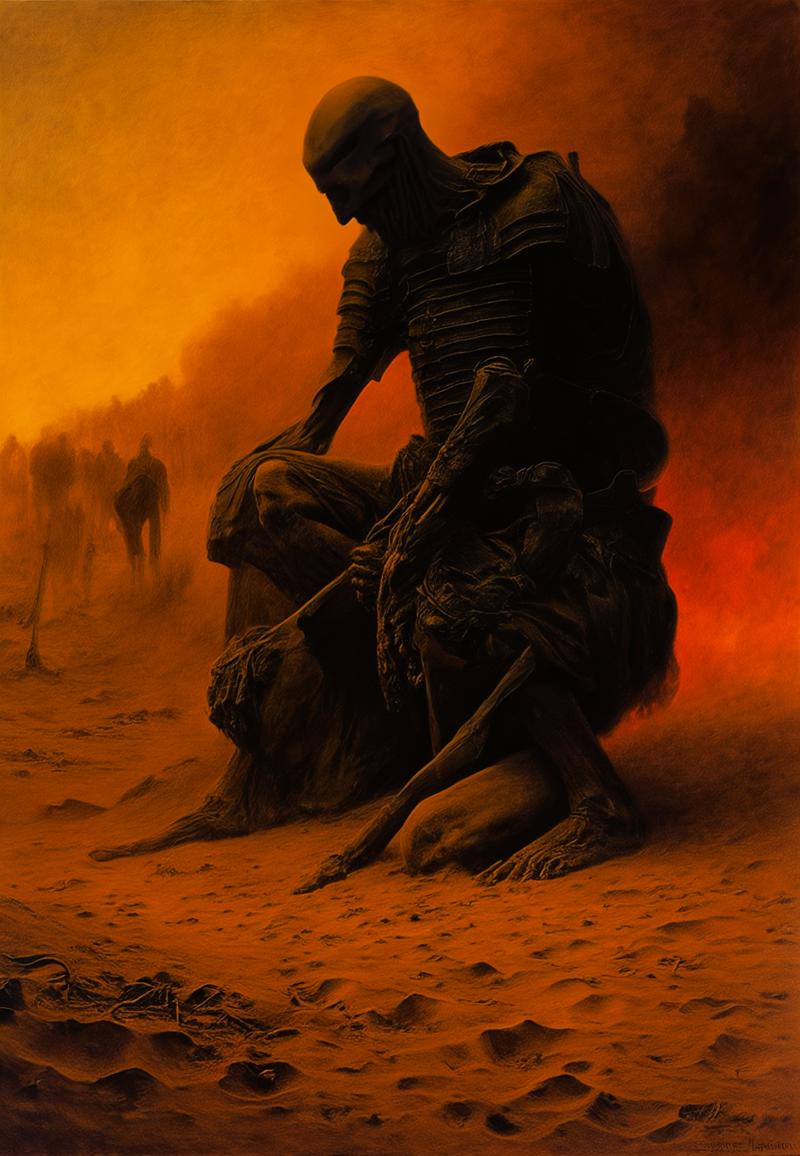
"beksinskiart, a painting of a man kneeling down in the sand
traditional media, fire, no humans, solo, border"
you got this:
Description
FAQ
Comments (8)
awesome, but mine does not look like yours did oneT change and do you have a update and new .Jason settings.
i get a lora but is has no effect on the image, 20 times plus still no luck, also where do i get the stable-cascade-prior.safetensors could not find the download on hugging face.
will be very grateful of any help.
This is for stable cascade. If u want SDXL is another tutorial.
@Aderek514 found you other one is TensorFlow installation not found - running with reduced feature set.
Serving TensorBoard on localhost; to expose to the network, use a proxy or pass --bind_all
TensorBoard 2.16.2 at http://localhost:6006/ (Press CTRL+C to quit)
on the cmd ok
@StreamTabulous i use it with comfyui
@Aderek514 i use comfy also but tested in a1111
@StreamTabulous a1111 is ok, but u need use sdxl clip
hi. thanks but im still having trouble. im not putting faces. i just want to create a lora for the style like animated or vector or realistic whatever it may be. i want a perfect lora like if just put car in the prompt the image should totally be cartoon car. i got rtx 5090, was having trouble with kohya ss (avr_loss=nan) so now im trying onetrainer. could u tell me the settings or something just to copy style
Unfortunately, I don't remember how I did it — it's a very old post. Nowadays, I use pre-trained models for training on Civitai or Tensor Art.