





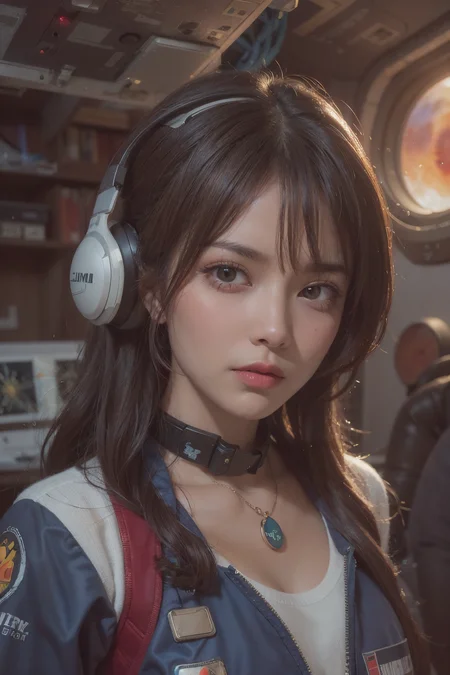
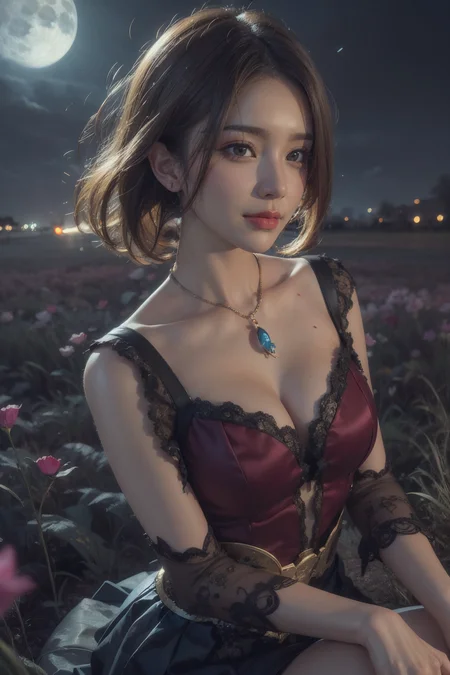
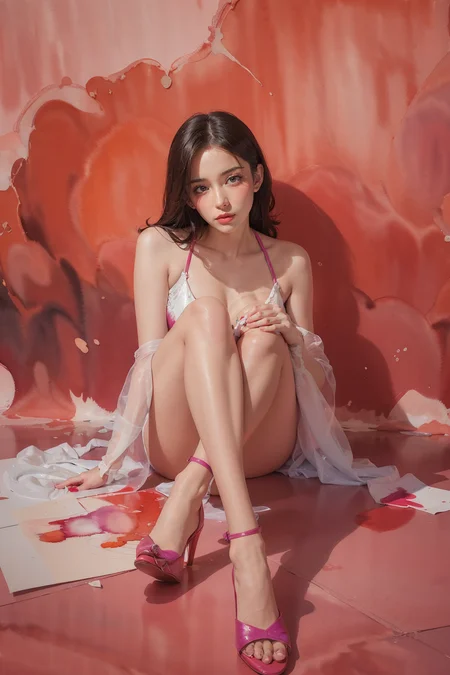
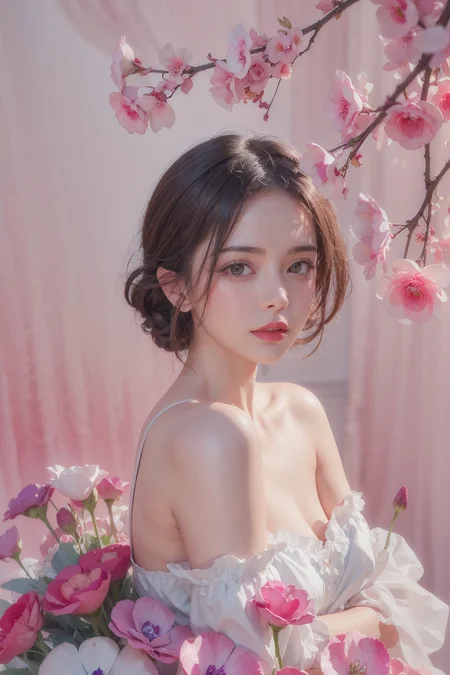
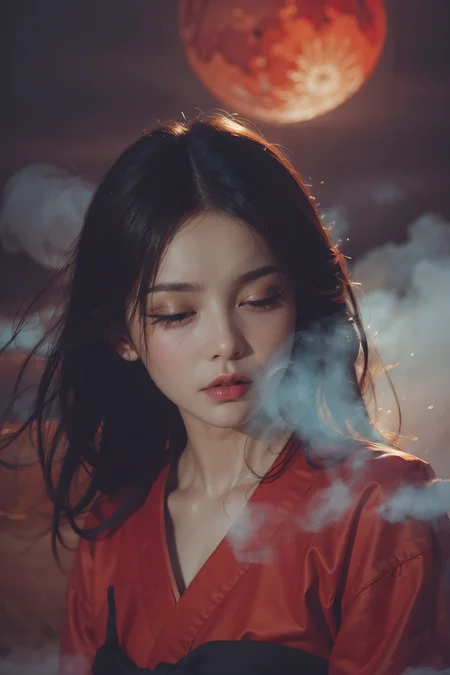
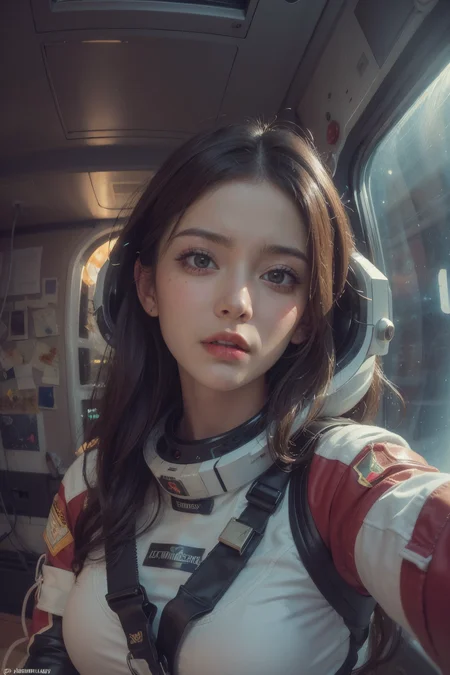
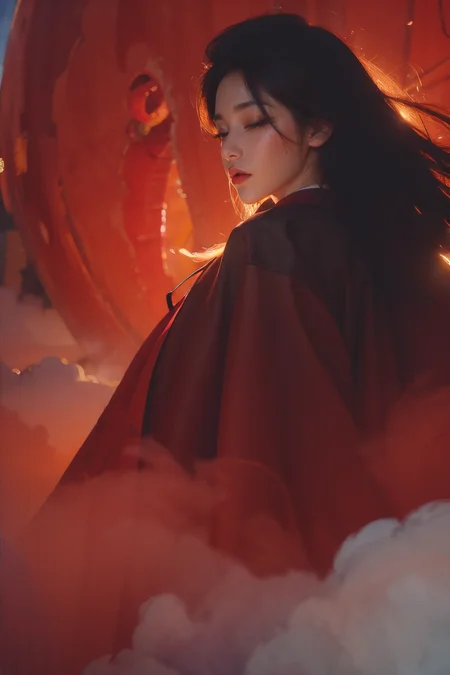
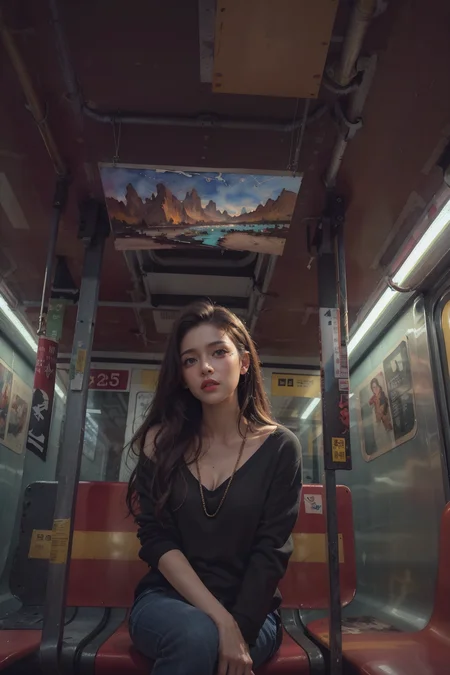
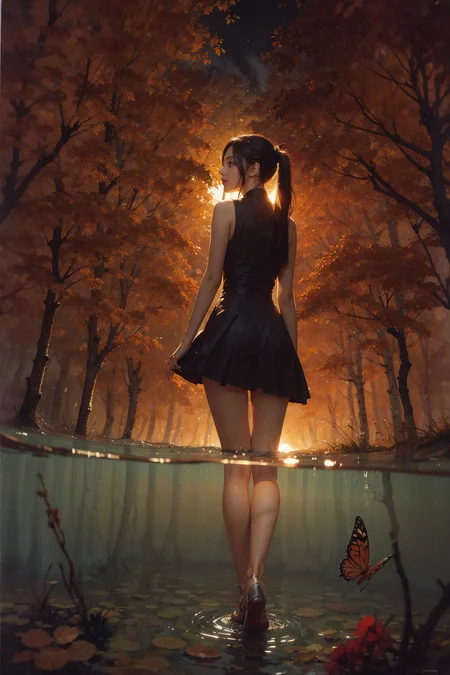
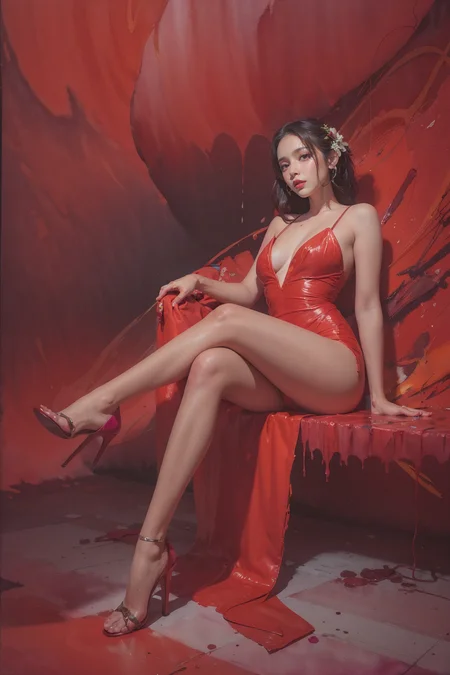
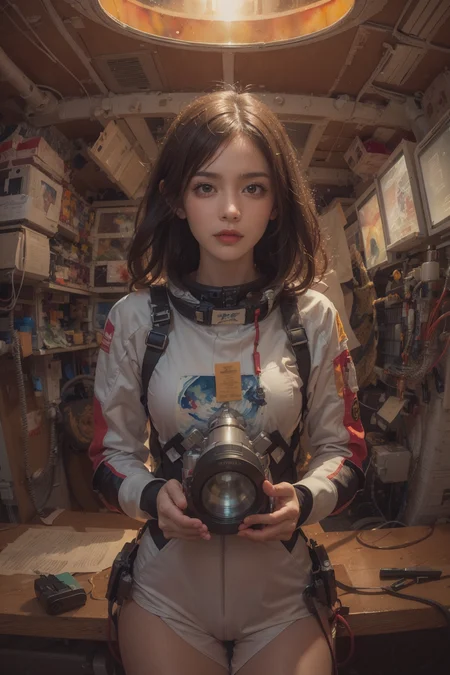
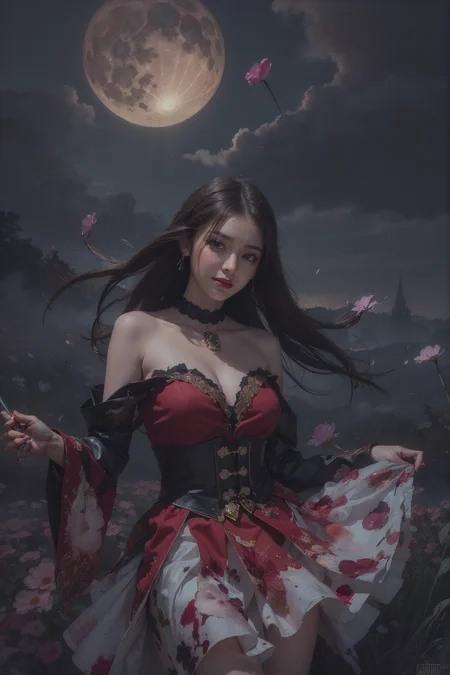
I found a new AI tool Shakker, a best image to image tool. You can try it via https://www.shakker.ai
You can run XXMix_9realistic on sinkin.ai: https://sinkin.ai/m/Y99mNKb
feel free to buy me a coffee ☕
XXMixunreal:我的2.5D新模型,一个极具特色的模型,可以根据关键词进行变种,创造属于自己的风格化图片。A highly distinctive model that can generate variations based on keywords, creating personalized, stylized images.
XXMix_Petrichor:这是我新的系列模型,比较偏网红图片质感一些,希望大家可以支持下载尝试一下
XXMix_Petrichor:This is my new series of models, which are more focused on the aesthetic of internet celebrity images. I hope everyone can support and download them to give them a try
可以尝试下这个高清修复的算法,我认为在某些图片里用这个放大算法的效果要更好,画面也更风格化一些,hf地址在下面,喜欢的朋友可以尝试一下。
You can try this high-definition restoration algorithm. I believe that in some pictures, the effect of using this magnification algorithm is better, and the picture is more stylized. The link to the high-frequency (hf) is below, and those who are interested can give it a try.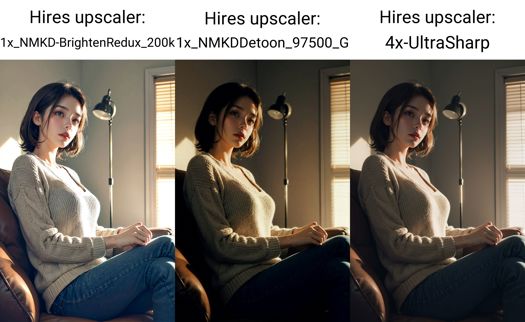
1x_NMKDDetoon_97500_G
https://huggingface.co/utnah/esrgan/tree/main
------------------------------------------------------------------------------------------------------
v4.0
最近热情有所下降,喜欢图例的直接copy吧,没有特别的版本说明。
------------------------------------------------------------------------------------------------------
我认为修手最好的是Detail Tweaker LoRA (细节调整LoRA),其他都是垃圾0 0
v3.0版本说明:
图片信息里的XXMix_4_v2893模型就是v30版本,图片是在模型改名前生成的
1.很高兴向大家介绍XXMix_9系列的3.0版本。这个版本在泛用性和对LORA的支持上都有明显的加强,并且手部的表现要明显好于之前的版本。3.0版本是由v2.5、v2.6和XXMix_4这三个版本Mix而来。生成的图片我尽量没有用任何Embedding模型,因为我发现有些Embedding模型比较隐晦,你不知道哪些Embedding模型起了作用哪些没起作用,从而不能还原图例。
2.如果你想还原图例,请先安装以下扩展:
Adetailer:建议在生成图片时始终开启(如果你想90%以上还原图例,那么建议你在图片信息内查看adetailer是否已开启)。
注意:Adetailer需要下载一些模型https://huggingface.co/Bingsu/adetailer/tree/main,这里是模型地址。模型存放路径:webui/models/adetailer。没有找到adetailer文件夹自己建一个即可。
Adetailer视频教程,这里我就贴娜乌斯嘉的教程喽https://www.bilibili.com/video/BV13s4y197cK/?spm_id_from=333.337.search-card.all.click&vd_source=8c2a86ab53df9752cdd75679f58834a6
CFG Scale Fix:有需求的时候开启,会提高画面的质感。我用的默认数值7左右,如果是白天CFG数值可以稍微大一些,晚上数值要小一些。
(经过我的测试,在第二台电脑上没有办法100%还原图例,我现在还不知道是什么原因,有可能是CFG Scale Fix这个扩展的问题,也有可能是分块VAE的问题,不过基本上你可以还原到90%-95%左右,对画面的影响不是很大。)
3.对于生成图片,个人的小心得:如果你得到了一张非常喜欢的图片,但是手部或其他部位的问题很严重,如果你不想用局部重绘修改的话,那么建议你在固定好seed之后,微调CFG的数值(每次调整0.2-0.3这种幅度来尝试),这样你就有可能在保持原图的基础上得到一张完美的图片。
4.在这里,我还想分享一个我喜欢的后缀句子,它可以让画面的表现力更强。当然,你可以根据需要修改句子中的单词来微调画面风格。这些单词包括:fantasy, high contrast, ink strokes, explosions, over exposure, purple and red tone impression , abstract, ((watercolor painting by John Berkey and Jeremy Mann )) brush strokes, negative space,
5.最后,如果你喜欢这次模型的更新,希望你可以把生成的好看图片分享出来。
Version 3.0 Description:
The XXMix_4_v2893 model in the image information is actually the v3.0 version, but the images were generated before the model was renamed.
Pleased to introduce the 3.0 version of the XXMix_9 series. This version has significantly improved in versatility and support for LORA, and the hand performance is significantly better than the previous versions. The 3.0 version is a mix of v2.5, v2.6, and XXMix_4. When generating images, I try not to use any Embedding models as much as possible because I have found that some Embedding models are more obscure, and you don't know which ones are working and which ones are not, which makes it difficult to restore the example.
If you want to restore the example, please install the following extensions first:
Adetailer: It is recommended to always enable it when generating images. If you want to restore the example by more than 90%, it is recommended to check whether Adetailer is enabled in the image information.
Note: Adetailer requires downloading some models from https://huggingface.co/Bingsu/adetailer/tree/main. Here is the model address. The model should be stored in the path: webui/models/adetailer. If you cannot find the adetailer folder, please create one yourself.
Adetailer Chinese Video Tutorial,这里我就贴娜乌斯嘉的教程喽https://www.bilibili.com/video/BV13s4y197cK/?spm_id_from=333.337.search-card.all.click&vd_source=8c2a86ab53df9752cdd75679f58834a6
CFG Scale Fix: Enable it when needed, it will improve the quality of the image. I use the default value of about 7. If it is daytime, the CFG value can be slightly larger, and at night, the value should be smaller. (After my test, I cannot restore the example 100% on the second computer. I still don't know the reason. It may be a problem with the CFG Scale Fix extension or the Tiled VAE. However, you can basically restore it to about 90%-95%, and the impact on the image is not significant.)
For generating images, here is my personal experience: If you get a picture that you really like, but there are serious problems with the hands or other parts, and you don't want to use local redraw to modify it, then it is recommended to adjust the CFG value slightly (0.2-0.3 range) after fixing the seed. This way, you may get a perfect picture while keeping the original image.
Here, I would like to share a suffix sentence that I like, which can make the image more expressive. Of course, you can modify the words in the sentence to fine-tune the image style. These words include: fantasy, high contrast, ink strokes, explosions, overexposure, purple and red tone impression, abstract, brush strokes ((watercolor painting by John Berkey and Jeremy Mann)), negative space.
Finally, if you like the updates of this model, we hope you can share the beautiful images you generated.
------------------------------------------------------------------------------------------------------
v26-fp16-no-ema update
------------------------------------------------------------------------------------------------------
v2.6版本说明:
这版算小更新,优化了脸型,手的问题有优化,不过主要还是抽卡。大问题下个版本解决。
Version 2.6 release notes:
This version is a minor update that optimizes the face and hand issues. However, the main focus is still on the gacha system. The major issues will be addressed in the next version.
------------------------------------------------------------------------------------------------------
有人留言说模型基本不能用,麻烦新朋友看下自己的设置是否和图例的设置一样,除了全身图会有IMG2IMG放大的操作,其他图都是直出的。请一定先确定自己设置是否和图里一样哈!!!
V2.5版本的光影效果表现更好,支持更多幻想内容,调整了基础脸型,场景方面的表现更好。
V2.5 version has better lighting effects and supports more fantasy content. The basic face shape has been adjusted, and the performance in scenes has been improved.
------------------------------------------------------------------------------------------------------
适当调小(CFG Scale)的数值,可以得到与众不同的效果。
V2版本说明:
1.更换了默认脸。
2.更好的光影表现。
3.融合了更多模型,后面还会继续迭代。
4.如果想得到更好的皮肤质感,那么生成图片的时候不要开启高清修复,而是将生成的图片传入图生图模式,启用Tiled Diffusion,来进行放大,从而得到更真实的皮肤质感。
5.我会继续更新迭代这个大模型,希望能不断填充内容,让模型更具趣味性。
谢谢您的支持!
Version 2 Release Notes:
Changed the default face.
Improved lighting and shadow effects.
Added more models and will continue to iterate in the future.
For better skin texture, do not enable Hires Fix when generating images. Instead, use the "Tiled Diffusion" mode to enlarge the generated image and achieve a more realistic skin texture.
I will continue to update and iterate on this large model, hoping to add more content and make it more interesting.
Thank you for your support!
------------------------------------------------------------------------------------------------------
推荐参数
Recommended Parameters:
Sampler: DPM++ 2M Karras alt Karras or DPM++ SDE Karras
Steps: 20~40
Hires upscaler:4x-UltraSharp
Hires upscale: 2
Hires steps: 15
Denoising strength: 0.2~0.5
CFG scale: 6-8
clip skip 2
Description
v3.0版本说明:
1.很高兴向大家介绍XXMix_9系列的3.0版本。这个版本在泛用性和对LORA的支持上都有明显的加强,并且手部的表现要明显好于之前的版本。3.0版本是由v2.5、v2.6和XXMix_4这三个版本Mix而来。生成的图片我尽量不用任何Embedding模型,因为我发现有些Embedding模型比较隐晦,你不知道哪些Embedding模型起了作用哪些没起作用,从而不能还原图例。
2.如果你想还原图例,请先安装以下扩展:
adetailer:建议在生成图片时始终开启(如果你想90%以上还原图例,那么建议你在图片信息内查看adetailer是否已开启)。
CFG Scale Fix:有需求的时候开启,会提高画面的质感。我用的默认数值7左右,如果是白天CFG数值可以稍微大一些,晚上数值要小一些。
(经过我的测试,在第二台电脑上没有办法100%还原图例,我现在还不知道是什么原因,有可能是CFG Scale Fix这个扩展的问题,也有可能是分块VAE的问题,不过基本上你可以还原到90%-95%左右,对画面的影响不是很大。)
3.对于生成图片,个人的小心得:如果你得到了一张非常喜欢的图片,但是手部或其他部位的问题很严重,如果你不想用局部重绘修改的话,那么建议你在固定好seed之后,微调CFG的数值(每次调整0.2-0.3这种幅度来尝试),这样你就有可能在保持原图的基础上得到一张完美的图片。
4.在这里,我还想分享一个我喜欢的后缀句子,它可以让画面的表现力更强。当然,你可以根据需要修改句子中的单词来微调画面风格。这些单词包括:,fantasy, high contrast, ink strokes, explosions, over exposure, purple and red tone impression , abstract, ((watercolor painting by John Berkey and Jeremy Mann )) brush strokes, negative space,
5.最后,如果你喜欢这次模型的更新,希望你可以把生成的好看图片分享出来。
Version 3.0 Description:
Pleased to introduce the 3.0 version of the XXMix_9 series. This version has significantly improved in versatility and support for LORA, and the hand performance is significantly better than the previous versions. The 3.0 version is a mix of v2.5, v2.6, and XXMix_4. When generating images, I try not to use any Embedding models as much as possible because I have found that some Embedding models are more obscure, and you don't know which ones are working and which ones are not, which makes it difficult to restore the example.
If you want to restore the example, please install the following extensions first:
Adetailer (https://github.com/Bing-su/adetailer): It is recommended to always enable it when generating images. If you want to restore the example by more than 90%, it is recommended to check whether Adetailer is enabled in the image information.
CFG Scale Fix (https://github.com/mcmonkeyprojects/sd-dynamic-thresholding): Enable it when needed, it will improve the quality of the image. I use the default value of about 7. If it is daytime, the CFG value can be slightly larger, and at night, the value should be smaller. (After my test, I cannot restore the example 100% on the second computer. I still don't know the reason. It may be a problem with the CFG Scale Fix extension or the block VAE. However, you can basically restore it to about 90%-95%, and the impact on the image is not significant.)
For generating images, here is my personal experience: If you get a picture that you really like, but there are serious problems with the hands or other parts, and you don't want to use local redraw to modify it, then it is recommended to adjust the CFG value slightly (0.2-0.3 range) after fixing the seed. This way, you may get a perfect picture while keeping the original image.
Here, I would like to share a suffix sentence that I like, which can make the image more expressive. Of course, you can modify the words in the sentence to fine-tune the image style. These words include: fantasy, high contrast, ink strokes, explosions, overexposure, purple and red tone impression, abstract, brush strokes ((watercolor painting by John Berkey and Jeremy Mann)), negative space.
FAQ
Comments (58)
因为猜测是国人所以用中文评论了,
对您的模型可以展现出出色的暗光或者暗调风格感到非常惊奇,其他的模型几乎很少能做到这点,请问是为什么呢?
Adetailer:建议在生成图片时始终开启?如何开启?安装后找不到开启的位置
随机种子下面就是
大佬您好,模型非常棒非常喜欢,但是在使用ADetailer时候在插件里用lora权重稍微调高一点的时候,脸周围就会有一个很明显的方框,重回幅度调低调高都没法解决,只能降低lora权重,我感觉你的例图非常仔细的看也会有一点点方框,但是不明显,不仔细看发现不了,显然您控制的非常好,使用其他模型这样的问题就不太明显,如何才能最好的规避呢,能请教一下您对插件的使用经验吗?您在例图中使用了您自己制作的lora吗?在插件里输入有关光影或者颜色的提示词,例如purple and red tone impression会对插件效果有影响吗?希望您不吝赐教!
我都是默认参数,只改改重绘值,没有用lora,其他数值你调调呢,这个插件我没深用,用的很浅,没怎么研究过。
方框肯定是能通过调整插件数值搞定的,就像face editor也有这么个数值。
@Zyx_xx 您例图里的都是默认脸吗,那用插件改了什么呢,只是输入提示词吗?
@Zyx_xx好的,我每个都调一下看看 应该是蒙版之类的 但是蒙版模糊调了没啥用
@gushi2276206 都是默认脸没用lora。
@gushi2276206图片信息里有关键字 都是很简单的单词
@Zyx_xx 好的 谢谢
大佬用的vae是哪个
why i didnt generate the same images as these people? what vae should i use and should i check the ignore selected vae?
Did you carefully read the version notes?Are there any installation-related extensions?
是个非常棒的模型,用起来确实和其他的人物模型有区别,能更真实展现出来的同时很少出现崩坏,光影做的非常不错。支持作者!
不知道的还以为是我自己发的0 0哈哈
@Zyx_xx 哈哈哈哈,没有啦,真的很不错,希望可以看到更优秀的作品吖!
哈哈哈哈哈哈哈确实像作者买的评论。 挺好看的,就是感觉每张脸好像都一样?可能是我瞎了,我还专门去确认了一下是否使用了什么脸部LORA。。。最后我想说这是个非常棒的模型,用起来确实和其他的人物模型有区别,能更真实展现出来的同时很少出现崩坏,光影做的非常不错。支持作者!
An excellent model. Thank you for your hard work !
sd-webui更新,导致DPM++ 2M alt Karras不能用了,大佬能修复一下吗?
不能用了是啥意思?
就是cmd会报错,报错文件就是替换的 sd_samplers_kdiffusion.py
今天拉取了sd-webui的更新,使用 DPM++ 2M alt Karras 就报错了:
File "F:\stable-diffusion-webui\modules\sd_samplers_kdiffusion.py", line 176, in forward
denoised_params = CFGDenoisedParams(x_out, state.sampling_step, state.sampling_steps)
TypeError: CFGDenoisedParams.__init__() missing 1 required positional argument: 'inner_model'
@asahinaw 需要替换成之前的版本 新的版本就是会报错
@Zyx_xx 好的,谢谢
@asahinaw 请问可以发我一份下载链接吗,DPM++ 2M alt Karras,我的这个切换了一下版本就找不到了,大佬大佬大佬,救命
@Zyx_xx大佬,DPM++ 2M alt Karras,这个采样器你有下载链接吗,我昨天切换了一下版本就从我页面上消失了,能否发我一份,万分感激
@1015547238478 幸好还留着 https://wwkj.lanzoul.com/iLGYm0xt5bxc
@asahinaw 大佬我真是爱死你了,嘴一个
Please Help:
TypeError: list indices must be integers or slices, not NoneType
Time taken: 0.01s
Torch active/reserved: 1/2 MiB, Sys VRAM: 1003/6144 MiB (16.32%)
try without lora, without vae , maybe update your a1111
SafetensorError: Error while deserializing header: MetadataIncompleteBuffer
i run into this issue when i try to upload you model, what i need to solve this problem :<
CHATGPT SAID:"SafetensorError: Error while deserializing header: MetadataIncompleteBuffer" means that there was an error while deserializing the header due to incomplete metadata.
This issue may be caused by data corruption or loss during serialization or deserialization, which results in incomplete metadata. This could be due to errors during network transmission, disk failure, or other reasons.
To resolve this issue, you can try regenerating the data or retransmitting the data to ensure data integrity. You can also check the serialization and deserialization processes in your code to ensure that they handle the data correctly. If the problem persists, you may need to further investigate the cause of data corruption or loss and take appropriate measures to fix it.
大佬,留意到你的文档内写了“细节调整lora”修手很厉害,可以细嗦修手吗!拜托了!
个人用起来 手的成功率会提高,仅个人感受。
@Zyx_xx 我去试试,谢谢大佬
@catmeatmeat 个人感觉从模型和lora入手修手都是玄学。因为底层的逻辑里面模型和lora出来的潜变量空间只有64*64。这个空间压根就不足以包含手的细节信息,反而VAE更重要
很喜欢这个模型,请问一下大佬,为什么出图有点发灰?
要加vae,相当于一层滤镜
@Lexxx 怎么加vae纯小白
图中的手也看不出来修的有多好啊?
DPM++ 2M alt Karras doesnt work it shows error.
大佬有群吗,请教下这个粉色滤镜和光影是怎么调的呢
這才是真正的真人化高質素AI啊~~
我点击下载的时候,直接网络错误这个怎么解决,有人知道吗
Civitai 网站有时会出错。一般刷新页面,或者等一段时间就好。我也不时遇到。
can you add an inpainting model?? the inpaint anything extentention is going viral.
is it good with male characters? can u upload an example please
Details
Files
xxmix9realistic_v30.safetensors
Mirrors
xxmix9realistic_v30.safetensors
xxmix9realistic_v30.safetensors
xxmix9realistic_v30.safetensors
xxmix9realistic_v30.safetensors
xxmix9realistic_v30.safetensors
xxmix9realistic_v30.safetensors
xxmix9realistic_v30.safetensors
xxmix9realistic_v30.safetensors
xxmix9realistic_v30.safetensors
xxmix9realistic_v30.safetensors
xxmx_9rlstc.safetensors
xxmix9realistic_v30.safetensors
xxmix9realistic_v30.safetensors
XXMix_9realistic_v3.0.safetensors
xxmix9r-v30.safetensors
xxmix9realistic_v30.safetensors
xxmix9realistic_v30.safetensors
xxmix9realistic_v30.safetensors
XXMix_9realistic.safetensors
xxmix9realistic_v30.safetensors
Xxmix_9Realistic.safetensors
xxmix9realistic_v30.safetensors
xxmix9realistic-v30.safetensors
xxmix9realistic_v30.safetensors