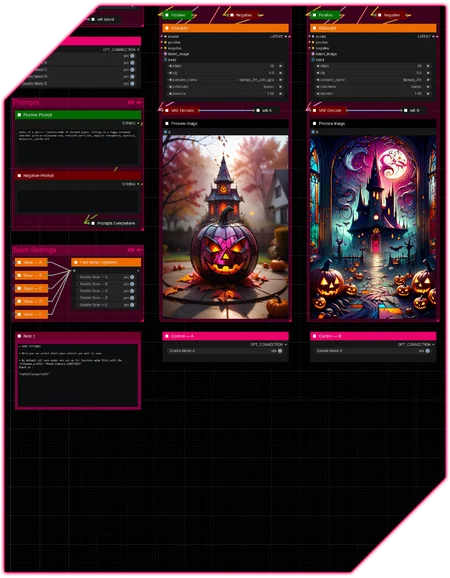





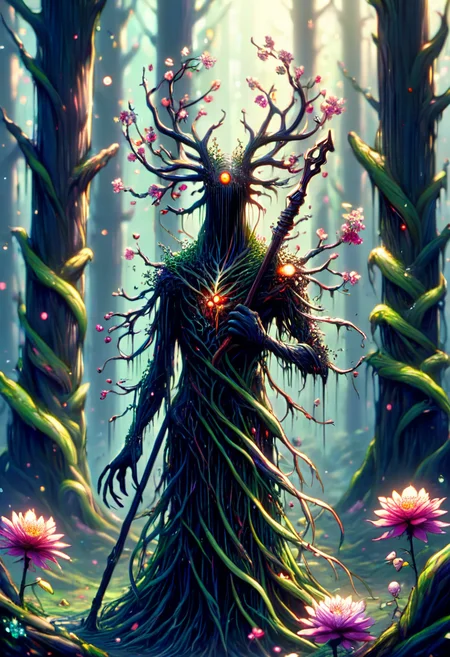




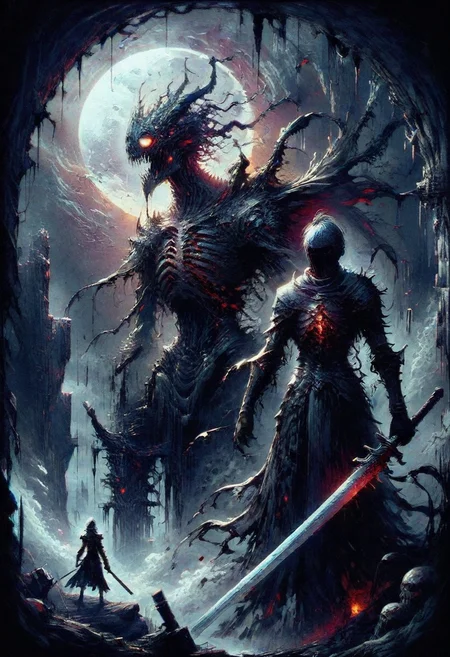


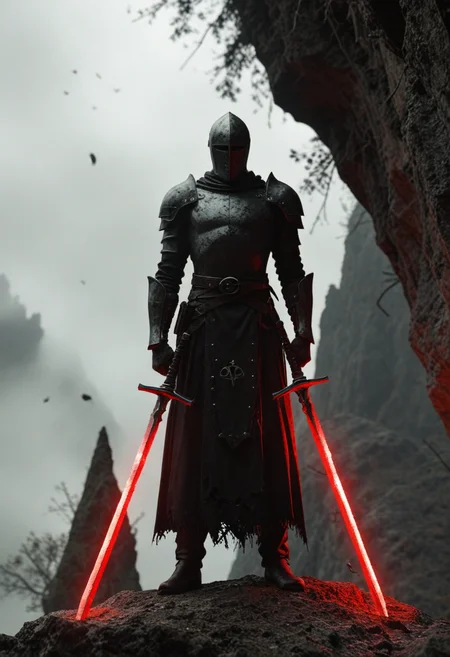
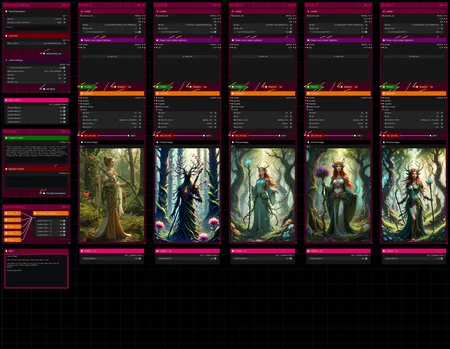
Hello there and thanks for checking out this workflow!
—Intro—
Whenever I download (yet another) new checkpoint I want to see how it performs side by side compared to others to find out what quirks, differences and similarities they all have.
Directly using them within different workflows with multiple passes, upscalers, adetailers, post-processing, etc. was concealing a lot of those.
So I built a workflow specifically for that and hope it proves useful to others as well.
—Purpose—
This workflow was built to compare checkpoints next to each other using the same seed and prompts, while allowing individual adjustments of all their individual parameters to help you find the checkpoint best suited for your needs!
By revealing differences in :
variety (compositions, faces, perspectives, lighting,...)
prompt adherence
realism / stylization
knowledge (cartoons, anime, movies, celebrities, artists, video games,...)
quality
—Features—
Up to 10 generations per batch
LoRA support
Metadata collection for each model + eventual LoRA
Automatic comparison assembly with Customizeable Labeling incl. LoRA
Option to attach full Comparisons to one another → Multi-Comparison-Assembly!
Tutorial guide for nodes and settings in dedicated ►INFO boxes
—Custom Nodes—
All of which can be installed through the ComfyUI-Manager
—Troubleshooting—
If nodes show up red (failing to load), check the 'Install Missing Custom Nodes' tab of the ComfyUI Manager for the missing node packs and install them.
Please check if all custom node packs load properly after installing, i.e. no
(IMPORT FAILED)messages next to any of them in the console upon ComfyUI startup.Always reload/drag'n'drop the original, downloaded workflow file into ComfyUI to reload an intact version of the workflow.
—Thanks—
The workflow would not be possible as is without these custom node packs. If you want to support the custom node creators, give them a ⭐ on their github repos! Thank you!
Feel free to ask any questions, share improvements or suggestions in the comment section and upload quirky checkpoint findings to contribute to unraveling all mysterious biases of checkpoints to unearth all their dirty secrets!
Description
v5
— major rework
— streamlined meaningful options and cut out less useful ones
— custom node pack changes :
+ : ComfyUI-Impact-Pack
- : ComfyUI-mxToolkit
FAQ
Comments (7)
Nice job almost exactly what I wanted. but you don't know if there is a node that can combine the images into one and put the checkpoint name as text on the image at the top, like Automatic 1111's XYZ plot script?
Thank you! I can make that happen, sure thing 👌
@J1B Here it is. Tell me if that is what you were looking for or if there is something else missing 👍
@redpinkretro Cool thanks, what was the newest custom nodes you used? I don't have them, and "Install missing custom nodes" is not picking them up either. I have tried updating Comfyui and all nodes as well, but no luck.
@J1B All node packs I added in this update are :
♦ ComfyUI-Allor
— https://github.com/Nourepide/ComfyUI-Allor
♦ ComfyUI-Custom-Scripts
— https://github.com/pythongosssss/ComfyUI-Custom-Scripts
♦ ComfyUI-KJNodes
— https://github.com/kijai/ComfyUI-KJNodes
♦ ComfyUI_Comfyroll_CustomNodes
— https://github.com/Suzie1/ComfyUI_Comfyroll_CustomNodes
They all appear on the default channel of the custom nodes list when I check.
- What is the exact error you get?
- Do you see them all appear in the log when starting ComfyUI?
- And do you have any (IMPORT FAILED) errors next to them?
@redpinkretro Thanks very much I got it working, strangely it just reloaded correctly after restarting my PC! It is perfect by the way, just what I wanted :)
@J1B Glad to hear that! Yeah, that sounds like Comfy alright 😅
Thank you very much for the support! Greatly appreciated! 🙏