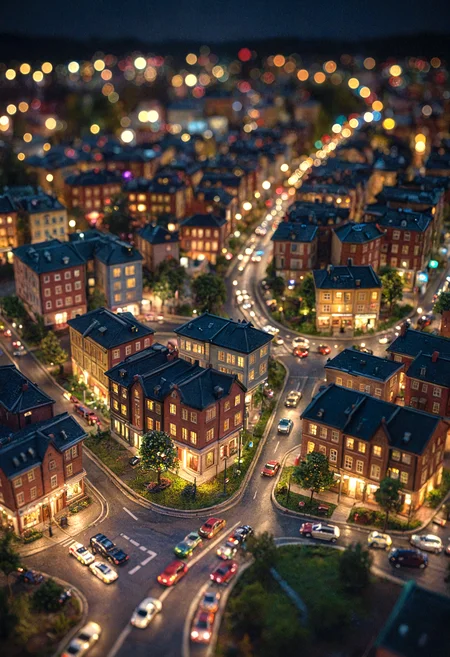







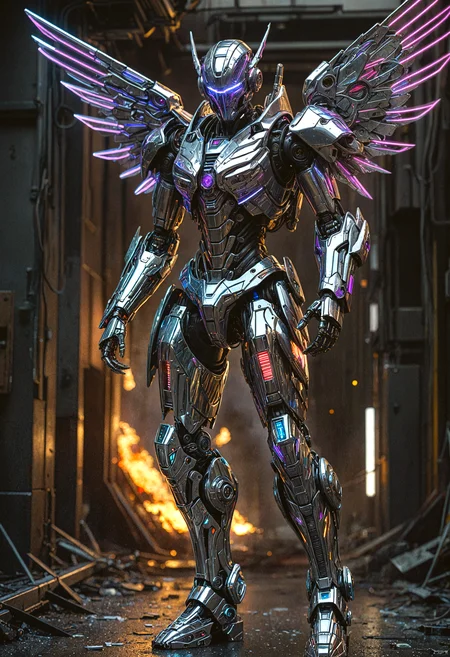
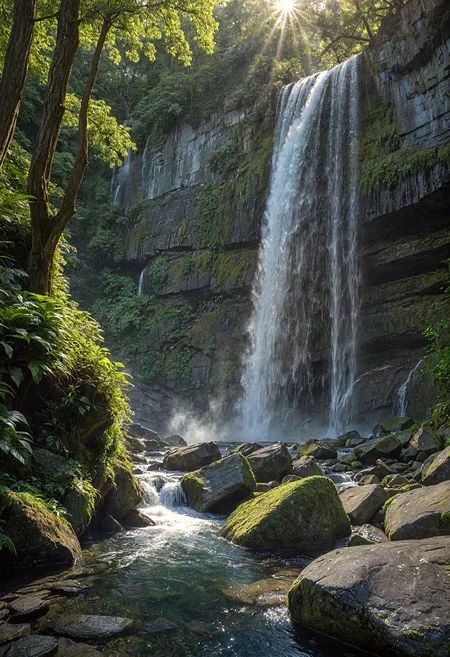


Generates an image in SDXL and upscale it to 2x the original resolution using Tile Controlnet, Tiled Diffusion and colour matching. You can provide your own image (e.g. from Flux) for upscaling and disable the image generation process.
Nodes
Install the following custom nodes using ComfyUI Manager:
rgthree's ComfyUI Nodes
KJNodes for ComfyUI
ComfyUI Essentials
ComfyUI-Advanced-ControlNet
Tiled Diffusion & VAE for ComfyUI
Models Required
Checkpoint:
Dreamshaper Turbo https://civarchive.com/models/112902?modelVersionId=351306
You can use your favourite checkpoint but be sure the change the settings in the KSampler
Tile Controlnet:
xinsir/ControlNet++: All-in-one ControlNet (ProMax model) - higher detail
xinsir/ControlNet Tile SDXL (better colours)
This workflow implements the ideas from this video by Latent Vision:
Description
Updated the workflow to use SDXL Turbo
FAQ
Comments (7)
Thanks for sharing, this looks a lot similar to what I have so I can vouch for it.
I have a question though, as I've been investing myself a bit more into how to integrate more of CN++ Promax into my flow, and I see a new mode Tile Super (and other variantes), wondering if you know how to use it, to me it's confusing there is a single model and then how do I know what mode it is using?
This video from Olivio Sarikas might help. https://m.youtube.com/watch?v=UBFEw1IUX_I
The Controlnet should work differently based on your workflow. If you provide a larger latent then it should be working in super resolution mode. And if you provide an empty latent of the same size, then it should work in variation mode (with different seeds and lower Controlnet strength).
I'll do some testing when I get home to see if this is correct.
Hi, I just came across this video that might be helpful to you. https://youtu.be/Sqp9YxfGxFQ?feature=shared&t=276 There is a set union controlnet type node, it is included in comfyui core nodes so there is no need to install any custom nodes. Hope this helps.
I couldn't get the idea behind this process, but I just followed with the downloaded workflow, except I changed checkpoint with juggernautXL and steps20/CFG8. I get skewed images. can you point me which should be wrong? I updated all components, and tile-model is controlnet-tile-SDXL-1.0. Image is posted below.
Juggernaut checkpoint should not result in skewing of the images. Try xinsir's union controlnets.
My advice will be to start from the recommended models as this is what I tested the workflow on, to see if you can replicate the results. Then change out one model at a time to suit the particular style you are going for.
Try different sampler / scheduler combination as well. the non-SDE / ancestral ones might work better.
Thanks for your attention. I tried Euler/DPM_A, then scheduler simple/normal/SGM_uniform, and then tile-model as union-one. All same. Very skewed and screwed. There must be 'one' reason, or 'the one' faulty working, but at this moment I don't know what causes this image-misalignment. I would dig into this myself... TY again.
I didn't change anything, all the models are the same, it just doesn't work.
Looks like we don't have an active mirror for this file right now.
CivArchive is a community-maintained index — we catalog mirrors that volunteers upload to HuggingFace, torrents, and other public hosts. Looks like no one has uploaded a copy of this file yet.
Some files do get recovered over time through contributions. If you're looking for this one, feel free to ask in Discord, or help preserve it if you have a copy.