


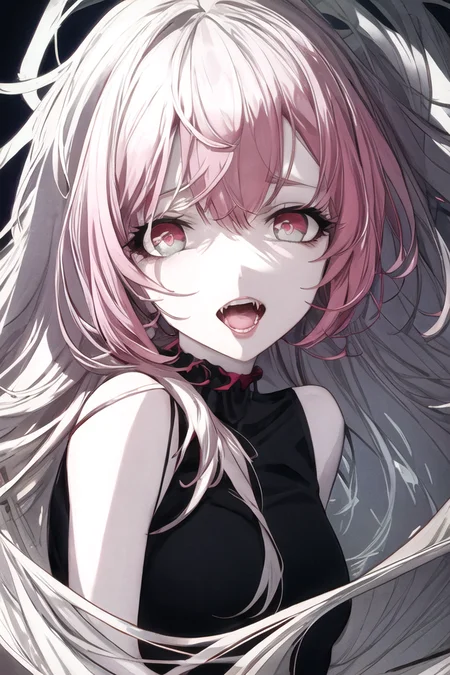
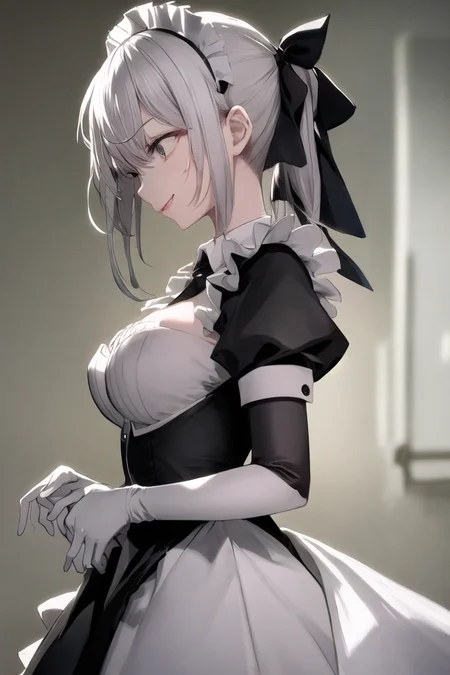

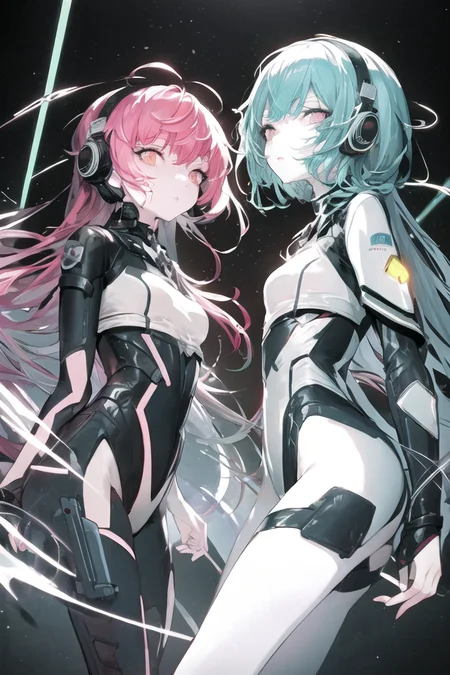
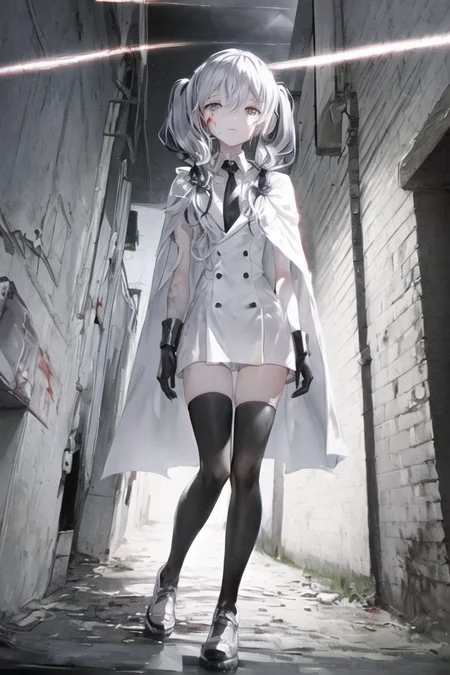

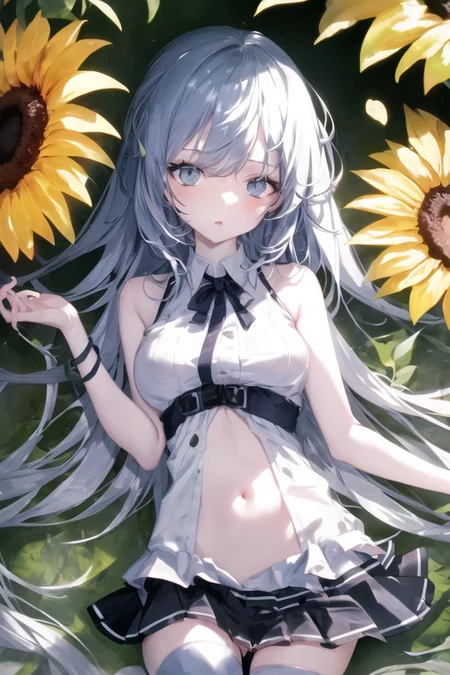
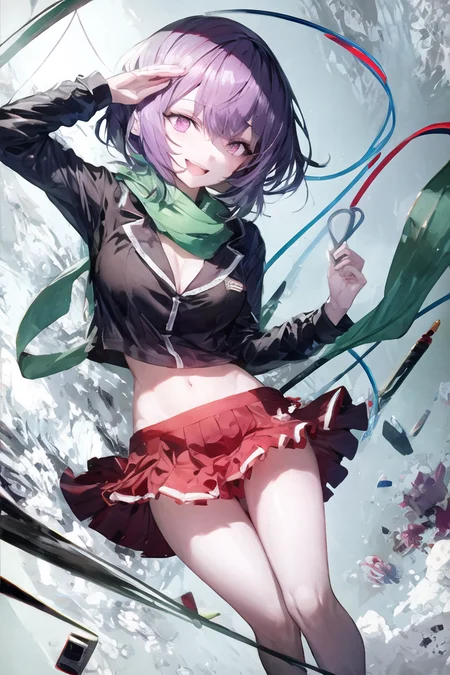


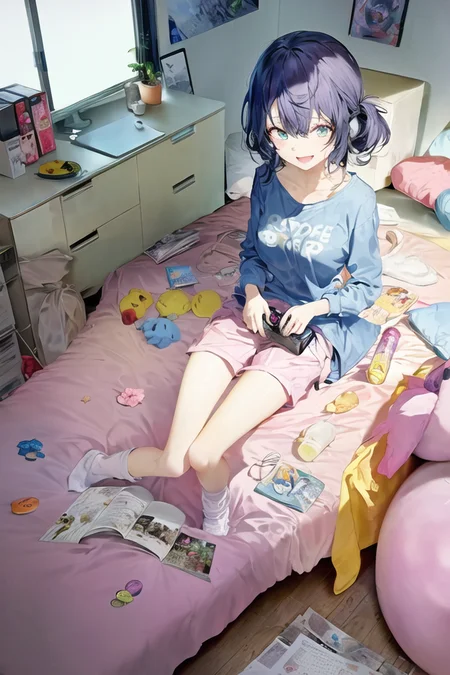
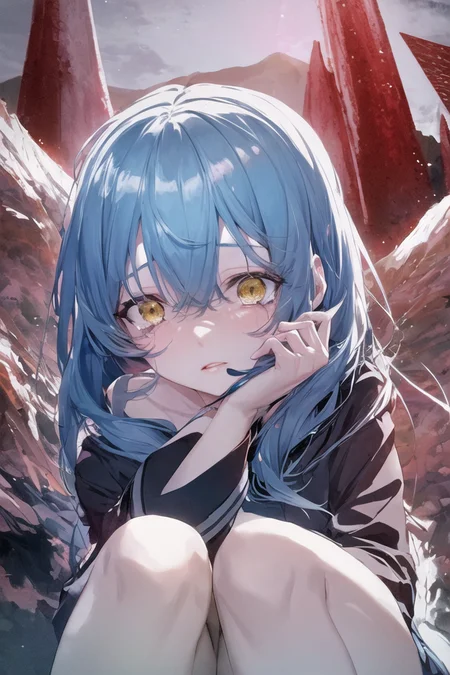


IMPORTANT: Since the Cornflower model contains multiple files, you need to place all two files in the appropriate locations In order to achieve the best results.
Cornflower is a comprehensive painting model based on StableDiffusion, trained with specific styles of illustration and merged with multiple models, which is theoretically somewhat different from real-life human painters.
How to use?
The Cornflower model consists of two parts: Checkpoint and Hypernetwork,.
Starting with Cornflower 12, Hypernetwork files will be given in the release notes along with Checkpoint file.
You need to put the two files in the corresponding locations and enable them after the installation is complete.
The following parameters are recommended, and the recommended sampler for the current release is DPM++ 3M SDE Exponential.
Steps: 20+ (12+ for preview)
Sampler: DPM++ 3M SDE Exponential
CFG scale: 7
Size: 512x768 + Hires
Clip skip: 2
e.g. prompt
art by Cornflower, dreamy, full body
(1girl, (long golden wavy hair),(red and white frilled bikini:1.2),(the girl is floating in the water),(seaweeds,fish,sunlight),shiny eyes,beautiful detailed eyes,elegant eyelashes,beautiful detailed face,(an extremely delicate and beautiful) , studio photography, extremely detailed wallpaper ,hair hangs down to the shoulder, eyes visible through hair ,eyelashes covered by hair,(small breasts))
Negative prompt: (worst quality, low quality:1.4) ,lowres,bad anatomy,bad hands, text, error, missing fingers,extra digit, fewer digits, cropped, worstquality, low quality, normal quality,jpegartifacts,signature, watermark, username,blurry,bad feet,cropped,poorly drawn hands,poorly drawn face,mutation,deformed,worst quality,low quality,normal quality,jpeg artifacts,signature,watermark,extra fingers,fewer digits,extra limbs,extra arms,extra legs,malformed limbs,fused fingers,too many fingers,long neck,mutated hands,polar lowres,bad body,bad proportions,gross proportions,text,error,missing fingers,missing arms,missing legs,extra digit, ((Intricate clothes, too much lace, too much dacoration on clothes, ))
Description
Please download both the Hypernetwork file and the Embedding file for this version.
DPM2 a Karras is recommended.
Changelog:
As we all know, recently there were two new models of BasilMix and Abyss2 that greatly exceeded the previous level, so I mixed the Cornflower V6 basemodel and BasilMix model based on Abyss2's Block Merge method, with remarkable results.
You can now mount vae files without oversaturation issues, and v7 uses OrangeMix's vae by default.
The Phantom branch incorporates the style of the artist スイミン based on the V4 version of Hypernetwork. https://www.pixiv.net/users/78274245
FAQ
Comments (8)
'YaguMagi_v7.safetensors' and 'orangemix.vae.pt ' are placed in the Stable Diffusion model directory.
The .pt files in 'embeddings.zip' are placed in the embeddings directory.
'YaguMagi_v7_Phantom.pt' is placed in the Hypernetworks model directory.
Wher are all these files? all different from the uploaded ones...