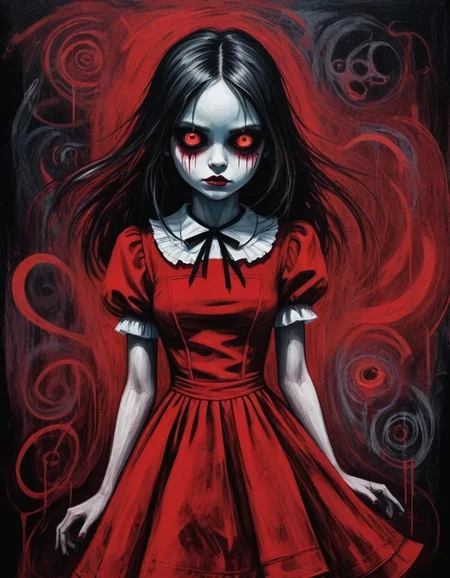




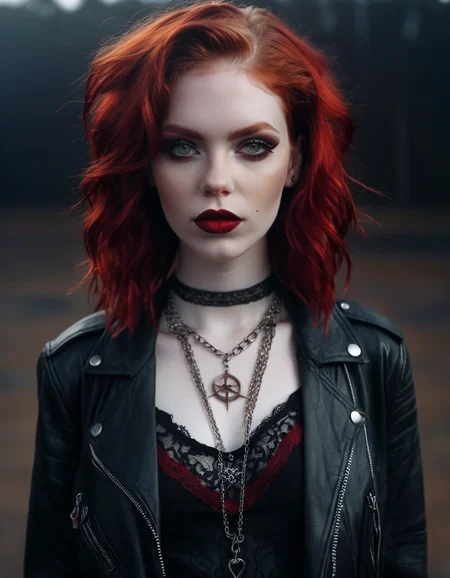
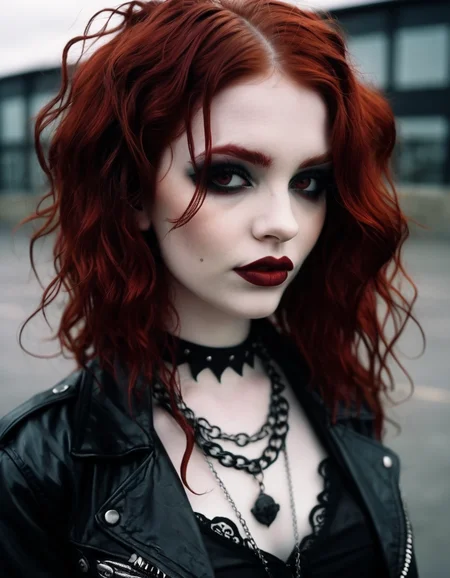
Hello there and thanks for checking out this workflow!
—Purpose—
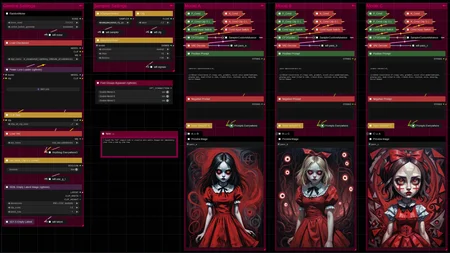
This workflow makes even the most subtle changes to a prompt immediately visible, showcasing the differences next to each other in a side-by-side comparison.
—Features—
Full metadata; recognized by CivitAI
LoRA support
Custom comparison mode to visualize even slightest differences
—Questions this workflow can answer—Can you?—
♦ Which prompt/quality prettifiers are the best or help at all ?
→ best ultra-mega-quality 64K ...
♦ Do words with the same meaning have the same effect ?
→ big ↔ huge ↔ giant ...
♦ What really happens when changing a word in the negative ?
- With the negative prompt basically happening behind the scenes so to speak, it's very easy to have a mediocre negative that still seems alright, but could be better by a whole lot, probably shortened, too
♦ Does order matter ?
→ best, masterpiece, prompt → prompt, best, masterpiece
♦ Yorkshire tea or Starbucks coffee?
- UK ↔ US spelling : doughnut, icing, red-pink colour, ... mate
♦ How important is punctuation really ?
→ cabin, forest; fire-axe ↔ cabin. forest-fire, axe ...
♦ Are prompts case-sensitive ?
→ does it help to YELL ?!
♦ Spacing between words is one thing, but what about within ?
→ candle light ↔ candlelight ↔ c a n d l e light ...
♦ Are typos still understood ?
→ 1gril best beuty...
♦ Are special symbols like alt-codes or emoji recognized ?
→ 1girl, ❤️, harley quinn, ♦-tattoo, 😁 expression, †edgy† outfit
—Custom Nodes used—
All of which can be installed through the ComfyUI-Manager
If you encounter any nodes showing up red (failing to load), you can install the corresponding custom node packs through the 'Install Missing Custom Nodes' tab on the ComfyUI Manager as well.
—Thanks—
The workflow would not be possible as is without these custom node packs. If you want to support the custom node creators, give them a ⭐ on their github repos! Thank you!
Feel free to ask any questions, share improvements or suggestions in the comment section!
Also let me know if you encounter any confusing points I can elaborate on and focus on improving for the next update!
Description
v1 — initial release
FAQ
Comments (2)
Great concept and great work, thanks
Please note that the 3x vae for each model column was not connected (at least for me) to the everything everywhere node, so I just physically routed 3x lines across from the vae loader to confirm all else worked. Also couldn't work out how to do the Clip G L prompting.
Hadn't realised how slight changes to prompts makes a difference. Plus the image preview thing is new to me too 👍👍👍
Thank you!
Yeah, it's crazy to see what minimal changes can do to the outcome sometimes. Or how punctuation can actually split your image in half :D
About the issues:
By default I have the standalone 'Load VAE' node hooked up to the 'Anything Everywhere3' node as not all models come with a VAE baked in and the manually loaded default sdxl_vae I used is more reliable because of that. I can hook it to the 'Load Checkpoint' node by default though if that's preferred.
If you were to connect the 'Load Checkpoint' VAE output to the 3rd input of the 'Anything Everywhere3' node, you should have everything working without making the workflow messy :D
The Clip G L only works with SDXL models and would only require the switch of the "Use SDXL Clip G L Cond" to be toggled for one or the other. No further changes should be necessary. The resulting changes should be small but noticeable. Not inherently better or worse, but just different.