


Introduction
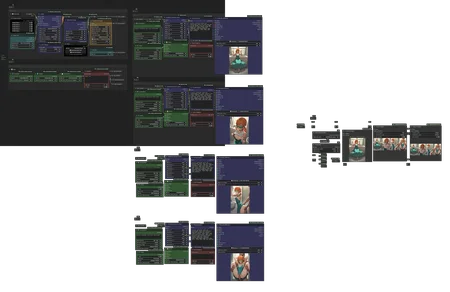
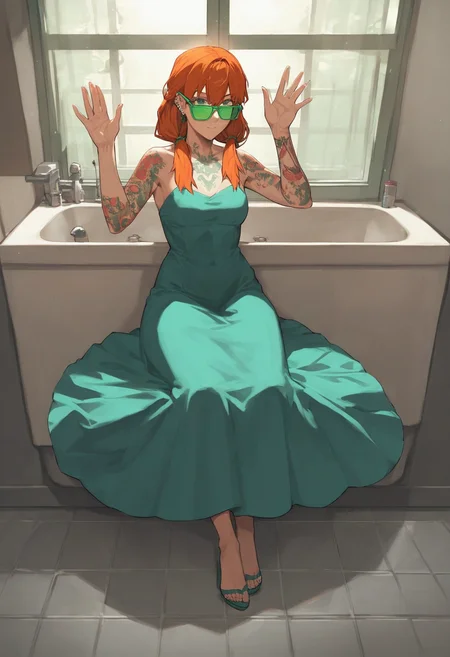
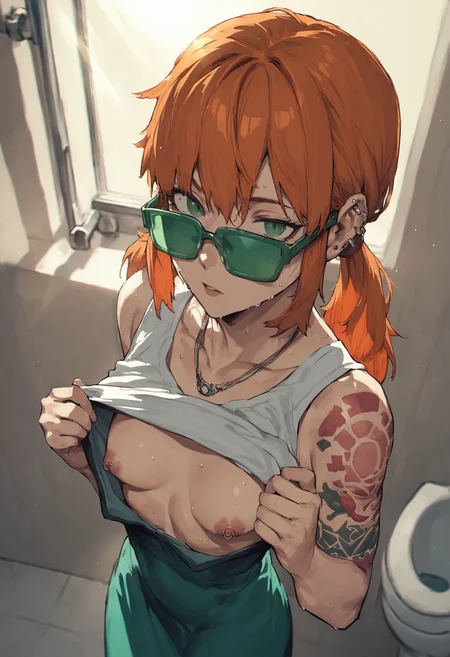
Scene Composer is a worklfow for ComfyUI that let you generate random stories in just one run. The system roll parts of the prompt that are used for generation, like:
Render: light, artstyle, etc.
Character: body, hair, eyes, attitude, etc.
Clothes: Dress, swimsuit, underwear, etc.
Action: SFW/NSFW, position, gestures, etc.
Environment: indods, outdoor, background, etc.
To maintain consistency, it also keeps certain parts of the prompt to inject across all scenes (like the environment, the main character and their clothes). You can read my Overview & Usecases article for more explanations!
If you're looking for a simpler workflow, check my Main ComfyUI Workflow. I also suggest to have a look at my Prompt Notebook to better understand how I structure tags.
If you have any comment or request, please feel free to share!
Features
Note: features in gray are in progress and need to migrate to v2.x
Random procedural generation of prompts
Main character (e.g. body, hair, eyes, fantasy traits, …)
Attire (e.g. clothes, swimsuit, underwear, uniform, accessories.…)
Environment (e.g. place, weather,…)
Action in scene (e.g. starting scene, sexual encounter, ending scene,…)
Fantasy characters (demon, goblin, furry, slime, etc)
Famous personas (princess peach, hatsune miku, etc)
Male partner or tentacles
Control scenes parameters
Seed, steps, CFG, image size, etc.
HighRes-Fix (2nd Pass)
LoRA stacker
Keep control over scenes
Re-generate one or many elements by changing its seed
Re-generate one or many scene by changing its seed
Overwrite and compose the final prompt with variables
Scenes consistency
Persona automatically switch with their uniform (
<if:persona-clothes>)Tags update dynamically according to the scene (e.g.
wetis added if there's rain)Attire state stay across scenes (if character lose clothes, it stay lost)
If clothes are torned, they stay so
Bondage ropes stay on character, with clothes
Output
Upscaling, pre-processing
Images scene merged into one
CivitAI metadatas & workflow embedded
Setup
Simply import the workflow.json file attached to this article in ComfyUI.
I personally don't have a very powerful computer. For people in the same situation, check my environment on my Main ComfyUI Workflow article, I explain how I rent and setup machines on remote.
Models
In theory, the workflow can work with any models that use Danbooru-like tags. I personally use Illustrious/NoobAI/Pony-based models and mix with some anime-oriented LoRAs. Have a look at my last images metadatas if you're curious!
Description
This is a pre-release on the v1.0. The workflow will now use the Scene Composer custom nodes, especially made for it. It has less features than the old versions for now, but it's far less messier! The custom nodes will allow for more improvements in the future.
FAQ
Comments (8)
This man deserves all the support and love! So let's show him how much we appreciate his contributions to the community! :D
Thank you so much!
10/30/2024 -
Reload the HighResFix-Script node after importing to get things working.
That didn't help me. I just ended up deleting it. I'm using an SDXL checkpoint, seems to work fine without it.
Excellent work and thank you for sharing!
Really great job, works like a charm! One question though: Are the variables not included in the workflow by accident? They do show up in 0.4 but not in the 1.0beta.
Not by accident! Variables are "hidden" in the new custom nodes. The goal is to improve them, so more and more variables are available directly in the nodes in a more accessible way. That's why it's considered in beta :)
If you want to play with it, you can change the toml files in the config folder of the scene-composer custom nodes
@taches great info, thanks!
Looks like we don't have an active mirror for this file right now.
CivArchive is a community-maintained index — we catalog mirrors that volunteers upload to HuggingFace, torrents, and other public hosts. Looks like no one has uploaded a copy of this file yet.
Some files do get recovered over time through contributions. If you're looking for this one, feel free to ask in Discord, or help preserve it if you have a copy.