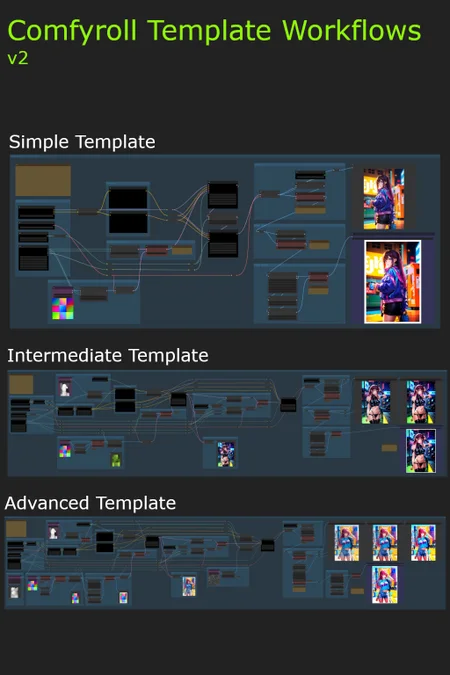
*** Update 21/08/2023 - v2.04 Fixed missing Seed issue plus minor improvements ***
These workflow templates are intended as multi-purpose templates for use on a wide variety of projects. They can be used with any SD1.5 checkpoint model.
The initial collection comprises of three templates:
Simple Template
Intermediate Template
Advanced Template
These templates are mainly intended for use for new ComfyUI users. Experienced ComfyUI users can use the Pro Templates.
It is planned to add more templates to the collection over time.
Installation
download the workflows
install the following custom nodes
Optional downloads (recommended)
LoRA
Upscale models
ControlNet models
It is recommended to use ComfyUI Manager for installing custom nodes and the optional downloads.
Troubleshooting
Please see our new CivitAI article
Installation and Setup
Please see our new CivitAI article
On first use
select a model and VAE
select upscale models
add a default image in each of the Load Image nodes (purple nodes)
select ControlNet models (on Intermediate and Advanced Templates)
select a default LoRAs (on Intermediate and Advanced Templates)
add a default image batch in the Load Image Batch node (on Advanced template only)
e.g. E:\Comfy Projects\default batch
it should contain one png image, e.g. image.png
do a test run
save a copy to use as your template
Workflow Templates
General notes on templates:
Nothing about the templates should be regarded as unchangeable. Please feel to modify them as much as you want.
Try experimenting with Clip Set Last Layer -1 and -2. These setting can provide very different results.
All of the templates use switch nodes. These are colored red in the templates and can be set to either 1 or 2 to control the flow through the workflows.
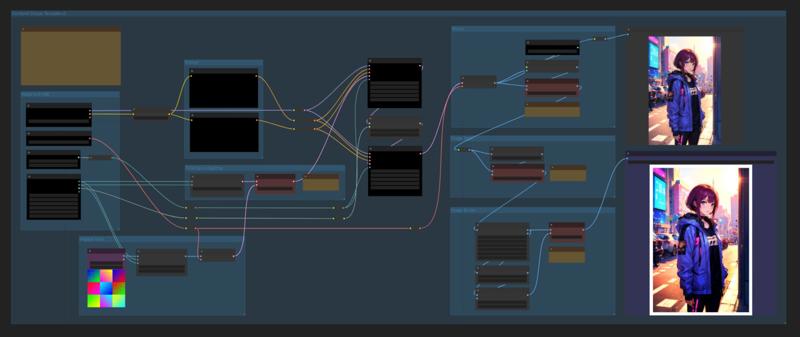
Simple Template Features
Txt2Img, Img2Img
aspect ratio selection
batch size
latent upscaling
image upscaling
post-processing styles
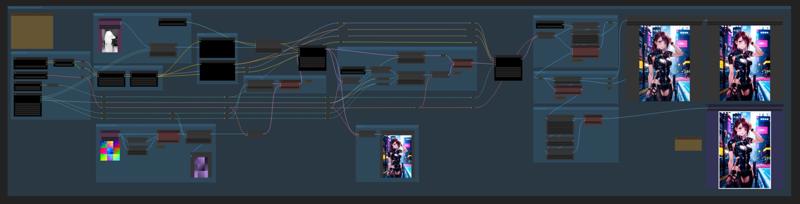
Intermediate Template Features
Txt2Img, Img2Img
aspect ratio selection
batch size
2 LoRAs
1 ControlNet
input image borders
tiled hires fix and latent upscaling
image upscaling
post-processing styles
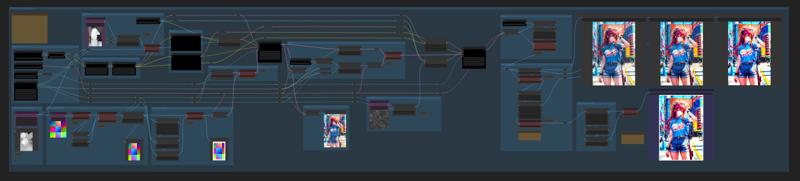
Advanced Template Features
Txt2Img, Img2Img or Img2Img batch
aspect ratio selection
batch size
3 LoRAs
2 ControlNets or ControlNet batch
input image borders
tiled hires fix and latent upscaling
image upscaling
post-processing styles and enhancements
Resources
Upscalers
Upscaler Wiki - Model Database
Github
Description
FAQ
Comments (6)
Hello, if anybody does an indepth video of advanced of its uses I'll gladly watch, I feel like I use only 10% of its capabilities
i follow the steps but i've got missing " Seed" node i cant find it and i run install missing node and still same
why does an image and a model have to be loaded into the Controlnet node even though the switch is set to off? that is illogical.
Is there a fix for my issue. Everything seems to work but i get a yellow image in the preview img
Good workflow to study. Would you mind telling me why your workflow use 2 KSampler ? Does there any tutorial or document I can know the answer ? Thank you very much.
Broken for me, won't save properly in ComfyUI