


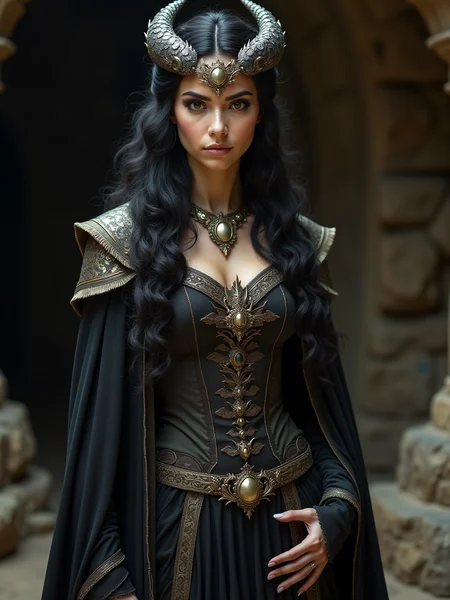


--- v2.0 has 3 LoRA spots, Save Image with Metadata, Optional Upscale and just More Neat than the quick share ---
Quick share for those who ask in comments, it's about this model (used Q8)
https://civarchive.com/models/647237?modelVersionId=724149
Can also be used with F16, better quality than Q8 but harder on your PC
https://civarchive.com/models/662958/flux1-dev-gguf-f16
GGUF models direct downloads here
https://huggingface.co/city96/FLUX.1-dev-gguf/tree/main
😂 the provided prompt is a parody on the outcome of the Google Search meaning of Lada 😂
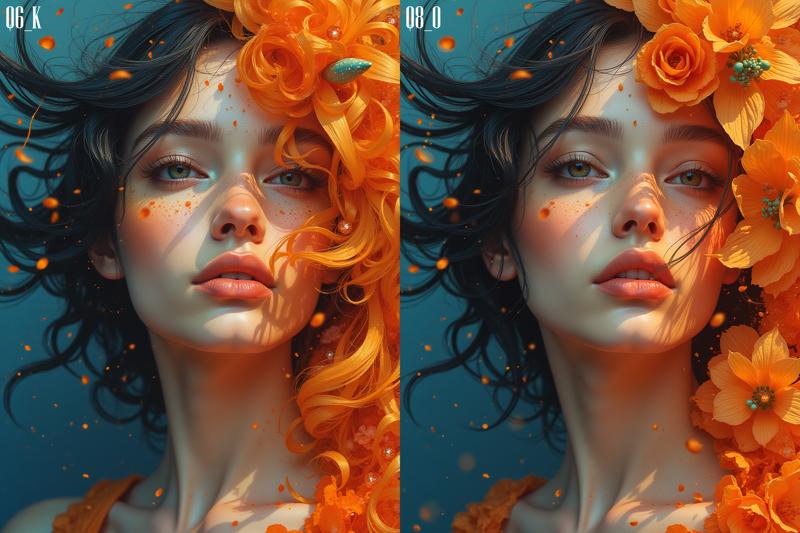
If Q8 is on the edge of your VRAM, you can also use Q6_K which is smaller and almost the same quality!
Description
Including 3 LoRA spots, upscaling, Save Image With Metadata and just more neat.
FAQ
Comments (10)
these models support lora's?
Yes since a few days there was a lora workaround implemented, so be sure to update your GGUF Unet Loader!
@JayNL great news. Thanks for your quick response
I changed the name so it's less confusing, some people thought it was a model! 💕
I tried this workflow. loras not working
Maybe update the Unet Loader (GGUF) node? Check my latest posts, the lora's work fine.
But there are some LoRA's that don't work with GGUF though.
@JayNL Thanks for suggestion. I will update you later
Something is not working out for me.I downloaded the pattern and where to put it,I put the other models in checkpoints!But I can't select anything in the node "Unet_Loader(GGUF)" and "DualCLIPLoader".I can only tune "type" and "VAE".Where and what am I doing wrong?
You have to put the GGUF file in the Unet folder and the T5xxl_fp8 and L in Clips folder