
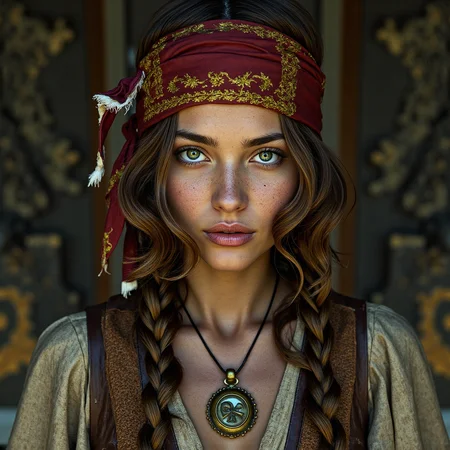





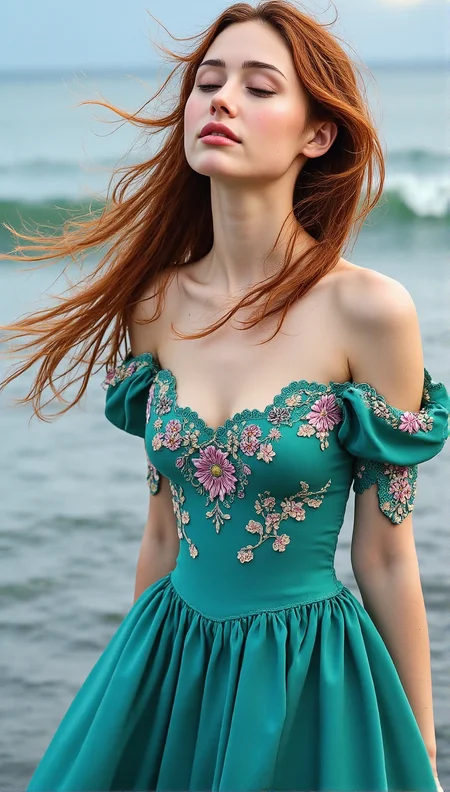




Harmony
added ControlNet tested with (based Flux model) Genova APEX 1_618 (https://civarchive.com/models/954608/genova-apex)
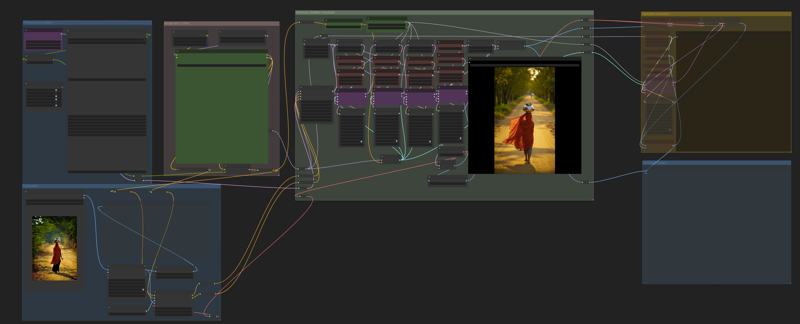
HyperDetailer(for Krita) tested with (based Flux model) Genova APEX 1_618 (https://civarchive.com/models/954608/genova-apex) and Krita Editor
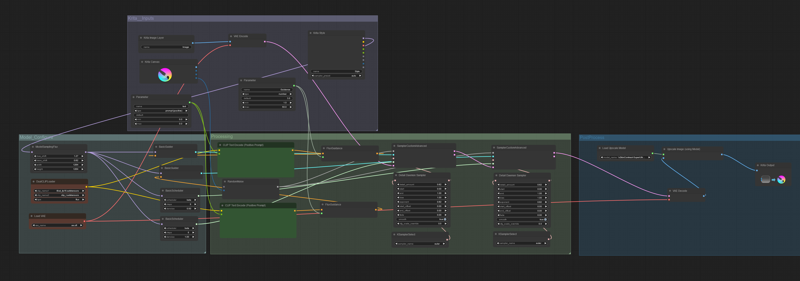
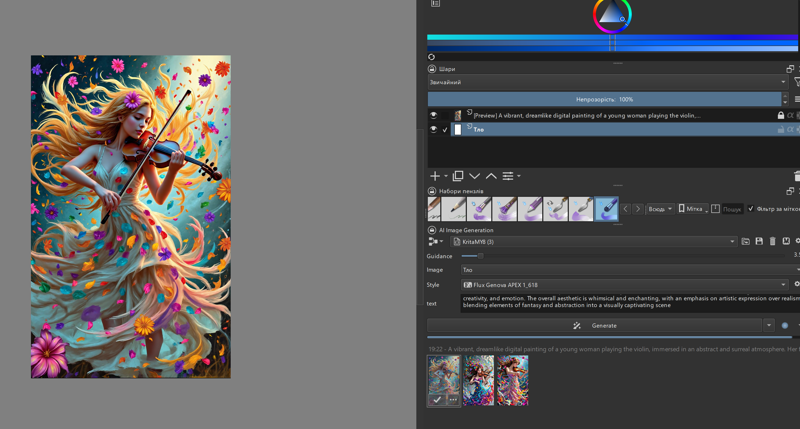
HyperDetailer is a workflow designed to significantly enhance detail, ensuring clarity, realism, and preservation of textures even in the smallest elements. It is perfect for image processing, 3D modeling, and digital art. This workflow configured for creating images using the GENOVA APEX- https://civarchive.com/models/954608, Hyper Gene Quantum- https://civarchive.com/models/885573/flux-gene-beauty model.
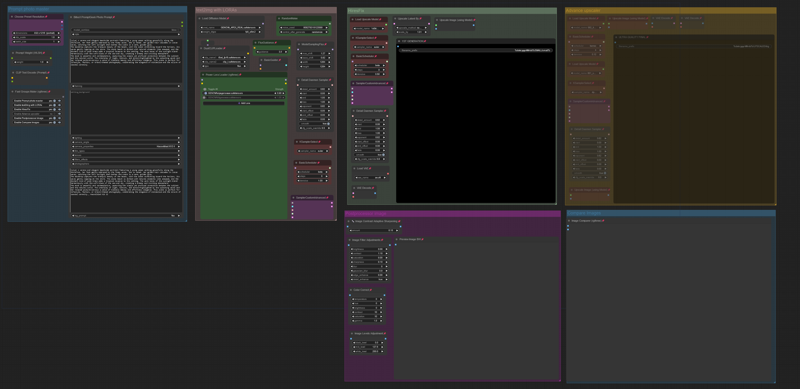
Version(fix) CONTRAST_Fix workflow for creating images using the GENOVA APEX https://civarchive.com/models/954608/genova-apex models.
For more color contrast, I added 1 node and reconfigured some nodes.
Version 12K Quantum new workflow for creating 12K images using the Hyper Gene Quantum model https://civarchive.com/models/885573/flux-gene-beauty , incorporating the Detail Daemon https://github.com/Jonseed/ComfyUI-Detail-Daemon and upscale models https://openmodeldb.info/models/2x-classicalSR-DF2K-s64w8-SwinIR-M and https://openmodeldb.info/models/4x-classicalSR-DIV2K-s64w8-SwinIR-M for enhanced image quality:
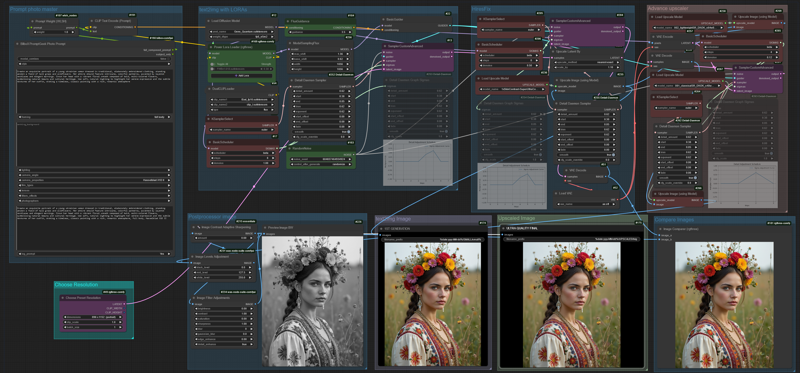 Older versions:
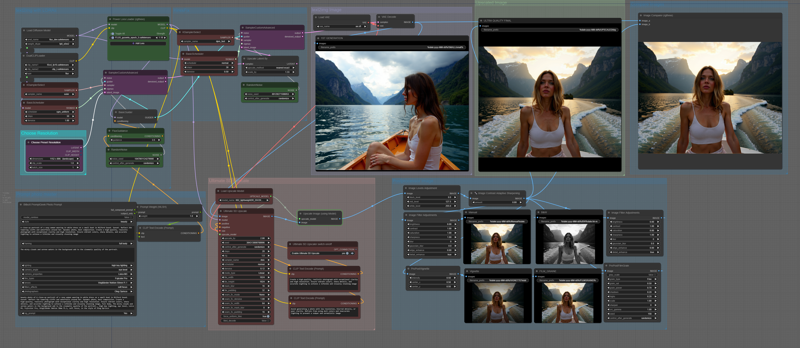 Workflow for makes photos.
This Workflow also works with the Hyper Gene model (8 steps) https://civarchive.com/models/885573/flux-gene-beauty , sempler 8 steps and hires fix 5 steps.
Description
add ControlNet depth
FAQ
Comments (8)
I did some tests, but I don't understand the influence of controlnet in generating the image
ControlNet with depth-based guidance works by first generating an image that compositionally resembles the reference. Depth determines the spatial arrangement of objects, preserving their main contours and proportions.
Once ControlNet completes its primary task, the generative process takes over, refining and enhancing the image according to the prompt.
That is:
ControlNet (depth) – defines the basic composition (positioning, perspective).
Generation – adds details, stylization, and improves the image.
This approach allows for precise reproduction of the reference composition, maintaining its structure while leaving room for artistic refinement and stylization.
@DNA_1_618 I asked you this question because I tried putting different photos, even by a lot, and they did not change the generation at all. i used your WF without modification
@corradolanino I fixed it , connected AIO Aux Preprocessor node with Apply ControlNet node (IMAGE to image) and uploaded fixed workflow
@DNA_1_618 TKS
can we use this workflow .... to generate anime to realistic :)
This workflow was originally designed to enhance image detail, which often results in a photorealistic style. The final appearance of the generated image also strongly depends on the chosen model and the prompt:)
@DNA_1_618 I have tried the workflow and the result is awesome. May I modify it?