






Harmony
added ControlNet tested with (based Flux model) Genova APEX 1_618 (https://civarchive.com/models/954608/genova-apex)
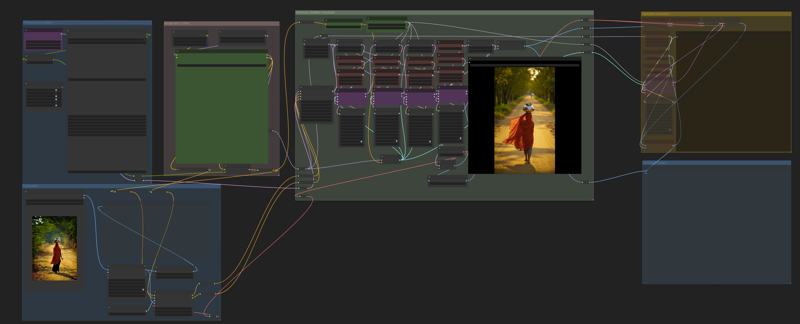
HyperDetailer(for Krita) tested with (based Flux model) Genova APEX 1_618 (https://civarchive.com/models/954608/genova-apex) and Krita Editor
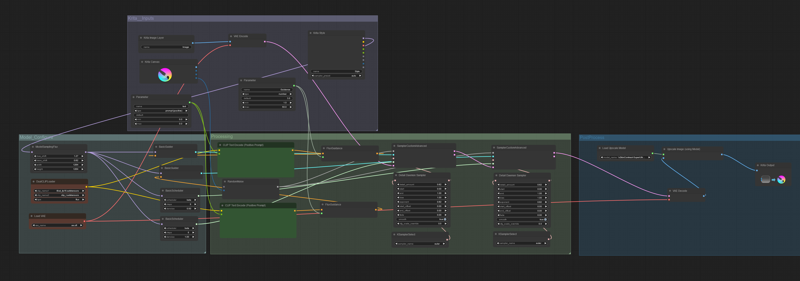
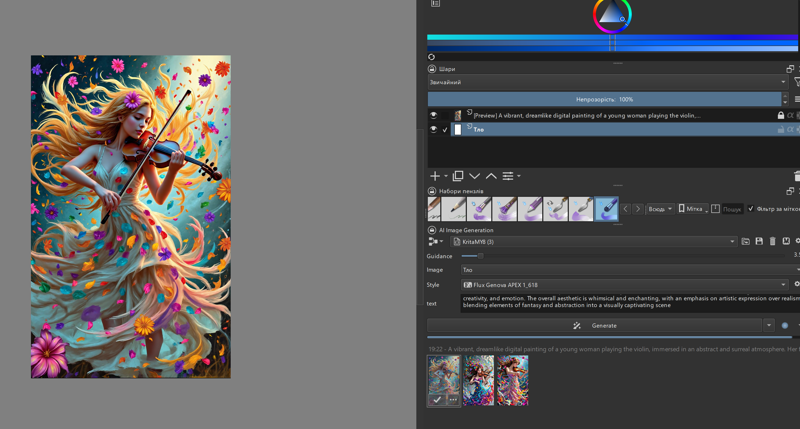
HyperDetailer is a workflow designed to significantly enhance detail, ensuring clarity, realism, and preservation of textures even in the smallest elements. It is perfect for image processing, 3D modeling, and digital art. This workflow configured for creating images using the GENOVA APEX- https://civarchive.com/models/954608, Hyper Gene Quantum- https://civarchive.com/models/885573/flux-gene-beauty model.
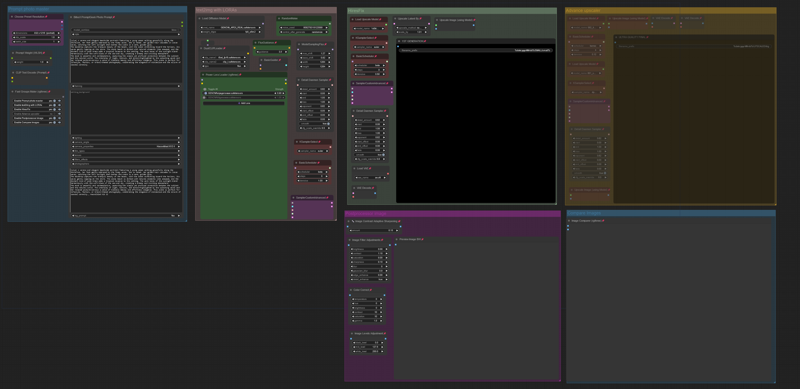
Version(fix) CONTRAST_Fix workflow for creating images using the GENOVA APEX https://civarchive.com/models/954608/genova-apex models.
For more color contrast, I added 1 node and reconfigured some nodes.
Version 12K Quantum new workflow for creating 12K images using the Hyper Gene Quantum model https://civarchive.com/models/885573/flux-gene-beauty , incorporating the Detail Daemon https://github.com/Jonseed/ComfyUI-Detail-Daemon and upscale models https://openmodeldb.info/models/2x-classicalSR-DF2K-s64w8-SwinIR-M and https://openmodeldb.info/models/4x-classicalSR-DIV2K-s64w8-SwinIR-M for enhanced image quality:
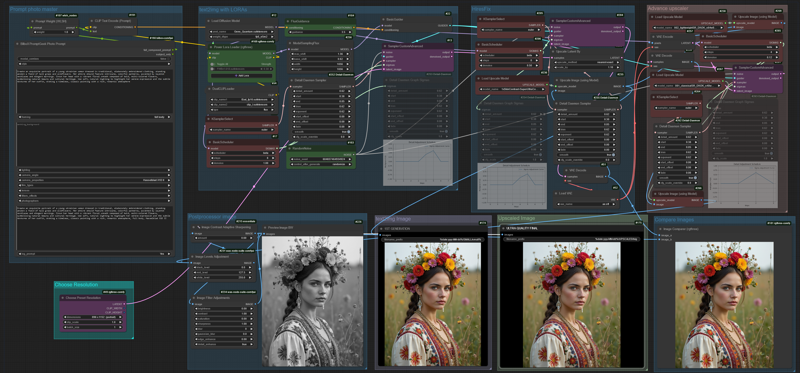 Older versions:
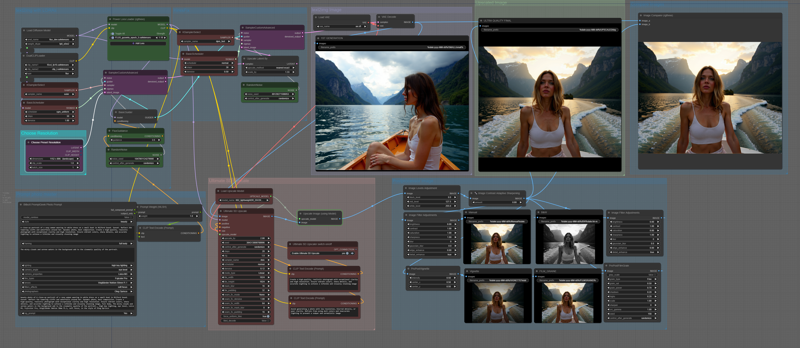 Workflow for makes photos.
This Workflow also works with the Hyper Gene model (8 steps) https://civarchive.com/models/885573/flux-gene-beauty , sempler 8 steps and hires fix 5 steps.
Description
HyperDetailer is a workflow designed to significantly enhance detail, ensuring clarity, realism, and preservation of textures even in the smallest elements. It is perfect for image processing, 3D modeling, and digital art.
FAQ
Comments (6)
Love it!
I downloaded the workflow for one of your example images and found a problem. You have the LORA's being applied to both the initial low-res generation and then again when you do the first upscale. This double application of the LORA's causes a ton of noise in the image. To fix it simply connect the model line from right before the LORA loader node to the sampler node used for the upscale.
This is something I've run into independently as well with my own workflows and it seems to apply no matter what base model or checkpoint you're using... in general if you're going to do a latent upscale or inpainting (or anything that takes a previously generated image/latent as an input to a sampler) then make sure the model used for that does not include the LORA's that were used for the initial image generation.
Thank you for the information! I tried modifying the node connections in the HyperDetailer workflow, but I didn't notice any difference between the resulting images. Perhaps the noise is minimal and barely noticeable, possibly due to the nodes that enhance detail or other factors.
@DNA_1_618 It definitely depends on the number, weight, and specific LORA's that you are using. If you only use one or two you or if they all have low weight you might not notice. I was using 6 or 7 of them, with most of those at 0.8 to 1.0 weight.
Can not figure out how to use only the advance upscaler. :(
Hi! To use only the “Advance Upscaler,” isolate it in the workflow by disconnecting unnecessary nodes. Feed your input image directly to the “Advance Upscaler,” configure its parameters, and execute the workflow. This will upscale your image without other processes interfering.