Japanese review for this model by nobin
Nova 3DCG XL
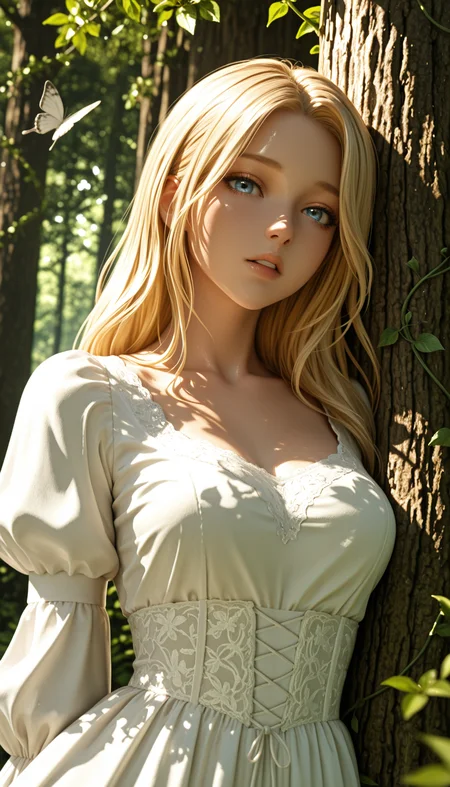
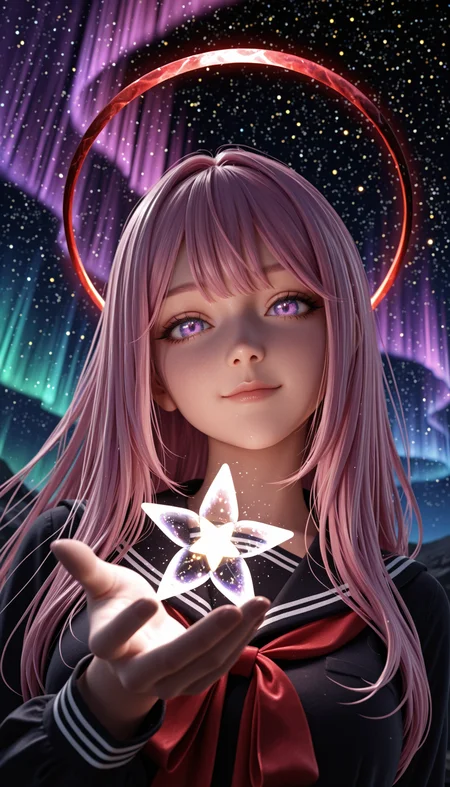
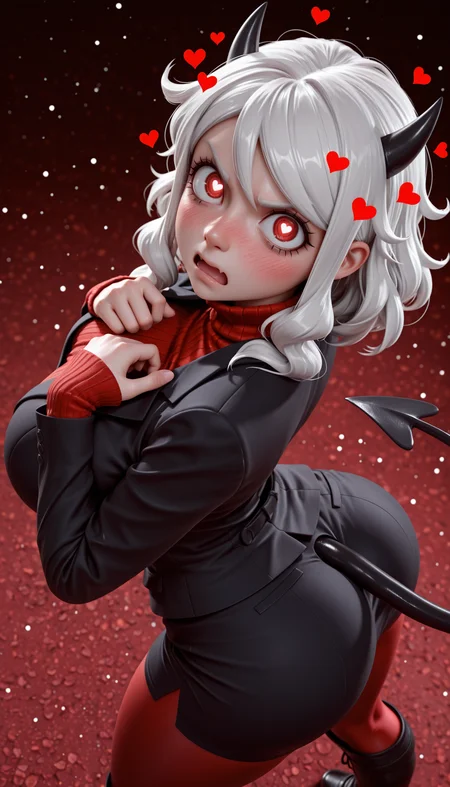
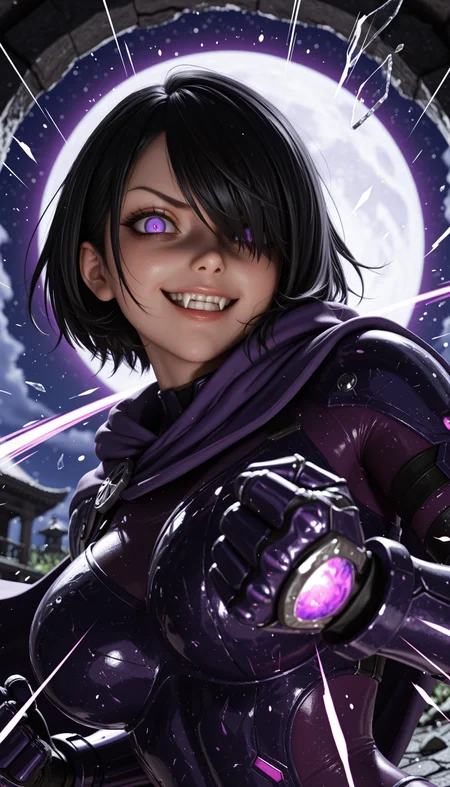
Nova 3DCG is sdxl checkpoint that has similar looks of Nova Anime XL and having 3d strcture that almost looks like PVC Figures or certain 3D models
Which can be described as Nova Doll Pony
All images on example were created with diffusers with custom png tags
Rules
You cannot use the generated images for commercial use if it's not edited (or just turning it to black and white)
You can share images without any restriction if you don't monetize it
Advertising this model to outside is always welcome
Recommend Settings
Sampler: Euler a
Steps: 20~30
Clip Skip: 1-2
Denoising Strength: 0.65 - 0.8
(Pony)
CFG Scale: 5~7
Prompt: score_9, score_8_up, score_7_up, score_6_up, score_5_up, score_4_up, BREAK
Negative Prompts: score_4, score_5, jpeg artifacts, username, watermark, signature, normal quality, worst quality, large head, low quality, text, error, missing fingers, extra digits, fewer digits, bad eye
(Illustrious)
CFG Scale: 3-5
Prompt: masterpiece, best quality, amazing quality, 4k, very aesthetic, high resolution, ultra-detailed, absurdres, newest, scenery, 3D, rendered, {Prompt}, BREAK, depth of field, volumetric lighting
Negative Prompts: modern, recent, old, oldest, cartoon, graphic, text, painting, crayon, graphite, abstract, glitch, deformed, mutated, ugly, disfigured, long body, lowres, bad anatomy, bad hands, missing fingers, extra digits, fewer digits, cropped, very displeasing, (worst quality, bad quality:1.2), sketch, jpeg artifacts, signature, watermark, username, simple background, conjoined, bad ai-generated
Description
Adjusted colors, details and posing
NoobAI EPS v1.1 + Illustrious v2.0 stable DARE applied
FAQ
Comments (24)
First time trying out these types of model merges. I am trying to understand how having Denoising Strength: 0.65 - 0.8 works in this case and why 1 is not ideal. I do get better results between .65-.8 but want to know why. never used models on lower denoise unless its for I2I refinement...
The denoise was meant to be for i2i: not t2i
For hires.fix, I'd recommend 0.4
Crody hey thanks! I know that It could be used for both t2i or i2i but did you create this checkpoint to be used for more for i2i refinement in mind? Appreciate the job done on this. Really nice model.
Black999 This model was made for any usages so I wrote down denoise factor just in case people want to use i2i or hires with this model
10/10 Fine-tune, Absolutely Amazing. I consider myself a beginner but after going through dozens if not almost 100 models, this is by far one of the best. It works just as advertised, easy to use, beginner friendly, it just works great! Looking forward to seeing more from this creator!
I am assuming some of your suggestions are for automatic 111 not comfy ui?
It's almost identical so I didn't rename them
Anyway, here's the ComfyUI setting:
Sampler (KSampler) : euler_ancestral, normal
Steps : 20 - 30
(For Illustrious)
CFG: 3.0 - 5.0
For Prompts and Negative prompts, use Advanced CLIP instead (setting: A1111)
Crody just making sure thanks
Since the 5.0 version I keep getting the "Your request is invalid" notification when trying to generate an image. This happens 50% of the time, maybe even more
This might just be the best image quality I've seen yet! Amazing model keep it up!
Do you usually use "Hires.fix" when generating images (it's a question)
Yes
I use x1.5, 0.4 denoise and 4.0 CFG scale for those sample images (upscale with nearest-exact)
@Crody Do you use any Lora on it?
@nicolas_45 No
Hires.fix (Latent Space Upscale) is extremely slow. Txt2img is slow because it starts from nothing.
Once you have a nice txt2img result, do NOT use hires.fix, instead send your image to img2img. And play with denoising value to influence the already existing result.
You generate MUCH faster working with img2img / inpaint than with txt2img.
Hi! I've been using Nova 3DCG XL 4.0 quite a lot and I really like it!
I'd like to know more details about the differences between the new 5.0 and 4.0.
I'm not sure how the colors/details/posing have been adjusted and I'm curious about it.
Difference between those two would be because of changes in the merged models
Using block merge, adjust the values in IN02-05 and OUT04-08 (color blocks) would do
Some models updated, and some models downgraded to get more contrast and some responsive details
Character knowledge thing was unintentional so in the next version, I'll try my best to revert / extend the knowledge while getting more 3DCG looks
Hi, why does this model generate a black square? On other checkpoints everything generates normally, I even tried 128 by 128, still a black square, I have 8 GB of vram and 32 GB of ram, my launch parameters are set COMMANDLINE_ARGS=--xformers --opt-sub-quad-attention --disable-nan-check
It’s either because of VRAM shortage or launch parameters
Try using it without —opt-sub-attention or —xformers
Did creator's advice resolve your issue?
Стиль хороший. Но хотелось бы больше работы со светом.
v5 is fantastic. Thank you for making this model.
This is probably my favorite Model so far. However, I really liked the semi-PVC look the Pony version has. The Illustrious model just doesn't hit the same.
The semi-PVC looks will be a part of Nova Anime3D XL
Since the visuals of Pony version was based on Nova Anime's Pony versions, the looks will be part of Anime3D now