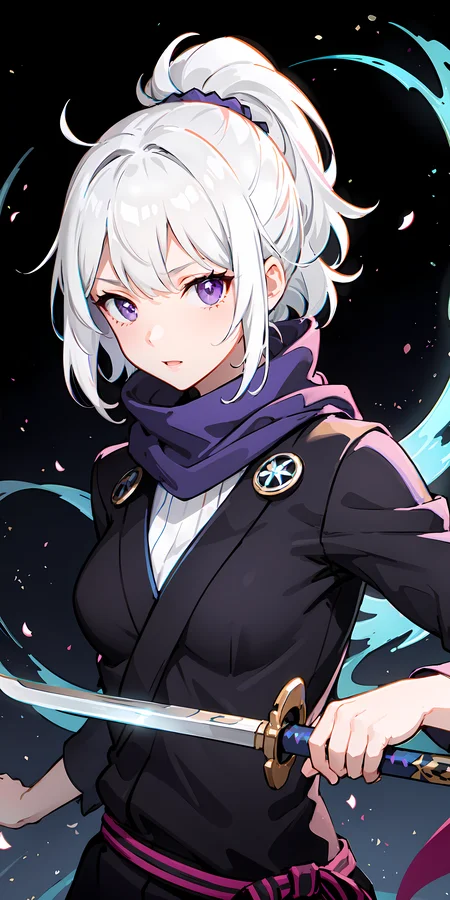
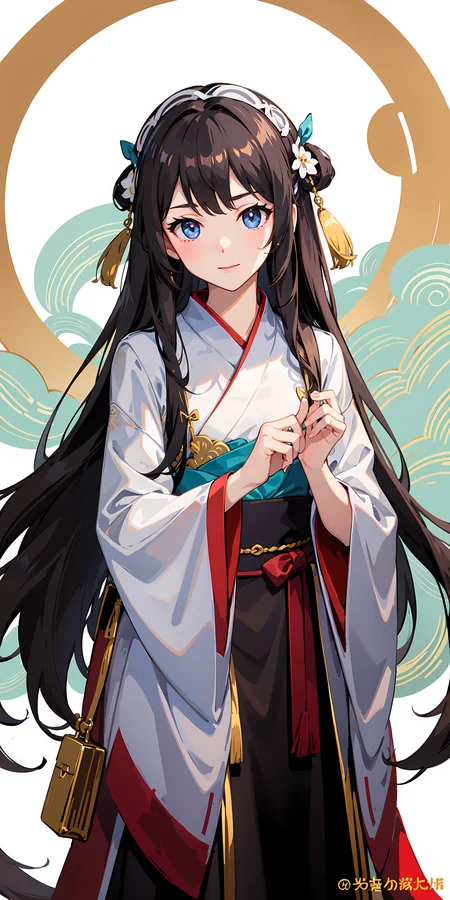
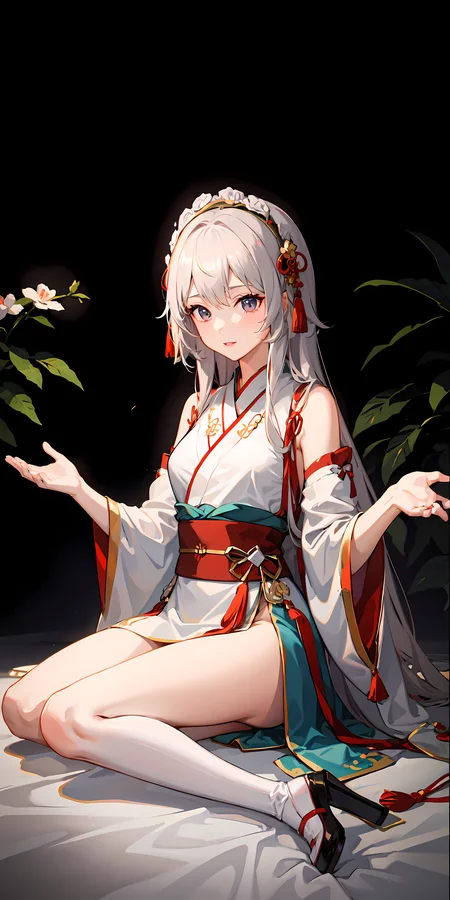
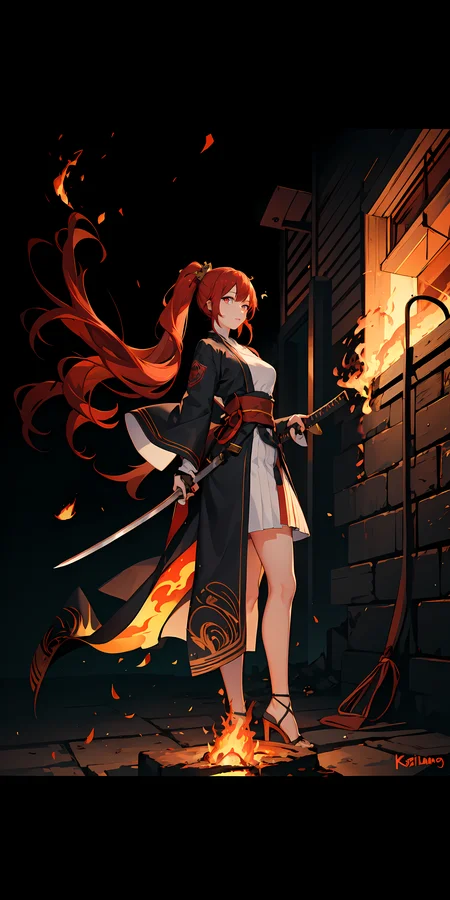
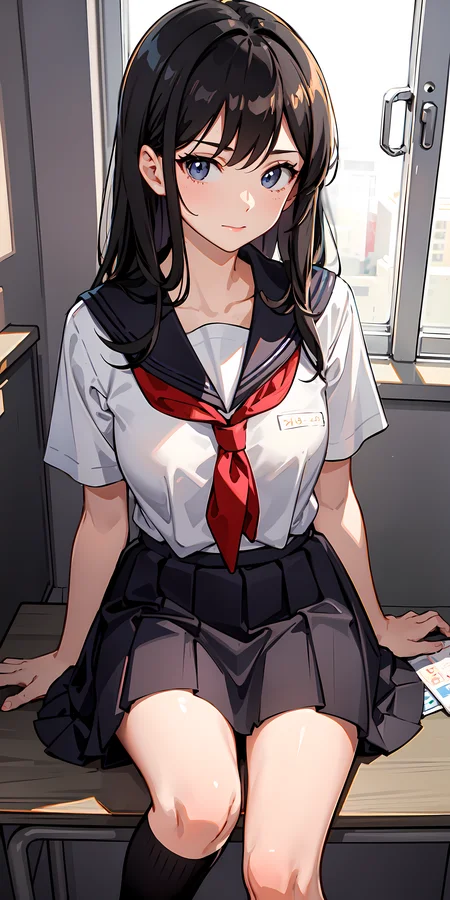
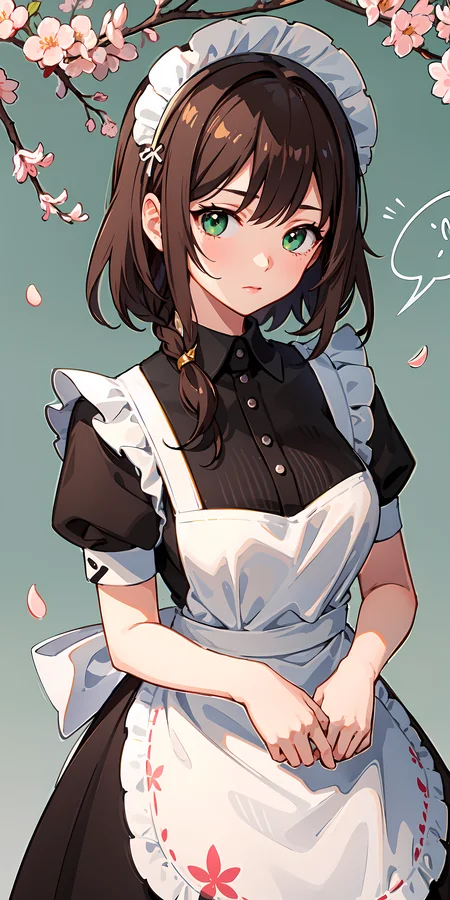
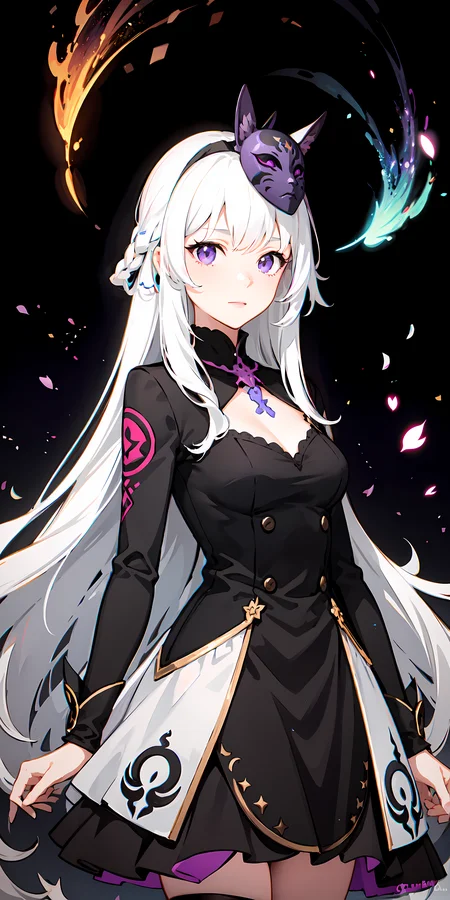
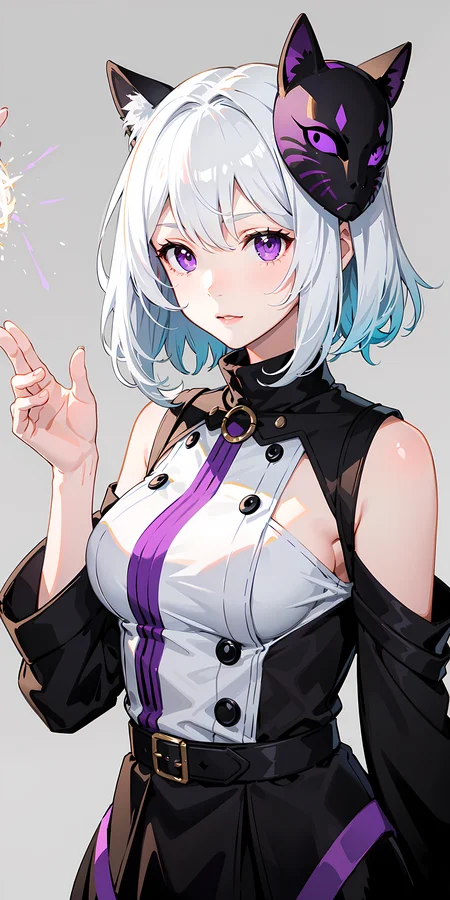
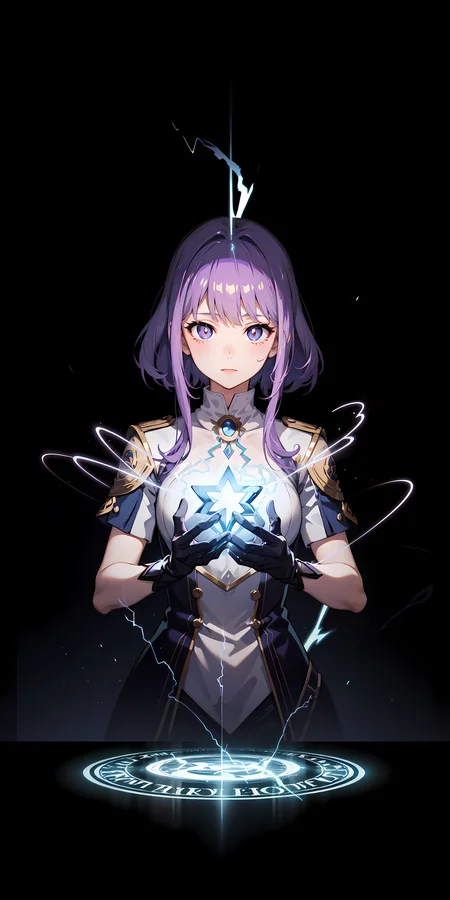
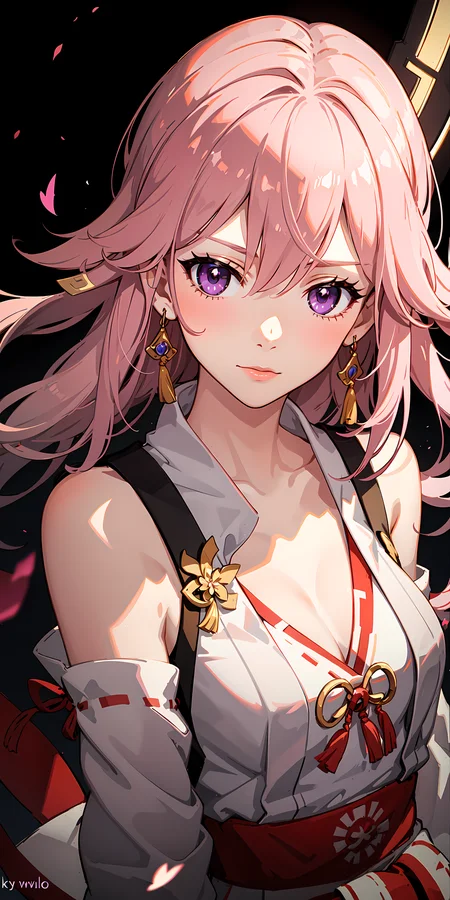
MeinaMix objective is to be able to do good art with little prompting.
I have a discord where you can share images, discuss prompt and ask for help. https://discord.gg/meinaverse
我有个可以让你分享图片和参与讨论与询问问题的discord群。
I also have a ko-fi and Patreon page where you can support me or buy me a coffee <3 , it will be very much appreciated:
https://ko-fi.com/meina and https://www.patreon.com/MeinaMix
MeinaMix is officially hosted for online generation in:
- SeaArt
- Mage.space ( with animate feature )
MeinaMix and the other of Meinas will ALWAYS be FREE.
Cover image lora made by: FallenIncursio | Civitai
Recommendations of use:
--------------------------------------------------------------------------------
Enable Quantization in K samplers.
Hires.fix is needed for prompts where the character is far away in order to make decent images, it drastically improve the quality of face and eyes!
---------------------------------------------
Recommended parameters:
Sampler: DPM++ SDE Karras: 20 to 30 steps.
Sampler: DPM++ 2M Karras: 20 to 60 steps.
Sampler: Euler a: 40 to 60 steps.
CFG Scale: 4 to 9.
Resolutions: 512x768, 512x1024 for Portrait!
Resolutions: 768x512, 1024x512, 1536x512 for Landscape!
Hires.fix: R-ESRGAN 4x+Anime6b, with 10 steps at 0.3 up to 0.6 denoising.
Clip Skip: 2.
Negatives: ' (worst quality, low quality), (zombie, interlocked fingers) '
Negatives if you can't use Hires.fix:
'(worst quality:1.6, low quality:1.6), (zombie, sketch, interlocked fingers, comic)'
--------------------------------------------------------------------------------
In the merged models list: MeinaMix V1~11, MeinaPastel V3~6, MeinaHentai V2~5, Night Sky YOZORA Style Model, PastelMix, Facebomb, MeinaAlterV3 i do not have the exact recipe because i did multiple mixings using block weighted merges with multiple settings and kept the better version of each merge.
Description
If you have any questions related to the model or its samples, how to get started or just want to share your creations, feel free to join my discord: https://discord.gg/F6yeQtEQ98<3
Hires.fix is needed for prompts where the character is far away in order to make decent images, it drastically improve the quality of face and eyes!
---------------------------------------------
Recommendations:
Sampler: Euler a: 40~60 steps.
Sampler: DPM++ SDE Karras: 30~60 steps.
CFG Scale: 7.
Resolutions: 512x768, 512x1024 for Portrait!
Resolutions: 768x512, 1024x512, 1536x512 for Landscape!
Hires.fix: R-ESRGAN 4x+Anime6b, with 10 steps at 0.1 up to 0.3 denoising.
Clip Skip: 2.
Negatives: ' (worst quality:2, low quality:2), (zombie, sketch, interlocked fingers, comic), '
---------------------------------------------
FAQ
Comments (26)
v9版本要vae吗?
It works just well and does not require any VAE model.
I can't use this model,fp16,
Is this a problem with my 1066 video card? Does not support semi-precision? Or where can I set and fix it?
raise NansException(message)
modules.devices.NansException: A tensor with all NaNs was produced in Unet. This could be either because there's not enough precision to represent the picture, or because your video card does not support half type. Try setting the "Upcast cross attention layer to float32" option in Settings > Stable Diffusion or using the --no-half commandline argument to fix this. Use --disable-nan-check commandline argument to disable this check.
hmmm, have you tried using the --disable-nan-check?
在启动项里添加--no-half即可解决
I once got this for a different model, perhaps you should try a different version v7 or something
torch_dtype=torch.float16
@shmliy0310 怎么操作?
What left a deep impression on me was that the content of NTAGS had a huge impact on the pictures! Thanks for the author's recommendation: (worst quality, low quality:1.4), (zombie, sketch, interlocked fingers, comic)
I found that this set of ntags works well on other models as well. Much better than: lowres, text, cropped, worst quality, low quality, normal quality, jpeg artifacts, signature, watermark, username, blurry
my objective have always been to make as easy to use as possible of a model, so i was lazy to even read the negatives when someone asked for help and had them in the prompt >.<
為什麼負面tag 有zombile? 疑問?
有機率畫出綠皮膚的人物(尤其主題是R-18的時候),所以加個ZOMBIE當作防禦機制(殭屍大概都綠皮膚吧?)
How do you get the eyes to be so good?
what's the difference between v9 and v8?
v9 is better in pictures where the character is further away than portrait
use with orange vae to get best results without over saturated colors. baked in vae is way too much
theres any inpait model?
What is the difference between this and MeinaPastel? I've tried to find comparable images but I don't see much difference, that and its hard to find images with the same subject lol. Mainly asking so I can reduce the amount of Models I have at once and cuz I see that this has MeinaPastel v3 merged into it already so I dunno if I even need v4.
v4 is more towards the anime style, so a lot of anime loras will like pastel v4 more than meinamix, since meinamix tends more to a illustration / painting feeling
nsfw doesn't work on this, guy is missing
Do you mind trying this one for nsfw? MeinaHentai - V3 | Stable Diffusion Checkpoint | Civitai
thanks i will, btw i like your model, looks great
Details
Files
meinamix_meinaV9.safetensors
Mirrors
meinamix_meinaV9.safetensors
meinamix_meinaV9.safetensors
7240_meinamix_meinaV9.safetensors
meinamix_meinaV9.safetensors
79_meinamix_meinaV9.safetensors
meinamix_meinaV9.safetensors
meinamix_meinaV9.safetensors
meinamix_meinaV9.safetensors
meinamix_meinaV9.safetensors
meinamix_meinaV9.safetensors
meinamix_meinaV9.safetensors
meinamix_meinaV9.safetensors
meinamix_meinaV9.safetensors
meinamix_meinaV9.safetensors
meinamix_meinaV9.safetensors
meinamix_meinaV9.safetensors
MeinaMixV9_bakedVAE.safetensors
meinamix-v9.safetensors
VOXO-v0.safetensors
meinamix_meinaV9.safetensors
Meina V9 - baked VAE.safetensors
meinamix_meinaV9.safetensors
meinamix_meinaV9.safetensors
meinamix_meinaV9.safetensors
meinamix_meinaV9.safetensors
meinamix_meinaV9.safetensors
Meina V9 - baked VAE.safetensors