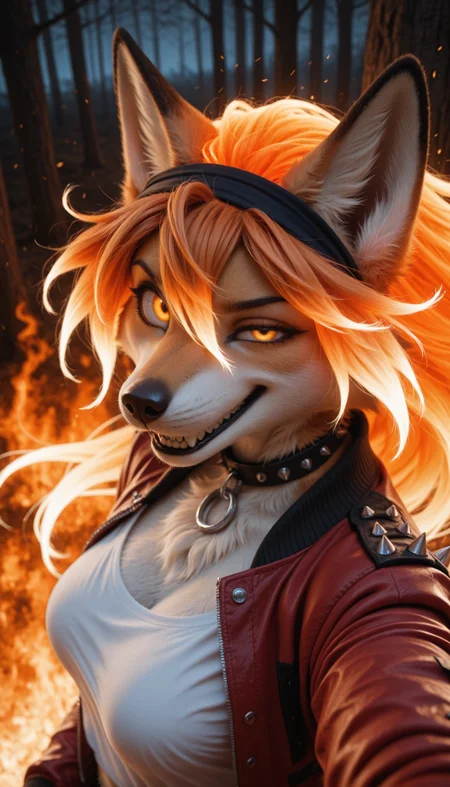
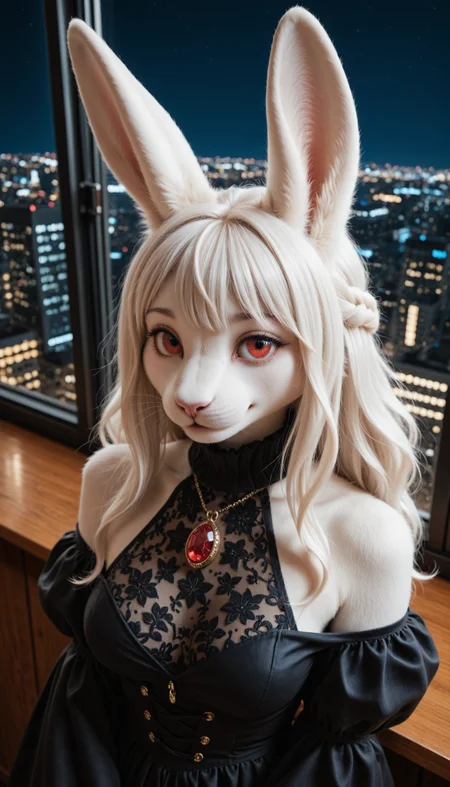

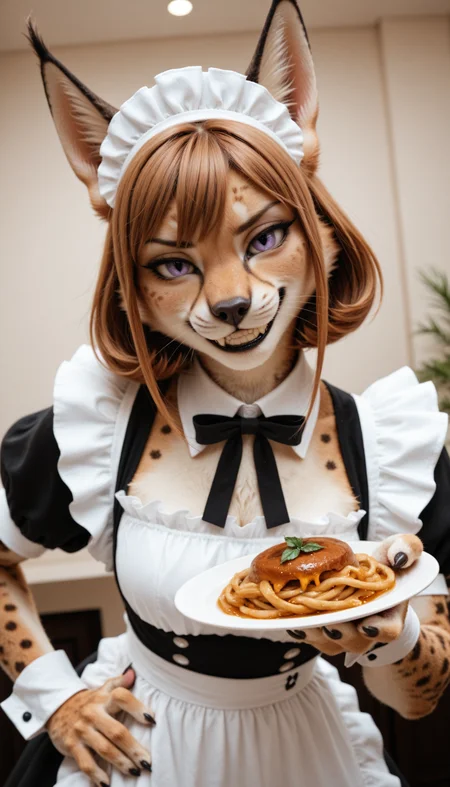
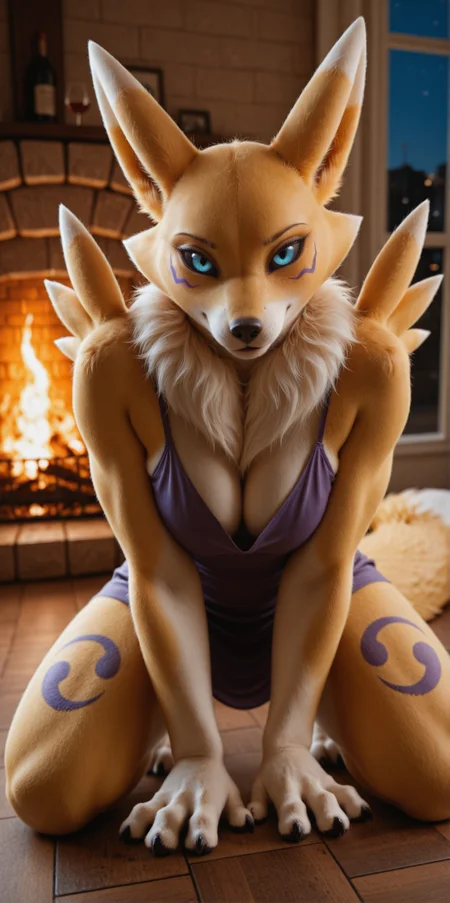
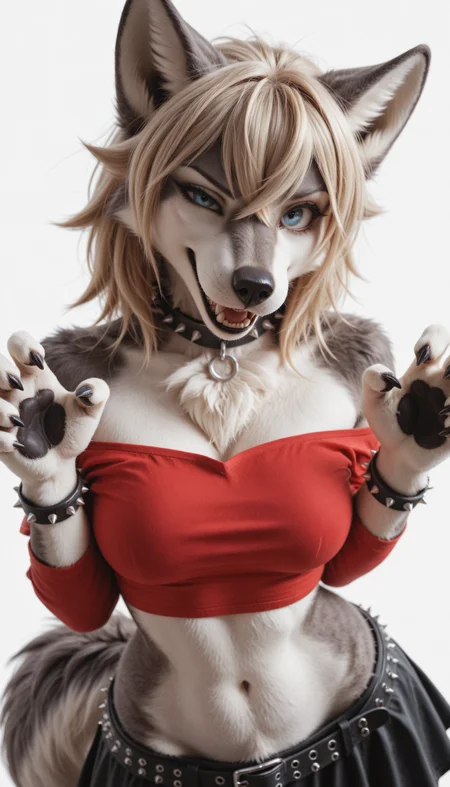
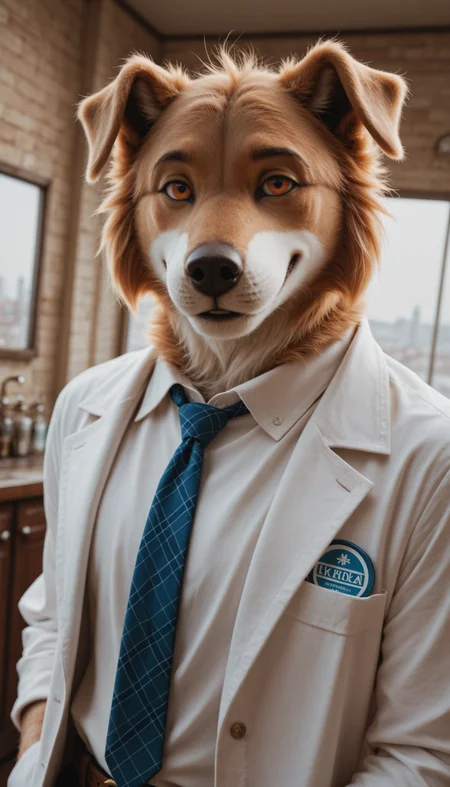
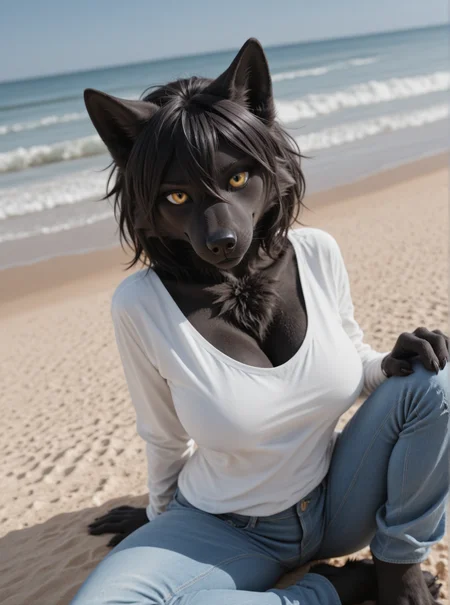
Nova Animal XL
A realistic furry checkpoint model that can have great details on any type of furs, scales and feathers, which aims to be XL-lized Persika Furry
Rules
You cannot use the generated images for commercial use if it's not edited (or just turning it to black and white)
Advertising is always welcome
Recommended settings
Sampler: Euler a
Steps: 20-40
(Pony)
CFG Scale: 6-7
Prompt: score_9, score_8_up, score_7_up, BREAK, furry, anthro, detailed face eyes and fur, {Animal Type}
Negative Prompt: score_6,score_5,score_4, source_anime,source_cartoon, 2d, art, cartoon, blurry, jpeg artifacts, username, watermark, signature, normal quality, worst quality, large head, low quality, text, error, missing fingers, extra digits, fewer digits, bad eye
(Illustrious)
CFG Scale: 3-6
Prompt: masterpiece, best quality, amazing quality, very aesthetic, high resolution, ultra-detailed, absurdres, scenery, photo, realistic, furry, anthro, {Prompt}, BREAK, depth of field, detailed fluffy fur, photorealistic details
Negative Prompt: smooth skin, human, multiple tails, 2d, art, old, oldest, cartoon, graphic, text, painting, crayon, graphite, abstract, glitch, deformed, mutated, ugly, disfigured, long body, lowres, bad anatomy, bad hands, missing fingers, extra digits, fewer digits, very displeasing, (worst quality, bad quality:1.2), bad anatomy, sketch, jpeg artifacts, signature, watermark, username, simple background, conjoined, bad ai-generated
Description
Raise the realism of the fur details
NoobAI EPS v1.1 + Illustrious v2.0-stable DARE applied
FAQ
Comments (31)
It doesn't work as usual. Only black pictures.
If you’re using the model with onsite-generator, there's some chances that wouldn’t work as intended
For other uses, I can use this model with Diffusers so I think it can work with most of softwares as well
Yes, we have already discussed this earlier. I do not know why, but Q-diffusion refuses to work with these models and checkpoints.
Wow. The latest version (v9.0 at the time of writing) is a significant improvement to the model. While the increased realism in fur details seems subtle at first, I really noticed the improvements when comparing the results between this version and older versions. This is easily one of the best realism models for anthropomorphic characters, especially if you're looking for a model that still retains some style with characters' faces, rather than just straight realism.
Is there a way to prevent the model from generating a haircut? I've tried loads of keywords but it usually always generates with one.
Use bald, no hair (if the character is furry, body fur to prevent furless)
@Crody That seems to have worked, thank you! One of my favourite models ever by the way, I just had to bump up the cfg scale and emphasize the bald and no hair keywords. Thanks again!
I'm running into the same issue, but "bald" isn't working. Every time I use "bald" it randomly inserts a bald human in the background, looking like a creeper. This only appears to happen with refiner steps, though. Any ideas? I can do a base generation (30ish steps) just fine, but the moment I resize and/or refine it with another ksampler, the creeper appears. It's both hilarious and kind of spooky. :D
@LemurT Try solo on prompt, human, crowd on negative
@Crody Thanks! I'll give that a try and report back. It'll be nice to not have weird creepers in all my images. :D (I'm definitely saving a few of these for laughs, though)
@Crody That appears to have fixed my creeper problem. Thanks so much!
Hello, me again. I just wanted to express how much this model means to me, because of AI and you, I've been able to finally realise my dream of having art of my long lost oc I created almost 10 years ago.
I've never been able to get art of them done because of how much it can cost and at the time being jobless.
Now, I am able to make them myself with this model and touch them up in Photoshop, words cannot express the joy I feel.
Thank you very much for making this model. ❤️
is there a way to not get the seam or crease that runs down the center of the face?
I usually use your Animal combined with your Furry model as merged Checkpoint (usually 0.6+0.4) to create wonderful hybrid results. However, it seems, combining AnimalV9 with FurryV12 results in the generated image become very desaturated and gray, sometimes with random white spots on it. I had no issues before with AnimalV30 and FurryV6b, all paramters are the same (EulerA Automatic, 30 steps, CFG=4). I can see in the render preview that it only happens at the very last second. Merged VAE issues? I will try with AnimalV8 instead. Edit: Yeah, with V8 it works!
Question, does this merge act like a Vpred?
This model is eps model so Vpred mode doesn't work
However, the model utilizes the contrast and stable poses which Vpred models have
@Crody Whats new in v10, & just curious about 1 of the older versions. Is there really just 1 noobai variant?
@xCraftyx V10 has much expressive expressions compared to v9
Latter version includes both Illustrious and NoobAI
For the better uses on onsite-generations, I decided to use the Illustrious base model instead
@Crody I wanted to see about to see about merging a different model with 1 but not sure if it would work, since 1 uses V-pred. I don't have a computer for the workload.
@xCraftyx You can use DARE / XDARE merge if you want to create your own model
Requirements, steps and guides are on this article
https://civitai.com/articles/22739/crodys-model-merge-guide-v20-team-c
Set A as the vpred model, B as this one
Upload it to different site that has onsite-generator for image generations if you don't have GPU
@Crody Is there 2 different guides for this?. like is 1 for Kaggle & 1 for Visual Studio?
@xCraftyx There are two guides but you can take the Kaggle guide as how to create Jupyter Notebook / Merge tree for VSCode as well
IL V9.0 is excellent! Great mix of human and animal features when generating realistic furries
I know I'm doing something wrong. This is not a model issue. I'm just seeking some recommendations to fix this, after sinking a full week into trying to figure out what I'm doing wrong. Related: I love this model, I just am apparently dumb and can't get consistent results. :)
I've tried a few fairly basic workflows (ie, I use comfyui) and I use the suggested sampler/cfg/steps. For some reason, I'm getting REALLY bad results lately and can't seem to get back to where I was back when I used Forge/A1111. Generally, the initial render is decent (though not great), other than the eyes, which are turning out really really bad. If I refine/detail it, the eyes actually get worse and so does the fur, sometimes getting to the point of looking like the character has been shaved and spraypainted their fur color. I'm 100% sure this is something stupid I'm doing, not a problem with the model at all, especially since I'm getting bad results with the most stupidly basic workflow (load model and settings > ksampler > preview).
If someone has a particularly good workflow that nets good realistic results, that'd be awesome and I'll be forever in your debt.
Details of what I've done/tried:
- Illustrious v10 and using the built-in VAE, not an external one. Tested with v9 and getting similar results.
- The latent sizes I've tried are 1024x1024 and 768x1344. I'm not getting duplicated bodies like you do when you oversize or use a strange picture size, so that doesn't appear to be the issue.
- Tried with/without any loras and embeddings
- Tried various settings: CFG 4-5, steps 30-50, euler/karras, euler a/karras, various DPM++, etc
- My base workflow without any extra refining I've tried is essentially: model/settings > Ksampler > preview (it's already having janky blob eyes at this point). Normally, I'd be using: model > ksampler > latent upscale > ksampler > detailer > optional upscaling...but I'm not getting that far before I've got mutant pics. The additional steps clean up some elements, but make things like the eyes much worse.
- Tested with a lot of variations of prompts I've seen here on posted pics. Generally, I'm not even getting something close with the same prompt/seed, which is my clue that I've buggered something up pretty bad. Redoing the workflow from scratch multiple times still nets bad results.
- Base result is bad. A refiner step often will make it tolerable, but destroys details (which also shouldn't happen). Example: character has blue eyes. Initial generation has two blue blobs for eyes (despite using the negative "colored sclera" which usually corrects that). I refine and the eyes look more natural...but they're gray. 100% of the time that happens. Meanwhile, things like hands/paws get more and more distorted with every refine or upscale.
Some of the less-bad examples here: https://imgur.com/cKcQeTq
Open the image in a new tab to read the text.
Your workflow is fried, bruh. Find a different one
@XyberRat lol...I know. I just can't find one that's working. Even reinstalled comfy in case it was that, not the workflow.
Oooh, figured some weird stuff out. #1, "full shot" causes some weird eye issues. No idea why. Bizarre. #2, it really hates blue eyes, but sometimes washes out others. Red, green, etc work fine about 50/50. As soon as I do blue eyes, especially on a full shot or other farther away pic, the eyes go wonky. Other colors miiight stick around, but it's iffy. >_< Definitely looking like it's something strange with the way it's hitting the prompts.
Will keep playing with this, but if anyone's figured out the magic words to trick it into doing full-body pics, without hair (bald works here and there, but not consistently) and blue eyes, lemme know!
Whenever I have problems with ComfyUI, I just give up. It may be different now, but in the past there's been a total lack of documentation, and you basically need to be a scientist to really understand what's going on.
You should probably post a "bad" result including the workflow, or multiple if you use multiple workflows, cause nowadays using either embeddings or refiners is very uncommon. I would say "try the comfyui template workflow" but these are very convoluted nowadays, but they should still work fine, if likely having sub-optimal settings for noobai. Otherwise I made a simple "help" workflow a while ago which uses just the ImpactPack https://huggingface.co/datasets/Xeno443/ComfyUI_Workflows/blob/main/sdxl_detailerpipe_v3.json and produces the expected results.
Also, ComfyUI does not make "higher quality" gens or anything, that is always dependent on the model, not the UI, so if you are familiar with how the webUIs work, there is no reason to switch to Comfy for sdxl based imagegen. A1111 is kinda oudated, but Forge Classic Neo is a well maintained fork.
@Xeno443 I'll give that workflow a try. Definitely still having some random issues, mostly with eyes. If I generate a closeup, 99% of the time it looks great. However, the moment I do a full body shot (using any of a dozen very simple workflows) the eyes get really messed up. Since I'm working on full body profile pics, that keeps tripping me up. Since it's been a while, I've learned a lot more about what's happening, just not why. If I gen without anything (just base model, simple workflow, etc), it looks okay, but the eyes are not great. The moment I try to upscale or refine it in any way, they get worlds worse. Again, closeups never have this problem. It's just full body pics, as though zooming out causes some drama for the generator when doing fine details like eyes. I've had this issue with a few models, so like I said, I know it's not a model issue...it's something I'm doing either in my prompt or workflow. I'd like to learn what I'm doing wrong so I can do better, but so far, still struggling. :D I'll play with that workflow and post back some examples, if it keeps giving me grief.
@Xeno443 That actually worked great, thank you! It looks like it came down to a few settings difference on various nodes that made all the difference. I'd figured it was either a setting or part of my prompt, but it looks like it's a setting issue. Amazingly, I'd tried DOZENS of similar workflows with almost exactly the same settings. Yours cleaned up my weird eyeball issues right away. Biggest items I can see that are different are your scheduler choice and a few tweaks to the detailer. I'm 99% sure the detailer is the key here, based on the progress previews, as it looks fairly janky right up to that point, then snaps into focus. Thanks again!