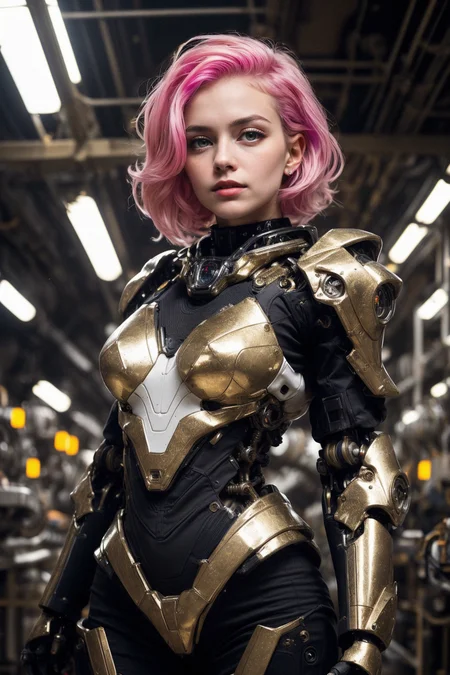
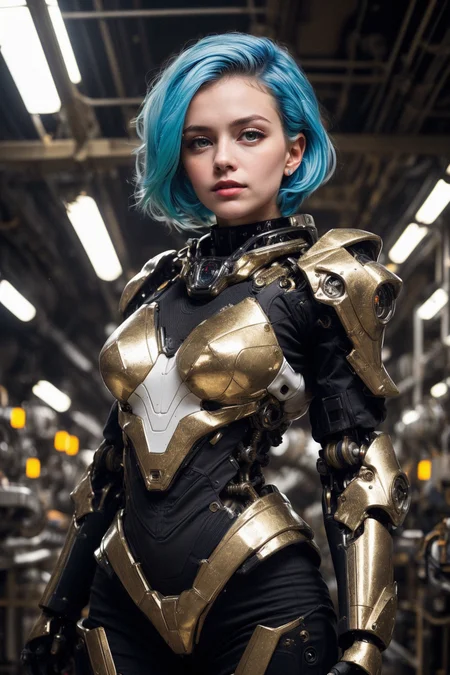
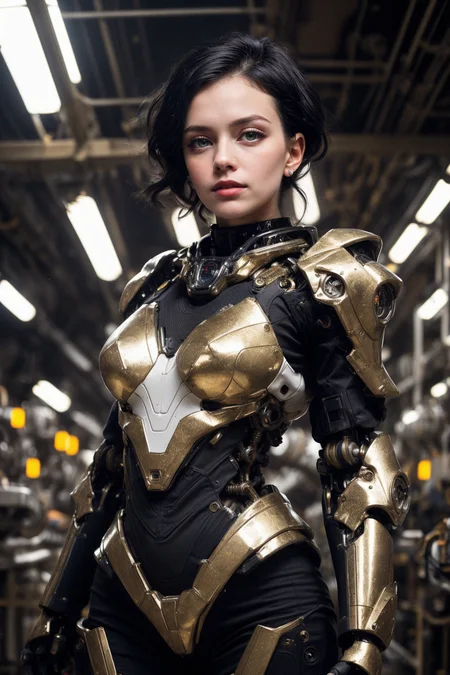
AbsoluteReality
That feeling after you wake up from a dream
Add a ❤️ to receive future updates. This took much time and effort, please be supportive 🫂
Do you like what I do? Consider supporting me on Patreon 🅿️ or feel free to buy me a coffee ☕
For LCM read the version description.
Additional ecamples for V1.6: https://civarchive.com/posts/353121
Additional examples for V1: https://civarchive.com/posts/259634
Amazing gallery by qf22: https://civarchive.com/posts/260939
Quick face alteration examples using celebrity names and mixing them: https://civarchive.com/posts/274268
Available on sinkin.ai, Mage.space and many other services
Suggestions
Use between 4.5 and 10 CFG Scale and between 25 and 30 Steps with DPM++ SDE Karras. Worse samplers might need more steps.
To reproduce my results you MIGHT have to change these settings:
Set "Do not make DPM++ SDE deterministic across different batch sizes." (mostly for v1 examples)
Set the ETA Noise Seed Delta (ENSD) to 31337
Set CLIP Skip to 2
DISABLE face restore. It's terrible, never use it
Use simple prompts. Complex prompts might make less realistic pictures because of CLIP bleeding. More complex prompts does not mean better results. Keep it simple.
Use ADetailer to enhance faces. Basically every solo portrait I made uses it. You can get my settings by clicking on "copy generation data". I suggest you use denoising under 0.3 to avoid getting always the same face.
Use BadDream and UnrealisticDream negative embeddings (
BadDream, (UnrealisticDream:1.2)). Add weight to UnrealisticDream between 1.2 and 1.5. Do not use FastNegative or EasyNegative if you aim at realism. However, they're good for artworks.Use Highres.fix with the following settings:
Denoising strength: 0.45, Hires steps: 20, Hires upscaler: 8x_NMKD-Superscale_150000_Gand as much upscale as you can (my gpu only handles up to x1.8 at 512x768 base resolution, but you can go higher). If you don't have8x_NMKD-Superscale_150000_Gyou can probably use another GAN, but it should be easy to find on Google. You can also try Latent with a denoise higher than 0.6, but the result will be harder to control.Try to condition faces by prompting for eye colors, hairstyles, hair color, ethnicity and so on. Even celebrity names do work. This model is pretty good at not making a single face if you play with the context.
If the pic is too clean, try to add some ISO noise. Even as a post processing with external tools it will trick the brain enough to make you think "damn, this is a real photo.
If you feel the grounded nature of this model is limiting your imagination, try generating on DS6 and then do img2img with this one to bump up the realism.
Pruned vs full comparison (not highres fixed)
Brief story of this model
While working on DreamShaper 6 I made many other models and a crap ton of tests. Some of them were strange mixes with photorealistic models I had previously made, plus new ones and some ISO noise LoRA I made. When I tested the various release candidates of DS6 for photography prompts, this came out on top. While mostly on the losing side with regards to range, flexibility and LoRA compatibility compared to what became DS6, I noticed this was pretty good at recreating photos with very simple and minimalistic prompts. So, why not, I gave it some love and kept working on it, just in time for its initial release.
Difference with DreamShaper
Long story short, DS aims at art, this aims at realism. They might overlap a bit, but they have different objectives and different things they're good at. DreamShaper is total freedom and can basically do everything at a high level. This does about one thing and does it extremely well. This still uses DreamShaper as base, so it's capable of doing art to a lesser degree.
Description
NOT for txt2img and NOT for training.
Only for inpainting and outpainting
FAQ
Comments (33)
What's the difference between the normal model and the inpainting model? I mean, why can't i use the same?
Thank you for your models, btw S2
An inpainting model is designed to work better at changing elements inside an already generated image. For example, if you wanted to correct the line of a shirt that is blending oddly into the subject's body, you'd create a mask and use the inpainting model to fix it. You can also use the normal model to do the task, but it won't be quite as good as the inpainting model and getting the desired output.
One of the things I like the most about this model is its compatibility with img2img and controlnet.
Merge this with a model that give bad controlnet results (realiticvision for exemple in my testing) and it's fixed.
if you don't have a good gpu like me, you can try this Google Colab (for free, no ban, no limited token). Also a useful guide here Youtube.
Hello can add kogawa and kitazume
How tf am I supposed to launch the app. Its just a safetensor files !
You should check some video or tuto to know how TF you can use safesensor files
lol did you figure it out?
why are you here if you don't know how to install automatic, or invoke?
It's a model, not an app. You need a SD installation, perhaps Automatic, Easy Diffusion and others...
noob
Can these model can be used in automatic111 without sd 1.5 base model?
"sd 1.5 model is the base of this model" means it has being trained with it but you don't need it, it is already a part of the model.
is this a sd model so you dont need sd 1.5 to run it
search how to run safetenstors on youtube
which work flow should I use if im on comfy ui
Does the inpainting model contain a lot more information hence its size? Is that so it can work out context or doe sit need to hold more of the normally prunded info to function well? Curious as most other inpaint models are same size as primary model.
Nice and awesome models. Any advice and solutions fot better hands/fingers, for version 1.8.1? Thanks. ;)
Hello! I'm having great results with textual inversion (baddream, unrealisticdream) and controlnet with openpose. Hope it helps.
@BasicMike , thanks for your advice. I appreciate that very much. ;) Best regards, Michael
you ain't gonna release v1.8.1 on Tensor.art?
Any chance of pruned inpainting models. I found for faces controlnet is great but angled faces really benefit from controlnet + inpainting models
This model is so good at creating interesting and new faces! Please, keep up this sorta variety! You are incredible at this!
How do I get something other than a fair skin tone?
When using this model I get AssertionError: Old emphasis implementation not supported for Open Clip. Any ideas? What's an old emphasis vs new emphasis? Thanks
After several x/y/z plot comparisons, DPM++ SDE Karras is better than 2M and 3M models.
If you want to get the most out of it without sacrificing too much efficiency, I'd suggest running on 60 steps instead of 30. If you want the highest efficiency without losing too many details, 30 steps is a good spot.
Ok, if add hires and adetailer into the consideration, 30 steps is better looking than 60 steps.
It's probably because I spend most of my time with this model, but I find the results it produces are far more appealing to my eyes than those of other models, including those that fuse different models together.
I like the part when the creator of this model says: "use only simple prompts to recreate the photorealistic results as mine... to avoid Clip bleeding... blah blah blah...
this is the common prompt of its creations:
"(RAW photo, 4k, masterpiece, high res, extremely intricate) (photorealistic:1.4), cinematic lighting 1girl, solo focus, summer noon, hot, 1990s \(style\),cowboy shot,indoors,the upper part of the body, masterpiece, best quality, masterpiece,best quality,official art,extremely detailed CG unity 8k wallpaper, beautiful detailed eyes, artbook, photo, real, realistic, futuristic knight, (silver, long hair), mecha girl, mechanical parts, space station, Expressive Hues, Vibrant Palette,B lack and white clothes, <lora:more_details:0.5> <lora:mecha_offset:1>"
:
MAKE SURE TO USE SIMPLE PROMPTS GUYS *_*
lmao
As I see, most of the images are generated using DreamShaper then he used img2img with this model to make them more realistic SO I think he had to copy paste the prompts (and seed?) to make the image very similar to the one generated with DeamShaper.
You can go to DreamShaper model page and see the images, they are very similar to the ones here but more Artistic rather than Realistic. He also mentioned things about this in the description.
I have a fun with this model, by far my favorite. SDXL is ok, but hard to fine tune. This model is smooth to fine tune.
The best for ding couples NSFW!
Always come back to this model, it is the standard to which other models should be judged. I wish I could find an SDXL model as good.
Details
Files
absolutereality_v181INPAINTING.safetensors
Mirrors
absolutereality_v181INPAINTING.safetensors
absolutereality_v181_inpainting.safetensors
MyBack_SD1.5_AbsoluteReality_inpainting_v1.8.1.safetensors
absolutereality_v181INPAINTING.safetensors
absolutereality_v181INPAINTING.safetensors
absolutereality_v181INPAINTING.safetensors
absolutereality_v181-inpainting.safetensors
AbsoluteReality_1.8.1_INPAINTING.inpainting.safetensors
absolutereality_v181-inpainting.safetensors
AbsoluteReality_1.8.1_INPAINTING.inpainting.safetensors
AbsoluteReality_1.8.1_INPAINTING.inpainting.safetensors
AbsoluteReality_1.8.1_INPAINTING.inpainting.safetensors