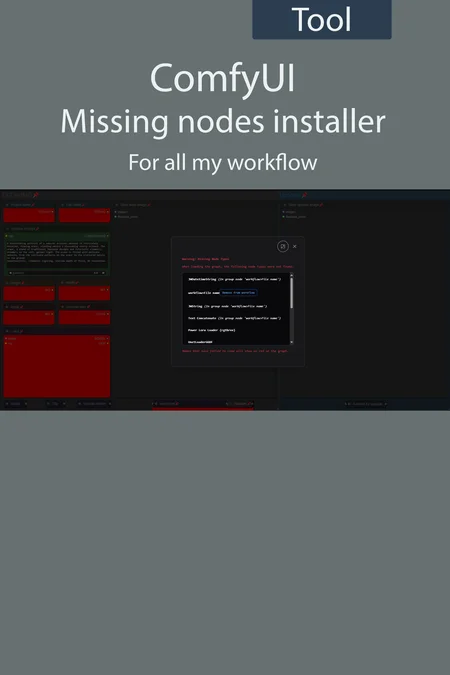
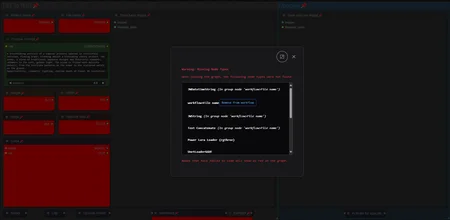
UmeAiRT ComfyUI missing nodes auto installer
To solve the problem of missing nodes not always well recognized by Comfy manager, I propose a script that automatically downloads everything needed for all my worflows.
Just put the "ComfyUI-Missing_nodes.bat" in the same folder as "ComfyUI_windows_portable" or in the same folder as "ComfyUI" :
 Stop ComfyUI, start the script and wait for it to finish before restarting ComfyUI.
If you still have problems you can try a clean installation with my other script : ComfyUI auto installer FLUX | GGUF | CONTROLNET | UPSCALE - v1.2 | Flux Other | Civitai
Description
Completely redesigned version. New workflow added.
FAQ
Comments (8)
Hello, under which directory is the script placed?
didn't work for me. i am trying to use your image to image flux workflow. and i am missing following when loading it up and no idea how to find out what module i need:
workflowLoRA - 2
workflowLoRA - 3
workflowActivate LoRA
workflowUpscaler
workflowGenerate original
workflowLoRA - 1
workflowGet data
Didn't work for me either, can't find the loRA nodes... even with the .bat.
Worked perfectly, tysm!
tested it on two comfyui installations, one completely fresh. your stuff completely breaks them. they're suddenly unable to find the flux model which was not an issue before using your script.
broke comfy. \comfy\utils.py", line 40, in <module>
from numpy.dtypes import Float64DType
ModuleNotFoundError: No module named 'numpy.dtypes'
Is there a version for MacOS/Linux? I have a MacMini M4 with 64gb
Hi I still got this error:
"Cannot execute because a node is missing the class_type property.: Node ID '#705' "
and these have red borders:
1. Save Upscale
2. Params In
3. Save Original
What step should I take? Thank you!
I downloaded your all in one workflow, I have manage to use your script for the missing nodes, but still got this error (above mentioned)