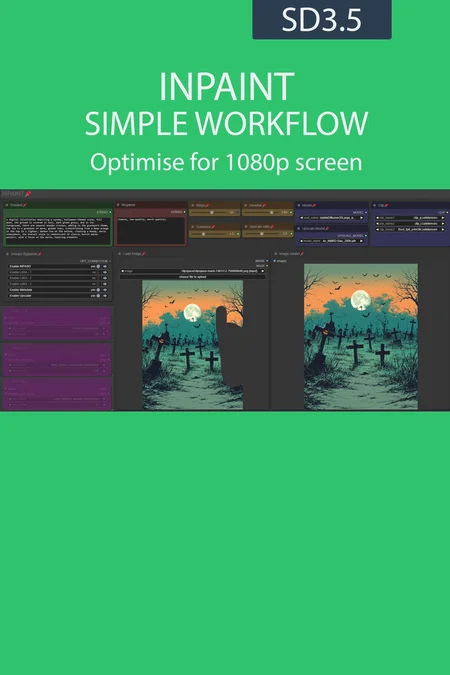
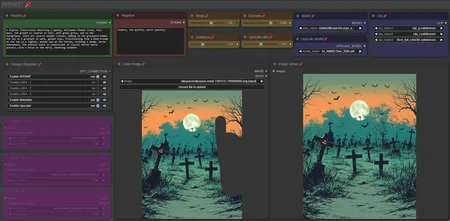
UmeAiRT INPAINTG simple workflow
I share my inpainting workflow.
Just right click on the load image node then select "open in MaskEditor" where you're gonna inpaint the area you want to change then click "save to node".
The easiest way to install all the files needed for workflow use is to use one of my installation scripts or my manager.
In general, you're missing the “RV-Tools” node, which is not detected by ComfyUI manager. You can find it in “Custom node manager”.
To install the missing nodes, I created a script : ComfyUI missing nodes auto installer - v2.0 | Flux Other | Civitai
Resources you need:
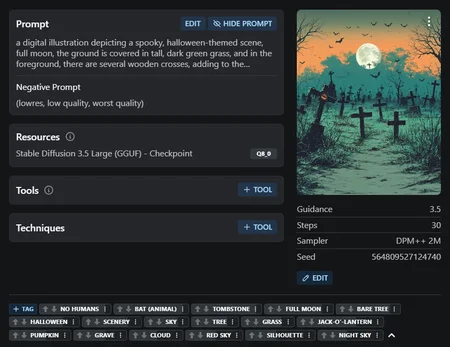
SD3.5 checkpoint for large workflow (one in /models/checkpoints) :
large : Stable Diffusion 3.5 Large - v1.0 | Stable Diffusion Checkpoint | Civitai
turbo : Stable Diffusion 3.5 Large Turbo - v1.0 | Stable Diffusion Checkpoint | Civitai
fp8 : ComfyOrg - Stable Diffusion 3.5 Large FP8 - v1.0 | Stable Diffusion Checkpoint | Civitai
SD3.5 GGUF for GGUF workflow (in /models/unet) :
Stable Diffusion 3.5 Large (GGUF) - Q8_0 | Stable Diffusion Checkpoint | Civitai
SD3.5 VAE : stabilityai/stable-diffusion-3.5-large at main
Clip (in /models/clip) : Comfy-Org/stable-diffusion-3.5-fp8 at main
clip_g
clip_l
t5xxl (fp16 or fp8)
Upscaler : https://huggingface.co/uwg/upscaler/blob/main/ESRGAN/4x_NMKD-Siax_200k.pth
Description
Add a version using basic models
FAQ
Looks like we don't have an active mirror for this file right now.
CivArchive is a community-maintained index — we catalog mirrors that volunteers upload to HuggingFace, torrents, and other public hosts. Looks like no one has uploaded a copy of this file yet.
Some files do get recovered over time through contributions. If you're looking for this one, feel free to ask in Discord, or help preserve it if you have a copy.