
Nova Unreal XL
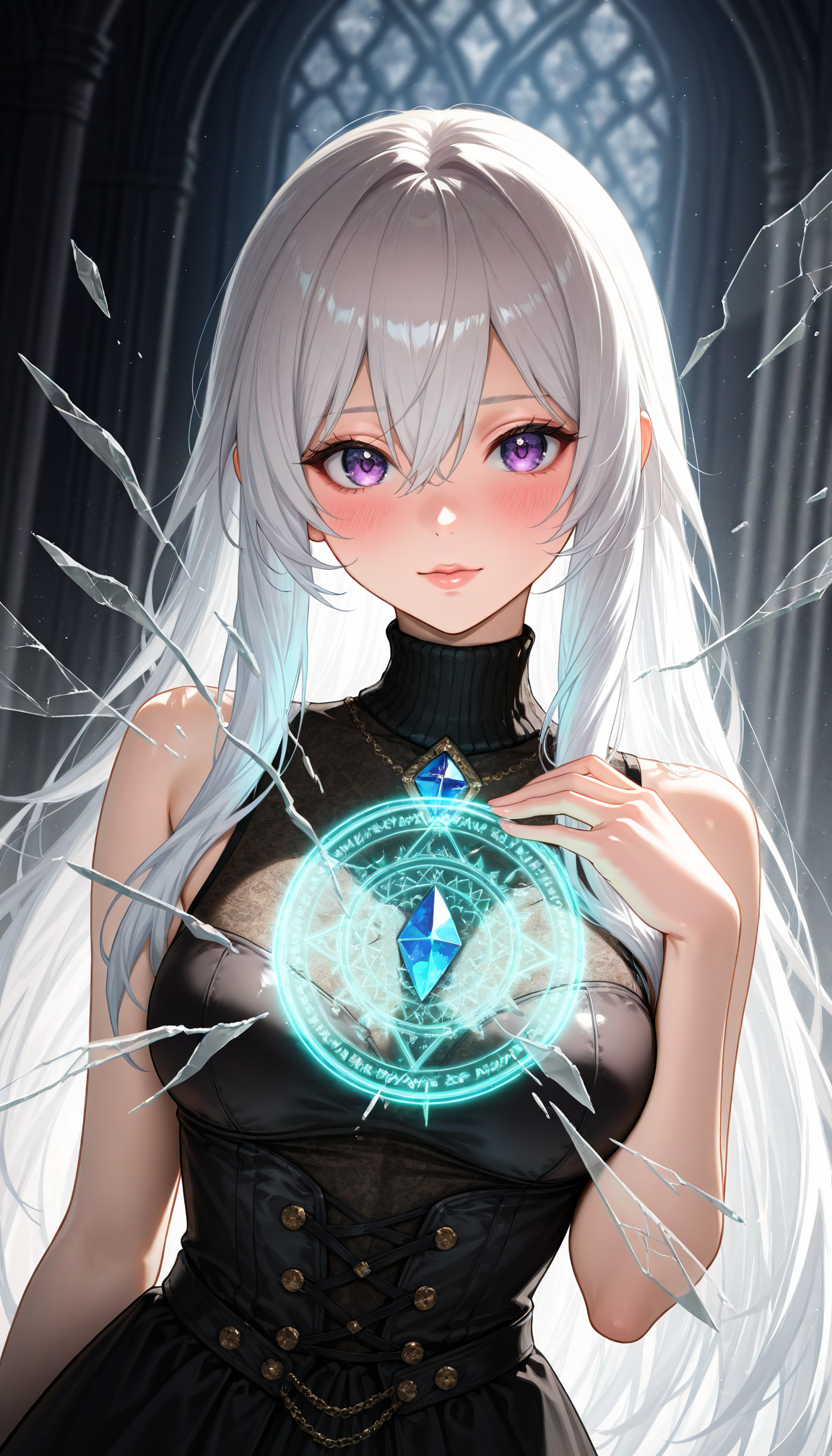
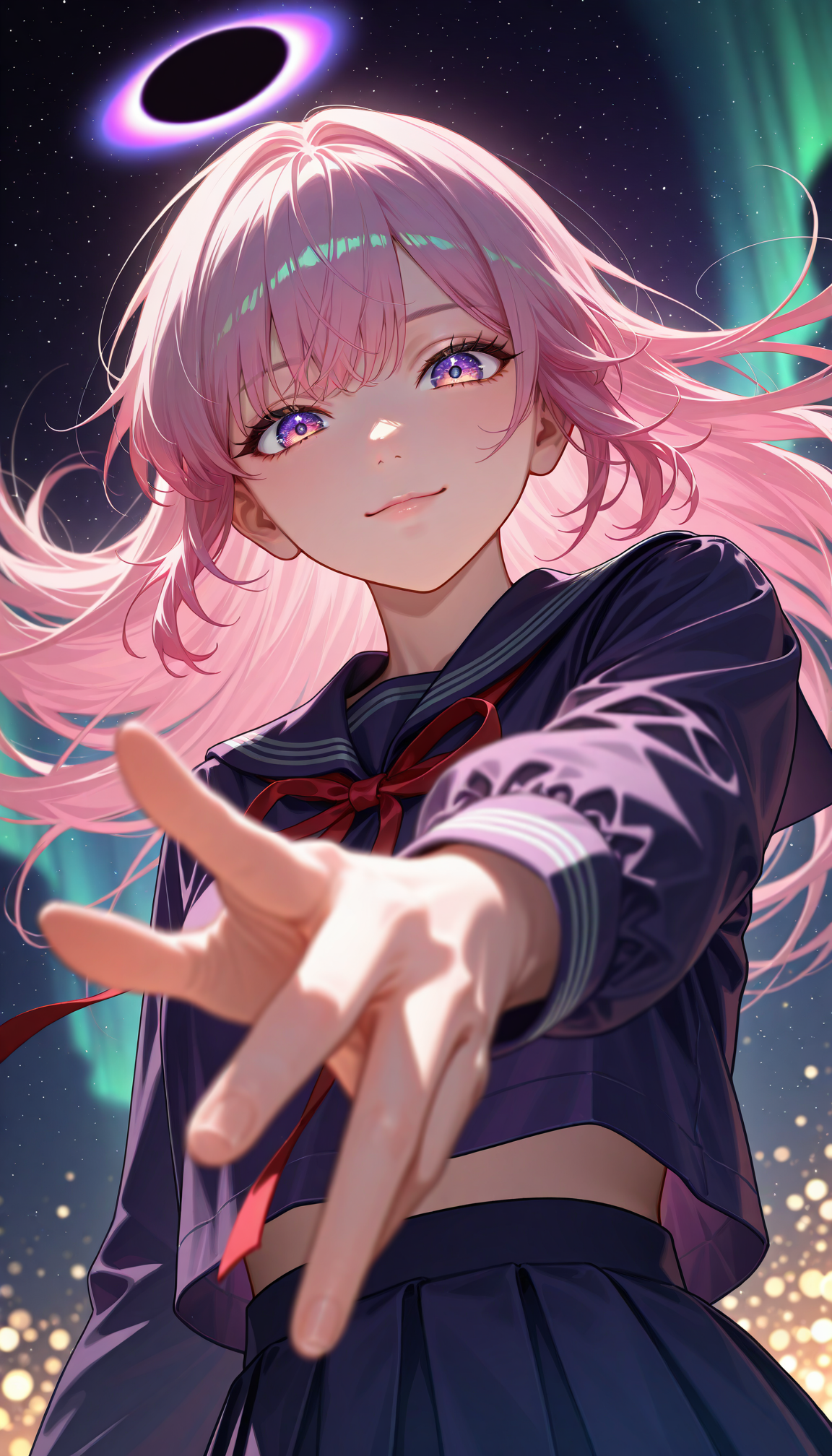
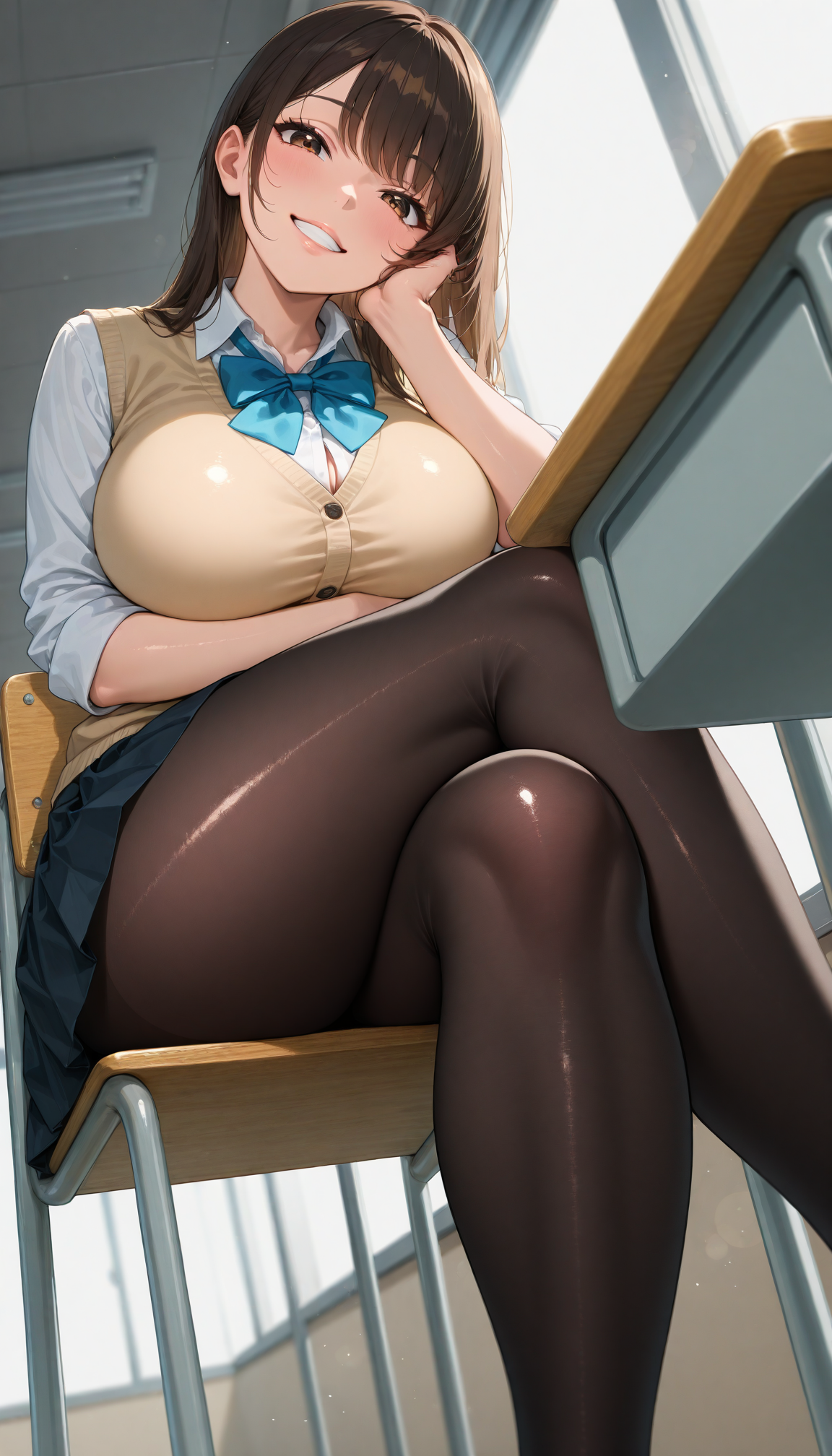
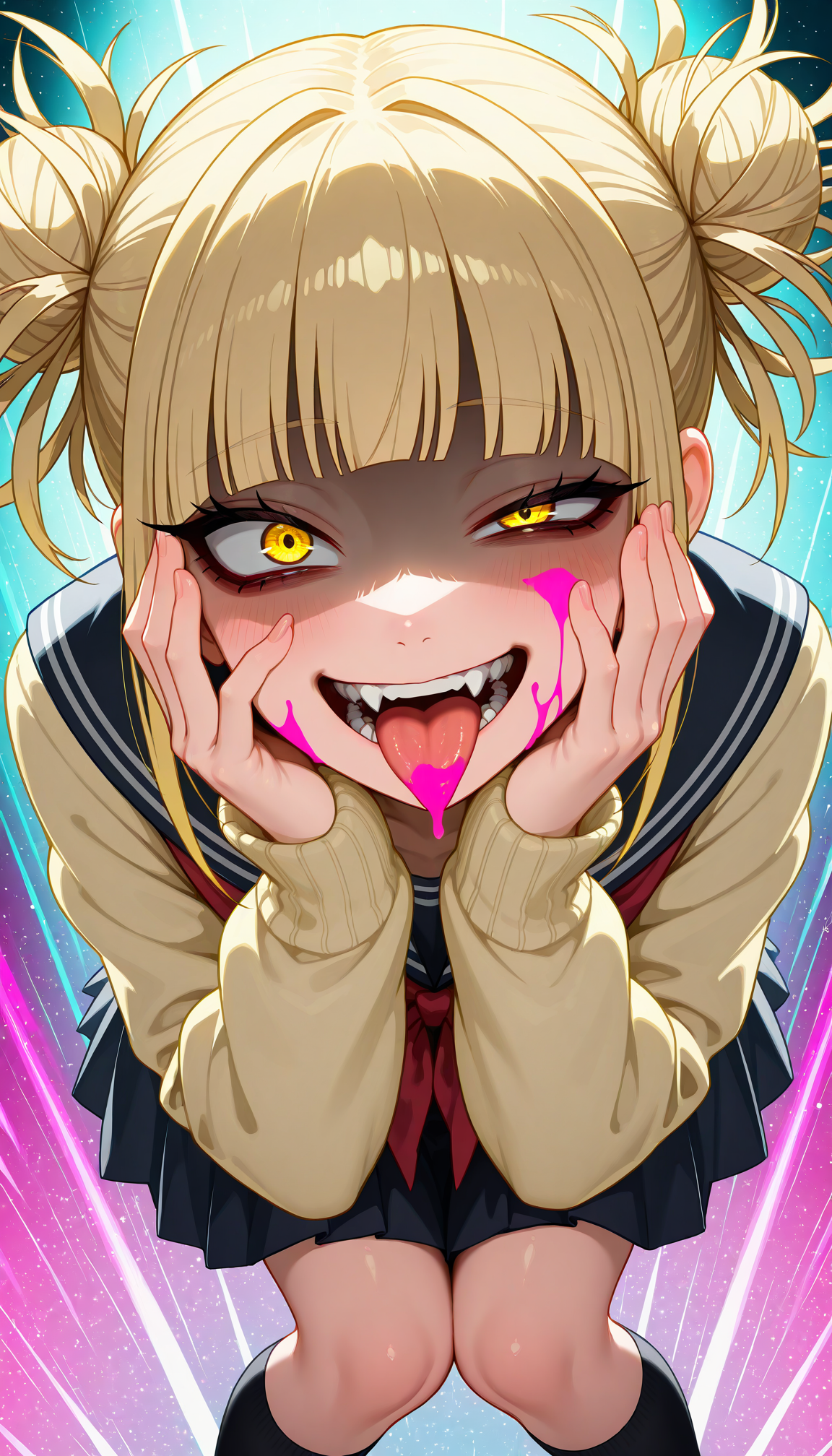
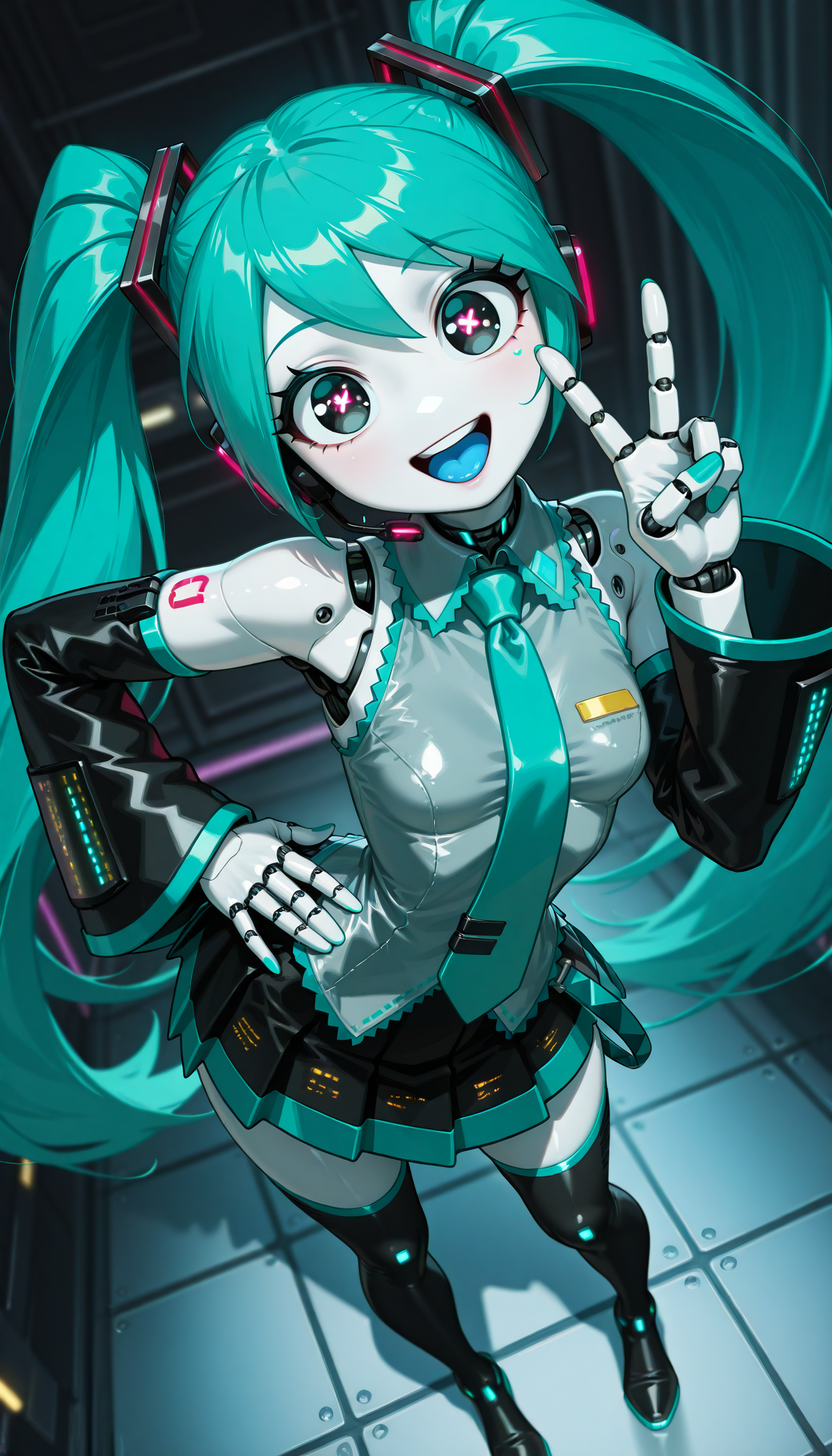
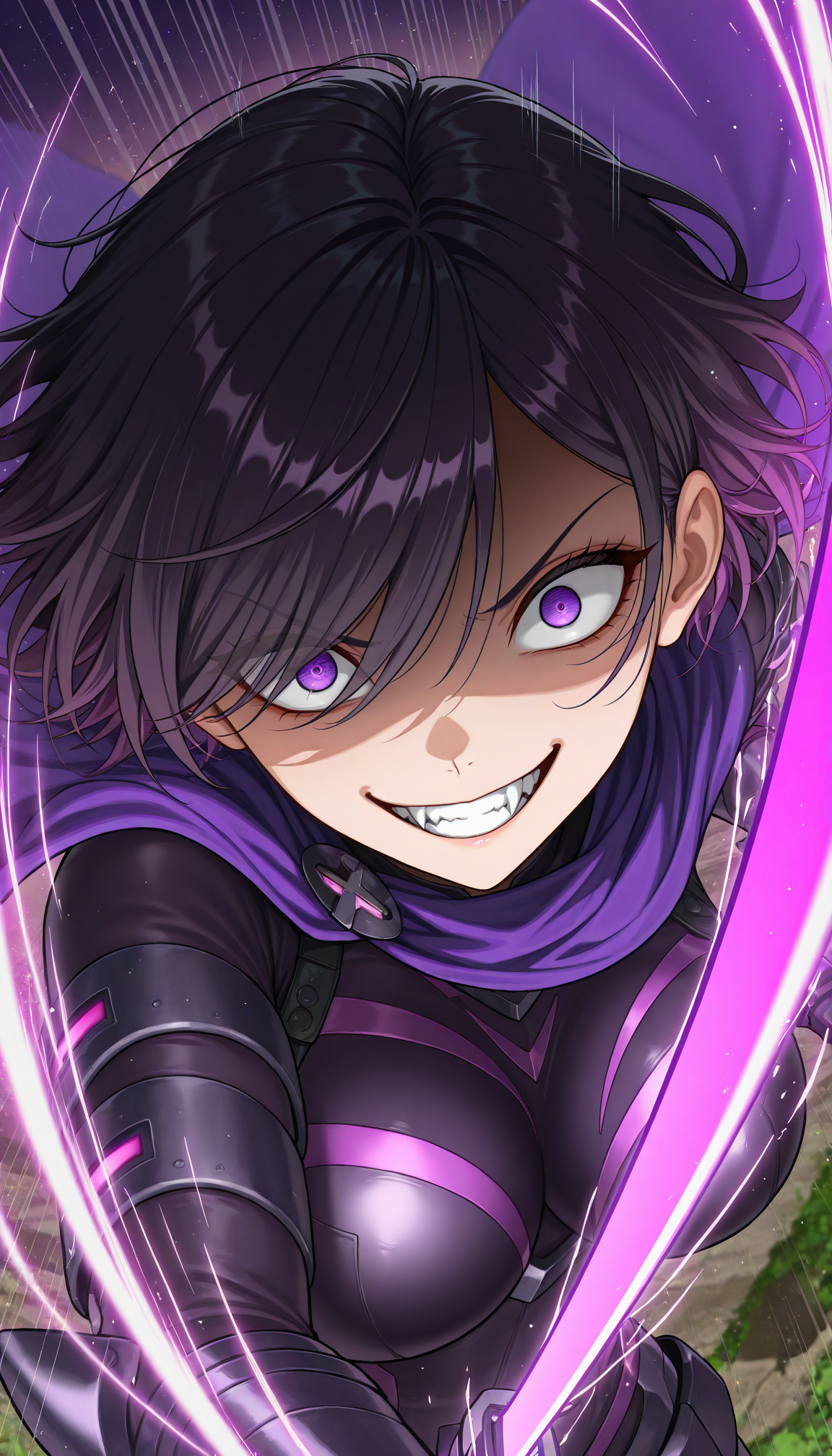
Nova Unreal XL is semi-realistic anime checkpoint with detailed skin and depth
Paying respects to Meina's MeinaUnreal
All images on example were created with diffusers with custom png tags
Rules
You cannot use the generated images for commercial use if it's not edited (or just turning it to black and white)
You can share images without any restriction if you don't monetize it
Advertising this model to outside is always welcome
Recommend Settings
Sampler: Euler a
Steps: 20~30
CFG Scale: 3-5
Clip Skip: 1-2
Denoising Strength: 0.65 - 0.8
Prompt: masterpiece, best quality, amazing quality, very aesthetic, high resolution, ultra-detailed, absurdres, newest, scenery, cute, {Prompt}, BREAK, depth of field, photorealistic, volumetric lighting
Negative Prompts: modern, recent, old, oldest, cartoon, graphic, text, painting, crayon, graphite, abstract, glitch, deformed, mutated, ugly, disfigured, long body, lowres, bad anatomy, bad hands, missing fingers, extra digits, fewer digits, cropped, very displeasing, (worst quality, bad quality:1.2), bad anatomy, sketch, jpeg artifacts, signature, watermark, username, signature, simple background, conjoined,bad ai-generated
FAQ
Comments (16)
As always, a wonderful model and I appreciate you giving me permission to upload it to TensorArt.
Your model is one of THE Illustrious models. It really deserves the attention its getting. Love the style. Continue your amazing work!
100/10
Not sure what I'm doing wrong, but any generation I make, even copying prompts from posts in the gallery come out with a pretty low quality.
Did you check the steps, CFG scale and resolution?
The recommended resolution is
1024x1024 for square
832x1216 for 2:3
768x1344 for 4:7
Literally copying the exact params from posts, including what you're mentioning (using the "copy all" button and then importing in forge) still doesn't reach the quality from the gallery
@yukifoxy Probably token issue?
I use diffusers + sd_embed on kaggle: which is simmilar to that of Forge system
If you're using vae, don't: it's already baked
Also, the images on the sample are in higher resolution using hires.fix
Just use the resolution on the last comment and scale it x1.5
What is the break command for? Does it need to be capitalized? In the prompt you use {}, does this mean I should put my prompt inside {} and the rest outside?
BREAK adds 75 blank tokens to the prompt which makes the effect of the prompt much better (prevents mixing the effects, colors and compositions)
I don't think I use {} but I use (:number) and this allows the prompt inside to appear stronger
For example, (long hair:1.3) would make much longer hair than simply using long hair
Is there any way to create two characters interacting in the same image without their features being combined? Doing everything with the prompt, without any tools or parrots
Is there any way to create two characters interacting in the same image without their features being combined? Doing everything with the prompt, without any tools or parrots
Write interaction first and use BREAK to write each characters' position/prompts
For example, using "2girls, charcterA, characterB, hugging, BREAK, {character A's prompt}, BREAK, {character B's prompt}" would create girl A and girl B hugging
Also, please stop repeating the comment
Just wait till someone answer
Patience is the key to success
@Crody I just made a copy of the message haha, it's good to be patient but you have to know how long you are willing to wait and what you can do to change it, I'm going through a complicated situation, so it would look like this? 2 girls, character a and character b, hugging, break, {character a, brown eyes, black hair}, break, {character b, blue hair, purple eyes}.
I'm not sure if the {} goes or not, or if you have to always put character a and character b right in their description section.
I would like to learn how to train models and loras from 0, I have seen many tutorials on Youtube but I have many doubts about many things and it's better something custom, I'm not mean, I'm going to pay, via Paypal, Do you think you can help me with that?
@jvtjuan15684 If the character isn't original or they have different set of clothes, putting the information would be the best choice
{} is the where you put your original prompt so if the characterA has red hair and blue eyes, prompt would be "characterA, red hair, blue eyes"
And from the prompt you send, this is the correct one
"2 girls, character a and character b, hugging, BREAK, character a, brown eyes, black hair, BREAK, character b, blue hair, purple eyes"
1. Delete {}
2. BREAK must be capitalized
Unfortunately I don't train checkpoints: I do merging
I've done LoRA training for SD1.5 back when easier Kohya trainer was available but now I step back from doing those including character as well so sorry I cannot help you about that
@Crody Since you know how to combine models, I think that maybe you would know how to know with what words the model is trained, what happens is that many times I am using a model and it does not know almost any words or actions, so it only limits itself to creating random images of girls, in other cases it knows very strange words, that is why I would like to know if there is any way to know with what words the model is trained
@jvtjuan15684 The model like Noob and Illustrious are trained on danbooru tags
You can search those tags using danbooru wiki https://danbooru.donmai.us/wiki_pages/help:home