

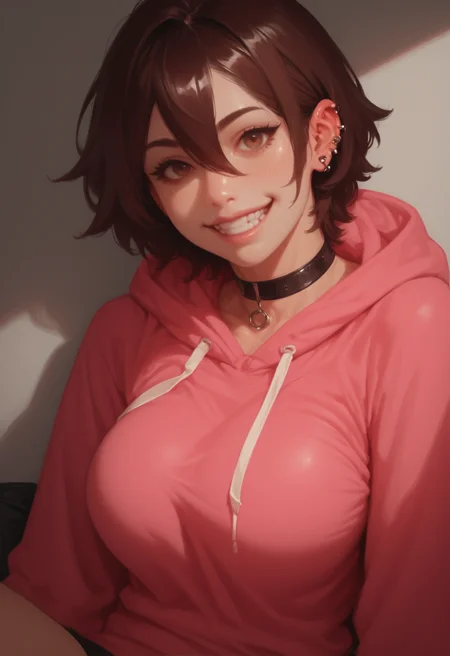


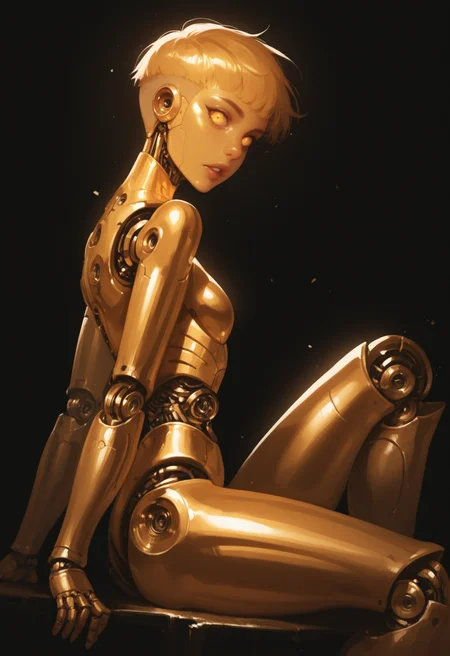
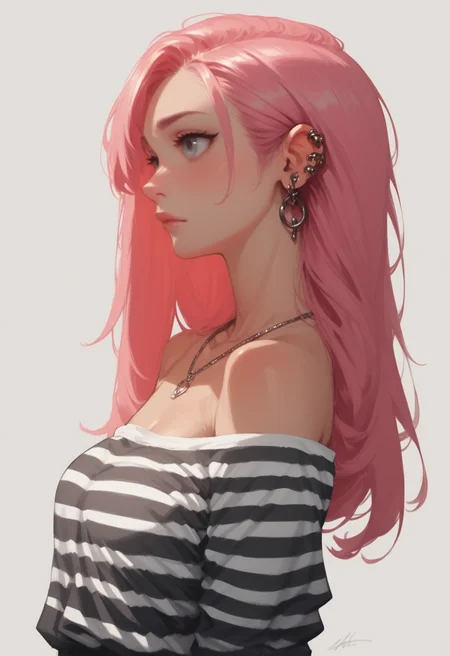


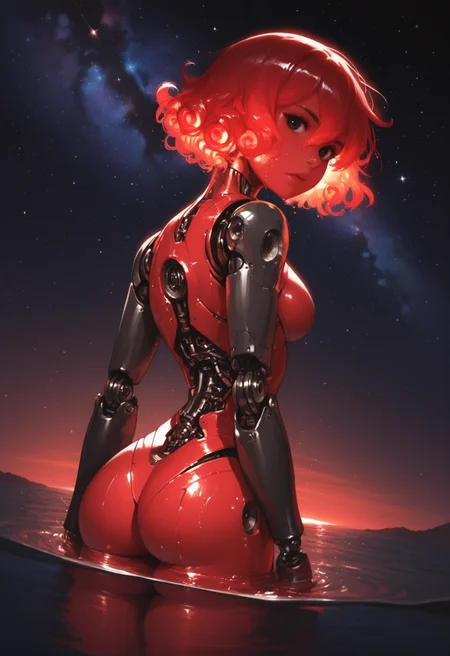
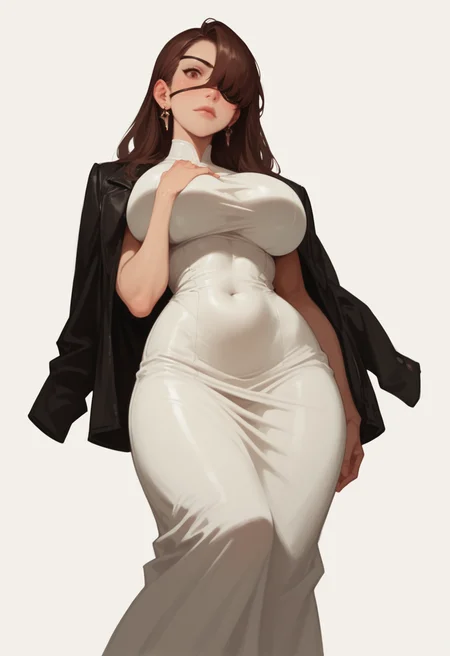

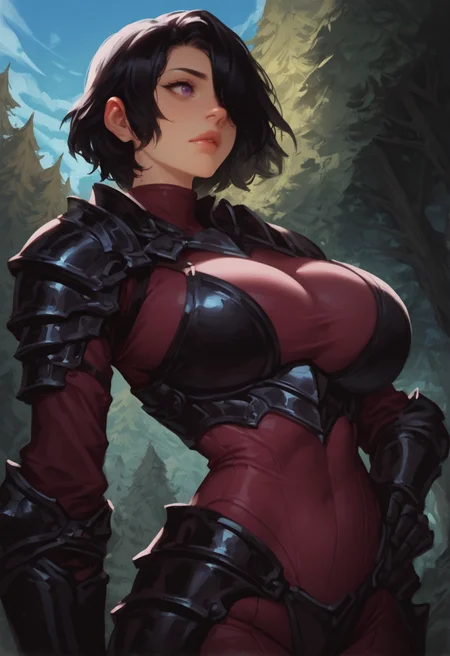
My RI-MIX Style
Lora based on this model - Ri-mix - Style LORA
Settings for Anima
Workflow: Text-to-image Hi-res fix
CFG Scale: 3
Sampler: er_sde
Steps: 30-40
Settings for CIVITAI On-site Generation (Illustrious)
Workflow: Text-to-image Hi-res fix
CFG Scale: 7
Sampler: Euler a
Steps: 30-40
Denoise: 0.35-0.40
My settings for ForgeUI (Illustrious)
Generation
Sampling method - Euler a
Schedule type - Automatic
Sampling steps - 20
Dimensions - 768 x 1152
CFG Scale - 6
Highres. fix
Upscaler - None (works for me)
Hires steps - 10
Denoising strength - 0.1
Upscale by - 1.5
ADetailer
ADetailer detector - Anzhc Face seg 640 v2 y8n.pt / face_yolov8n.pt
Inpaint denoising strength - 0.35
ADetailer steps - 20
ADetailer VAE - sdxl_vae.safetensors
ADetailer sampler - DPM++ 2M
Description
FAQ
Comments (6)
This model is a hidden gem. Need refining a bit to make it better
Thank you will try my best
Upscaler - None
Upscale by - 1.5
Something wrong with this parameters
That what I have for my parameters on forgeui. May need something different for other ui
@phinjo It can't work that way. You can't upscale a picture without an upscaler or interpolation method. This means you have some error in the GUI and don't see which upscaler is used. Or it's just a resize, which destroys the quality of the picture to zero.
@magenta if you're using forgeui or automatic1111 drop one of my images in png info and you can check out the Metadata. I've been doing it like this for a while now. I've switched gui from automatic1111 to forge and used the same method For the same result.
Details
Files
Available On (2 platforms)
Same model published on other platforms. May have additional downloads or version variants.