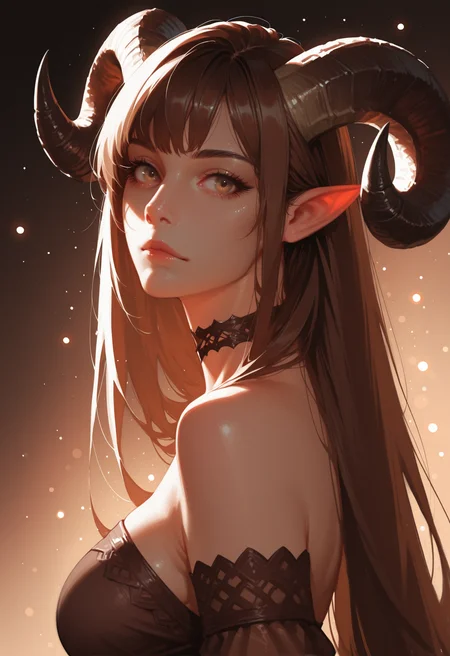

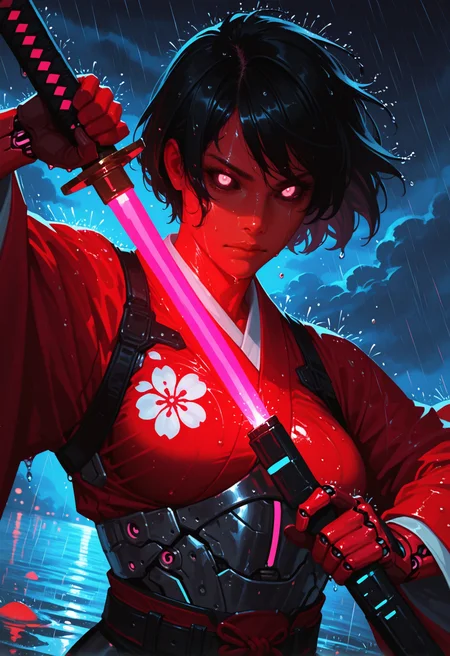
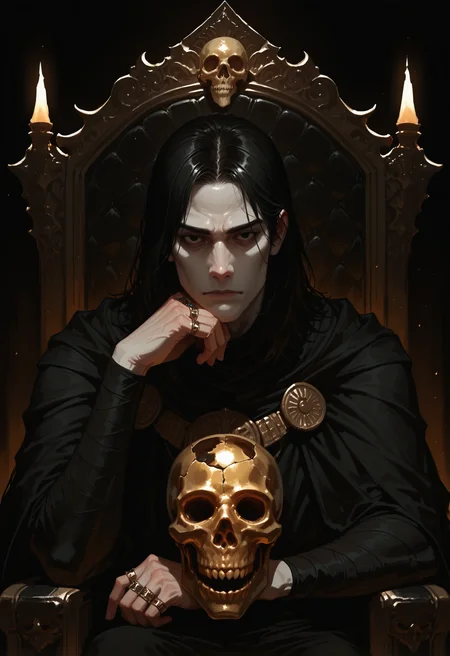
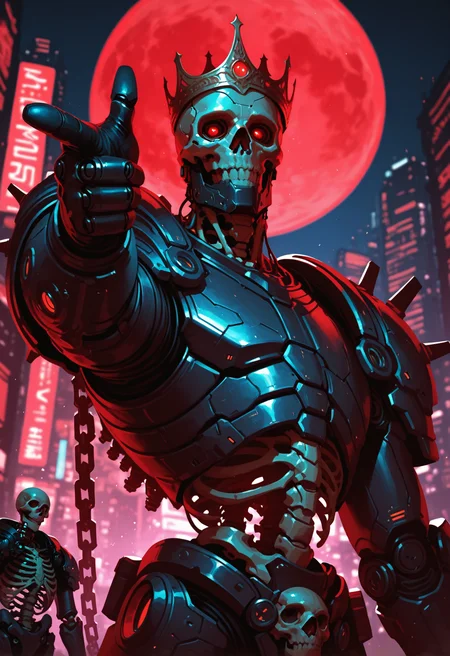
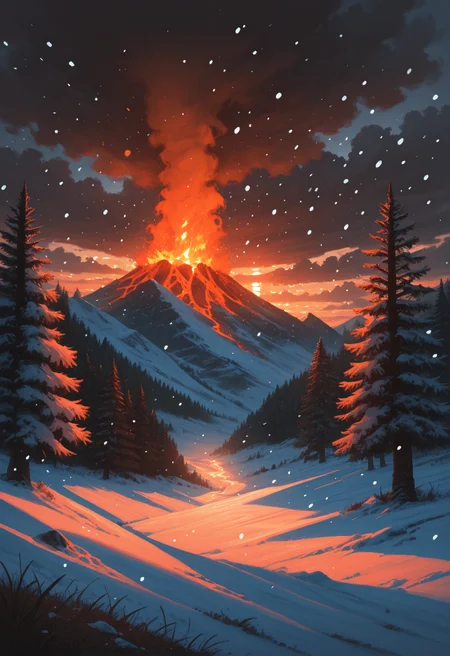
My RI-MIX Style
Lora based on this model - Ri-mix - Style LORA
Settings for Anima
Workflow: Text-to-image Hi-res fix
CFG Scale: 3
Sampler: er_sde
Steps: 30-40
Settings for CIVITAI On-site Generation (Illustrious)
Workflow: Text-to-image Hi-res fix
CFG Scale: 7
Sampler: Euler a
Steps: 30-40
Denoise: 0.35-0.40
My settings for ForgeUI (Illustrious)
Generation
Sampling method - Euler a
Schedule type - Automatic
Sampling steps - 20
Dimensions - 768 x 1152
CFG Scale - 6
Highres. fix
Upscaler - None (works for me)
Hires steps - 10
Denoising strength - 0.1
Upscale by - 1.5
ADetailer
ADetailer detector - Anzhc Face seg 640 v2 y8n.pt / face_yolov8n.pt
Inpaint denoising strength - 0.35
ADetailer steps - 20
ADetailer VAE - sdxl_vae.safetensors
ADetailer sampler - DPM++ 2M
Description
Positive and Negative prompt I'm using on ForgeUI.
POS - masterwork, masterpiece, best quality, dynamic lighting , dynamic pose,, dynamic angle, (realistic:1.2), (lineless:1.2), detailed, , aged up, adult, depth of field, dynamic lighting, blurry, cheekbones, <lora:zy_illustrious_Realism_Enhancer_v1:0.5>, <lora:Detailer_NoobAI_Incrs_v1:0.75>
NEG - blurry, lowres, worst quality, low quality, bad anatomy, bad hands, jpeg artifacts, signature, watermark, text, logo, artist name, censored, patreon username, (anime:1.2), loli, (big_mouth:0.5), (wide_lips:0.5)
FAQ
Comments (15)
I noticed that the model doesn't seem to follow dynamic angles when prompted like with other Illustrious checkpoints.
This is ultimate hentai generator.
It adds tiny details in scenes making it hilarious.
It properly sets face expressions even if not prompted specifically.
But it struggles with too complex pose prompts which are too long.
Is this model actually pony or illustrious? The examples seems to indicate more an illustrious tagging (no score_9, score_8_up ...)
No information.
very good model))
This is super fun to play with, but very hard to control - there is a lot of unprompted style/composition swing depending on the scene content. The Lora version may be more controllable with dynamic prompting, e.g., "0@0,[email protected]" to fade it in after the scene composition has been established.
Could you explain what you mean in this comment? Are you talking about the weight of a lora you are using or something different?
@Dirtytreenaturd hi, yes - when using a local webui such as A1111 there is a dynamic lora weights extension. You can for example start with a lora weight of 1 and ramp smoothly down to 0. Not sure what links are allowed here, but google for "sd-webui-loractl" and you'll find the original github project. The reForge webui (Panchovix/stable-diffusion-webui-reForge) also has a built in version. I'm not sure what's available on civit though.
This extension is useful for loras that are poorly trained. For example, a lora intended to create a pose may also strongly affect the style of the image in an unintended way. Turning the lora off half way through the generation helps.
@Due_Nail4081 I had no idea about that extension. Thanks for the help!
Seems prone to really significant style swings depending on the composition and subject matter of your prompt. Its a shame because it really negatively affects the usability of an otherwise hidden gem of a model.
Great job., I'm looking forward to new updates.
Great results. Keep up the good work
A strange checkpoint imo, works really well for face focus but when you move the camera away a little it gives you terrible eyes and hands, even with a Detailer. (asymmetrical or cross eyed eyes)
If anyone could recommend a good eye lora to use with this checkpoint I would appreciate it.
https://civitai.com/models/150925/eyes-detection-adetailer?modelVersionId=168820 - I haven't tried this myself, but maybe this would be useful?
i have tried facedetailer and eyedetailer (y8 - ultralytics) but with no noticably better outcomes.. i guess for wide angle this checkpoint doesn't seem to be the best. But maybe I'm using wrong settings ?
Details
Files
Available On (1 platform)
Same model published on other platforms. May have additional downloads or version variants.