


HUNYUAN VIDEO FACEDETAILER UPDATE V1.2
Bug fixing. The get latent size node doesen't work with hunyan latent video: it output a different video width breaking the image W/H ratio. Thanks GoonyBird for pointing out.
___________________________________________________________________________
HUNYUAN VIDEO FACEDETAILER UPDATE V1.1
I tried to do a few improvements in the facedetailer group mainly focused on the flickering that was annoying quite some people (including me) in many situations like small faces or slow motion.
I used animatediff detector for the BBOX that averages the bbox over neighbor frames, increased the bbox dilation and decreased shift, conditioning and denoise.
Hope it works a bit better that V1, it comes at the cost of a slightly lower face definition.
Further optimizations can be done, they are highly dependant of the video produced in the first stage, in case of flickering I'd suggest to play in the facedetailer module with:
-Simple detector for animatediff
increase bbox_dilation (max 100)
-Modelsampling
Decrease shift (min 0)
-Fluxguidance
Decrease guidance (min 1)
-Basicscheduler
Decrease denoise below 0.4
In case you cannot get rid of flickering I have created as an alternative a static bbox facedetailer. Basically it creates a static bbox as union of all possible position of the face in the video. As you may understand this option is only convenient in case of limited face movements in the video. In my opinion quality is a bit lower compared to dynamic bbox but it is flicker free and more robust to many contitions like face disappearing, side view, etc.
.
I've also improved few more things:
-Changed the sampler to TTP_teacache. The ultra fast can be used for refining in intermediate V2V or facedetailer stage with small degradation but significant speed improvements
-Improved the upscale that is now in line with x16 requirement of hunyuan video.
-Fixed size (roughly 368x5xx) for the face to be processed by latest facedetailer sampler box, you can adjust if you have > 12Gb card.
-Optimized the flow so you can separately select upscale, the two facedetailer flavours and the interpolator.
-Highlighted in green the noder you likely want to adjust.
Have fun!
____________________________________________________________________________________________
Starting from excellent bonetrousers t2v workflow:
https://civarchive.com/models/1092466/hunyuan-2step-t2v-and-upscale?modelVersionId=1294744
I was wondering if something better could be done instead of a simple upscale as a last step.
Taking inspiration from the facedetailer principle, it could be useful to take additional care to the face upscale which is often of small size, low resolution and tremebling, and in this case upscale would not help much.
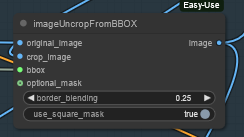
My idea is to bbox the face, cropping it, sendin to a separate Hunyuan detailer workflow (with an additional prompt dedicated to face) and uncrop it back to the original image.
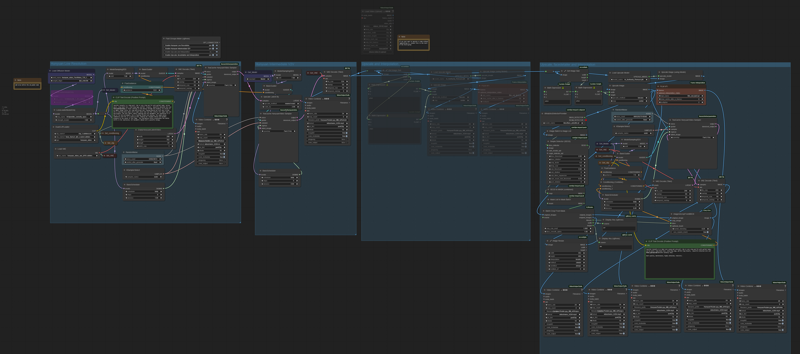
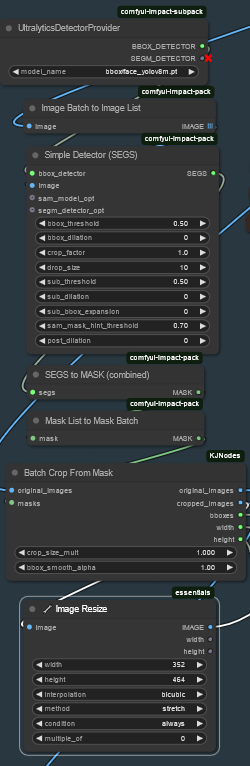 Image resize is to match the Hunyuan latent size before sending it to VAE encoder and to sampler and to have good resolution image to fed in to HunYuan refiner. After VAE encode, Hunyuan sampler and VAE decode, uncrop and feed to subsequent steps. That's it.
 I did some basic tests with the attached workflow, just as a proof of concept, and results seems promising.
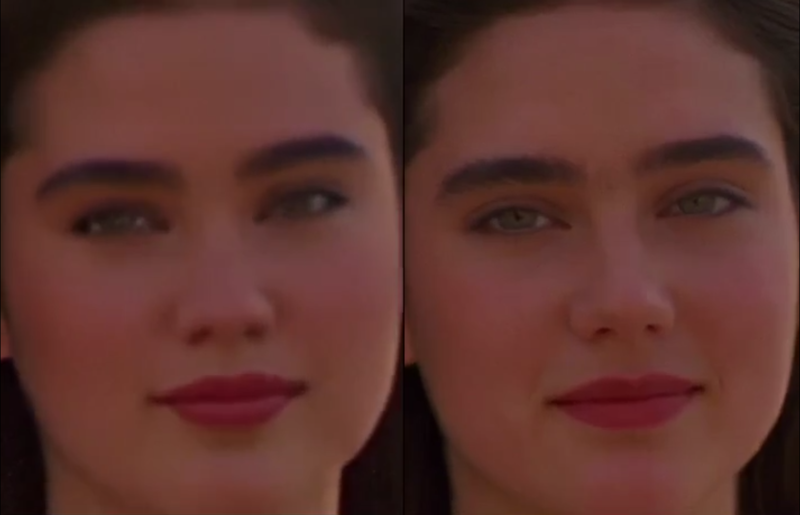
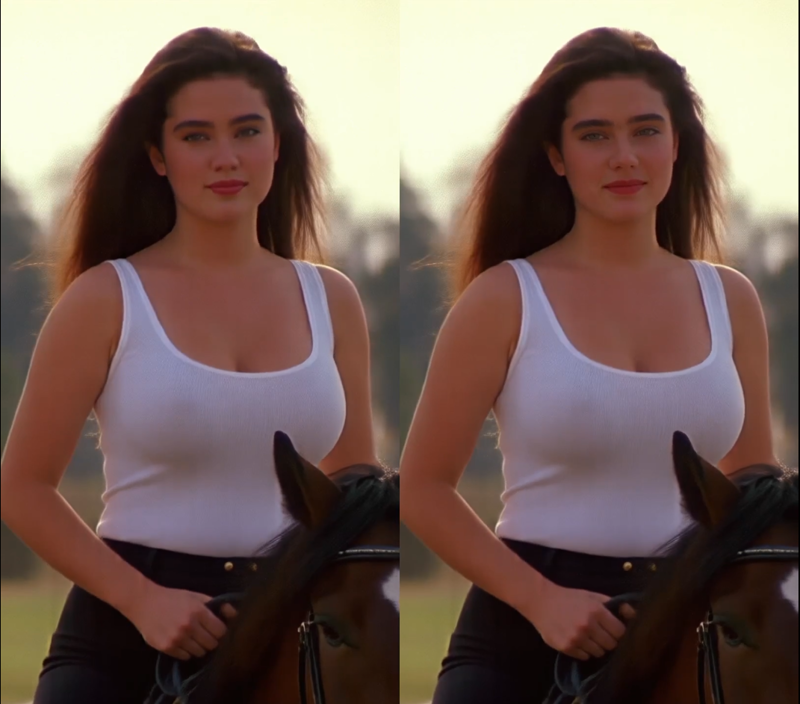
Of course it depends a lot on the face size (not much to do if face is very small). Workflow isn't coping very well with static subject, but after all we're talking abount animation here, or?
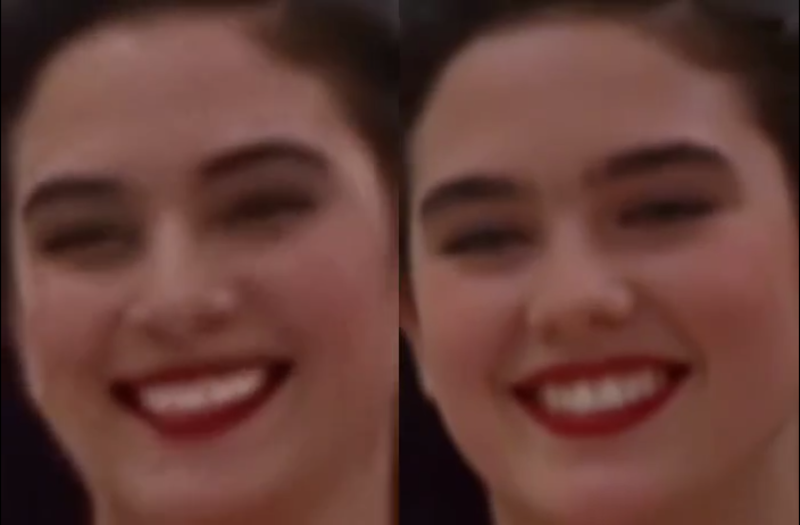
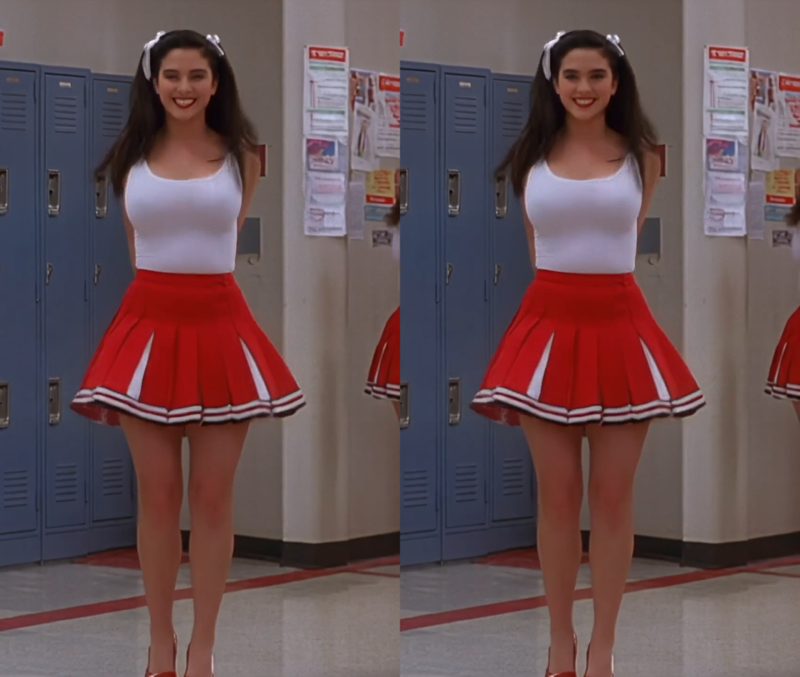
I could see noticeable improvement in the subject details and less blurring or trembling. Few examples in this post (only the last one is interpolated)
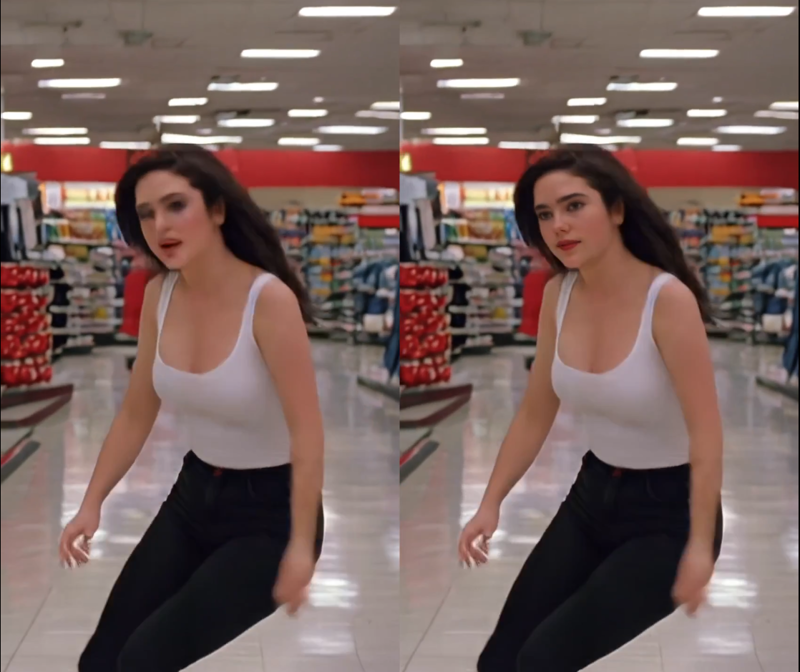
I'm a very noob Comfyui user, I argued few hours with image list and batches, and my workflow is very basic. I did not not much of finetune, so I believe there's quite some space for improvement by expert users. For example deciding the refiner video size based on the bbox size or even building a proper facedetailer node for Hunyuan.
Depending on available time I'll try to improve it next weekend, for example adding it to excellent LatentDream allinone workflow.
As usual coffes are welcome
Description
HUNYUAN VIDEO FACEDETAILER UPDATE V1.2
Bug fixing. The get latent size node doesen't work with hunyan latent video: it output a different video width breaking the image W/H ratio. Thanks GoonyBird for pointing out.
FAQ
Comments (26)
What am I missing? In the workflow from the sample video, everything is disabled apart from the low resolution group...
There's a control switch on the left to turn them on...
@Infernomax Oh, I can see that, but when I generate videos and save metadata, it saves what's been turned on and what hasn't. So, when I open yours, I'd expect more than the basic generation to be active...
the extension cable is controlled by the back door light switch, Clark
@slimed There's a reference here that I just know I'm not getting...
Spent a whole night trying to get 1.1 working ahah, still getting an error message on the Batch Crop From Mask when starting with 320x320px. I get error: zero-size array to reduction operation minimum which has no identity - Can you help or explain how I am meant to feed in the image accurately sized for the mask detection and original?
Sorry to hear that. In the facedetailer (dynamic bbox) you get an error in the batch crop from mask when the face is not available in all frames of the video, because the mask batch get broken. Disable the group facedetailer (dynamic bbox) and user facedetailer (static bbox) which is less detailed but more robust. Also use version 1.2, version 1.1 had incorrect widh/height and might cause the image to be cut. Finally 320x320 is a bit high for a 12Gb, reduce the following upscales or you may get an oom.
In my situation, when I faced this error, I lowered the bbox_threshold to 0.5 in the Simple Detector node, and it resolved the issue. I was working with footage where the face had a small size/resolution, and I believe the high threshold prevented the system from accurately locating the faces in the video.
I like it so far, but no double block lora loader in your workflow, meaning after two loras (or let's say 3 max, you get blurry and more messy output, when you load with double block you can stack up to 5, maybe 6 loras and still maintain decent output
Edit : finally couldn't run, at some point it stop with SimpleMath+
SimpleMath.execute() got an unexpected keyword argument 'c' error
Try replacing the math node with the Math Expression from the comfyui-custom-scripts,it worked in my case.
@swin Okay i'll try next time
This is one of the BEST workflows I've seen! Its fast- clear (if you don't mess to hard with lora's) and easy to understand! Thanks for sharing!
lost me at to
@slimed I tend to run a lot of lora's- Its' not you're flow I think its me. This is still one of my fav workflow though!
noArtifact suggested that double_block lora loader could work better, I'll give it a try
@iljoe hummmm.... any other suggestions? That's what I've been using =D. Thanks for the suggestion though! Keep em coming.
I found another variant of matte tracking you might find useful. Your end results look great (WAY better than mine). But maybe you can find a use for the method, cause I'm hitting a wall. https://civitai.com/models/1282180/hunyuan-masking-localized-detailing
This looks awesome and got all the pieces. However, I though this ran on 12gb given "Fixed size (roughly 368x5xx) for the face to be processed by latest facedetailer sampler box, you can adjust if you have > 12Gb card."
Anyone able to actually running this wf on 12gb? If so, any particular tips. I oom at the "TTP_TeaCache HunyuanVideo Sampler" node.
I have a 12Gb and it's working, but I'm using secondary card for display do I might have few hundreds of Mb of advantage on you. Which sampler is givin you issues? It 's the first hunyuan low resolution group try to decrease a bit the latent video size or the number of frames. If it's the intermadiate v2v group try to decrease the upscale.
This is amazing and is my go-to workflow!
I've slightly improved when stacking LoRAs by lowering the character LoRA to 0 6 and then reloading only the character LoRA to 1.0 at the face detailing step. Can give greater response to motion LoRAs.
One thing I do still occasionally get is clipping square (thin black line) around bbox, any suggestions?
Thanks for the suggestion, I'm collecting hints from all you guys and eventually integrate them in an update. Black line is caused by face getting close/out of image border. Try to reduce bbox_dilation to have the bbox always inside the image, otherwise go for the static bbox group instead.
Oh one more thing, when hands go all messed-up after upscale am I using the wrong upscale model?
Hey Mate. Thank you, this is gold! I modify some node: delete BBOX and Upscale by model group. BBOX indeed makes face look sharper but somehow it differs from the original facial expression. And upscale by model I just don't like it. I am tweaking the Latent upscale and refinement (basically the same with latent upscale). Then I add interpolation and VFI as the cherry on top.
I keep getting this error on the Face Detailer steps:
SimpleMath.execute() got an unexpected keyword argument 'c'
Thanks for sharing this I'm loving it.
This won't load on a current CUI with nothing added.